SuperBox Remote Control Functions: Complete Button Guide [2027]
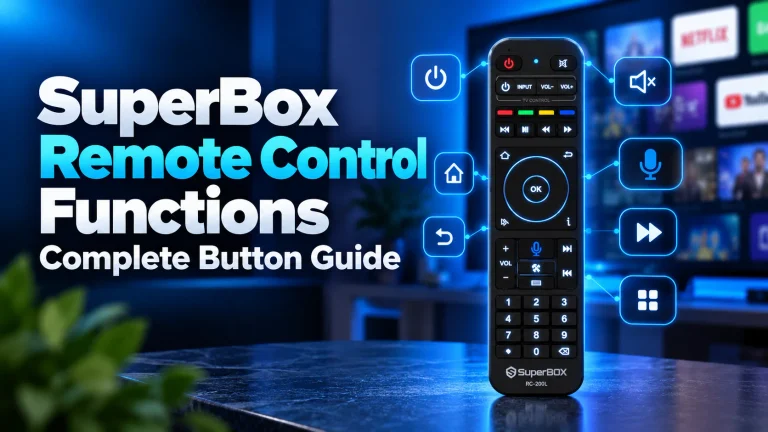
SuperBox remote control functions combine dual infrared and Bluetooth wireless modes to deliver full television control. The remote features dedicated...
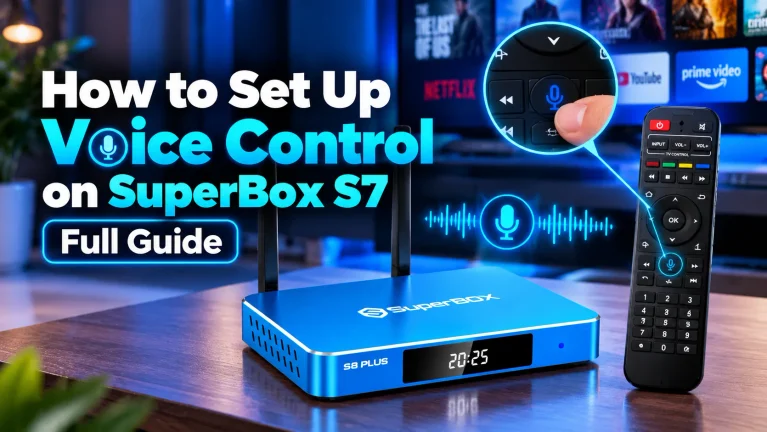
To set up voice control on SuperBox S7, pair your RC-200L remote via Bluetooth. Press and hold the OK and...
The SuperBox upgrade program provides two distinct solutions for cord-cutters seeking peak streaming performance. Long-time users can refresh their active...
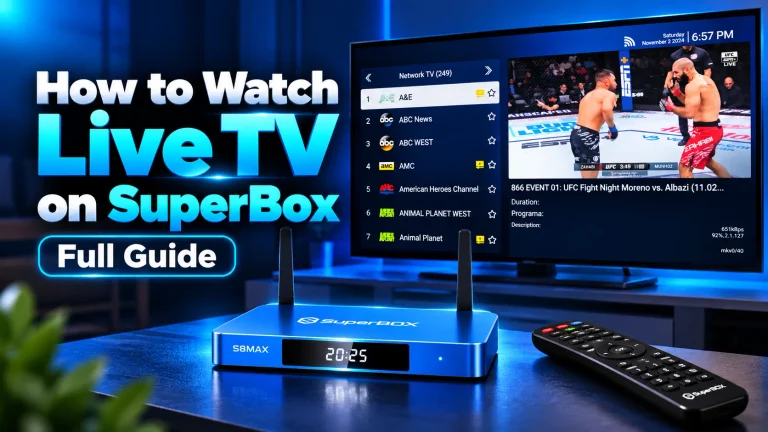
To watch live TV on SuperBox, connect the console via HDMI, connect to high-speed internet, and launch the Blue TV...
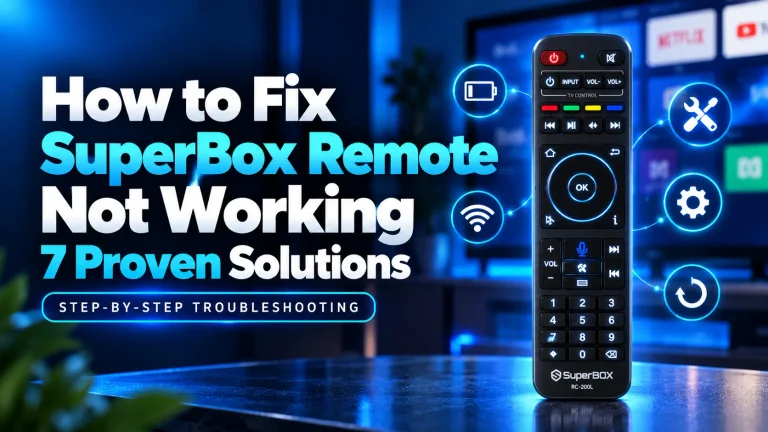
If your SuperBox remote is not working, remove both AAA batteries and hold the Power button for 15 seconds to...
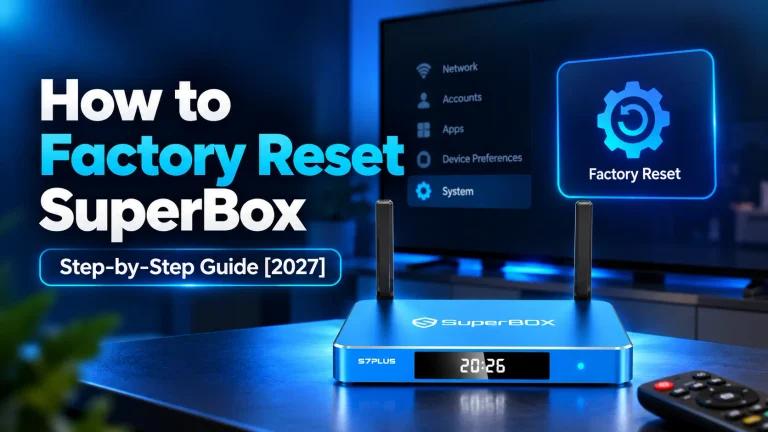
To factory reset SuperBox, open Settings, select Device Preferences, click About, and choose Factory Reset. Confirm by selecting Erase Everything...
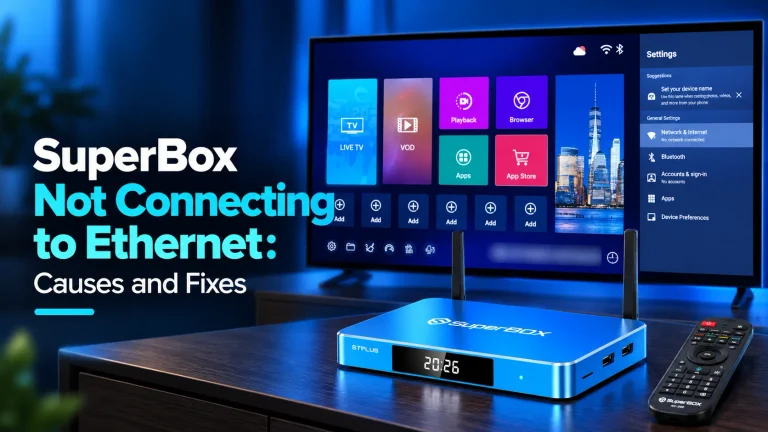
When your SuperBox is not connecting to Ethernet, open Settings, select Network & Internet, and toggle Wi-Fi OFF completely. Reconnect...
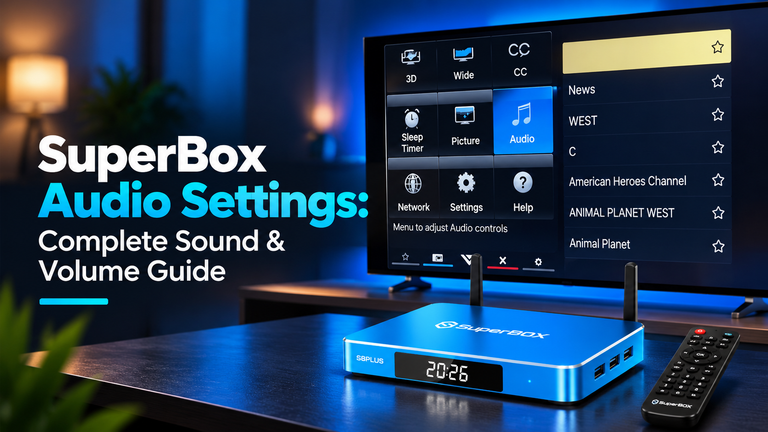
SuperBox audio settings control digital sound routing and volume processing between your streaming console, television, and soundbars. To optimize audio,...
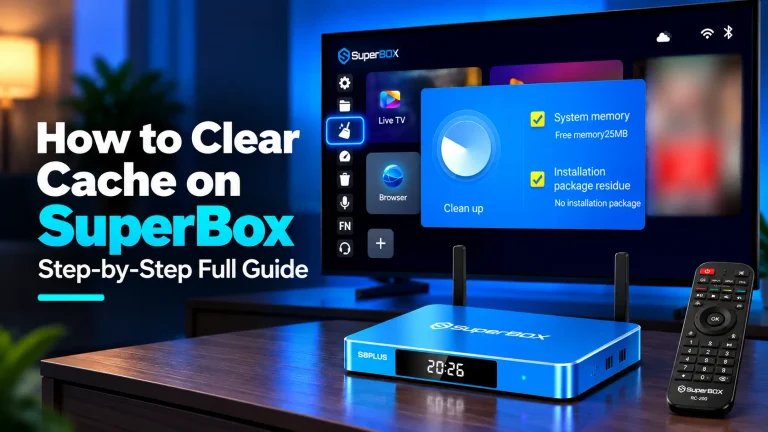
To clear cache on SuperBox, click the Broom or Clean Up icon on your home screen dock to perform a...
The SuperBox Devices Forbidden error occurs when server authorization locks a console MAC address, typically because an unauthorized reseller violated...