
![SuperBox Audio Settings: Complete Sound & Volume Guide [2027]](https://superboxforsale.com/wp-content/uploads/2026/10/SuperBox-Audio-Settings.png "SuperBox Audio Settings: Complete Sound & Volume Guide [2027] 4")
SuperBox audio settings control digital sound routing and volume processing between your streaming console, television, and soundbars. To optimize audio, open Settings, select Device Preferences, and click Sound. Choose PCM for built-in television speakers or Passthrough for external surround receivers, and set Android system volume to 90 percent to prevent faint dialogue.
Balancing digital audio settings ensures clear dialogue during live sporting events and dynamic movie playback. For home theater enthusiasts seeking premium sound processing, the flagship SuperBox S8 Ultra at $399 features low-latency Bluetooth 5.2 connectivity and multi-channel digital audio passthrough.
Quick Takeaways & Key Highlights
- PCM Mode: Delivers universal uncompressed stereo audio compatible with all television speakers.
- Passthrough Mode: Transmits raw Dolby Digital bitstreams to external soundbars and AV receivers.
- Dual Volume Staging: Keeping Android system volume at 90 percent eliminates faint sound and hiss.
- Lip-Sync Recovery: Toggling between PCM and Passthrough clears drifting audio packet buffers instantly.
- Bluetooth Audio: Low-latency wireless pairing connects headphones and wireless speakers effortlessly.
PCM vs Passthrough vs Auto
Audio output settings determine whether your SuperBox console decodes digital sound internally or passes raw audio data to external equipment. Selecting the correct output profile guarantees distortion-free audio across all applications.
Review this comparison matrix to select the optimal digital audio format for your specific entertainment hardware:
| Audio Format Profile | Signal Processing Method | Best Hardware Setup | Compatibility & Channel Profile |
|---|---|---|---|
| PCM (Stereo Downmix) | Decoded by SuperBox into uncompressed 2.0 audio | Built-in television speakers and desktop computer monitors | 100 percent compatible with zero silent channel errors |
| Passthrough (Bitstream) | Raw digital bitstream decoded by external sound hardware | External HDMI eARC soundbars and 5.1/7.1 AV receivers | Delivers native Dolby Digital surround sound without compression |
| Auto (HDMI Handshake) | Negotiates audio capabilities via HDMI EDID handshakes | Standard smart televisions connected to basic sound equipment | Switches dynamically based on television audio capabilities |
PCM acts as the universal problem-solver across all streaming setups. If you ever encounter complete silence on select cable channels or movie streams, switching from Auto to PCM restores instant audio playback.
Solving the low volume dilemma: Balancing dual volume controls
One of the most frequent complaints among SuperBox owners is faint or muffled sound even when television volume is turned all the way up. This issue occurs because SuperBox setups utilize two independent volume layers.
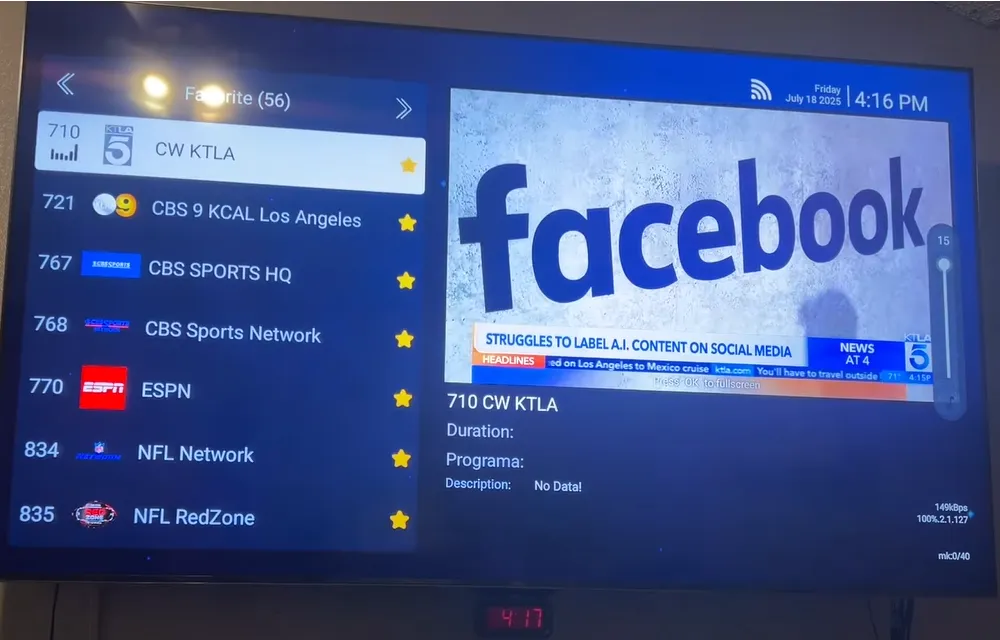
The first layer is the internal Android operating system volume managed by the blue volume keys on your SuperBox remote. The second layer is your television hardware master amplifier controlled by your television remote control.
If your internal SuperBox volume was accidentally lowered to 20 percent, raising your television volume to 100 percent will still sound faint and produce background hiss. To resolve this, use your SuperBox remote to raise the Android volume bar to 85 or 90 percent.
Once your Android system volume is properly staged, use your television remote or soundbar controller to adjust daily listening levels. This proper gain staging delivers clean dialogue and eliminates audio amplifier background hiss.
Step-by-step guide to configure audio output on SuperBox
Configuring audio output preferences takes less than one minute through the Android system dashboard. Follow this 5-step sequence to adjust your sound settings:
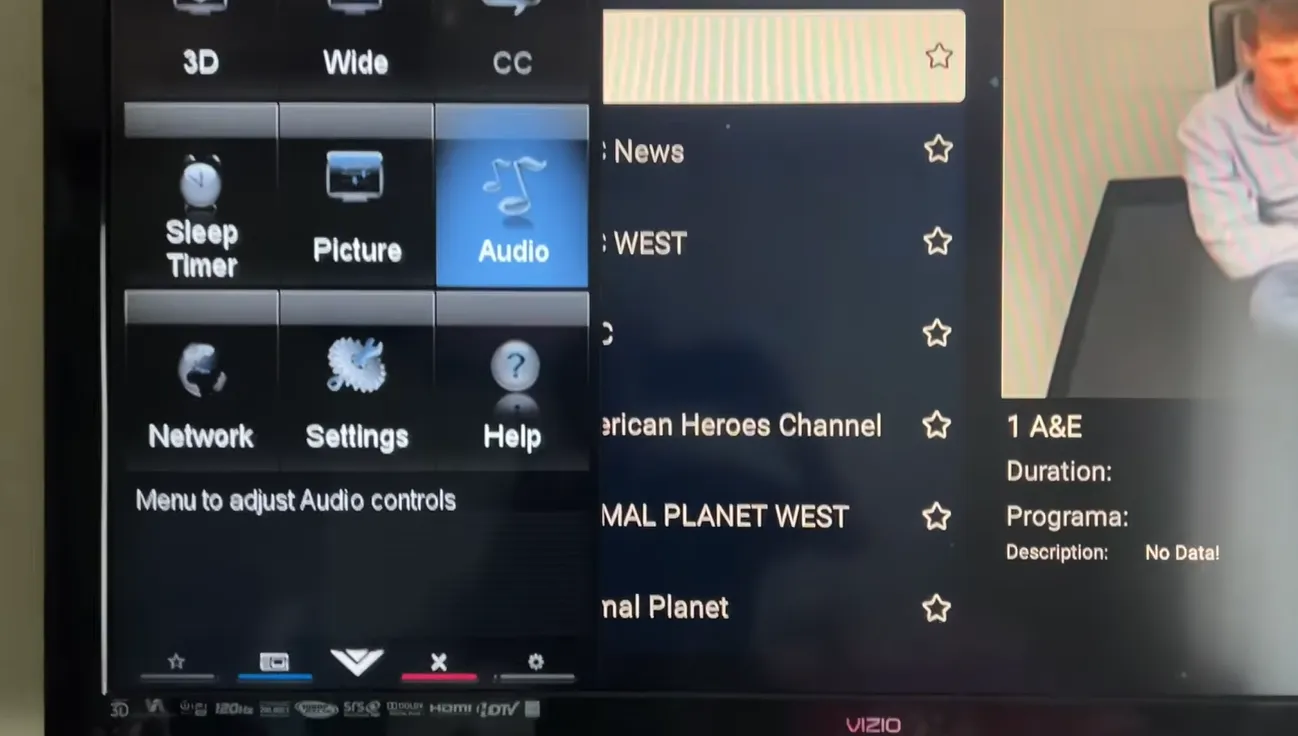
After selecting your preferred output mode, exit to the home screen. The system saves your audio configuration automatically into internal operating memory.
How to fix audio and video desynchronization and lip-sync lag
Audio desynchronization happens when video frames and audio tracks drift apart during live streaming. Use these targeted fixes to restore perfect lip-sync alignment quickly.
Why does live sports audio lag behind video on SuperBox?
Lip-sync delays occur when fluctuating network packet delivery forces video buffers to drop frames while audio streams continue playing. Toggling your audio format from Passthrough to PCM under Sound settings re-syncs audio buffers immediately.
How does toggling decode settings in Blue TV restore audio sync?
Inside Blue TV, press the remote Menu button and switch Decode from Hardware to System mode. System mode routes audio through native Android MediaCodec pipelines, matching audio timestamps directly with video playback.
What should you do if dialogue is completely silent on select channels?
Complete silence indicates that a broadcast uses an unsupported multi-channel surround format that your television cannot decode. Switch your audio output to PCM, which forces the console to downmix the audio into standard stereo.
Connecting soundbars and AV receivers via HDMI eARC and optical SPDIF
Connecting external soundbars improves dialogue clarity and bass depth significantly. SuperBox consoles support both modern HDMI eARC pass-through and legacy optical SPDIF audio connections.
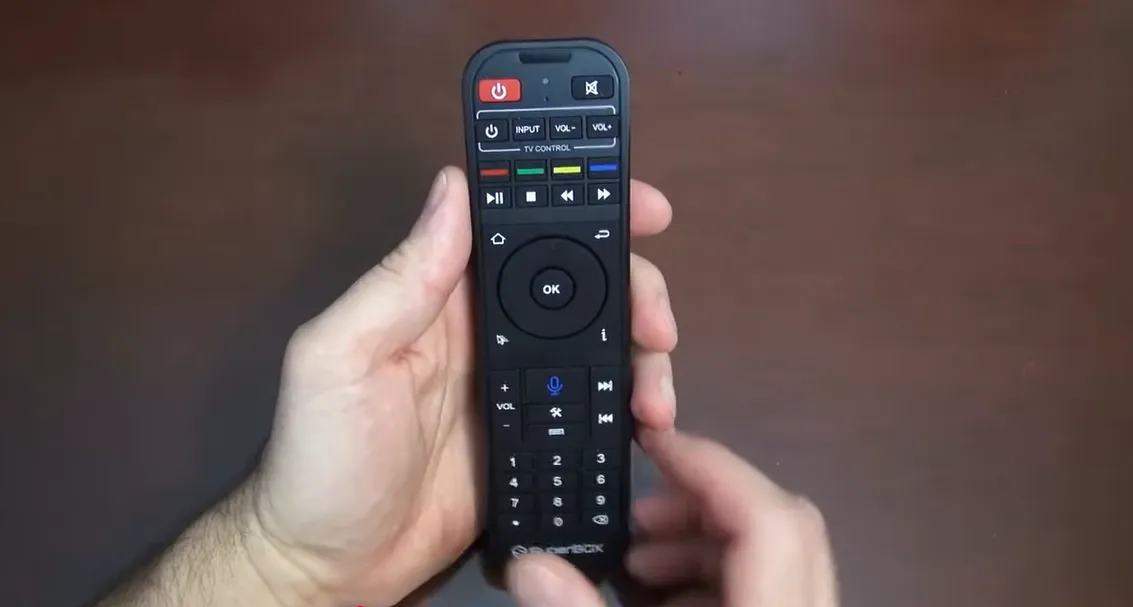
For the highest audio fidelity, connect your SuperBox directly to your television via HDMI, and connect your soundbar to the television HDMI eARC port. Enable HDMI eARC in your television settings and set SuperBox audio to Passthrough.
If using an optical cable, connect the optical Toslink lead directly from your television to the soundbar. Optical cables support uncompressed stereo PCM and standard 5.1 Dolby Digital, providing great surround sound for movie nights.
Video demonstrations of SuperBox audio volume and soundbar setup
Watching hands-on demonstrations clarifies audio level staging and soundbar programming. Review this visual guide from Super Streamer showing how to fix faint or low audio volume on SuperBox.
For a detailed tutorial on programming your SuperBox remote white buttons to manage external soundbar volume directly, watch this community guide from JasonTech.
Frequently asked questions about SuperBox audio settings
Does SuperBox support Dolby Atmos and 5.1 surround sound?
Yes, SuperBox supports Dolby Digital and 5.1 surround sound when set to Passthrough mode. Ensure your soundbar or home theater receiver connects through an HDMI eARC port capable of multi-channel decoding.
Why do some live channels broadcast in foreign languages or audio description?
Some broadcast streams carry secondary audio program tracks. Press the Menu button on your remote while playing the channel in Blue TV, navigate to Audio Track, and select the primary English stereo track.
Can you connect Bluetooth headphones directly to SuperBox?
Yes, you can pair wireless headphones directly via Bluetooth. Open Settings, navigate to Remotes and Accessories, click Add accessory, put your headphones into pairing mode, and select them from the discovered device list.
Why upgrading to the SuperBox S8 Ultra delivers superior audio fidelity
Tired of muffled audio, faint dialogue, and frustrating lip-sync delays? Upgrading to the flagship SuperBox S8 Ultra priced at $399 transforms your home theater sound experience.
The S8 Ultra features advanced audio processing chips supporting multi-channel digital audio passthrough and high-definition Bluetooth 5.2. Wireless headphones connect instantly with near-zero latency, keeping sports commentary perfectly synchronized with video action.
Powered by 4GB DDR4 RAM and 128GB high-speed storage, the S8 Ultra processes complex video and multi-stream audio simultaneously. Sports fans can use Quad Multi-View to monitor four games at once, switching live audio focus between feeds with a single click.
Its aircraft-grade aluminum unibody housing maintains operating temperatures below 38.5 degrees Celsius during extended streaming sessions. Investing $399 eliminates monthly cable bills while providing reliable hardware backed by dedicated customer support.
Where to buy authentic SuperBox with warranty coverage
When investing in an authentic streaming console, purchasing from an authorized distributor like superbox website guarantees genuine hardware and active server licensing. Our distribution center is located at 13951 Pipeline Ave, Chino CA 91710, led by founder Riley Cooper.
Every purchase includes comprehensive domestic customer support and direct manufacturer warranty coverage:
- Free Shipping: Fast 2 to 5 business day delivery across the United States with full real-time package tracking via FedEx or USPS.
- 24/7 Technical Support: Dedicated technical specialists available 24/7 via live chat and email for troubleshooting assistance.
- 30-Day Money-Back Guarantee: Hassle-free return policy if you are not completely satisfied with your streaming hardware performance.
- 1-Year Manufacturer Warranty: Full replacement coverage safeguarding against any hardware defects or system component failures supported directly by our customer care center in Chino, California.
- 100% Authentic Hardware: Direct factory units guaranteed genuine without modified firmware, unauthorized alterations, or security risks.
SuperBox for Sale is a leading authorized dealer of SuperBox, specializing in the supply of genuine SuperBox TV boxes Series S6, S7, and S8 in the US & CAD.
Experience Unrivaled Streaming Performance with SuperBox
Discover lightning-fast quad-core processing, dual-band Wi-Fi 6, 7-day playback, and crisp 6K ultra HD output engineered for discerning media fans.

![SuperBox Devices Forbidden Fix: Root Causes and Solutions [2027]](https://superboxforsale.com/wp-content/uploads/2026/10/SuperBox-Devices-Forbidden-Fix-768x432.webp "SuperBox Devices Forbidden Fix: Root Causes and Solutions [2027] 9")
![Fix SuperBox Devices Abnormal Error: Causes and Solutions [2027]](https://superboxforsale.com/wp-content/uploads/2026/10/Fix-SuperBox-Devices-Abnormal-Error-768x433.webp "Fix SuperBox Devices Abnormal Error: Causes and Solutions [2027] 10")