
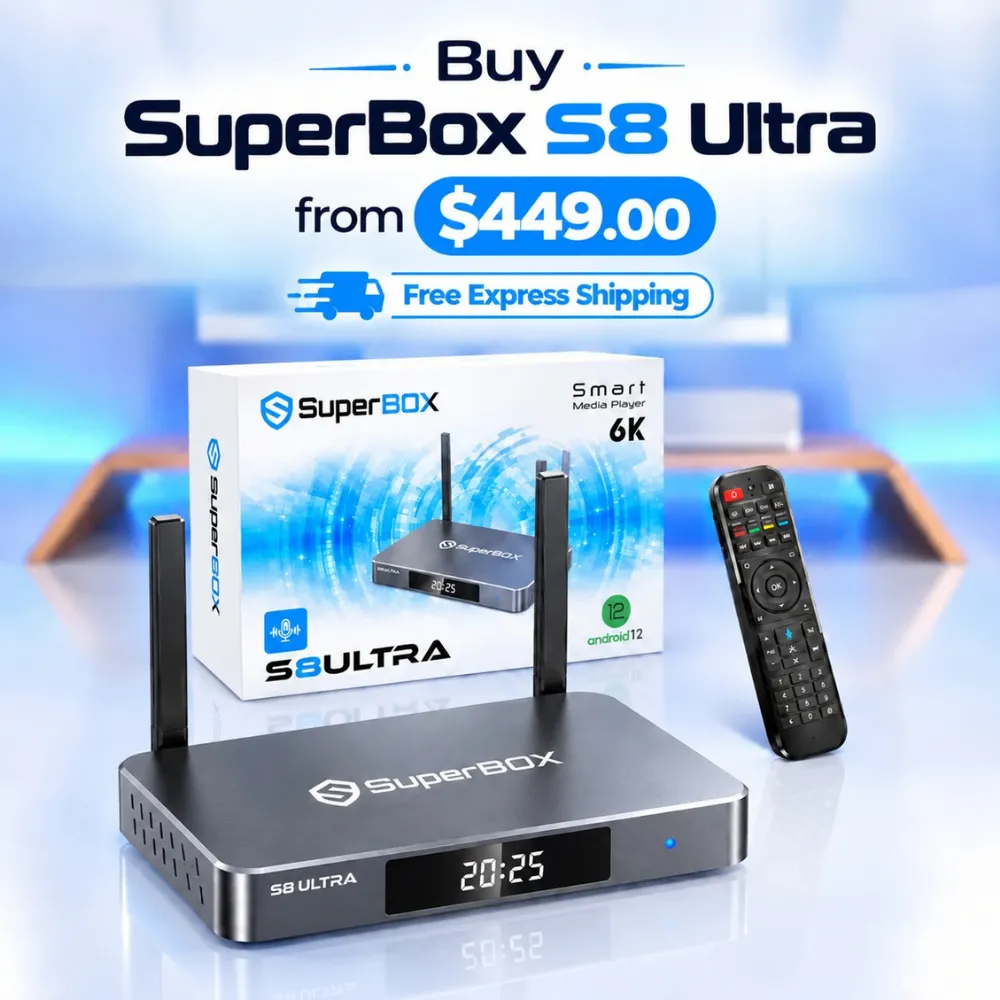
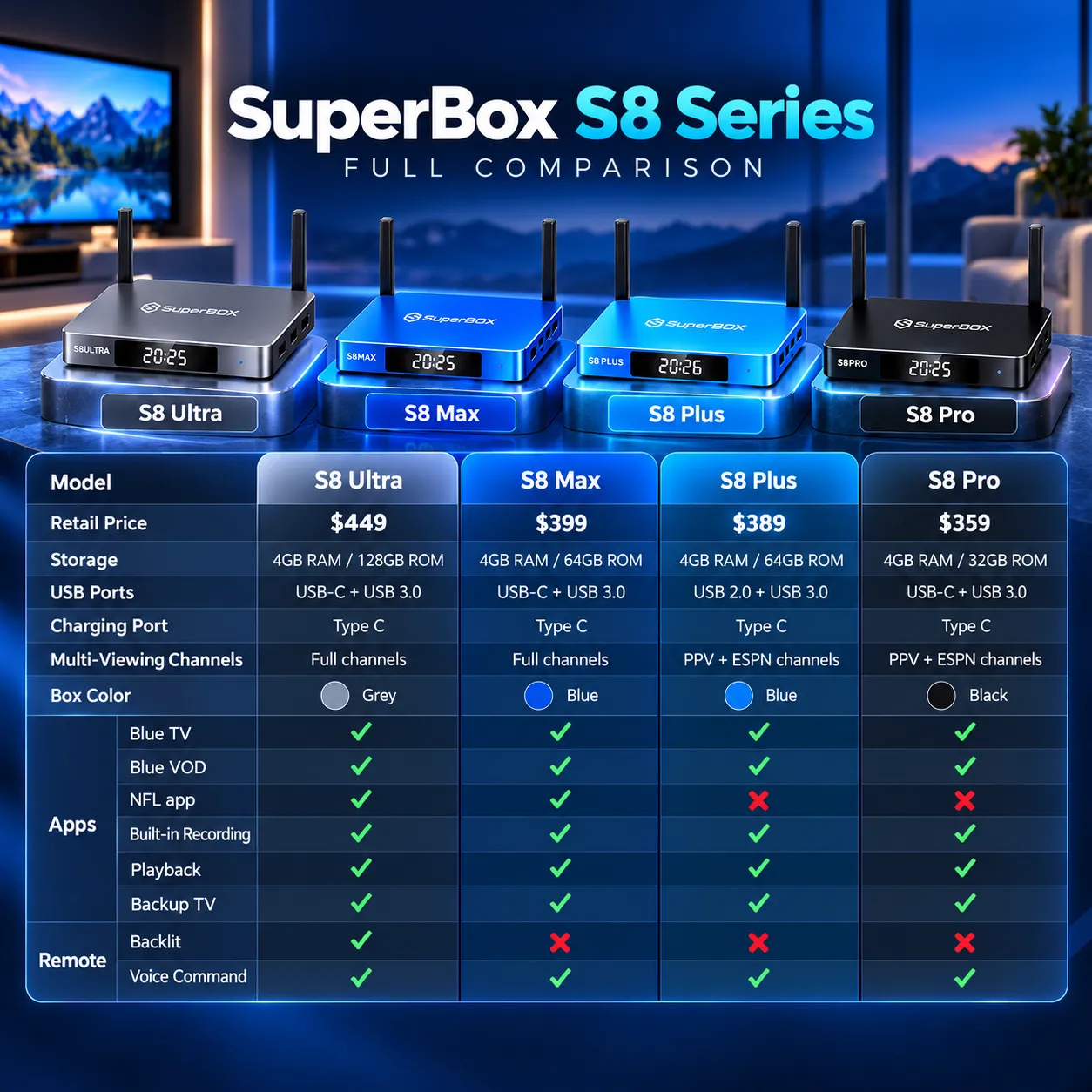
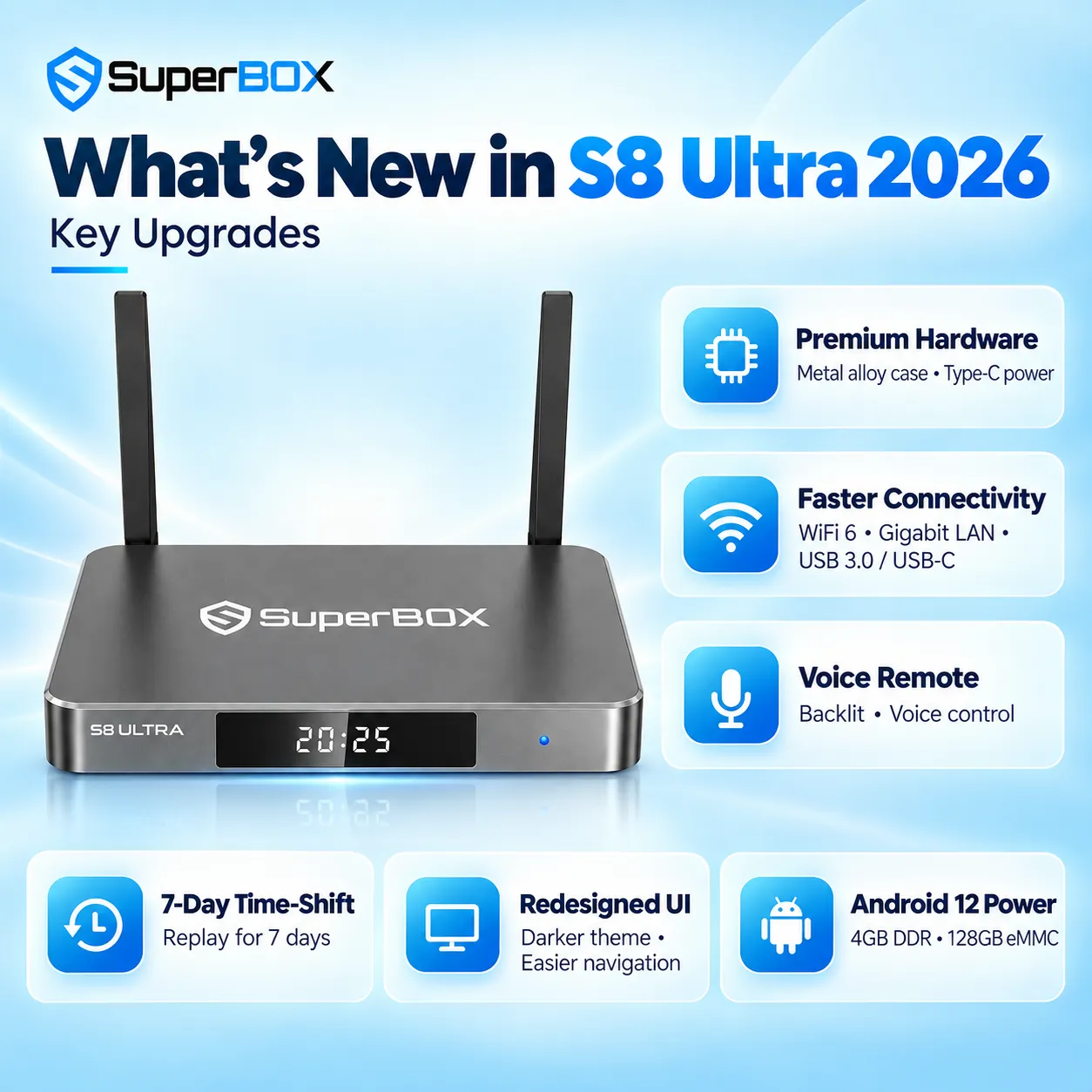
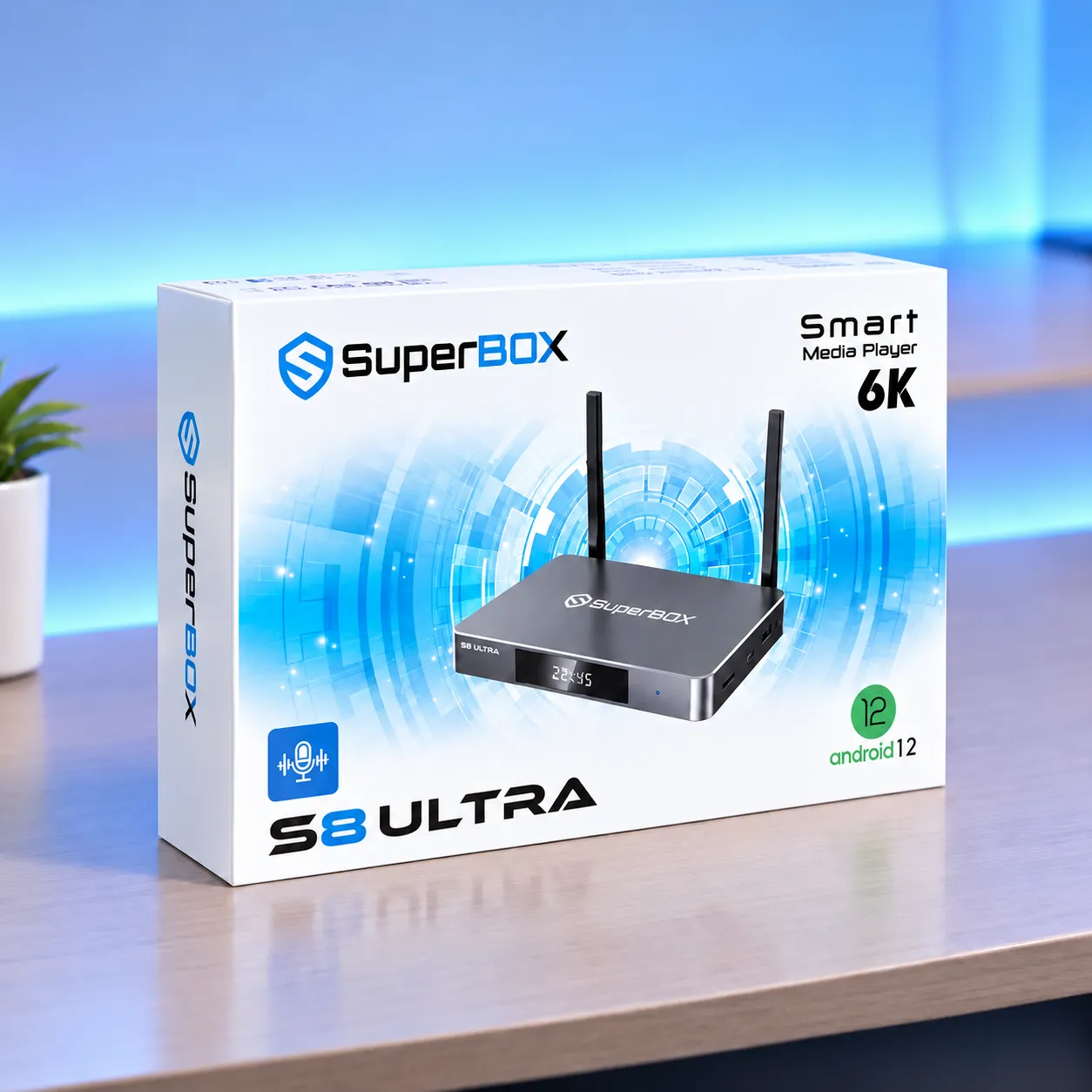
SuperBox S8 Ultra is the flagship Android 12 TV box in the S8 lineup, with 4GB DDR RAM, 128GB eMMC storage, Wi-Fi 6, 1000Mbps Gigabit Ethernet, Bluetooth 5.2, and H.265 decoding up to 6K at 60fps. Key features include Picture-in-Picture (PiP), full-channel Multi-View on supported streams, built-in recording, 7-Day Playback, and an RC-200L backlit voice remote.
SuperBox for Sale lists the S8 Ultra at $449 with a 1-year hardware replacement warranty, a 30-day money-back guarantee, and free tracked express shipping to the United States and Canada. The metallic silver metal enclosure uses fanless passive cooling. Actual playback depends on the content source, app support, network, and connected display.
Key benefits of the SuperBox S8 Ultra
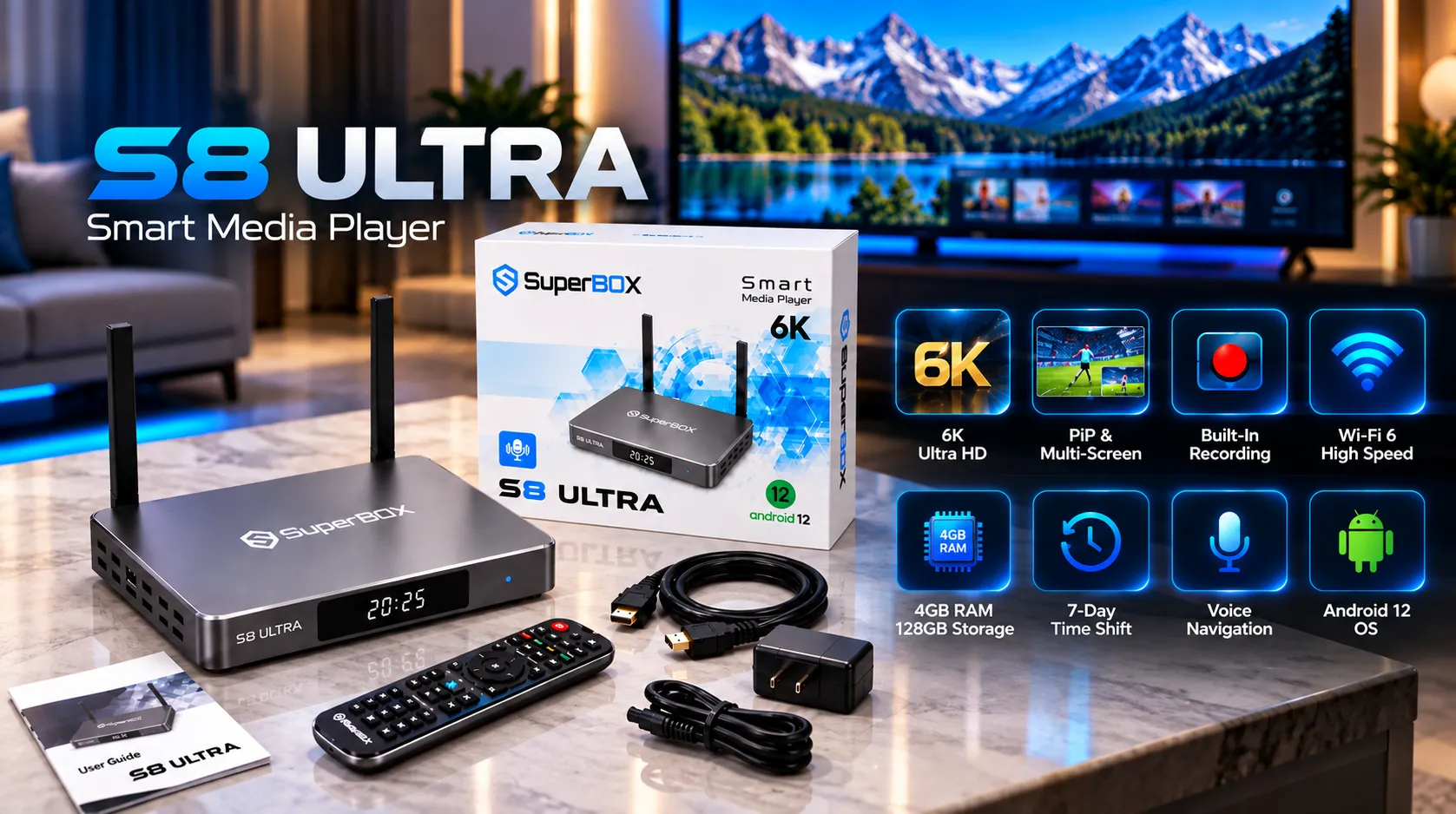
- Flagship configuration: Android 12, quad-core ARM Cortex-A53 CPU, Mali-G31 MP2 GPU, 4GB DDR RAM, and 128GB eMMC storage.
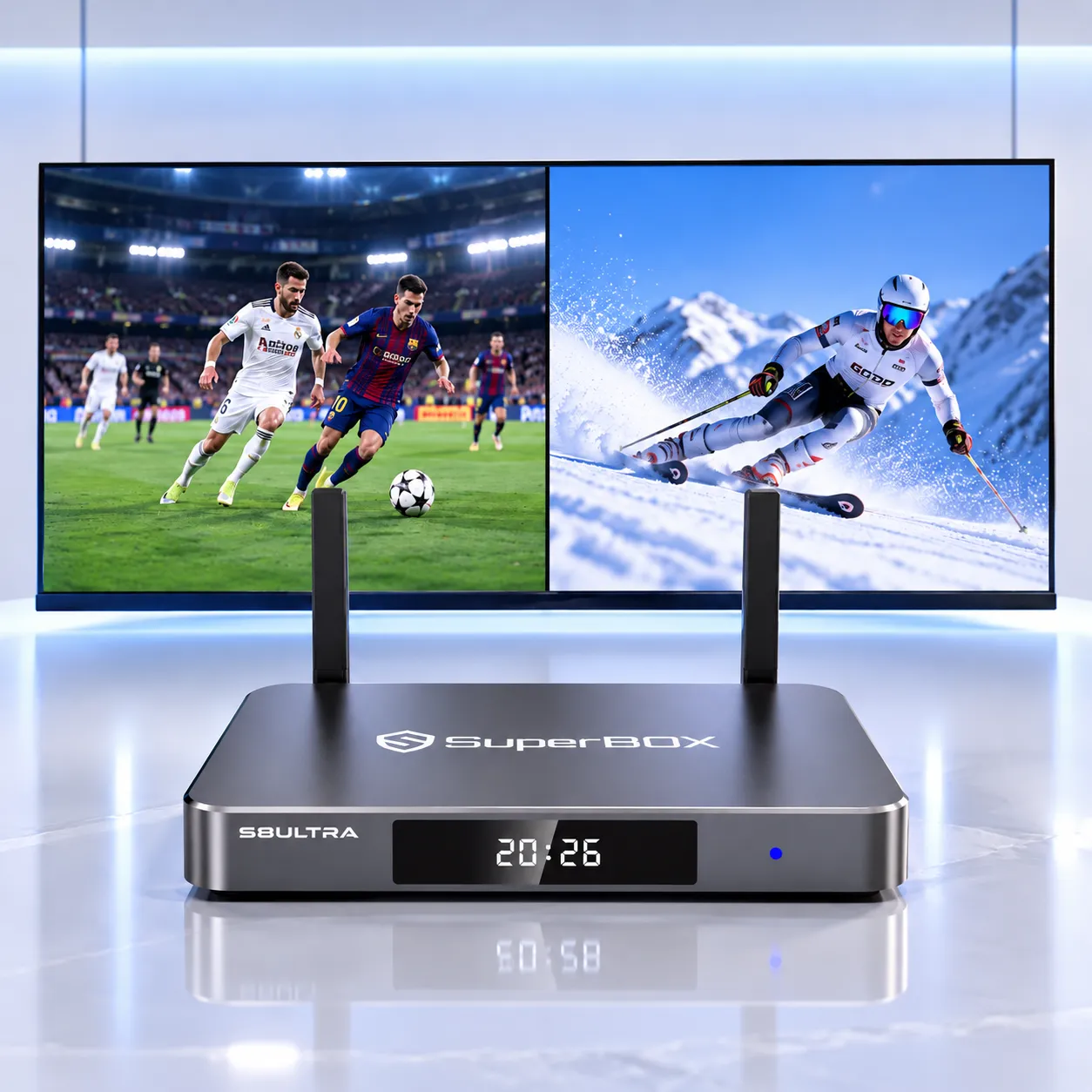
- [New in S8] Picture-in-Picture and Multi-View: Keep a main program on screen while viewing another supported stream, or split the display across compatible channels.
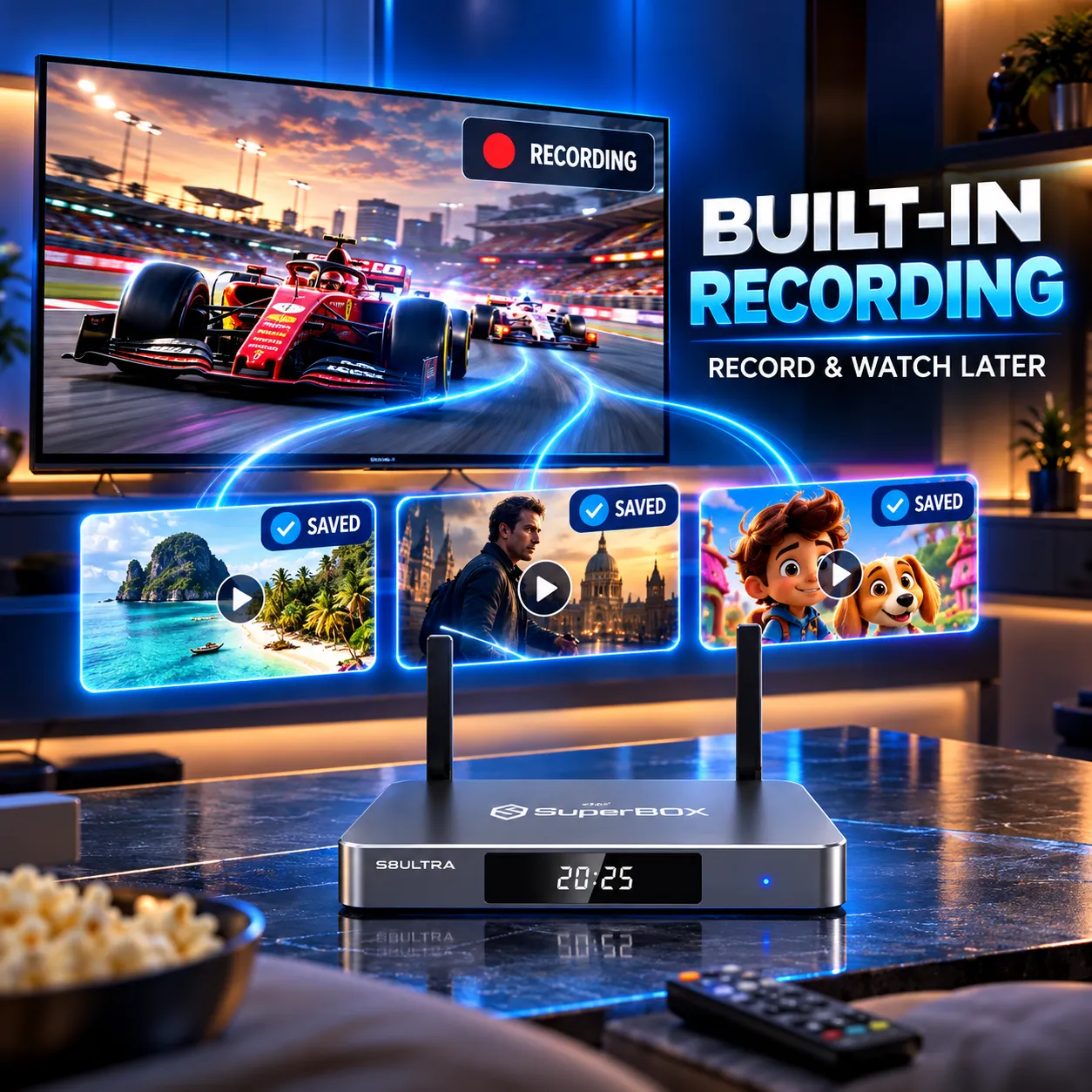
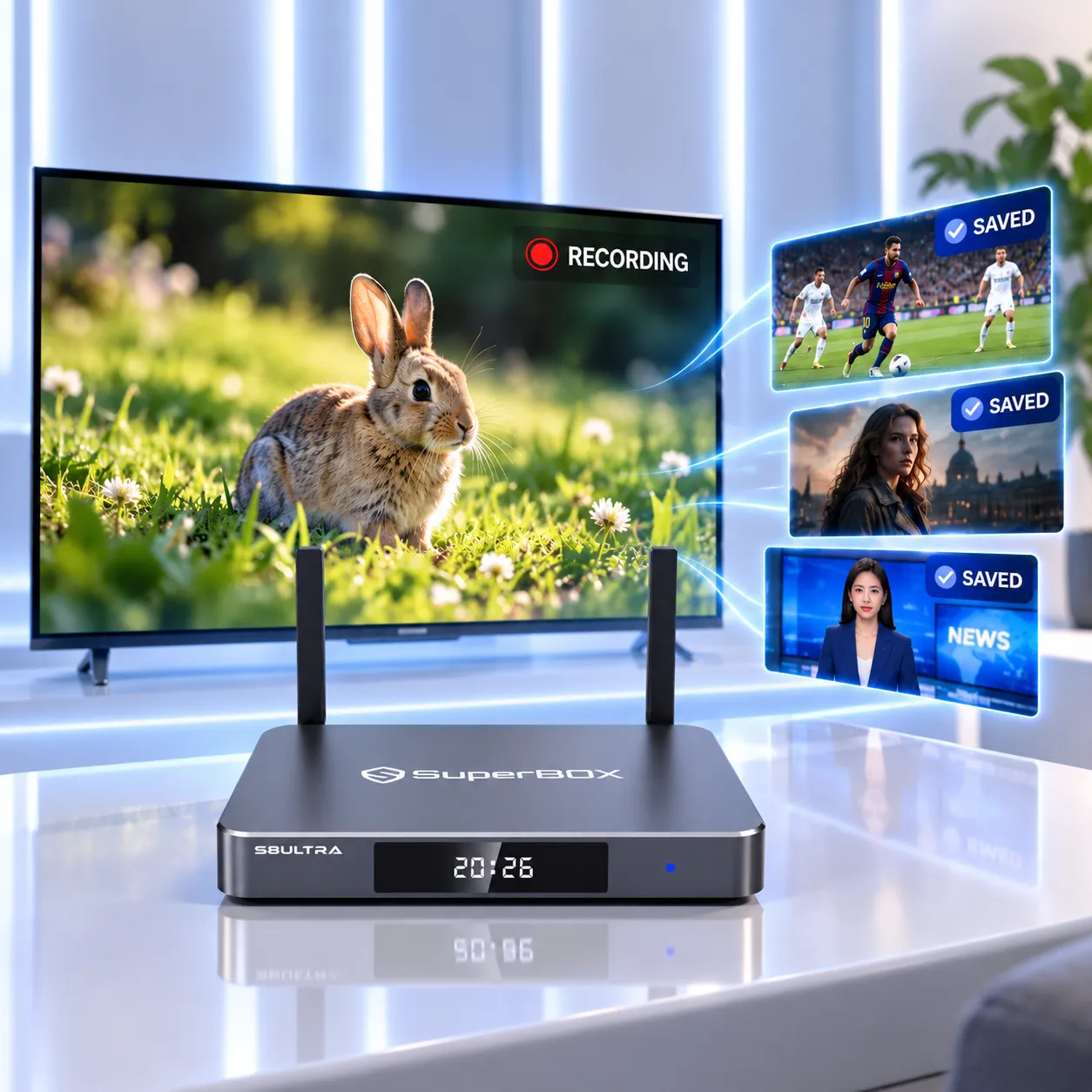
- [New in S8] Built-in recording: Save supported live TV and on-demand content to the 128GB internal storage or a compatible USB 3.0 drive.
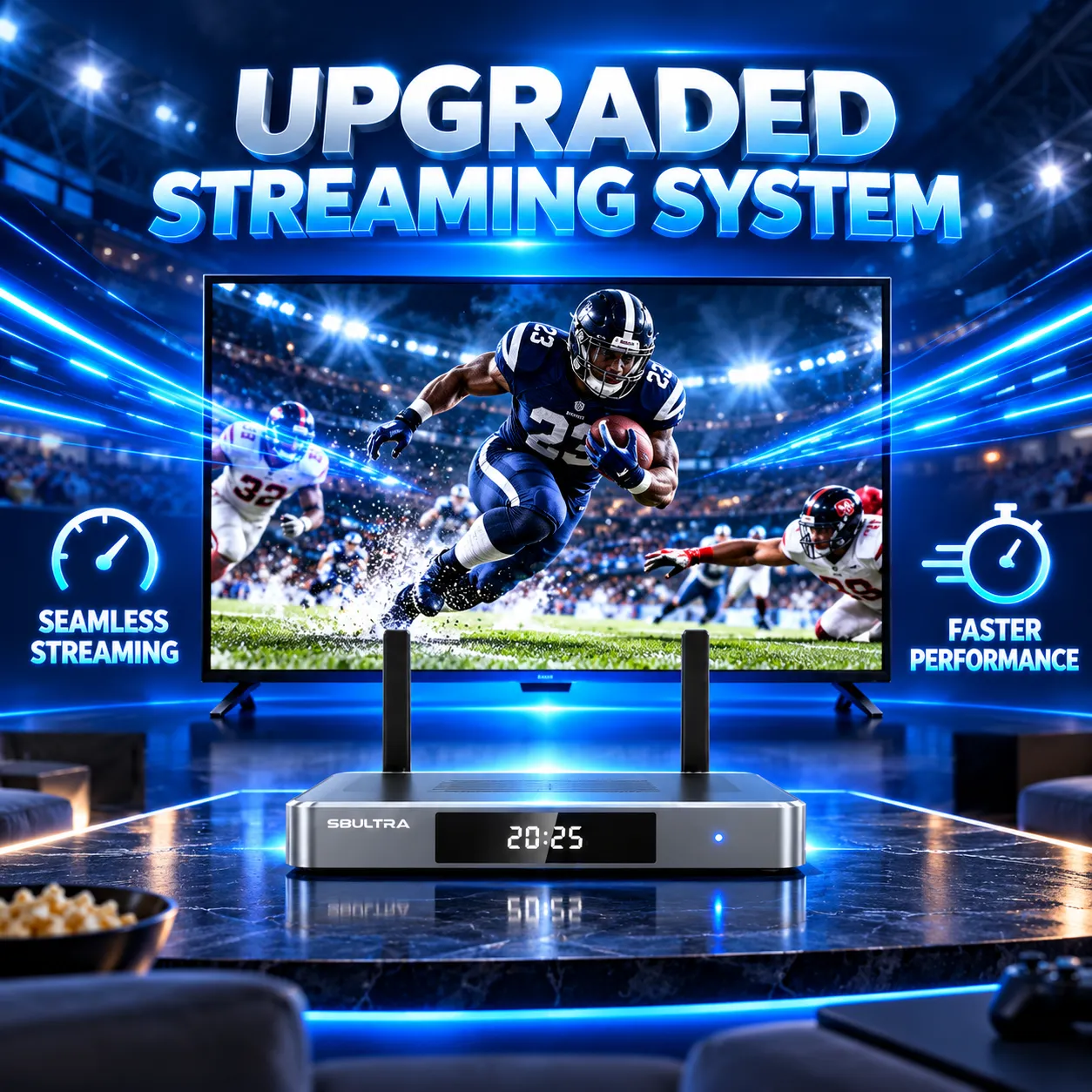
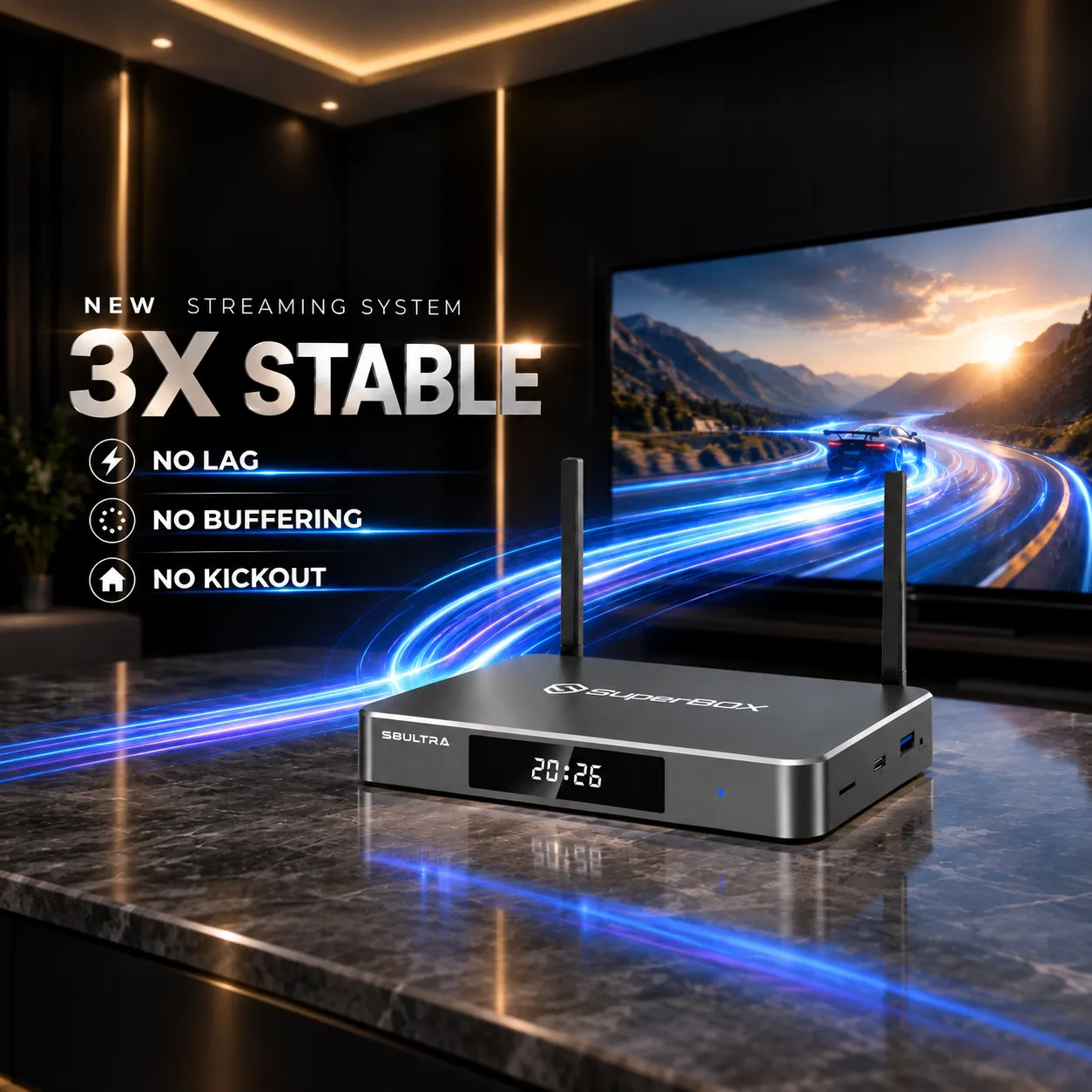
- [New in S8] Updated streaming system: Designed to improve playback stability and reduce buffering and app interruptions, subject to network and source conditions.
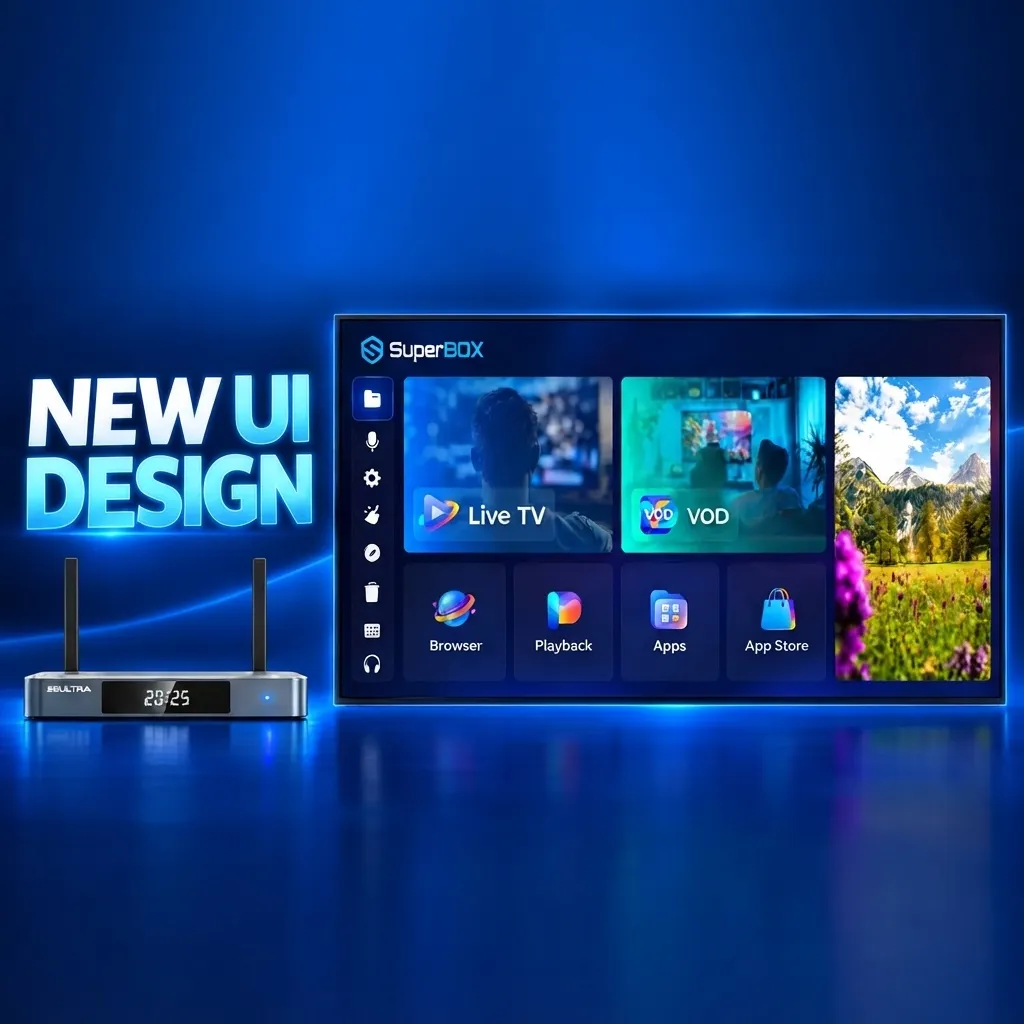
- Ocean-blue interface: Use a refreshed home screen with categorized content, updated app interfaces, and a cleaner layout.
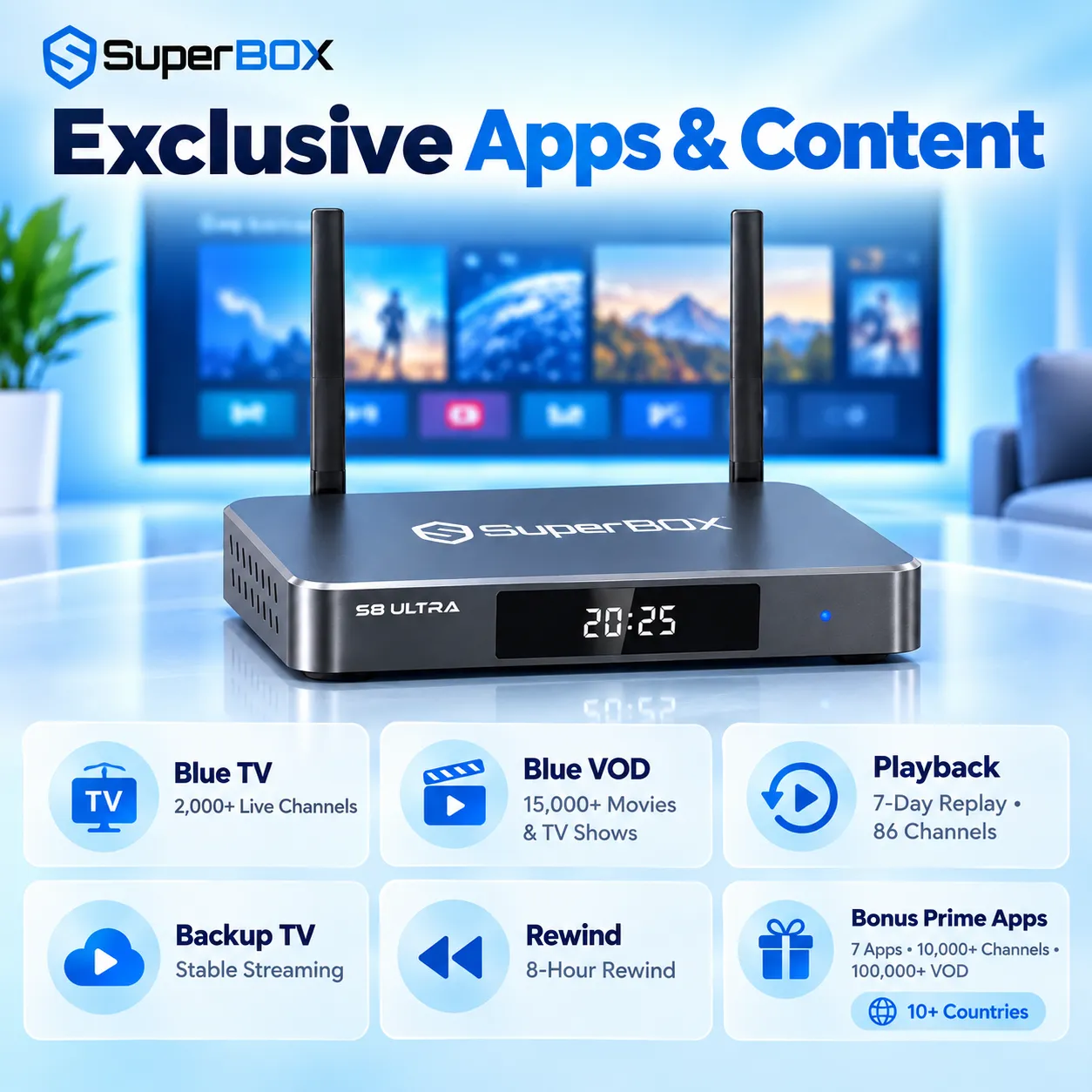
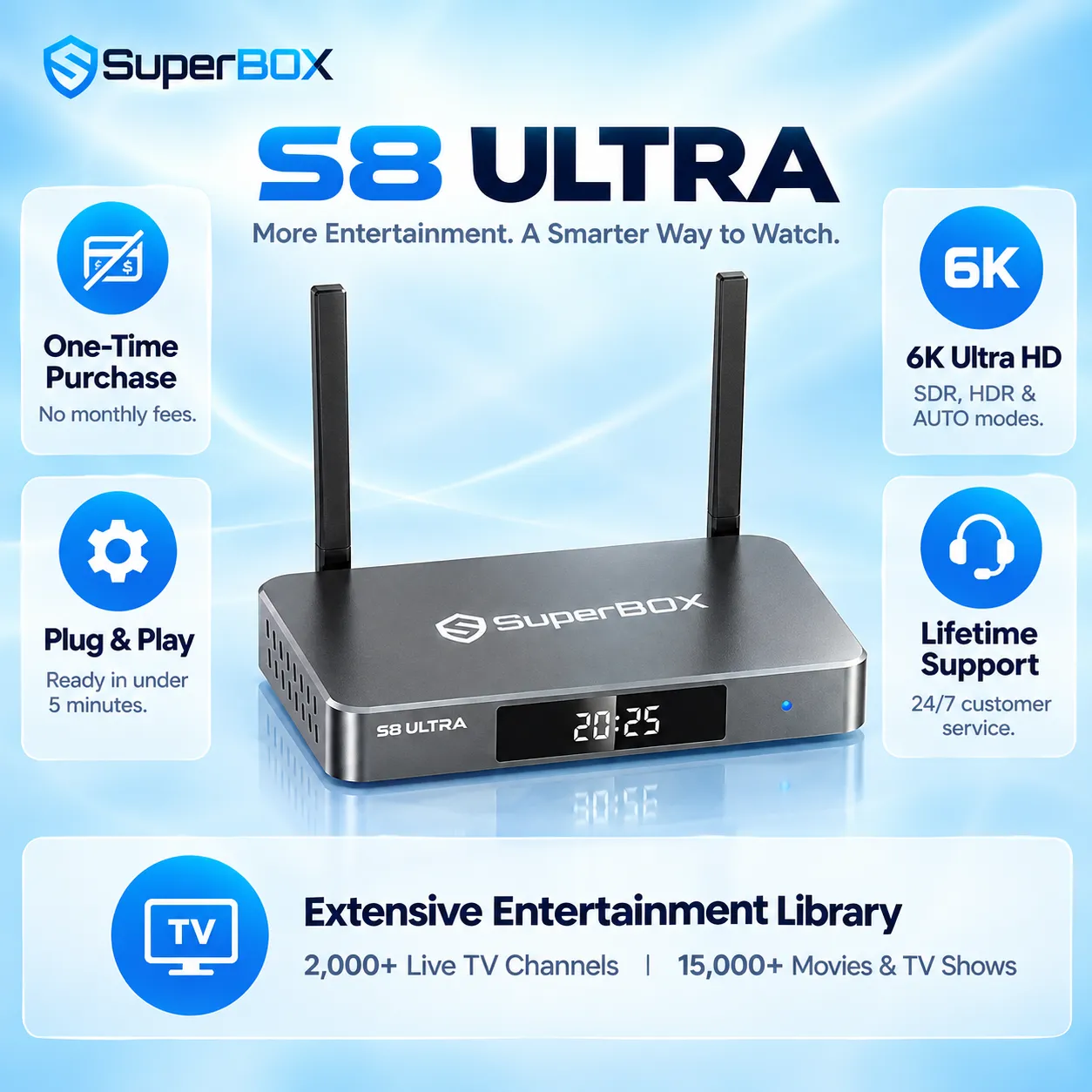
- Live TV and VOD: Blue TV offers 2,000+ live channels, while Blue VOD lists 15,000+ movies and shows.
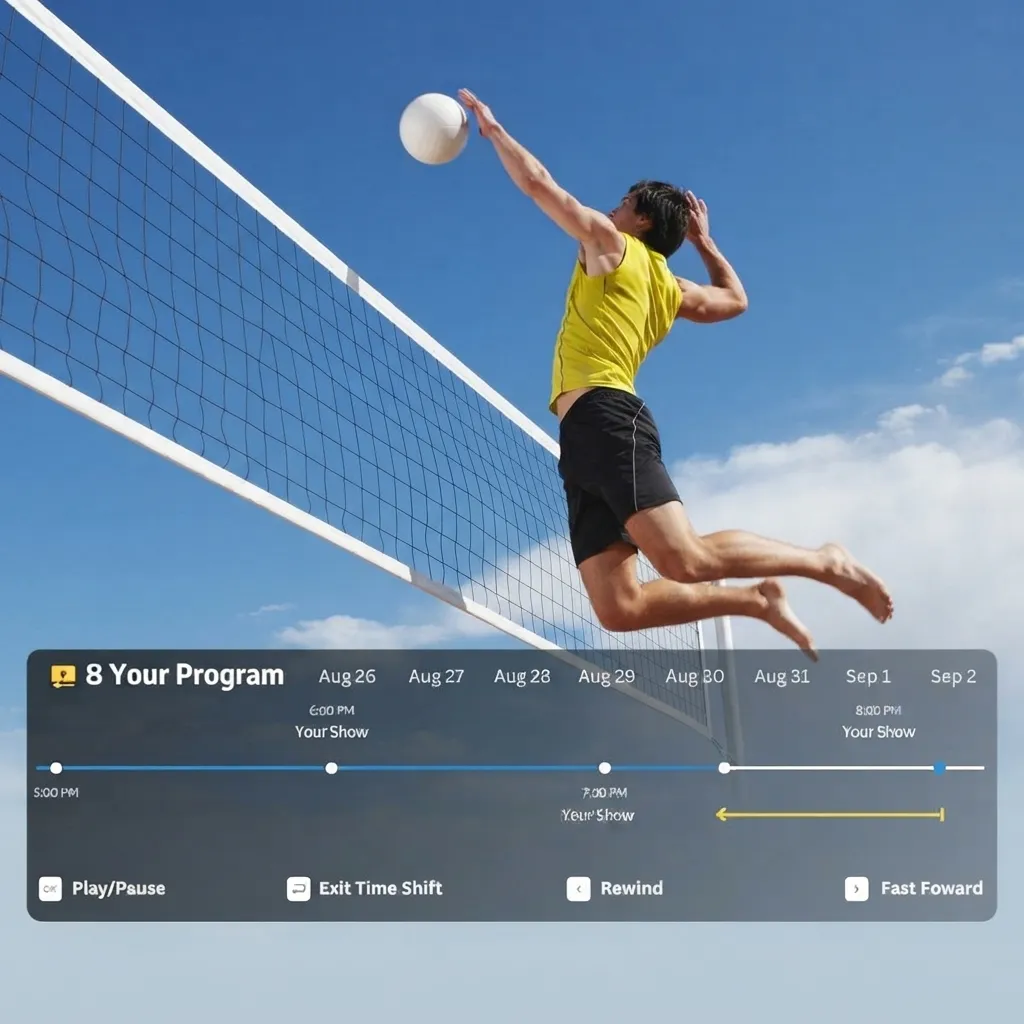
- 7-Day Playback: Catch up on supported programs across 86 to 87 channels for up to seven days.
- Wi-Fi 6 and wired networking: Dual-band Wi-Fi 6 and a 1000Mbps Gigabit Ethernet port offer wireless and wired connection options.
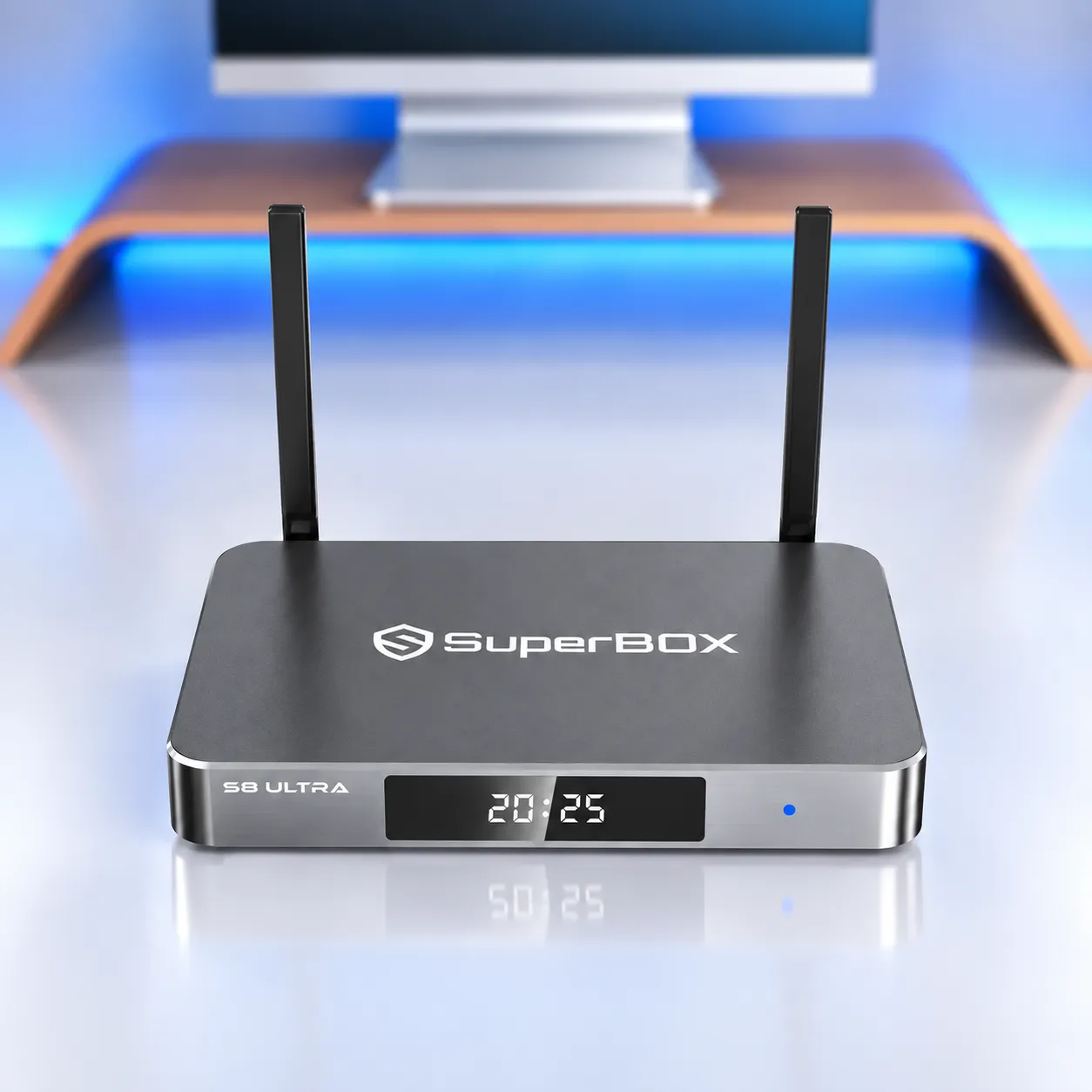
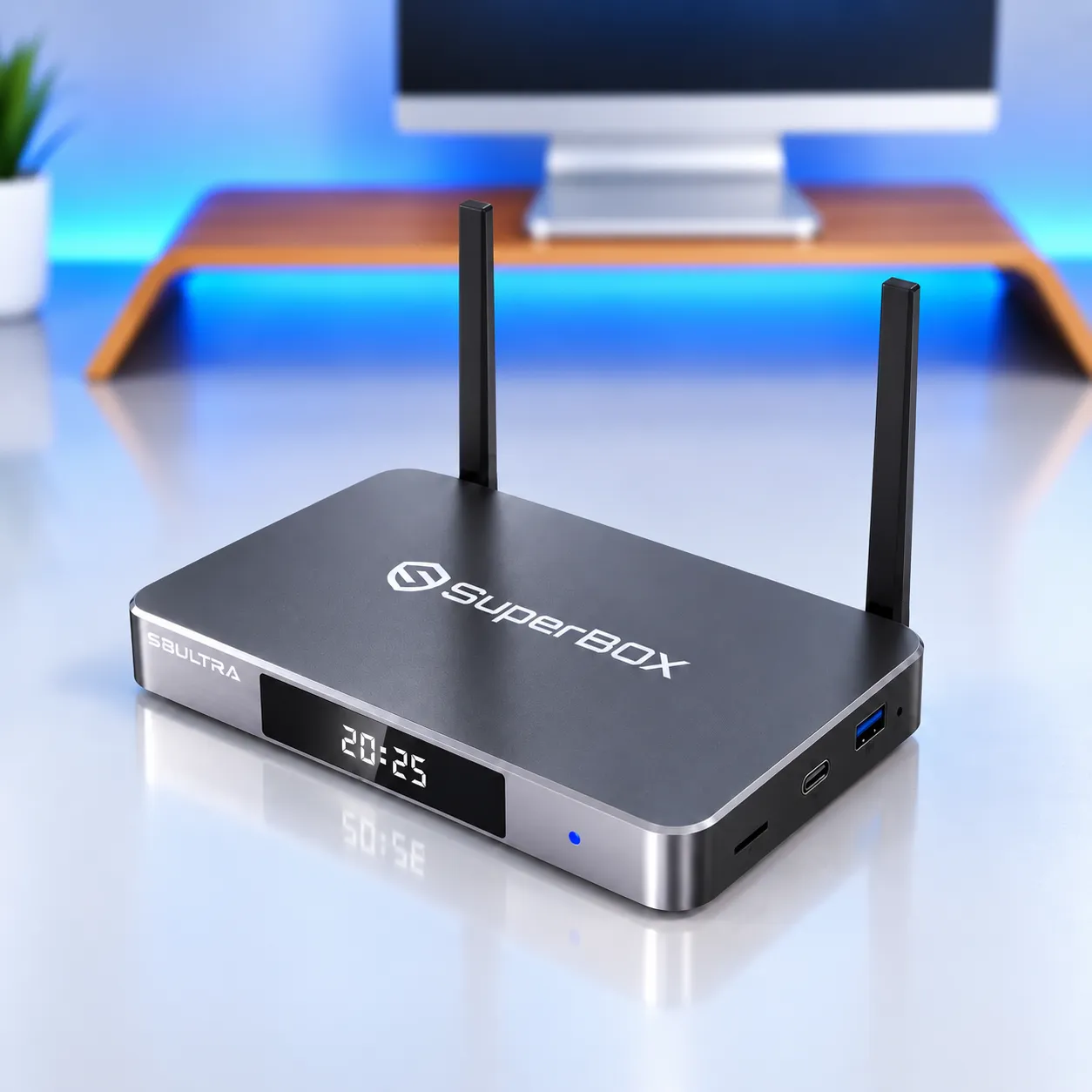
- Premium physical design: Metallic silver metal enclosure, front glass panel with LED clock, and fanless passive cooling.
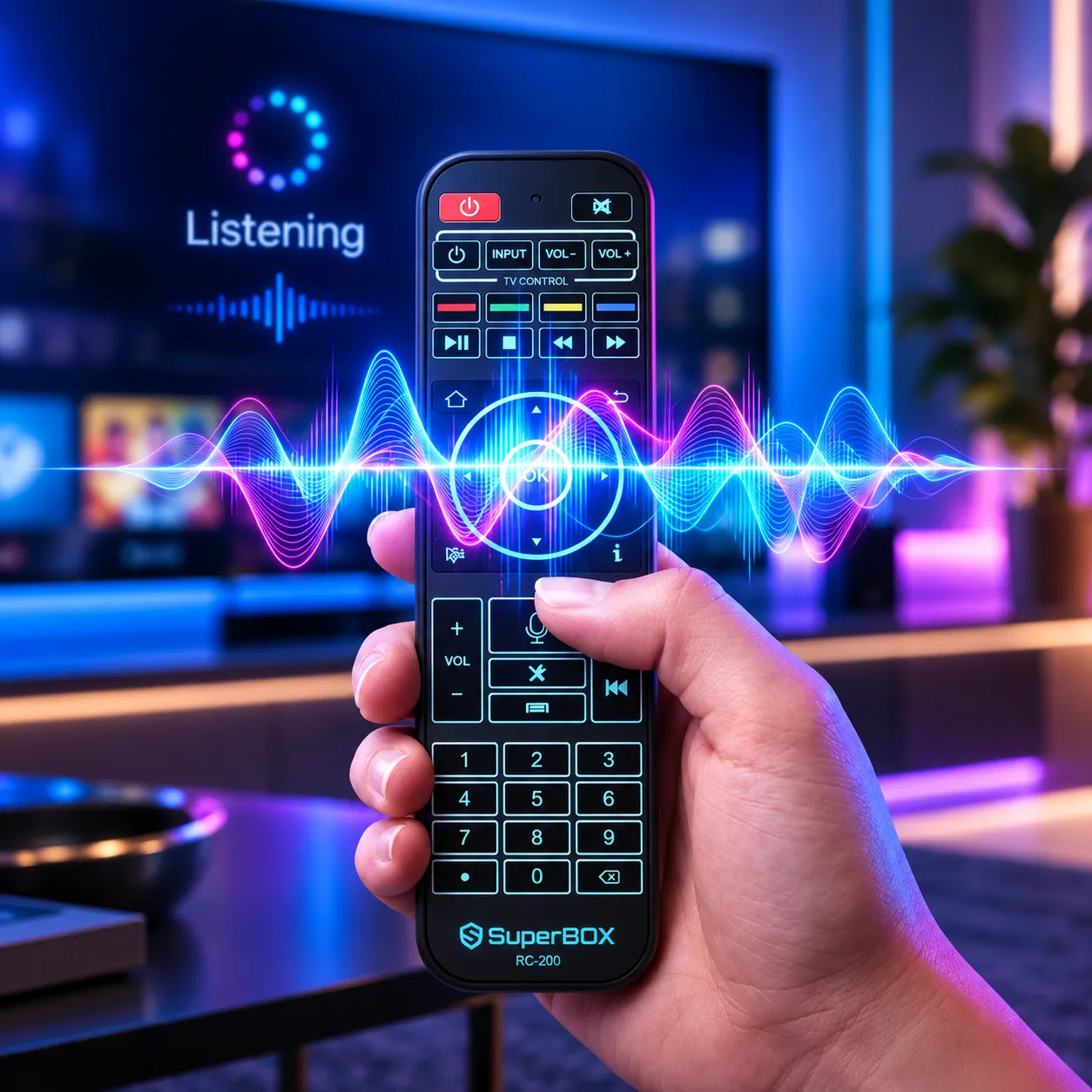
- RC-200L backlit voice remote: Backlit buttons support use in low-light rooms, with voice commands for supported search and navigation tasks.
What’s new in the SuperBox S8 Ultra compared to the S7 Ultra and S7 series?
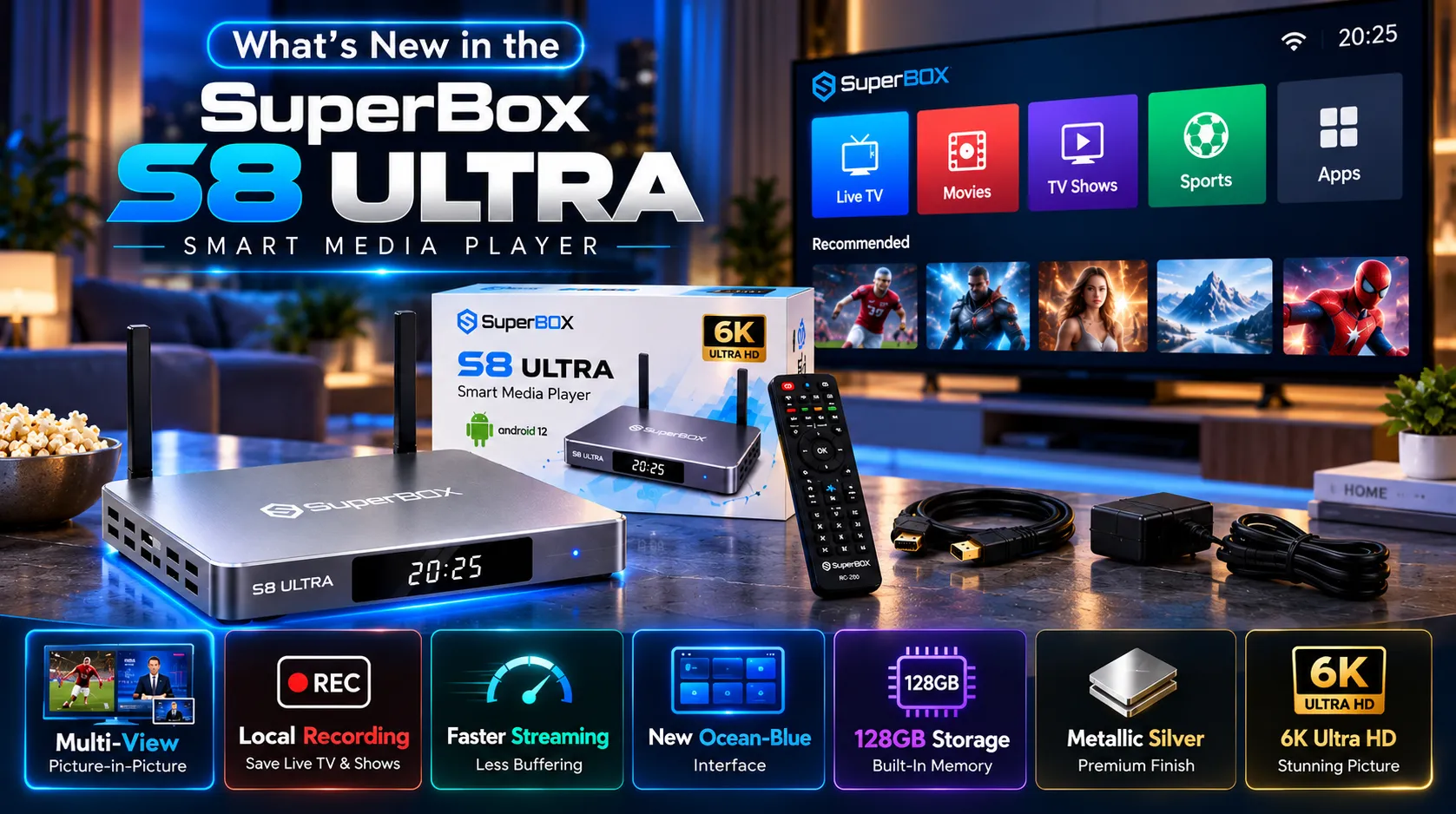
SuperBox S8 Ultra adds PiP, Multi-View, built-in recording, an updated streaming system, and a redesigned ocean-blue interface to the S8 generation. The S8 Ultra retains 128GB of storage, so its main changes are feature and software updates rather than a larger capacity than the S7 Ultra.
- PiP and Multi-View: View a second supported stream in a floating window or use full-channel Multi-View on supported channels.
- Local screen recording: Save supported live broadcasts and on-demand content to the device’s 128GB storage or a compatible external USB 3.0 drive.
- Updated streaming system: The newer system is designed to improve stability and reduce interruptions. It cannot remove all buffering caused by weak internet or source-side problems.
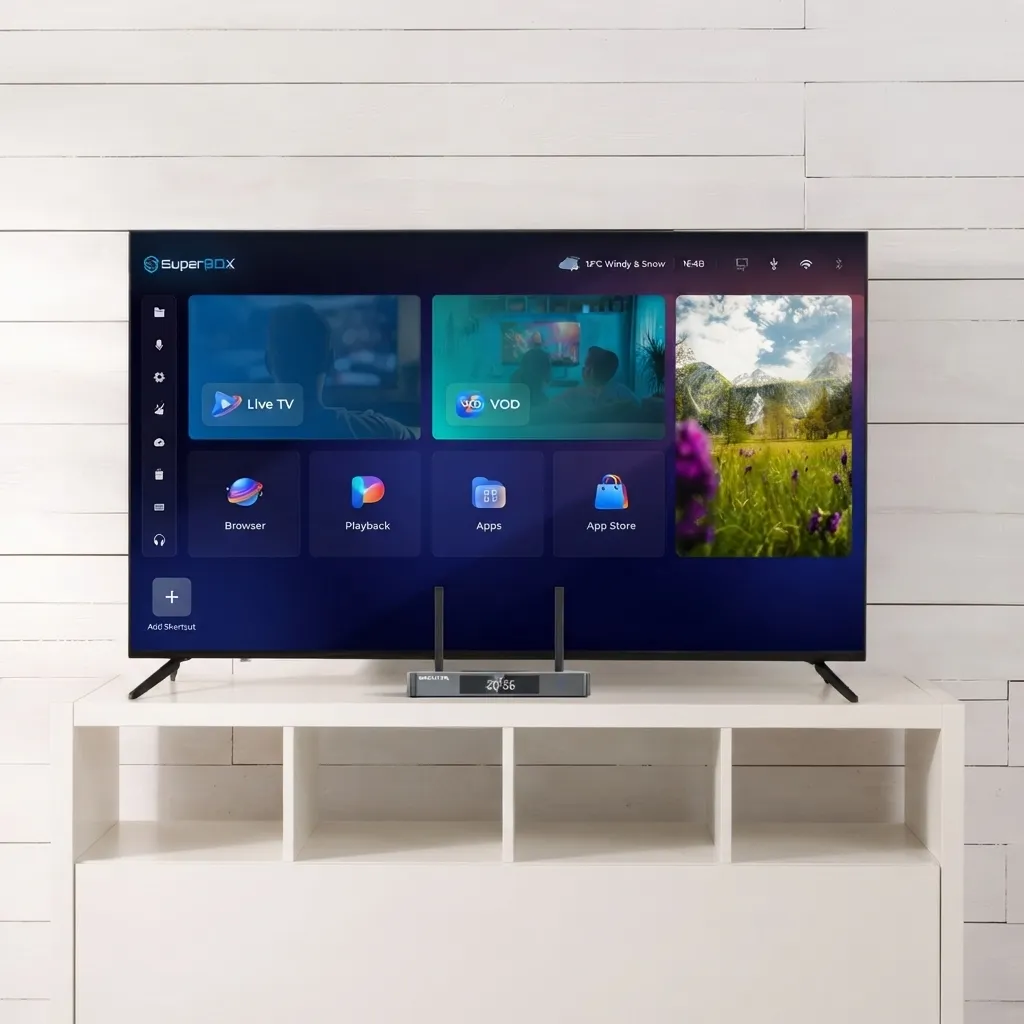
- Redesigned interface: The ocean-blue home screen uses clearer app categories and a more organized card layout.
- Metallic silver finish: The S8 Ultra uses a silver metal enclosure, while the S7 Ultra uses a different exterior design.
Exclusive apps and content ecosystem
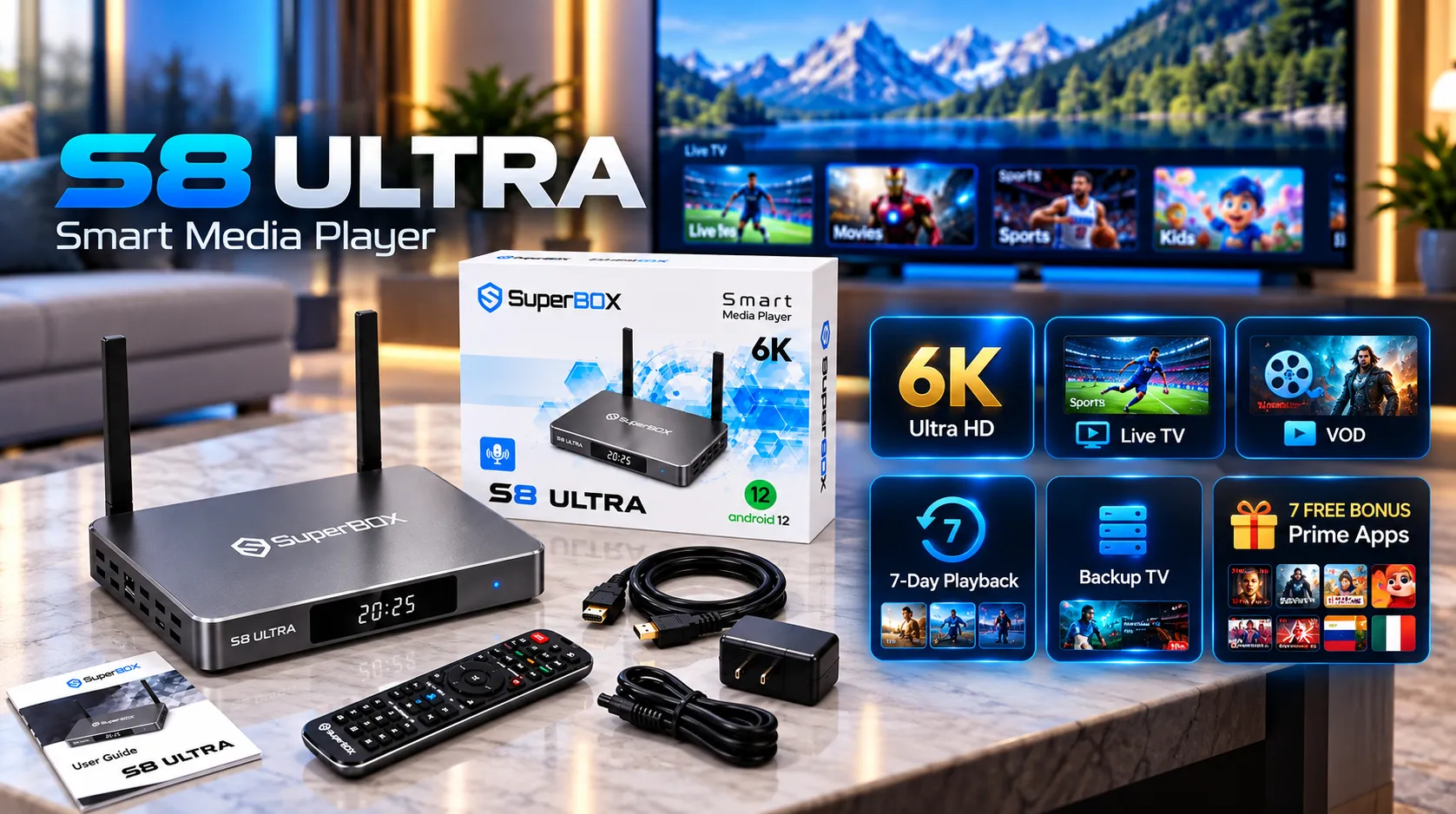
SuperBox S8 Ultra runs Android 12. After connecting to the internet, open the SuperBox App Store to download compatible SuperBox apps such as Blue TV, Blue VOD, Playback, and other available applications. The live streams are not all preloaded on the box itself.
- Blue TV: Provides access to 2,000+ live sports, news, and entertainment channels. Channel lineups can vary by region and app update.
- Blue VOD: Offers 15,000+ on-demand movies and TV shows. Some app interfaces list more than 15,375 movies across 1,282 pages.
- 7-Day Playback: Lets viewers replay eligible programs from the previous seven days across approximately 86 to 87 supported channels.
- Backup TV: Offers another way to access supported live programming when the primary feed is unavailable.
- Prime Worldwide: The catalog snapshot supplied for this app lists 6,213+ live channels across 95 categories.
- Prime Sports: The supplied catalog snapshot lists 3,531 sports channels, including regional listings such as Latino 207, Caribbean 276, Mexico 133, UK 72, India 72, and Filipino 28.
- Prime TV and VOD: The supplied snapshot lists 28,680 movies and 7,699 series across its catalog.
- Prime Loops: The supplied catalog snapshot lists 1,994 looping channels. Prime app counts can change as app catalogs and servers are updated.
Extended 7-day time shift
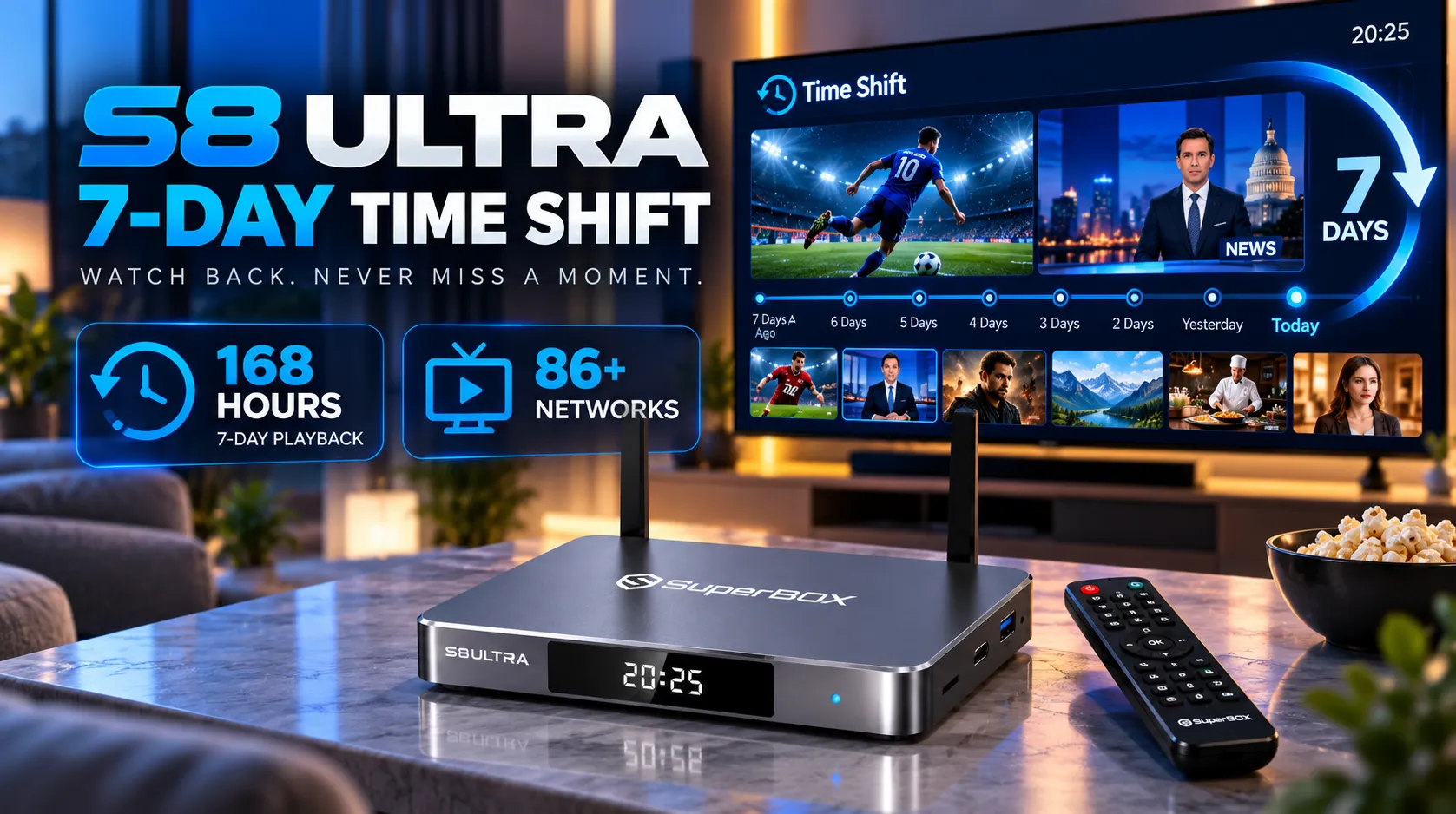
SuperBox 7-Day Playback is a catch-up feature that lets viewers replay eligible broadcasts from the previous seven days through supported channels and the playback interface. Availability is limited to the participating channel list and can vary by program.
- Playback window: Up to 168 hours of catch-up viewing on supported programming.
- Channel availability: The current SuperBox channel figures are 86 to 87 channels supporting 7-day catch-up or rewind.
- How to access it: Open the Playback app or use the supported electronic program guide to select an eligible earlier program.
- Important limit: Time Shift availability depends on the channel and program. It is different from creating a separate local recording.
Picture-in-Picture (PiP) and multi-screen viewing
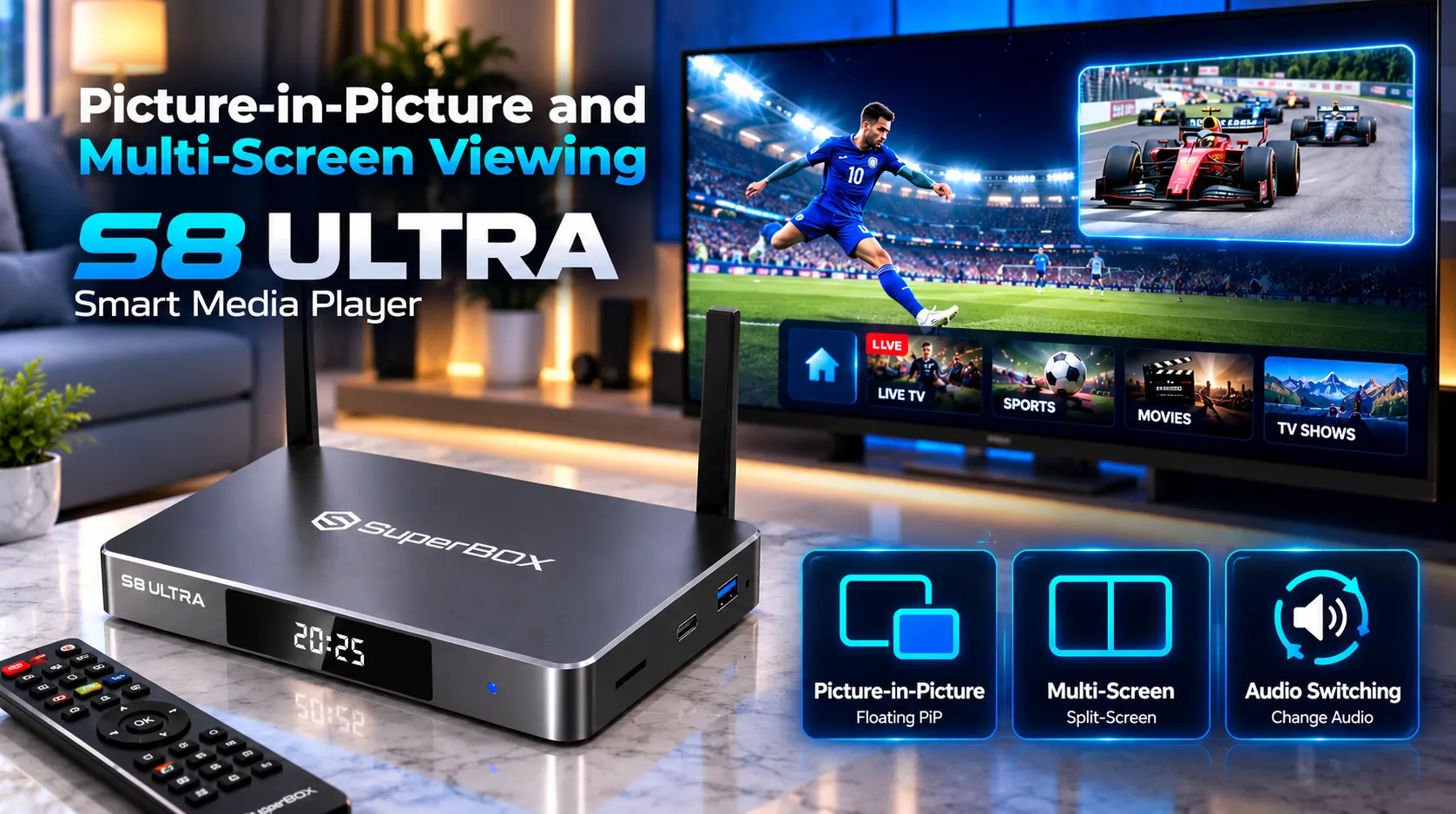
SuperBox S8 Ultra PiP and Multi-View are viewing features that let compatible streams appear at the same time, either in a floating window or a split-screen layout. Multi-View is available across the supported channel list, although each stream must be compatible with the feature.
- Floating PiP window: Keep the main program in full-screen view while a second supported channel appears in an adjustable corner window.
- Split-screen Multi-View: Display multiple supported channels side by side, useful for following concurrent sports broadcasts.
- Audio selection: Use the remote to select the audio associated with the active viewing window where the app supports audio switching.
Built-in screen recording and local storage
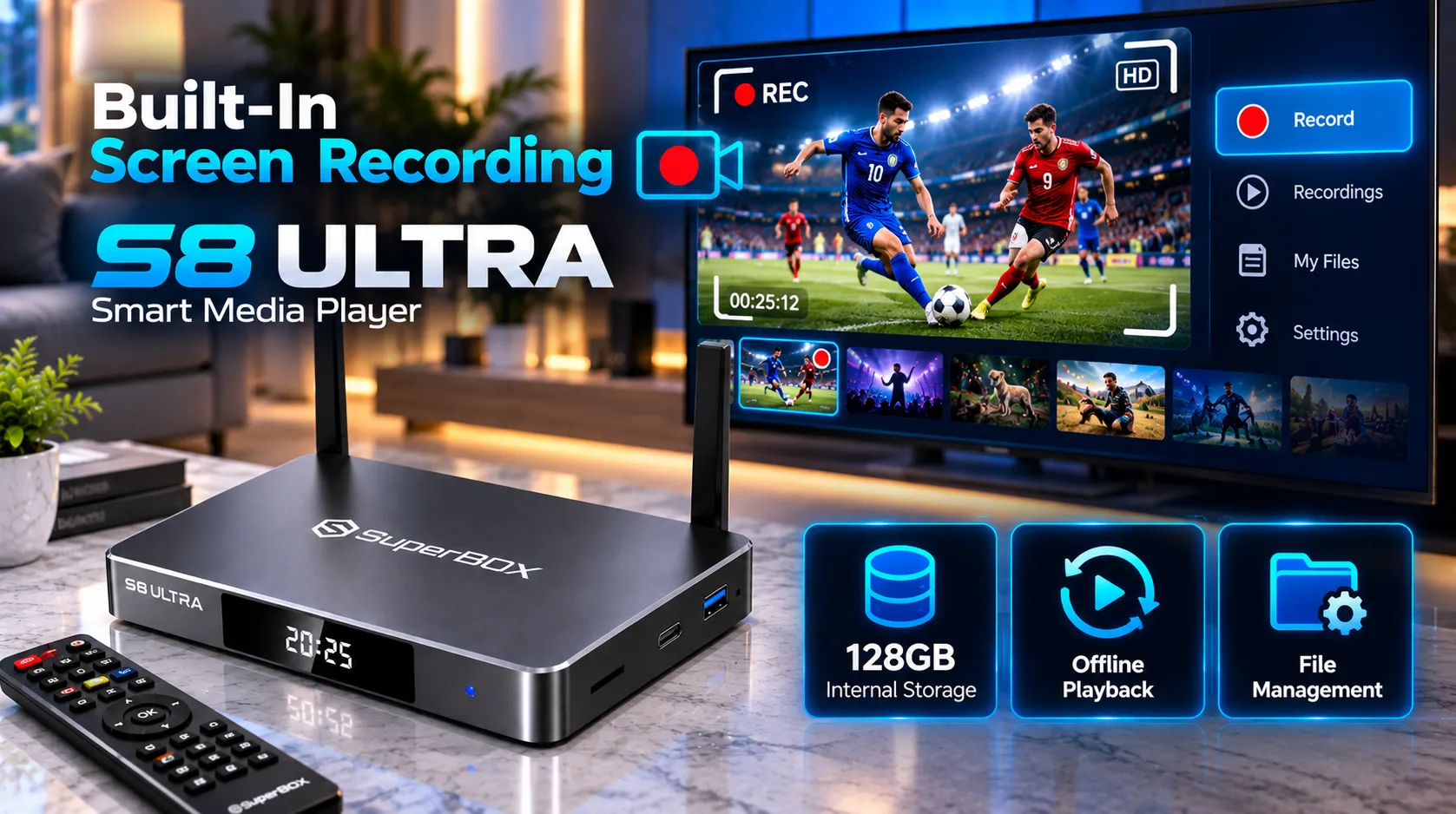
SuperBox S8 Ultra built-in recording saves supported live TV and on-demand content to local storage, giving viewers a way to replay saved programs without relying on a cloud DVR subscription. Recording availability depends on the app, content, and applicable playback controls.
- Internal storage: Recordings can use the device’s 128GB eMMC storage, shared with the operating system, apps, and other files.
- External storage: A compatible USB 3.0 storage drive can also be used where supported by the Recorder app.
- Manage saved files: Review recordings through the recording interface and monitor available storage before saving longer programs.
- Recording limits: Actual recording time depends on free capacity and whether the source app permits recording.
Upgraded streaming system and playback stability
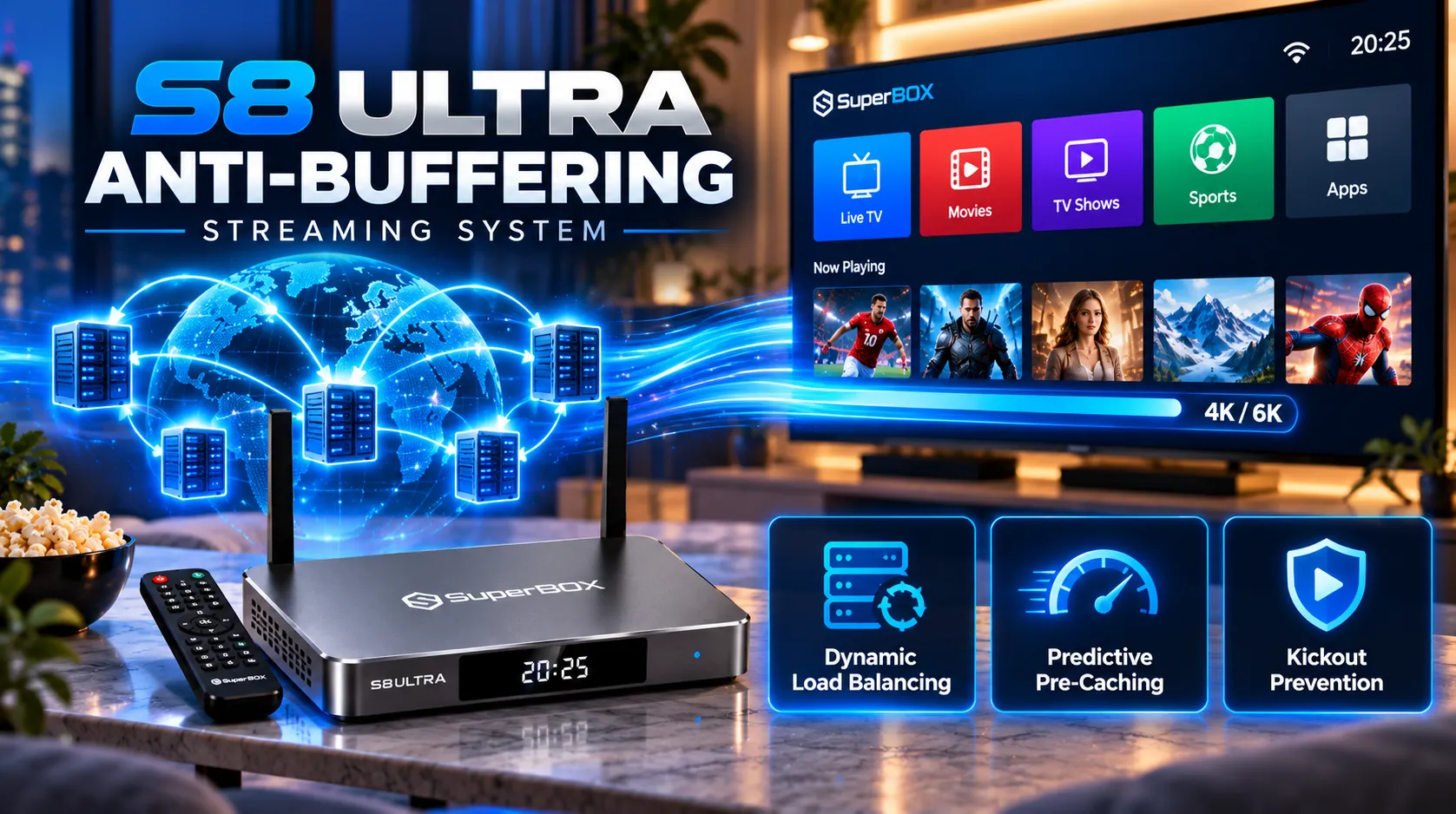
SuperBox S8 Ultra uses an updated streaming system designed to improve stability during live TV, sports, and on-demand playback. System behavior can help reduce interruptions, but a stable stream still depends on internet speed, router performance, app status, and the content server.
- Network handling: The upgraded system is designed to manage streaming requests more efficiently.
- Buffering: Good Wi-Fi signal or a wired Ethernet connection can reduce local network interruptions, but no box can guarantee zero buffering under every condition.
- App stability: Keep apps updated and restart the box or router if an application repeatedly freezes or disconnects.
Smart voice control and RC-200L backlit remote
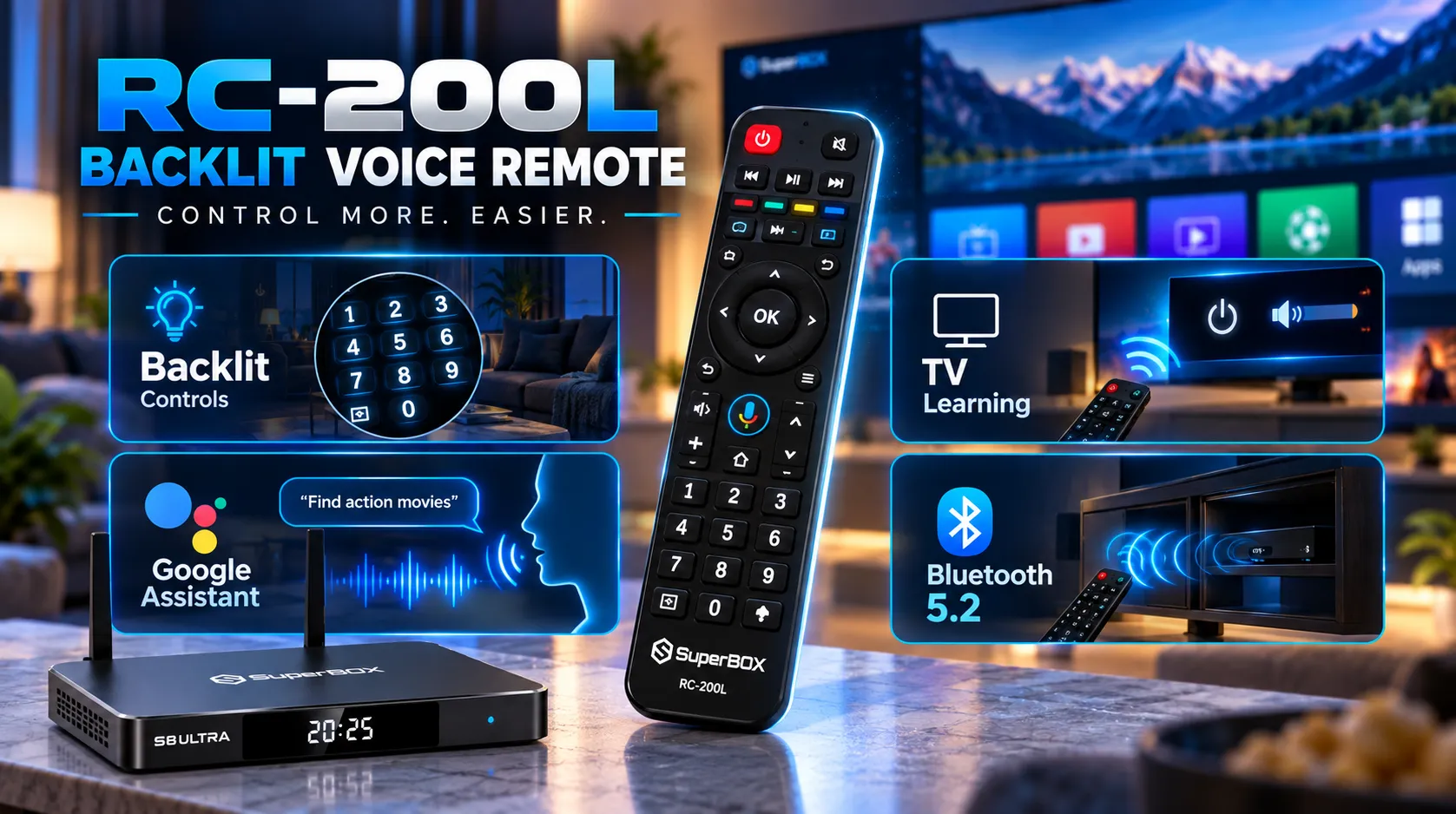
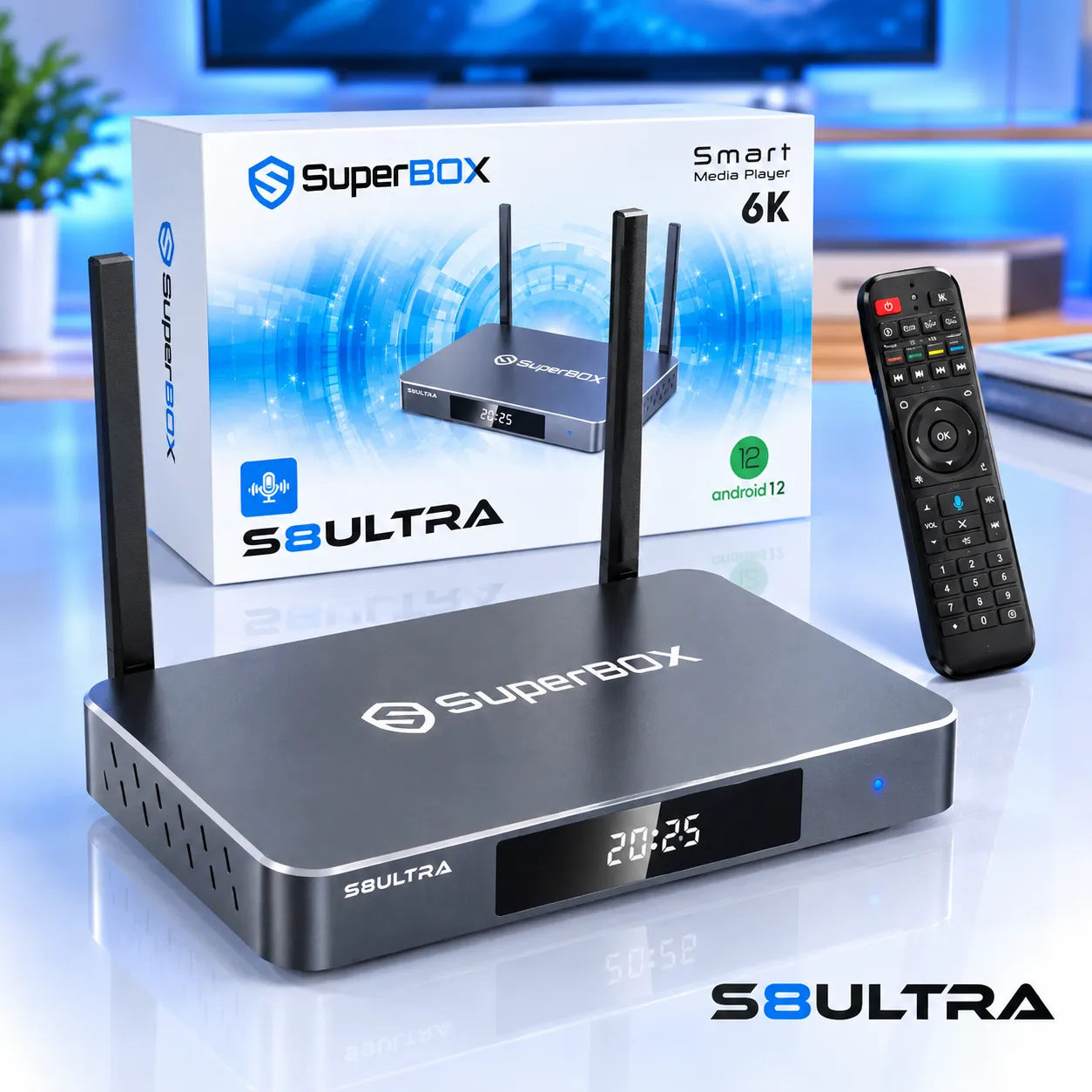
SuperBox S8 Ultra includes an RC-200L backlit voice remote. Illuminated buttons help users see the controls in a dim room, while voice commands can search for content, change channels, and launch compatible apps.
- Backlit buttons: Help identify remote controls in low-light viewing environments.
- Voice commands: Search for supported content, switch channels, and open compatible applications by voice.
- Bluetooth 5.2: The S8 Ultra supports Bluetooth 5.2 for compatible wireless accessories.
- TV controls: Remote learning or infrared control functions depend on the included remote configuration and compatible television.
Redesigned user interface with ocean-blue theme
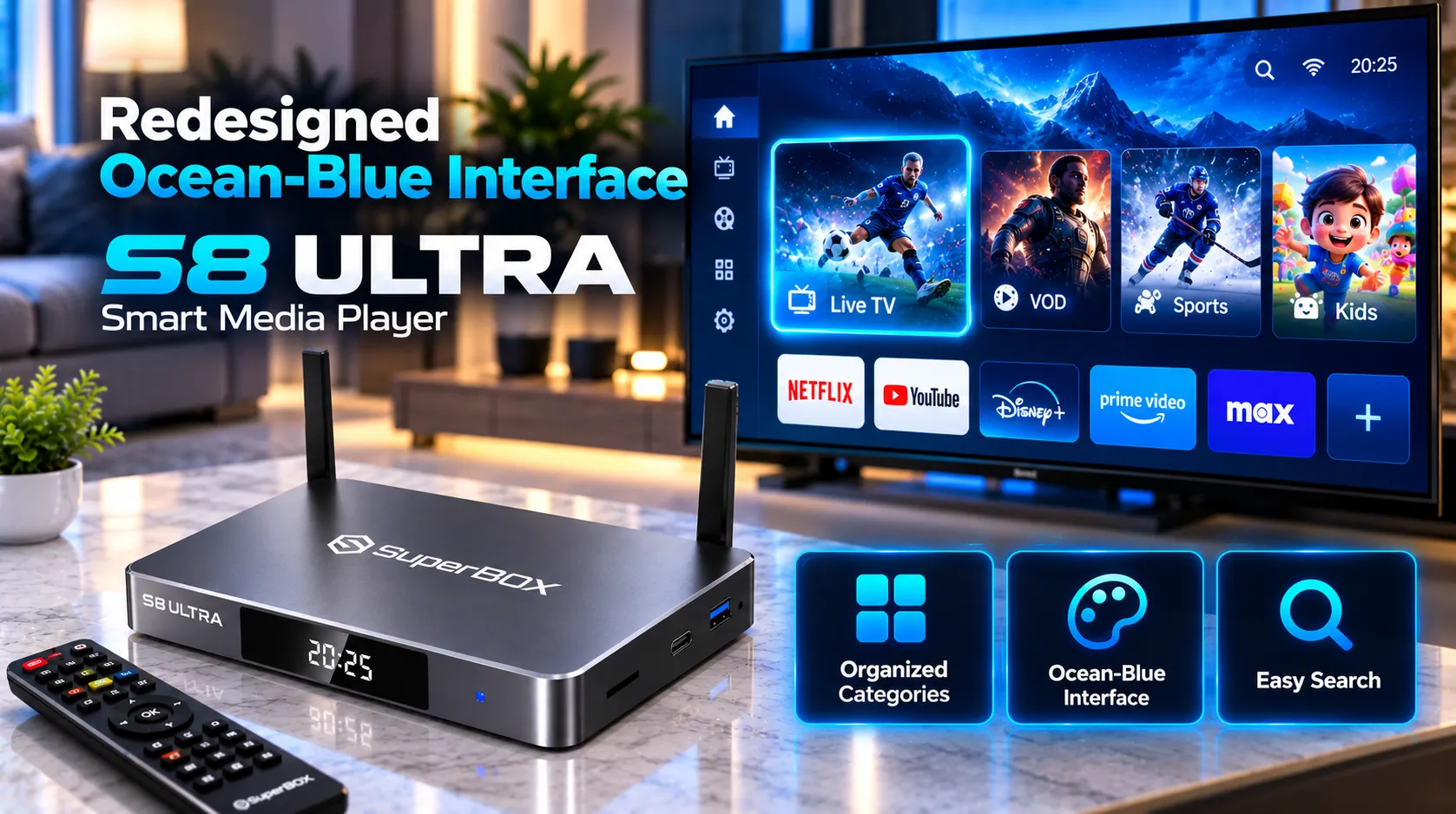
SuperBox S8 Ultra uses a redesigned ocean-blue interface with a cleaner home screen, organized app cards, and updated application layouts. Clearer categories make it easier to locate live TV, movies, series, playback, and installed apps without relying on unsupported claims about a specific percentage improvement.
- Home screen: Groups installed apps and frequently used entertainment options into an organized dashboard.
- Updated app layouts: Supported apps may use refreshed menus and content organization.
- Content discovery: Availability of categories, filters, and search tools varies by installed application.
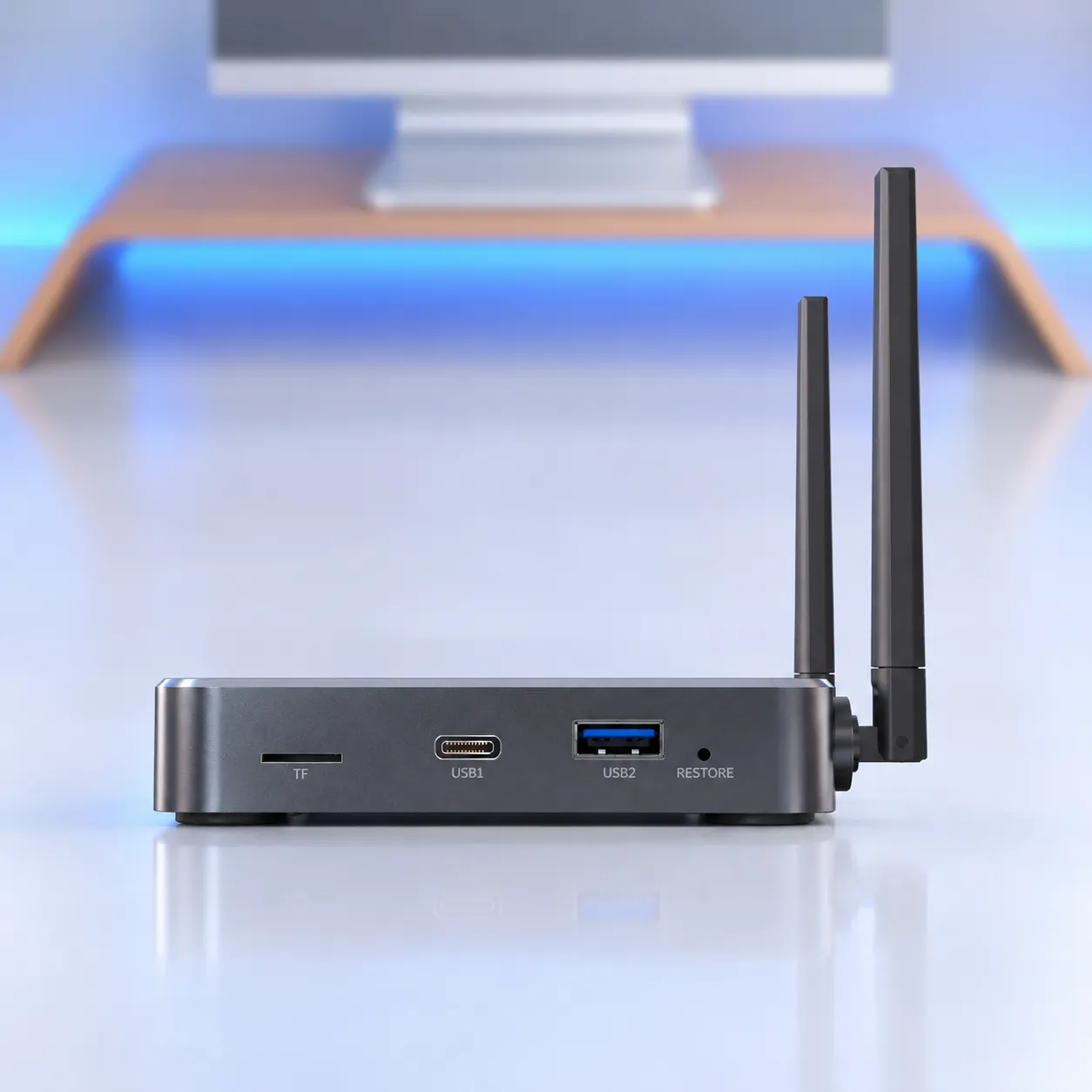
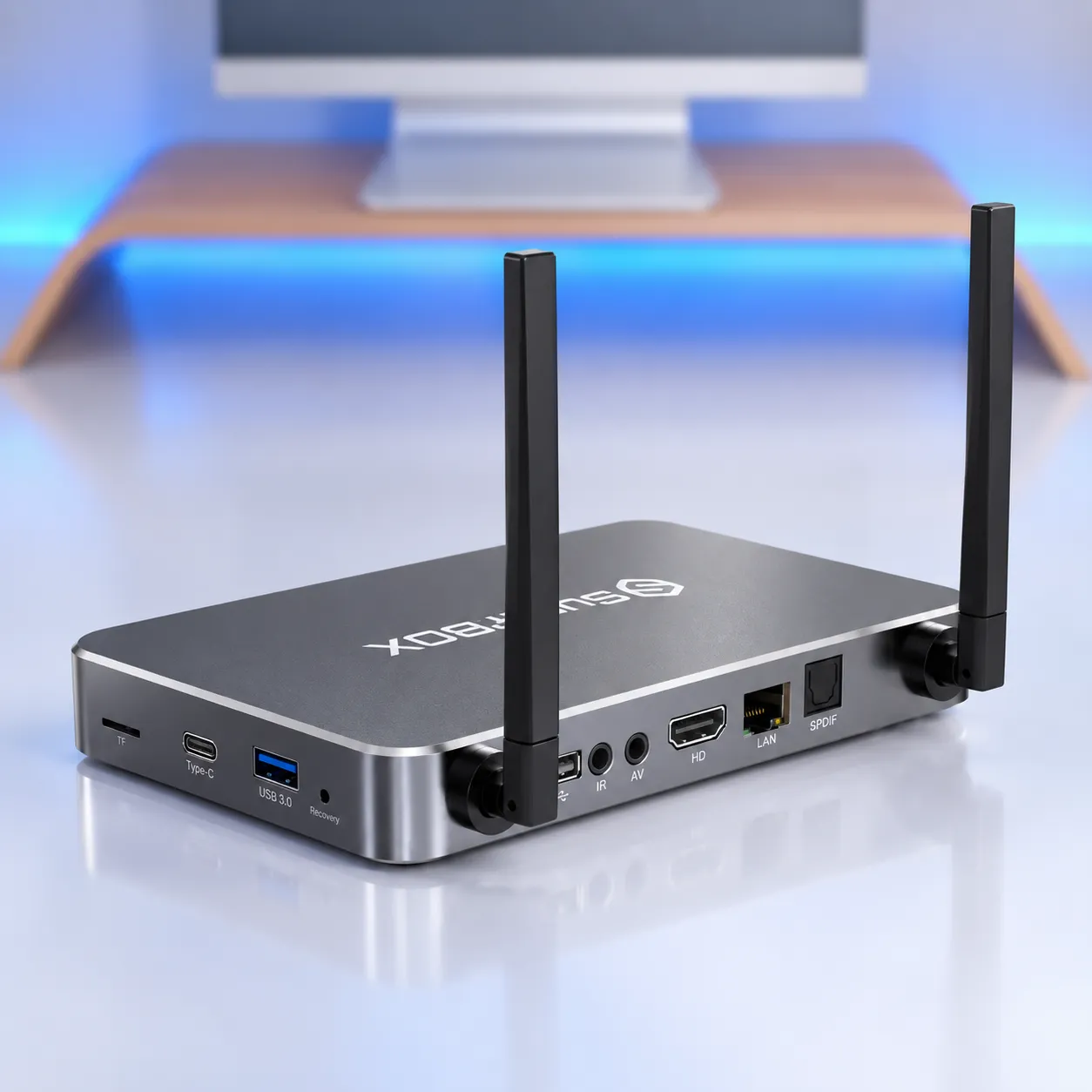
Hardware connectivity: USB-C, USB 3.0, HDMI 2.1, SPDIF, and IR
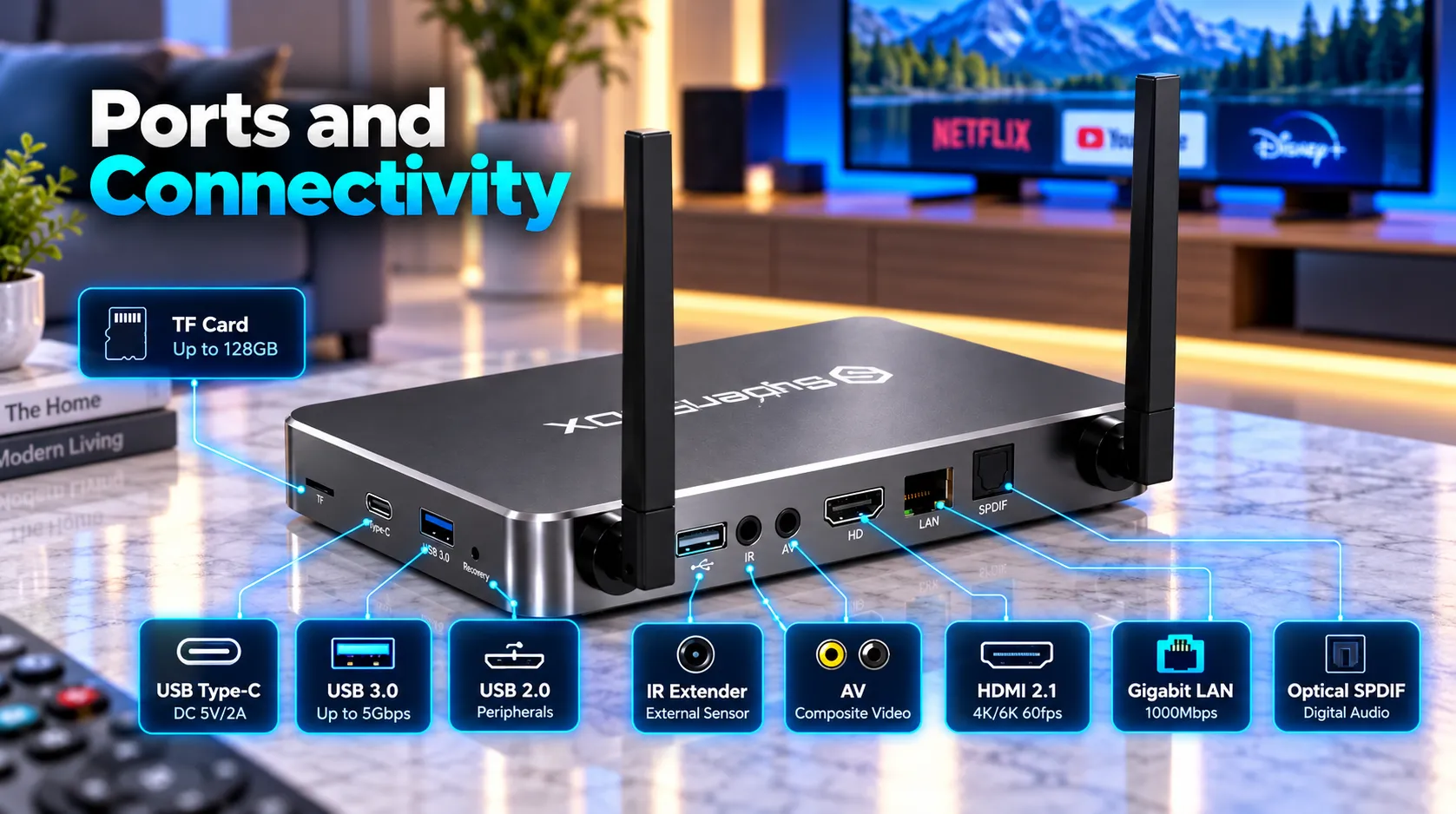
SuperBox S8 Ultra provides ports for television output, local storage, network access, and external audio equipment. Use compatible cables and accessories, and check the physical labels when connecting each port.
- USB-C: Used for the DC 5V/2A power connection and listed in the device’s USB connectivity.
- USB 3.0: Connect compatible external storage and peripherals where supported.
- HDMI 2.1: Connects the box to a compatible HDMI television or display. The 6K decoding specification does not guarantee 6K output on every display.
- Gigabit LAN: The RJ45 Ethernet port supports a rated network link of 1000Mbps.
- Optical SPDIF: Sends digital audio to compatible soundbars and AV receivers.
- 3.5mm AV output: Connects to compatible analog audio/video equipment with the appropriate cable.
- IR port: Supports compatible infrared accessories.
- TF card slot: Provides a memory card expansion option. Supported card capacity depends on device compatibility.
- RESTORE button: Provides a recovery or reset function for supported troubleshooting procedures.
6K video decoding and HDR10
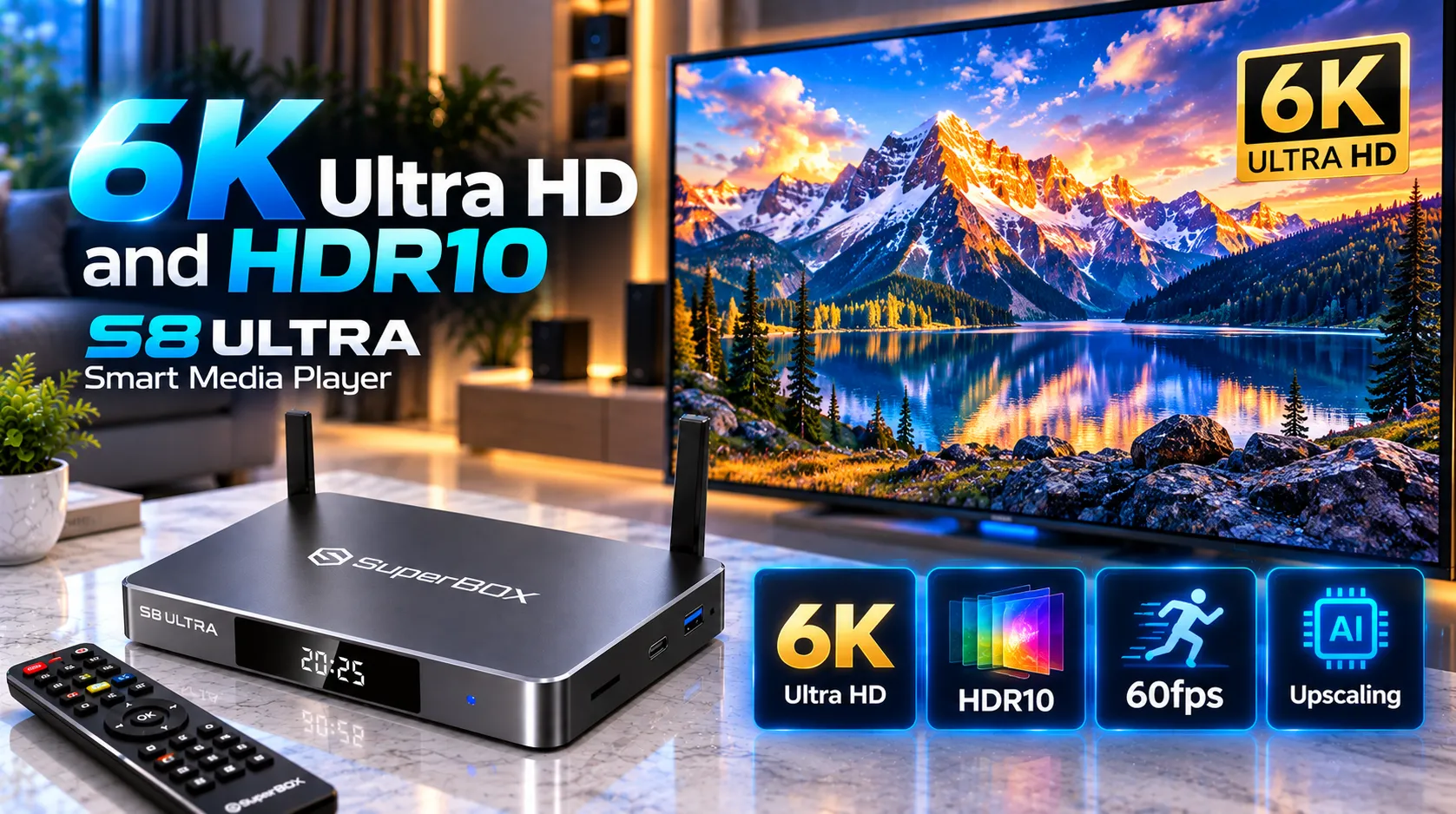
SuperBox S8 Ultra supports H.265 video decoding up to 6K at 60fps and smooth 4K playback on compatible content and displays. Decoding capability and actual output resolution are different: the final picture depends on the source, app, HDMI connection, display, and settings.
- Video decoding: H.265/HEVC, up to 6K at 60fps.
- 4K playback: Supports smooth playback when the content, application, and display are compatible.
- HDR and display modes: Supports HDR10, SDR, and AUTO mode selection.
- Picture quality: Video resolution and HDR results depend on the source file or stream and the connected television.
Wi-Fi 6 and 1000Mbps Gigabit Ethernet
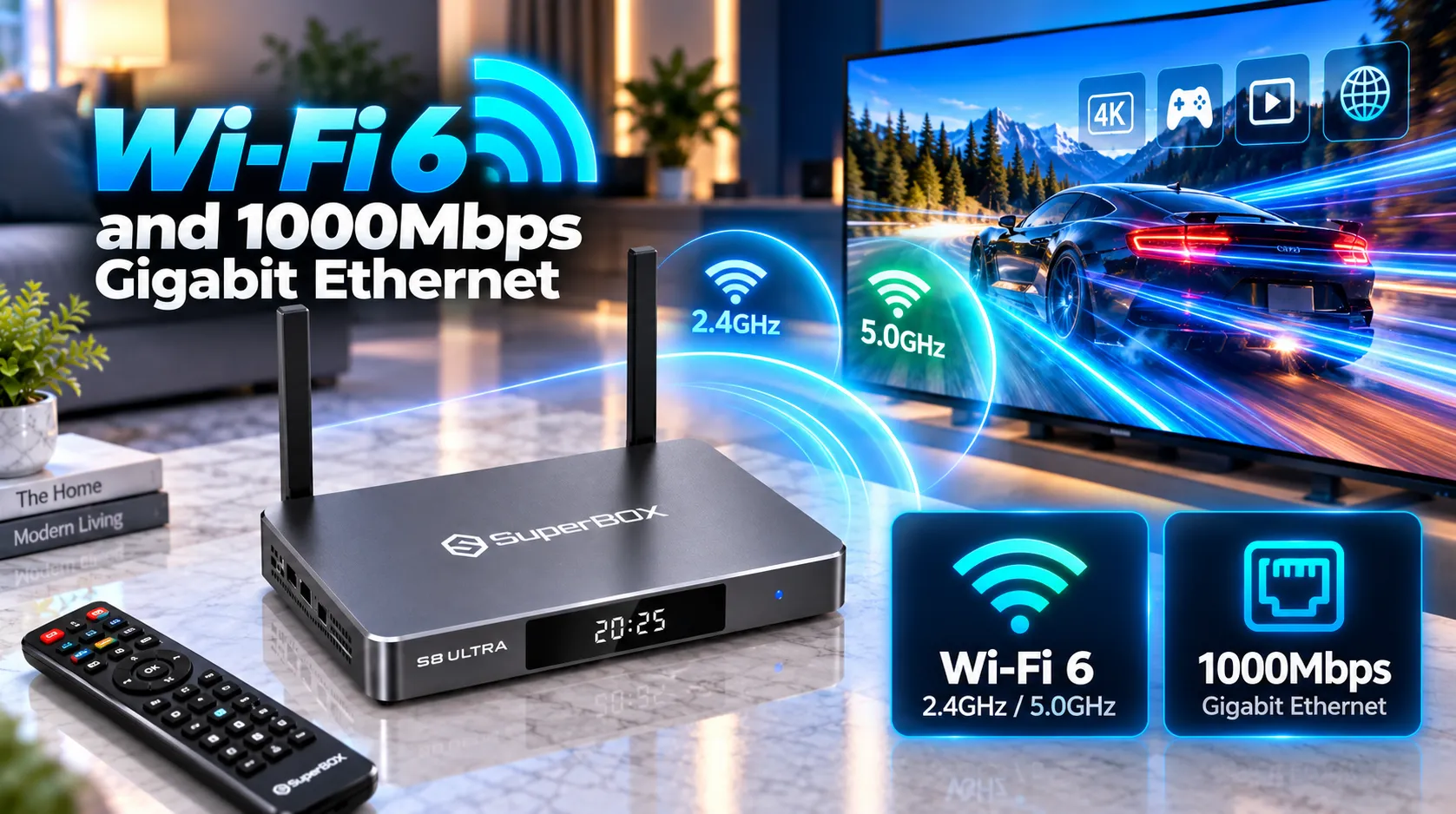
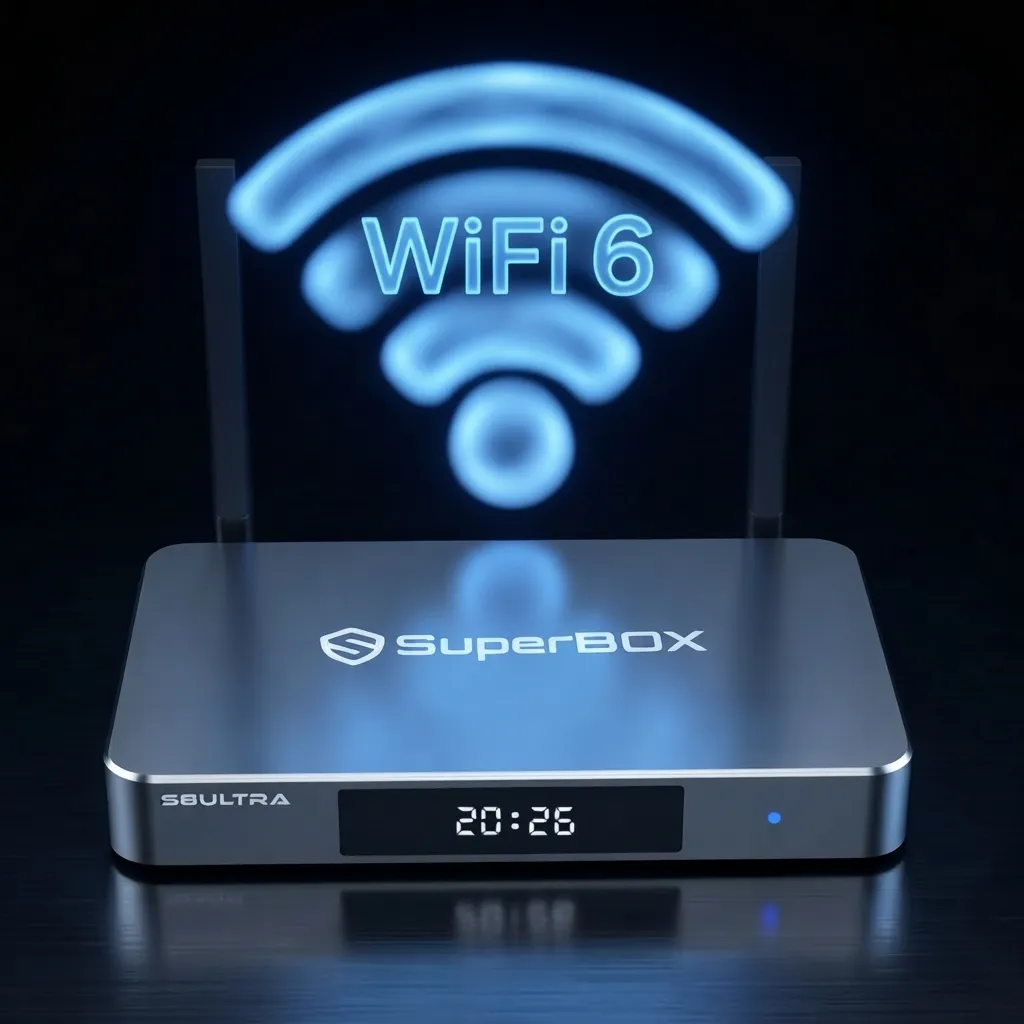
SuperBox S8 Ultra offers dual-band Wi-Fi 6 and a 1000Mbps Gigabit Ethernet port. Wi-Fi can simplify installation, while wired Ethernet can help avoid wireless interference when the router and cabling are suitable.
- Dual-band Wi-Fi 6: Connects over supported 2.4GHz or 5GHz wireless networks.
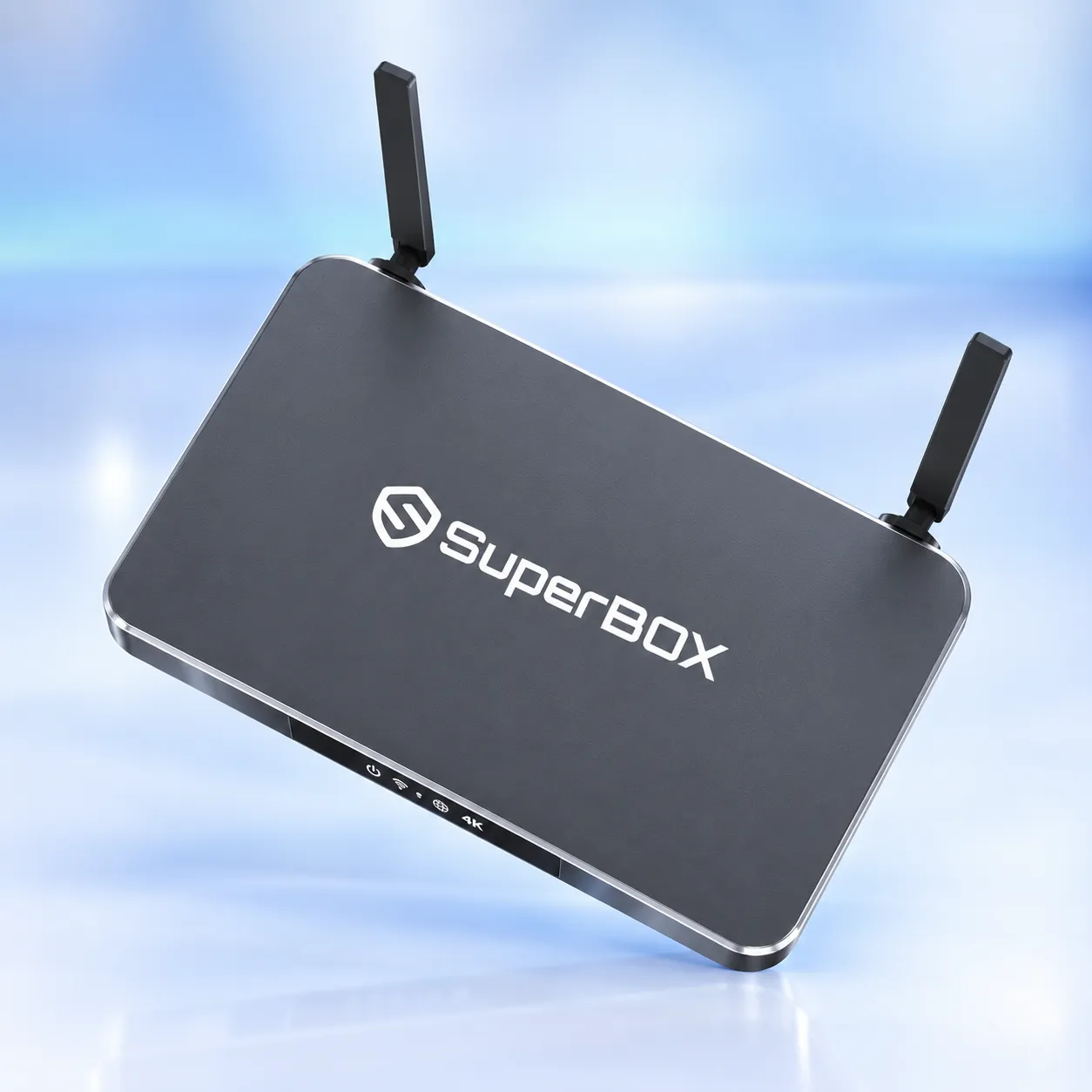
- External antennas: Dual antennas support wireless reception; actual range depends on walls, router placement, interference, and network equipment.
- Gigabit Ethernet: The rated wired link is 1000Mbps. Real internet throughput may be lower because of the router, service plan, cabling, and remote server.
Parental controls and family viewing
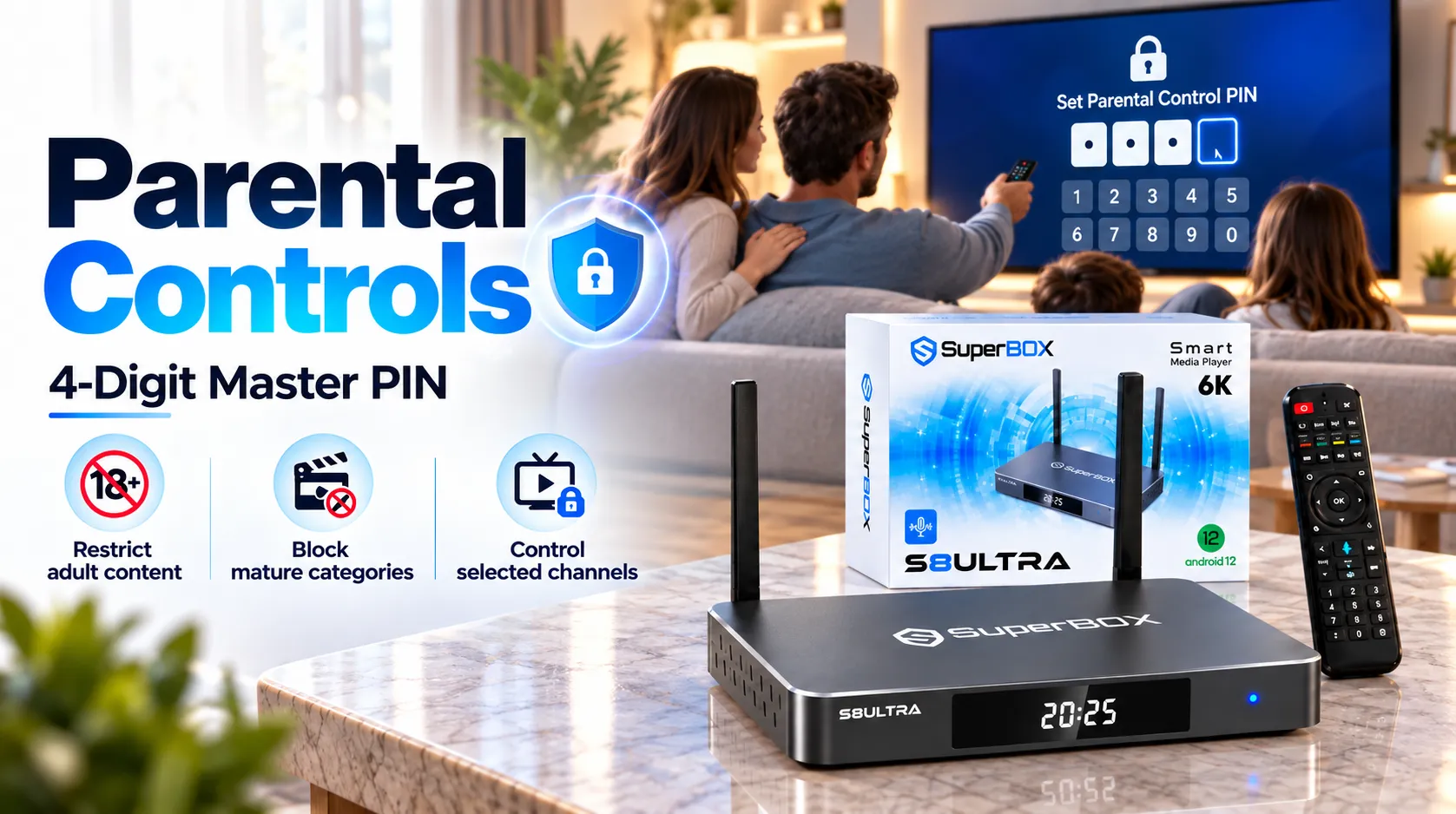
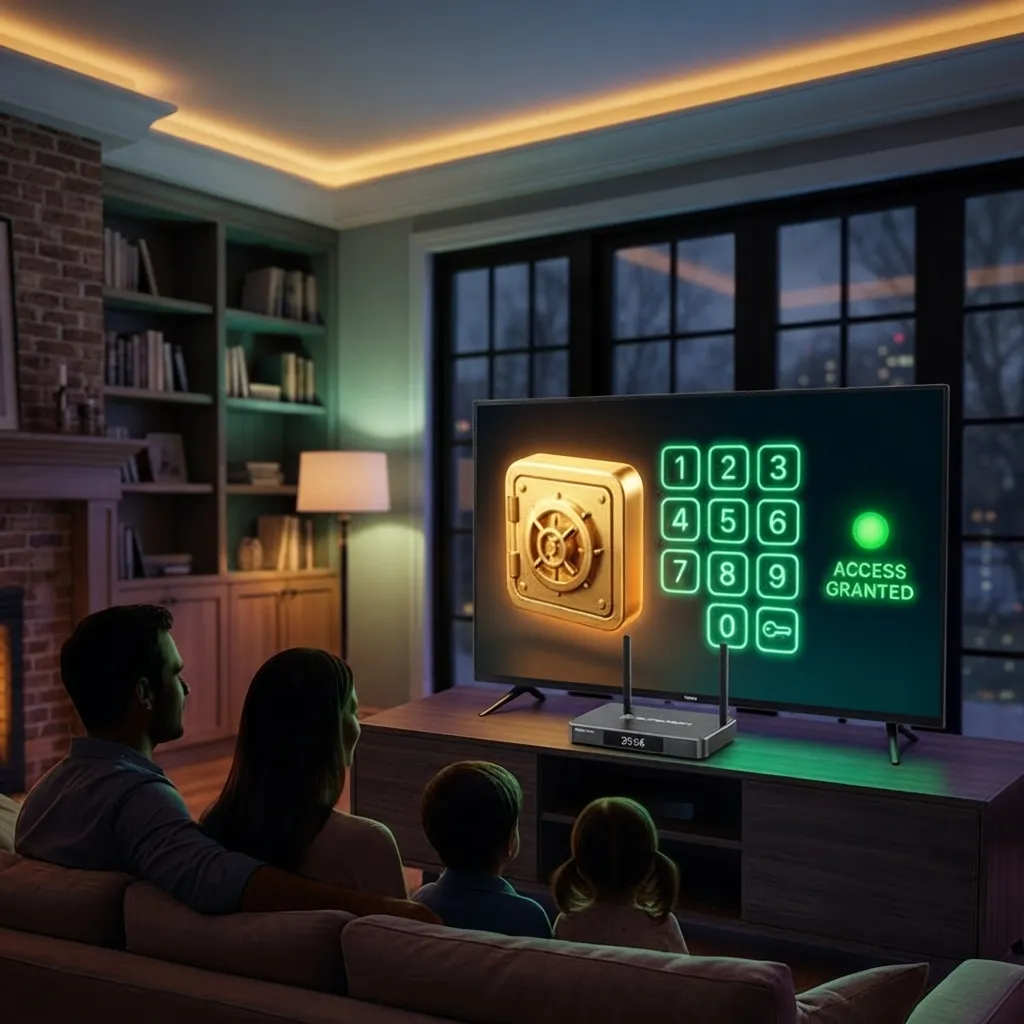
SuperBox S8 Ultra parental controls help families restrict access to selected content and manage children’s viewing. Available settings can vary by system software and installed apps, so review app-level controls as well as the device settings.
- PIN protection: The interface can use a four-digit PIN to restrict selected content categories or channels where supported.
- App access: Review installed apps and apply available installation or access restrictions before children use the box.
- Ongoing review: Check settings after software or app updates because controls may differ between applications.
Android 12 and certified Google Play access
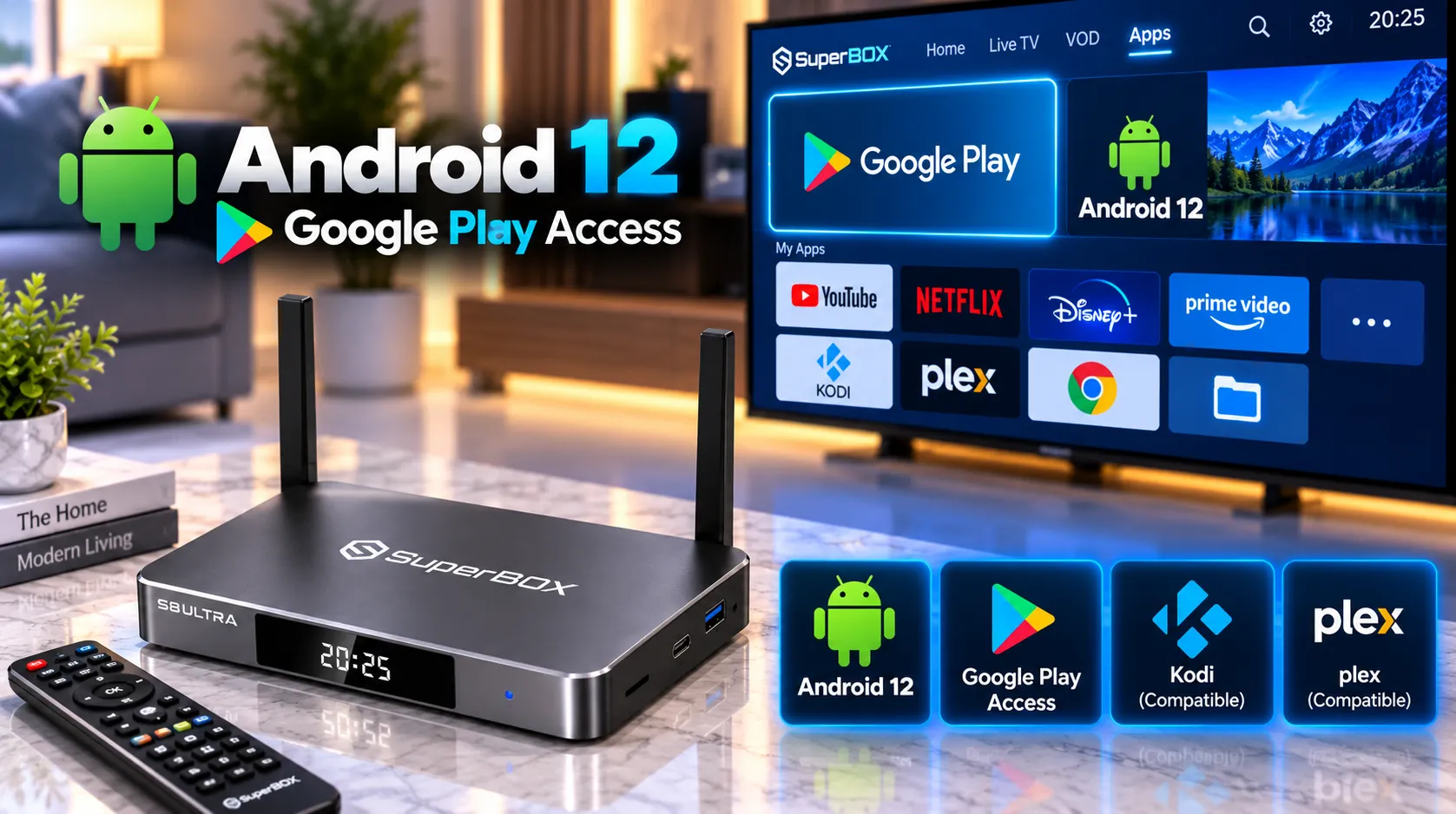
SuperBox S8 Ultra runs Android 12 and includes certified Google Play Store access, giving users another way to install compatible applications in addition to the SuperBox App Store. App availability and compatibility depend on each app developer and the device software.
- Android 12: Provides the device operating system and its supported system settings.
- Google Play Store: Install compatible apps through the store available on the device.
- APK installation: Compatible APK sideloading may be available for applications installed outside Google Play. Use software only from sources you trust.
- App compatibility: Availability in Google Play does not guarantee every app supports the device, remote, or playback resolution.
Metallic silver metal housing and fanless cooling
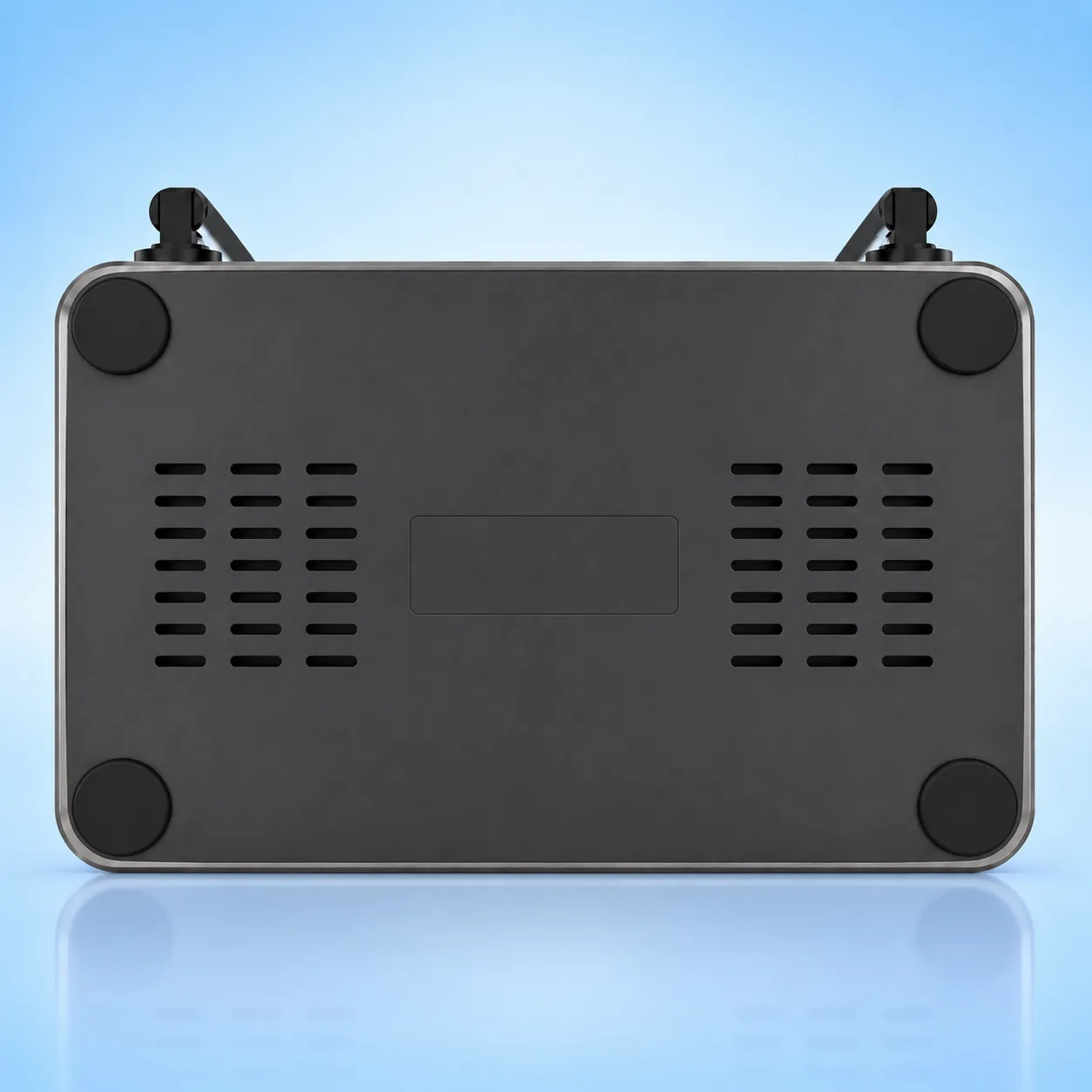
SuperBox S8 Ultra features a metallic silver metal enclosure with a front glass panel and digital LED clock. The metal housing supports passive heat dissipation, while the fanless design avoids noise from a mechanical cooling fan.
Place the SuperBox S8 Ultra in a ventilated area and do not block the enclosure with fabric or other objects. No specific temperature reduction is claimed here because a comparable test result was not provided.
SuperBox S8 Ultra compatibility with TVs, soundbars, and AV systems
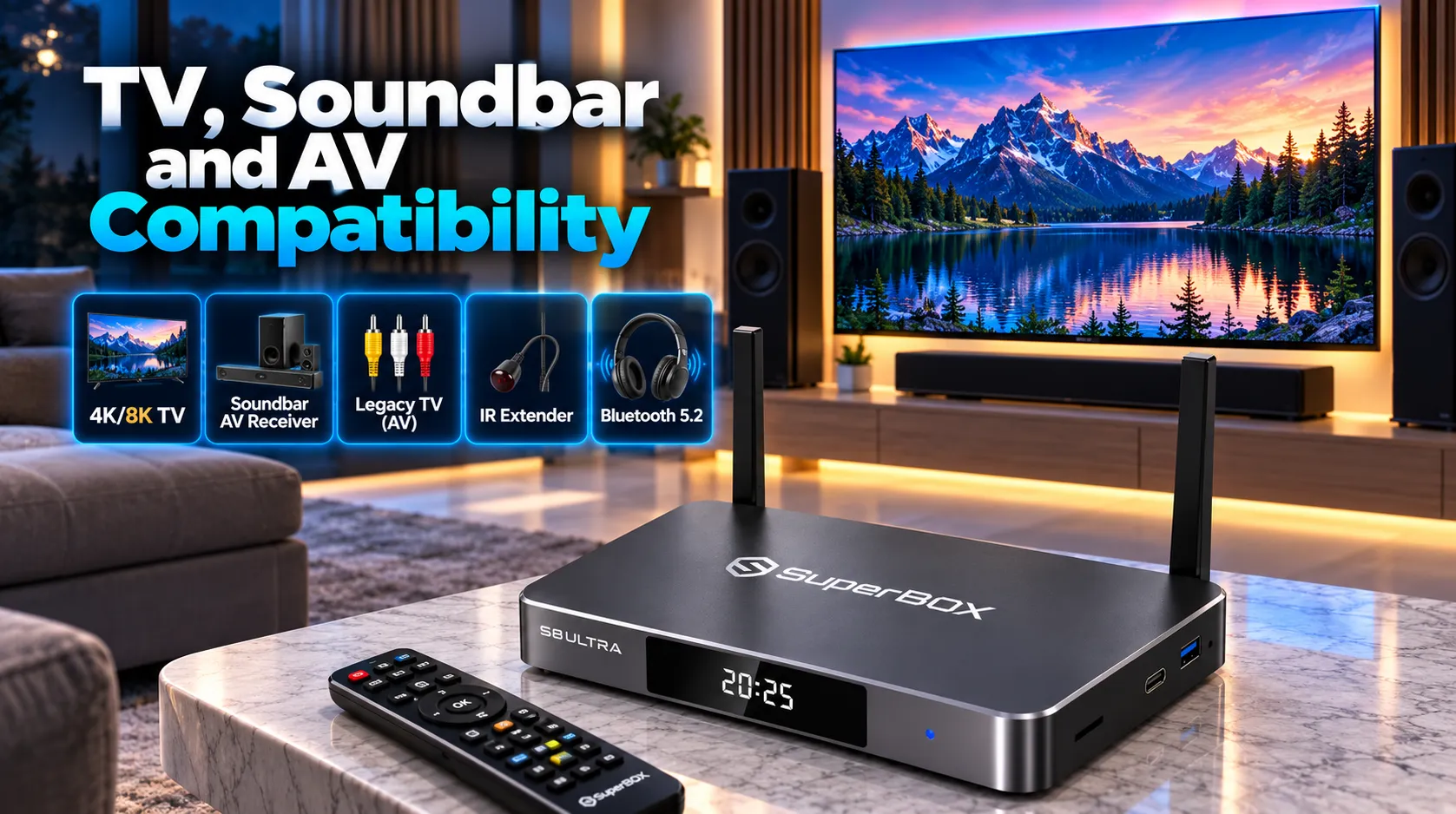
SuperBox S8 Ultra connects to a compatible TV or display through HDMI. The device supports smooth 4K playback and H.265 decoding up to 6K at 60fps, but the picture shown is limited by the app, source content, connection, display, and output settings.
- HDMI TVs and displays: Use a compatible HDMI input and the included HDMI cable.
- Soundbars and AV receivers: Use optical SPDIF when the audio system supports it, or use compatible HDMI audio features.
- Analog equipment: The 3.5mm AV output can connect to compatible legacy equipment with the right cable.
- Bluetooth accessories: Bluetooth 5.2 supports compatible wireless peripherals and audio accessories.
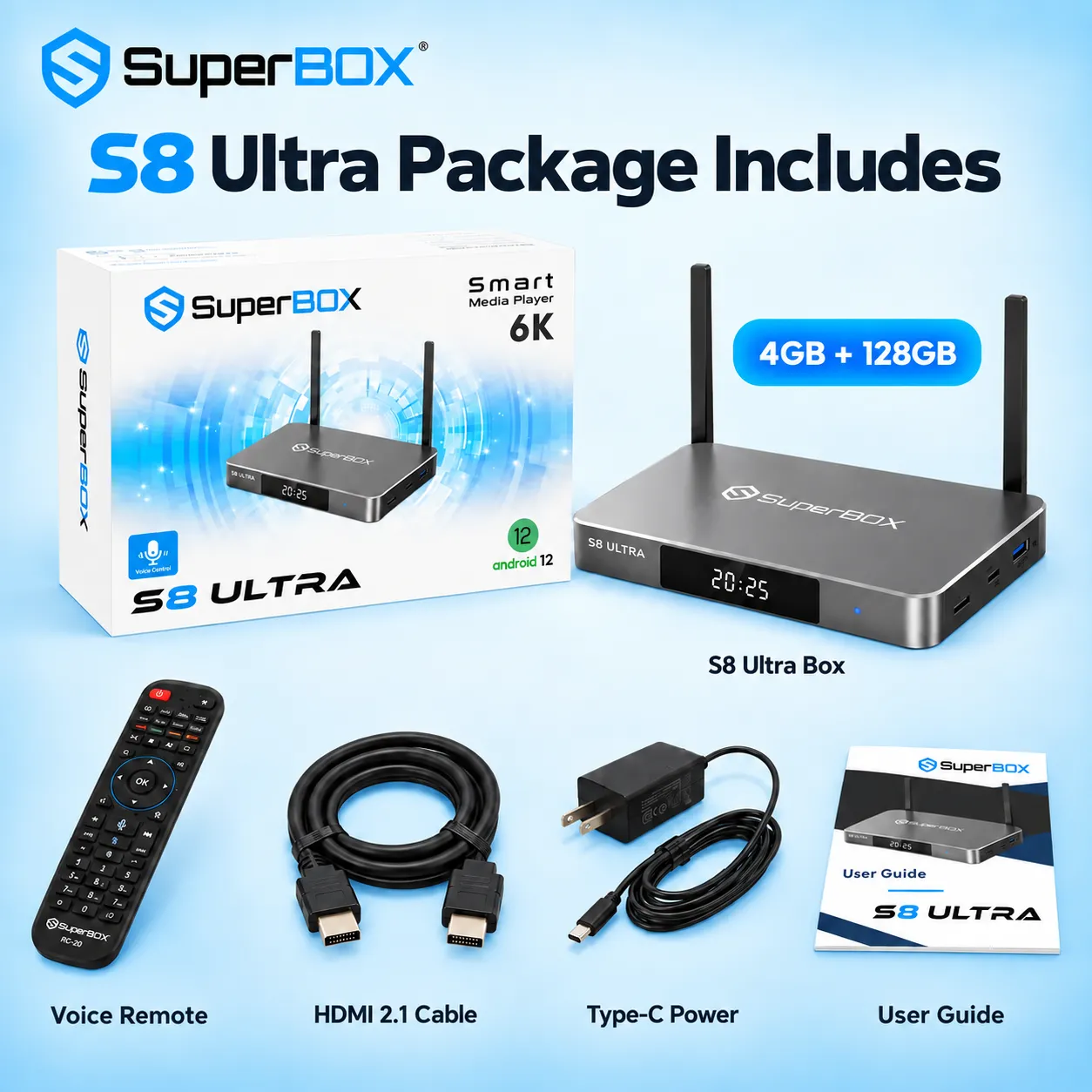
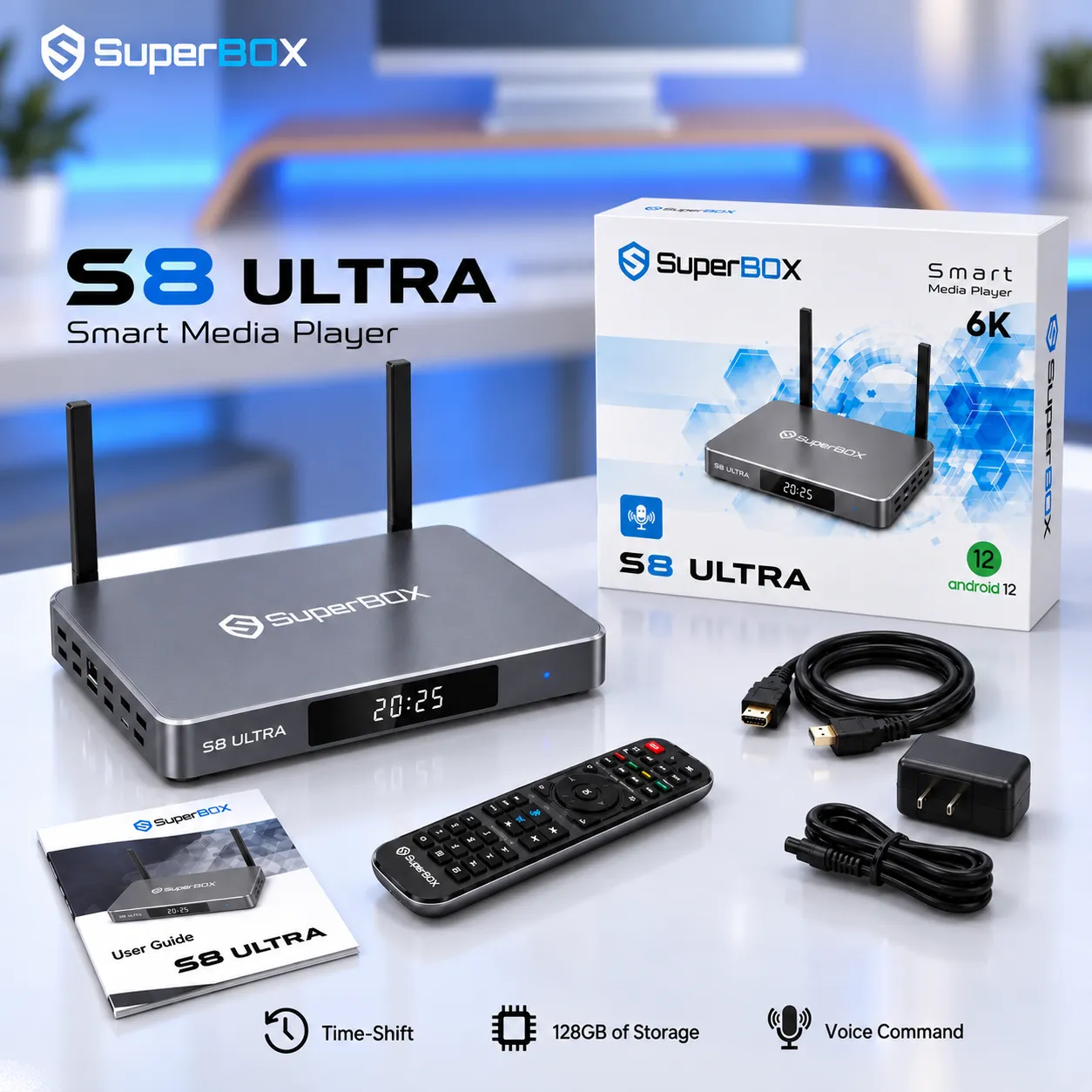
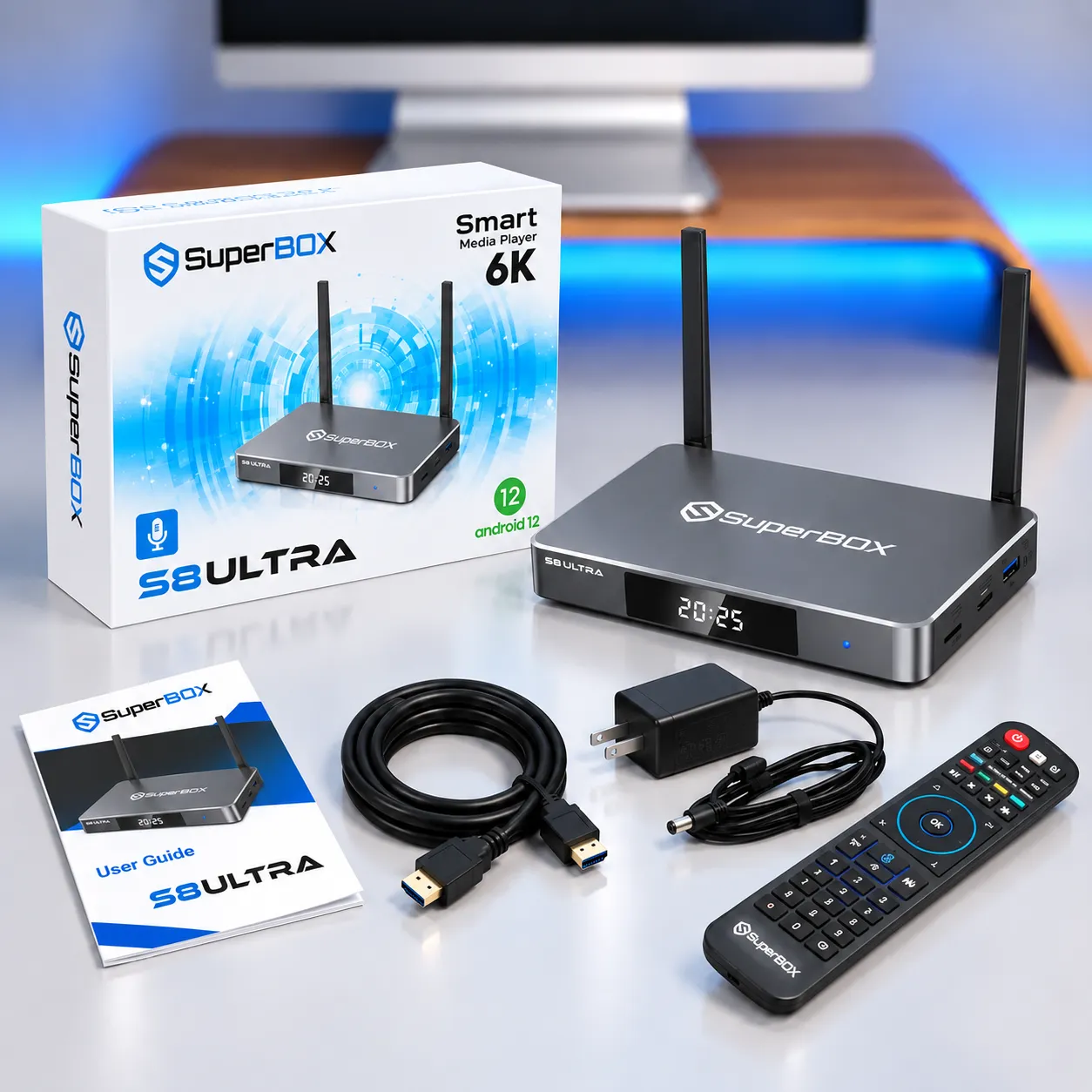
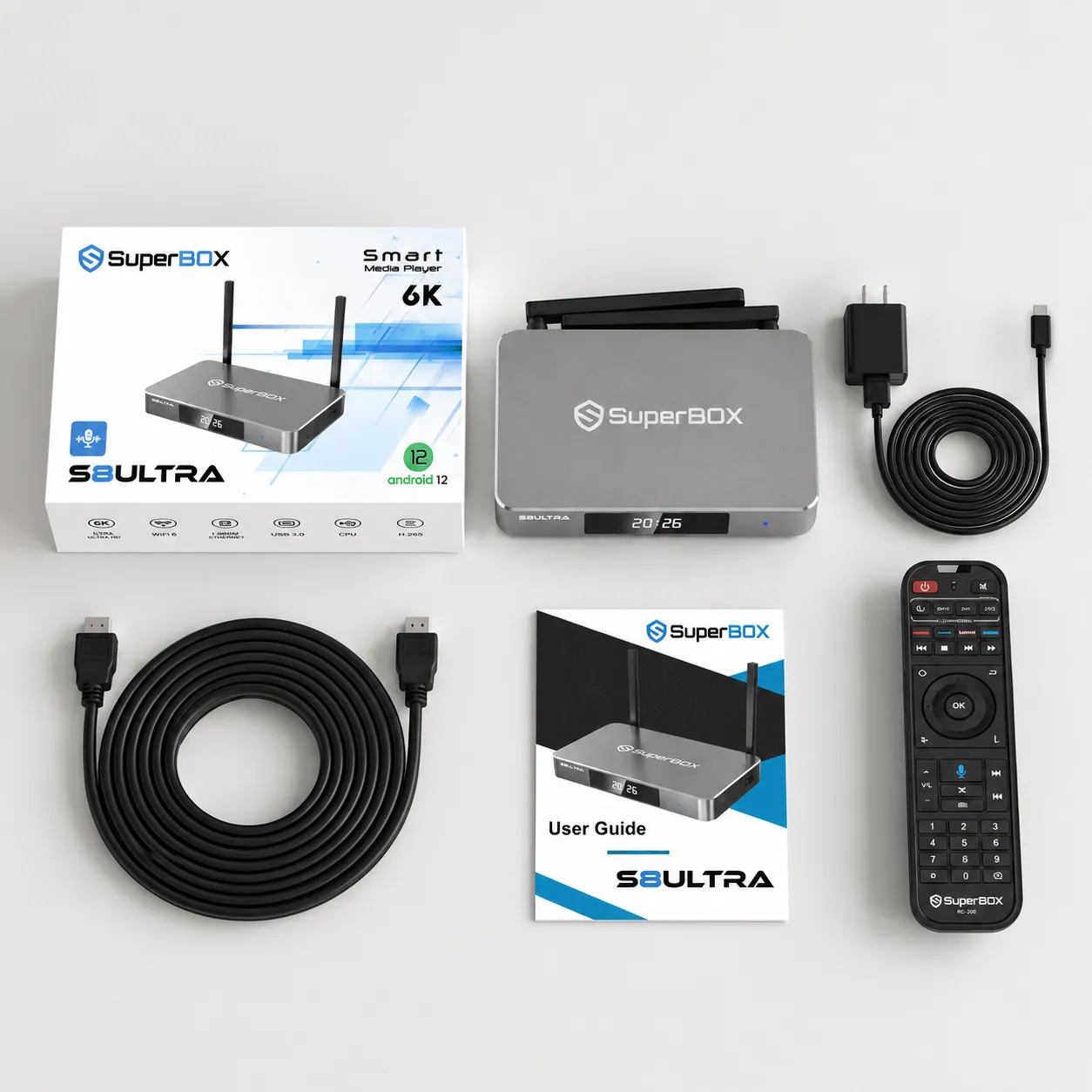
What’s included in the SuperBox S8 Ultra package?
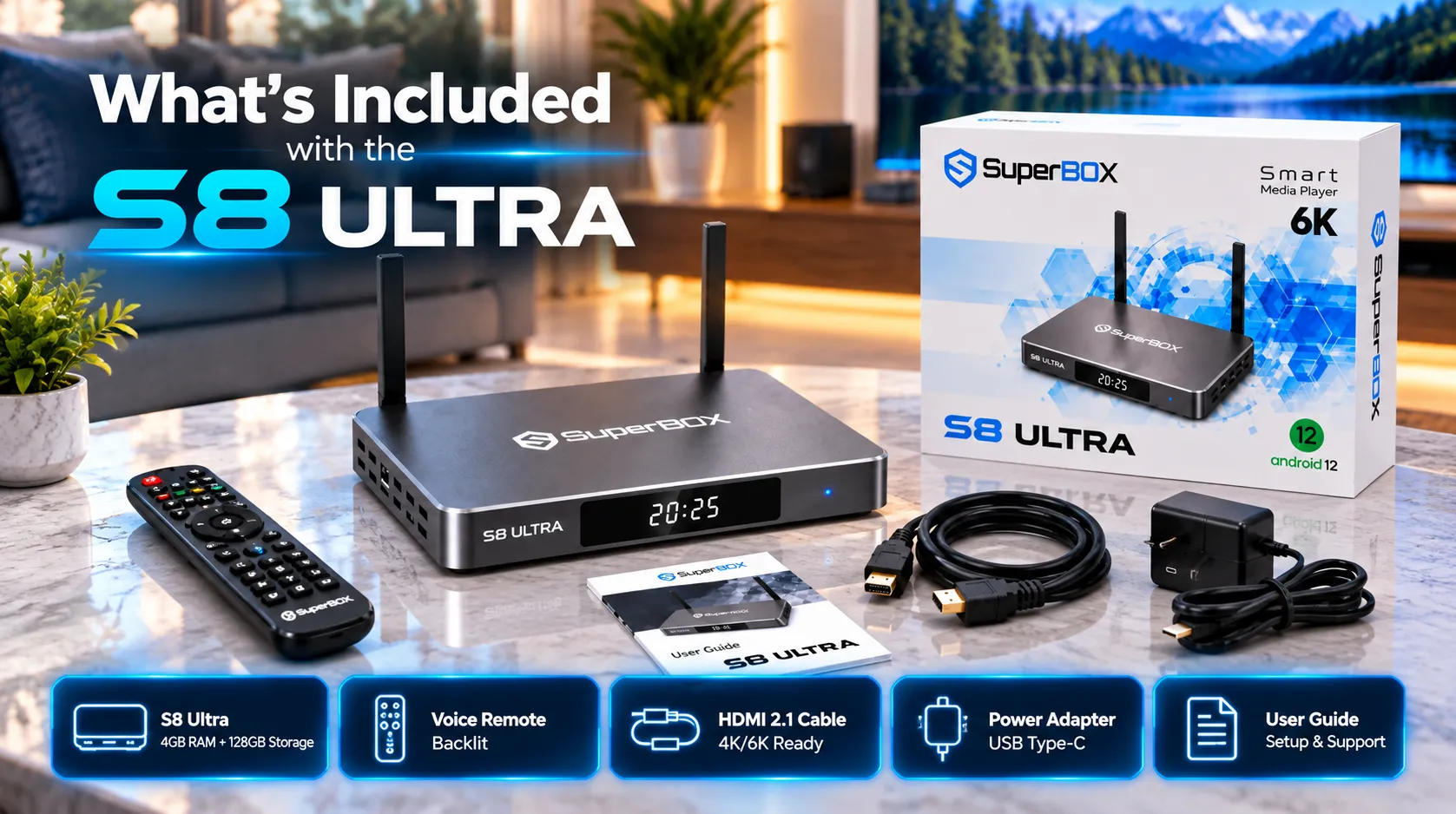
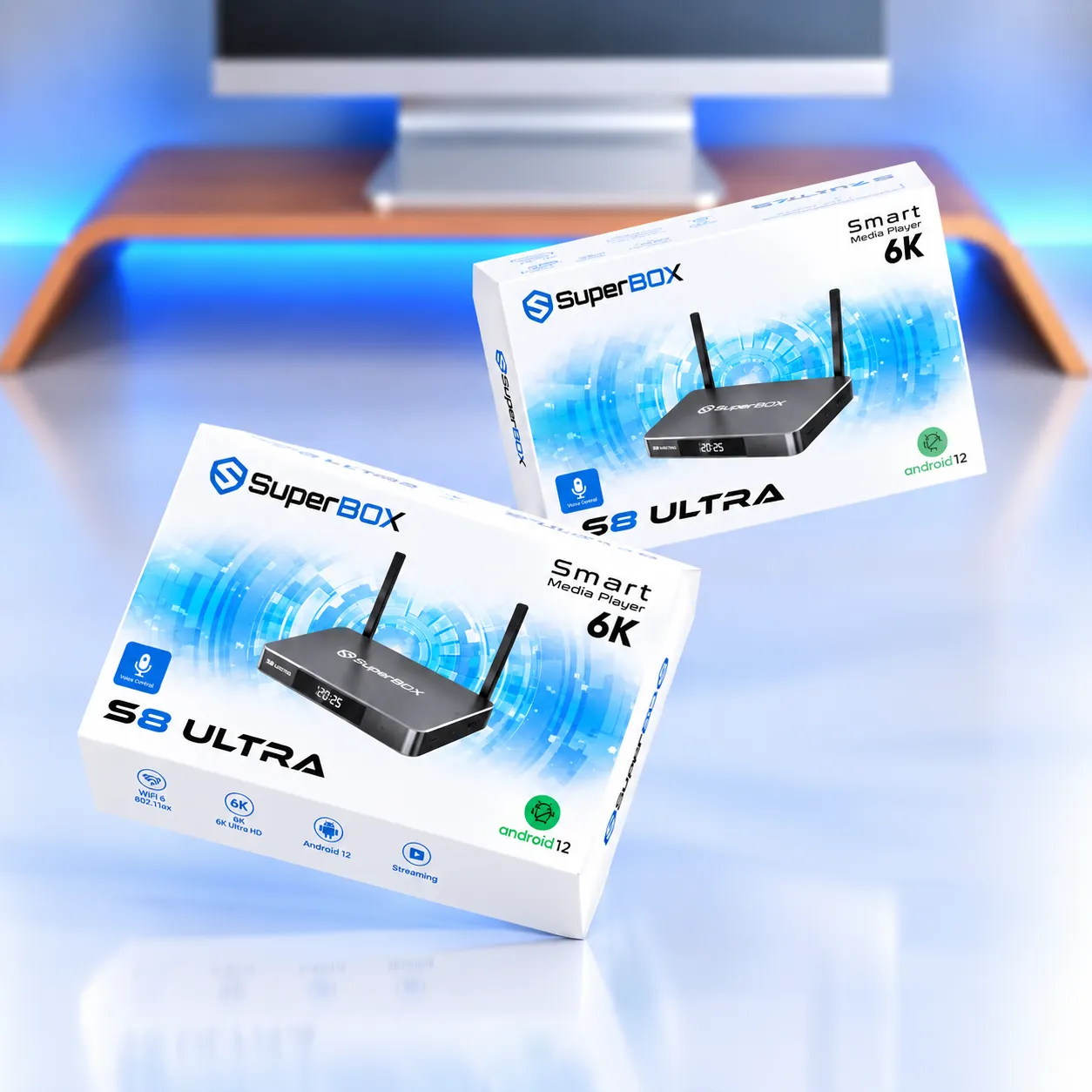
The SuperBox S8 Ultra retail package includes the hardware and basic accessories required to connect the device to a compatible television and power source.
- SuperBox S8 Ultra: Media player with 4GB DDR RAM and 128GB eMMC storage.
- RC-200L remote: Backlit voice remote control.
- HDMI cable: Cable for connecting the box to a compatible television.
- USB Type-C power adapter: DC 5V/2A power supply.
- User guide: Setup and basic operation instructions.
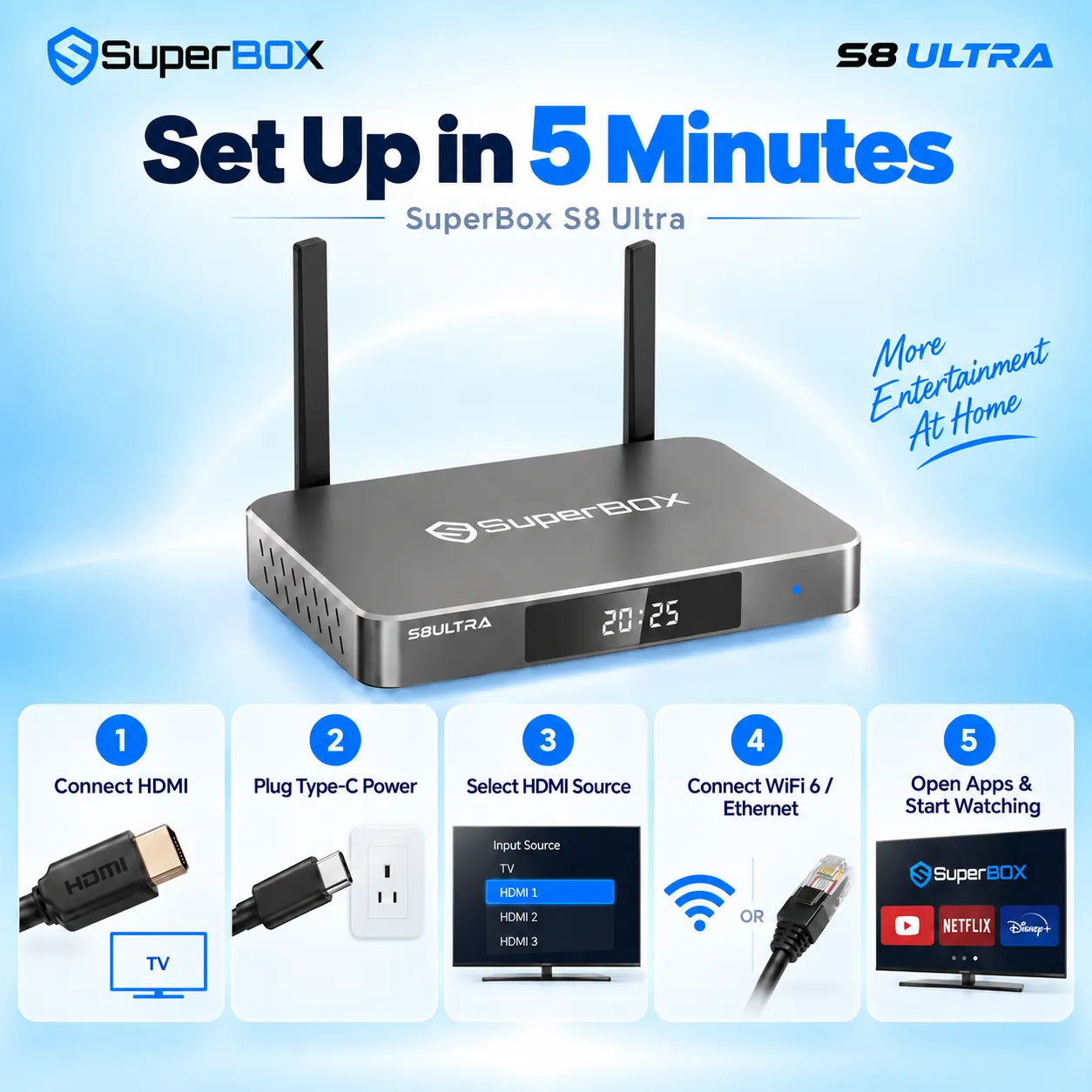
How to set up the SuperBox S8 Ultra?
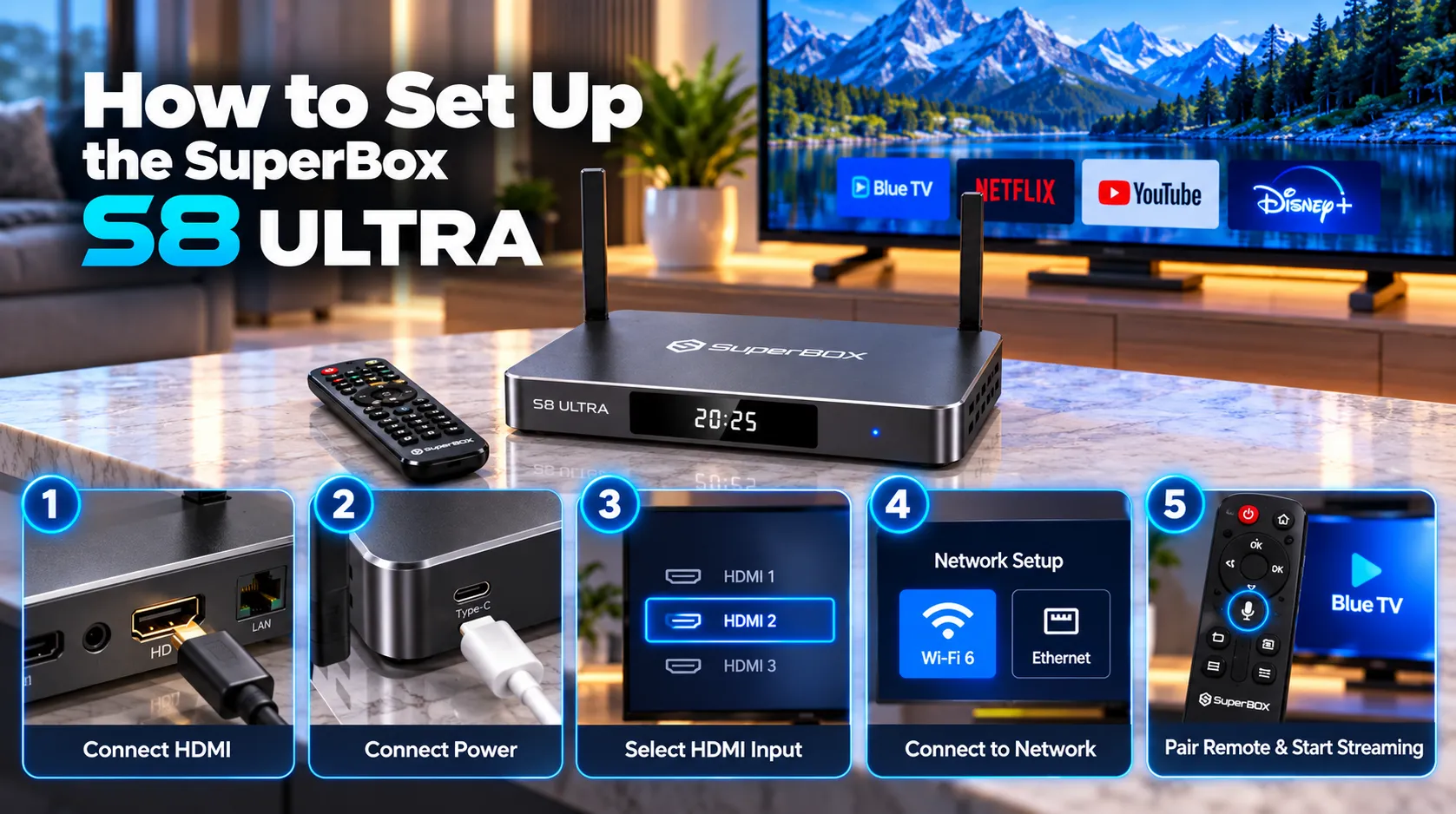
- Connect the SuperBox S8 Ultra to an available HDMI port on your television using the included HDMI cable.
- Connect the USB Type-C power lead to the box and the supplied DC 5V/2A adapter, then plug the adapter into a suitable outlet.
- Turn on the television and select the HDMI input connected to the SuperBox S8 Ultra.
- Follow the on-screen prompts and connect the box to Wi-Fi 6 or a network through Gigabit Ethernet.
- Pair or set up the RC-200L voice remote if prompted, then open the SuperBox App Store to install compatible apps such as Blue TV, Blue VOD, and Playback.
Why buy the SuperBox S8 Ultra from SuperBox for Sale?
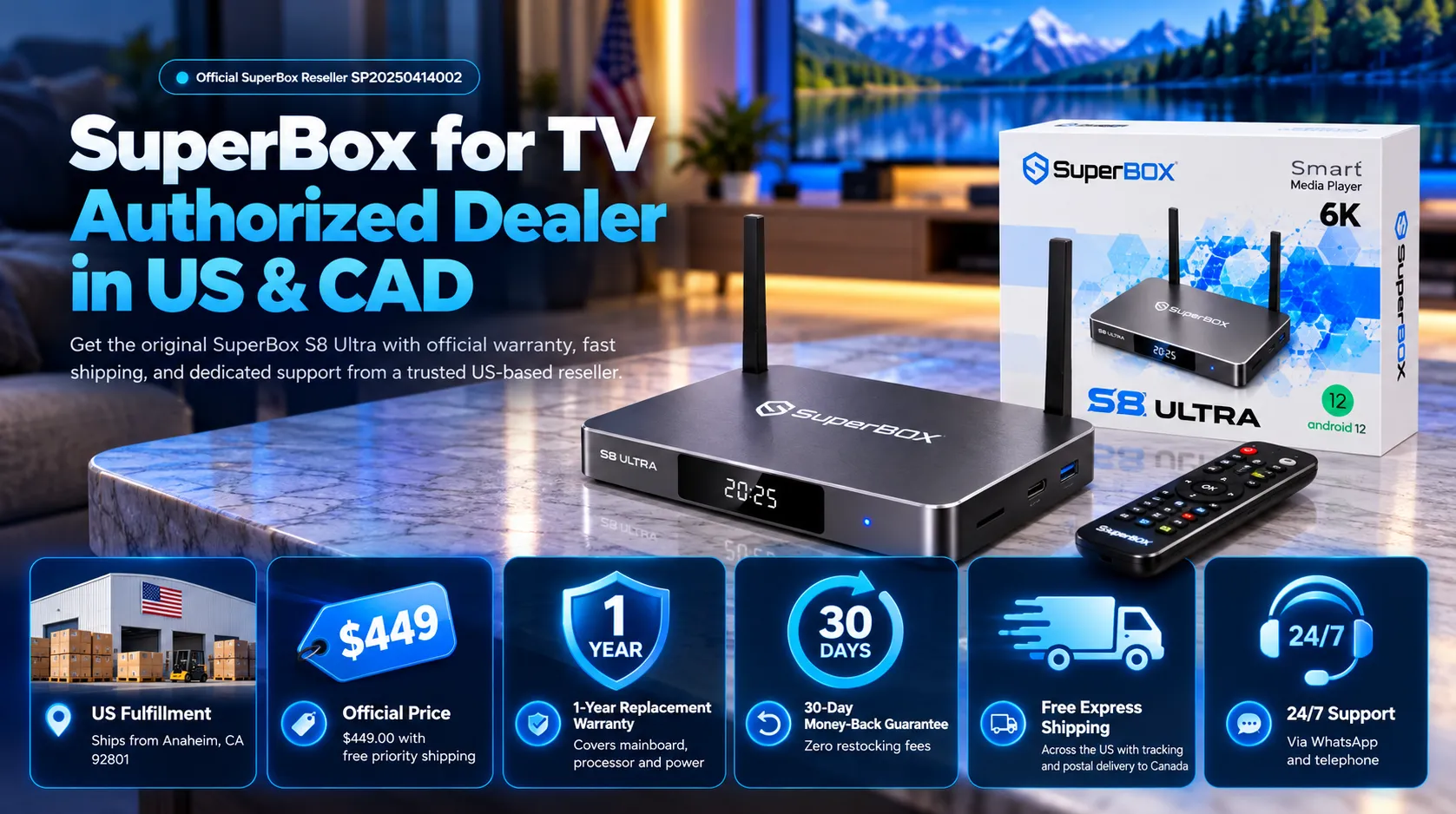
SuperBox for Sale supplies authentic SuperBox hardware from its distribution facility at 13951 Pipeline Ave, Chino, CA 91710, USA. The SuperBox S8 Ultra is listed at $449, is in stock, and is prepared for dispatch within 24 business hours.
- Free shipping: Free tracked express shipping to the United States and Canada, with estimated delivery in 2 to 5 business days.
- Technical support: Get 24/7 technical assistance through WhatsApp at +1 (945) 254 6147 and support@superboxforsale.com.
- 30-day money-back guarantee: Review the published return policy and its terms before ordering.
- 1-year hardware replacement warranty: Hardware replacement coverage is supported by the customer care team in Chino, California.
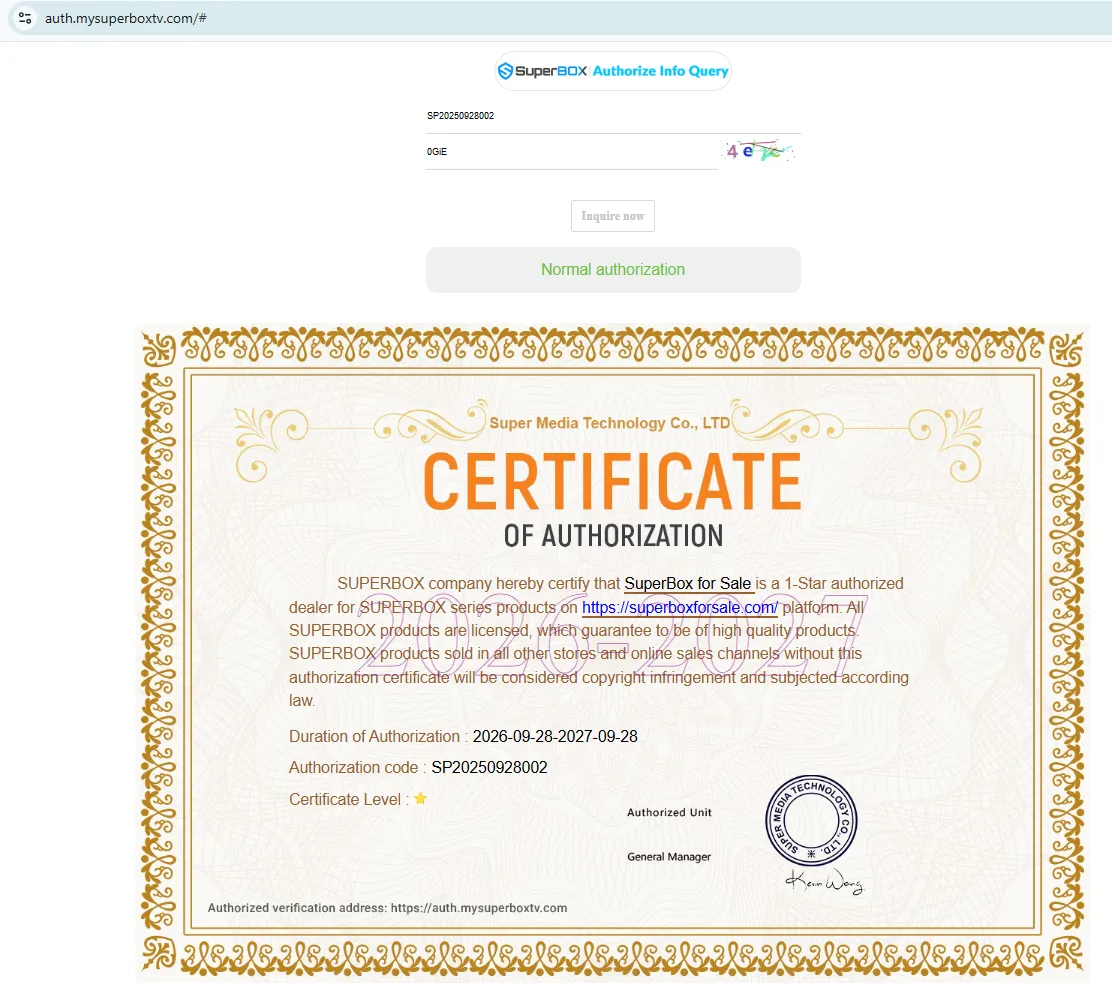
- Authentic hardware: SuperBox for Sale identifies itself as an authorized reseller and provides product support for genuine SuperBox devices.
SuperBox for Sale is a leading authorized dealer of SuperBox, specializing in the supply of genuine SuperBox TV boxes Series S6, S7, and S8 in the US & CAD.

Frequently asked questions
Does the SuperBox S8 Ultra support Picture-in-Picture and Multi-View?
Yes. SuperBox S8 Ultra supports PiP and full-channel Multi-View across supported channels. Actual multi-stream use depends on channel, app, and source compatibility.
Where are SuperBox S8 Ultra recordings stored?
SuperBox S8 Ultra can save supported recordings to its 128GB internal storage or a compatible USB 3.0 drive where the Recorder app permits external storage. Recording time depends on available space.
How many channels support 7-Day Playback?
SuperBox 7-Day Playback supports approximately 86 to 87 channels for catch-up or rewind for up to seven days. Availability depends on the channel and program.
Does the SuperBox S8 Ultra require a monthly hardware subscription?
The SuperBox S8 Ultra is a one-time hardware purchase with no recurring SuperBox hardware subscription fee. Third-party applications may have their own account requirements or charges.
What warranty and shipping does SuperBox for Sale provide?
SuperBox for Sale lists a 1-year hardware replacement warranty, a 30-day money-back guarantee, and free tracked express shipping to the United States and Canada with estimated 2 to 5 business day delivery.

There are no customer reviews yet. Be the first to review this product.