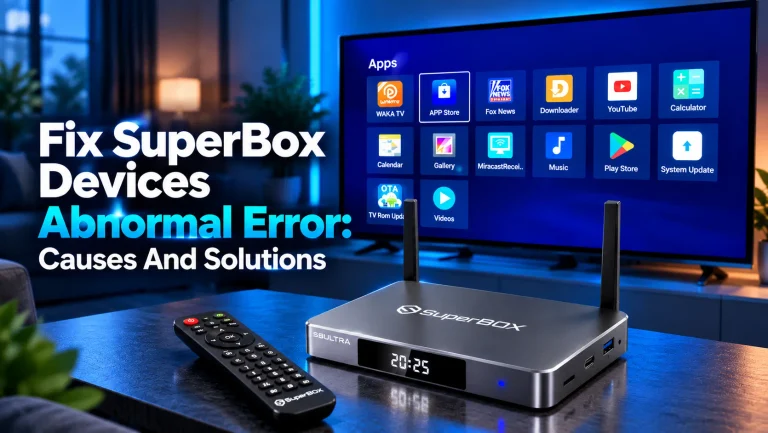
Fix SuperBox Devices Abnormal Error: Causes and Solutions [2027]
To fix SuperBox devices abnormal error alerts, synchronize your system clock to network time. You can also clear the App...
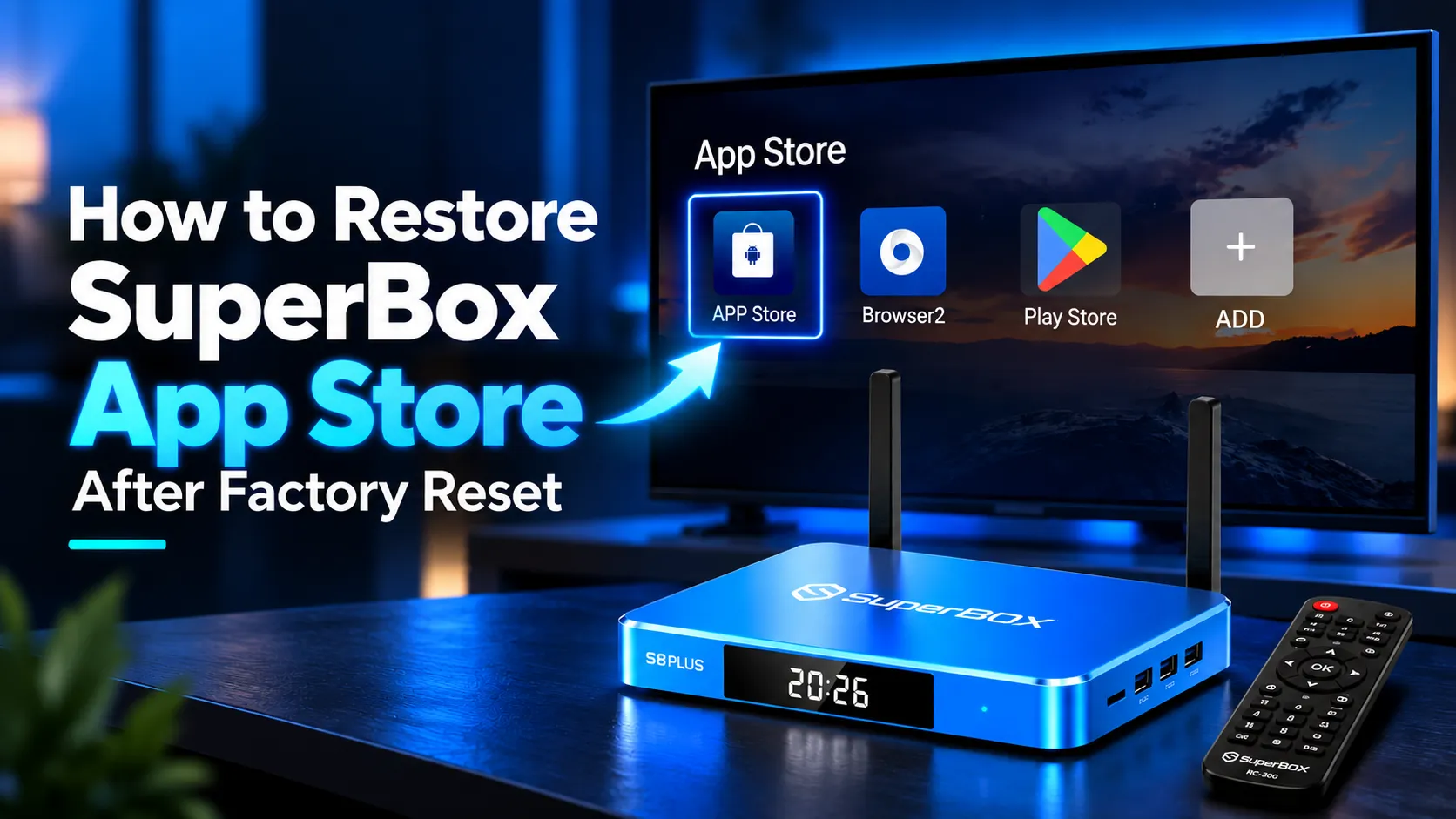
To restore the SuperBox App Store after a factory reset, open your browser and enter 143326.cc in the address bar...
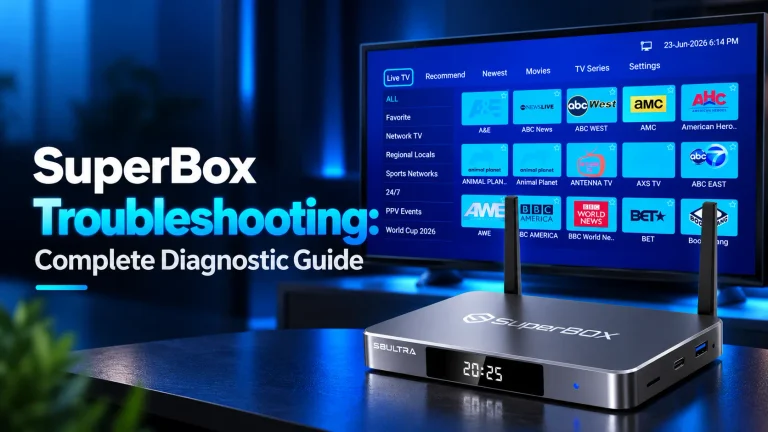
SuperBox troubleshooting follows a structured 5-tier diagnostic sequence. Start by clearing application cache, power cycling for 60 seconds, and verifying...
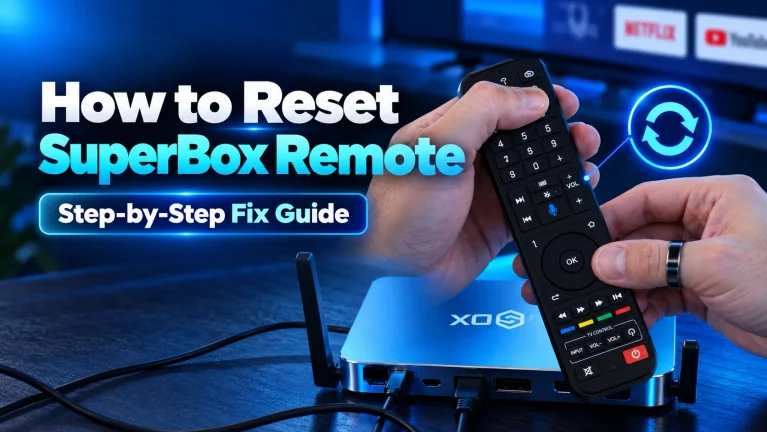
To reset your SuperBox remote, remove both AAA batteries and hold the Power button for 15 seconds to discharge residual...
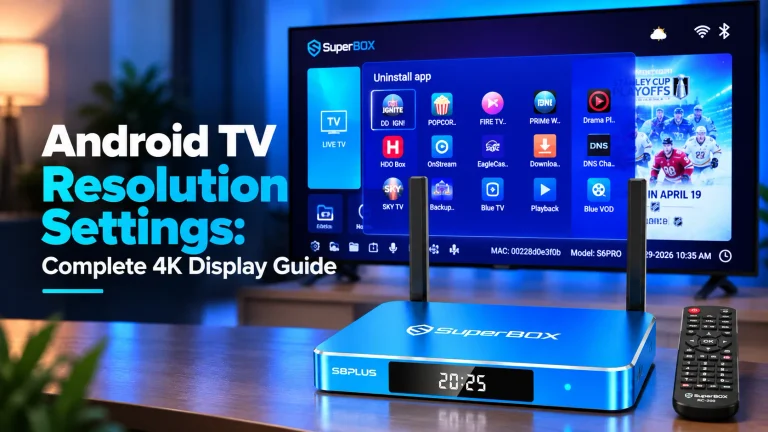
Android TV resolution settings control video output dimensions and refresh rates for your television. To optimize display settings on SuperBox,...
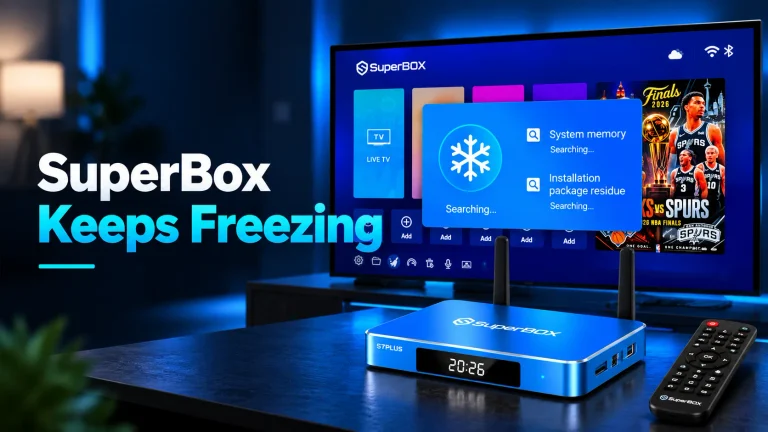
When your SuperBox keeps freezing, clear application cache by opening Settings, clicking Apps, selecting Blue TV, and choosing Clear Cache....
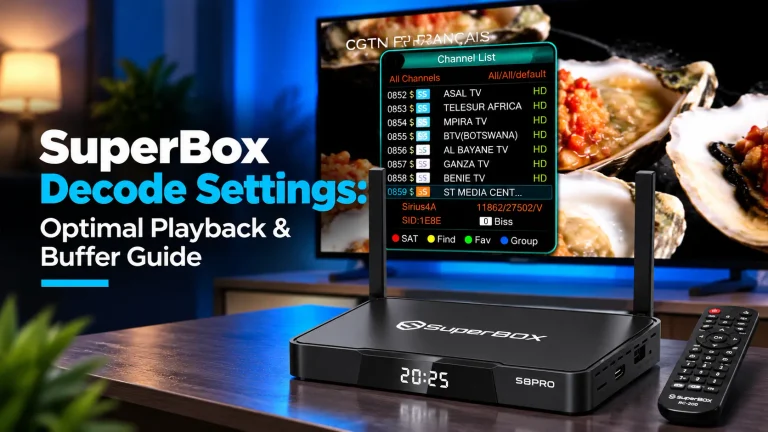
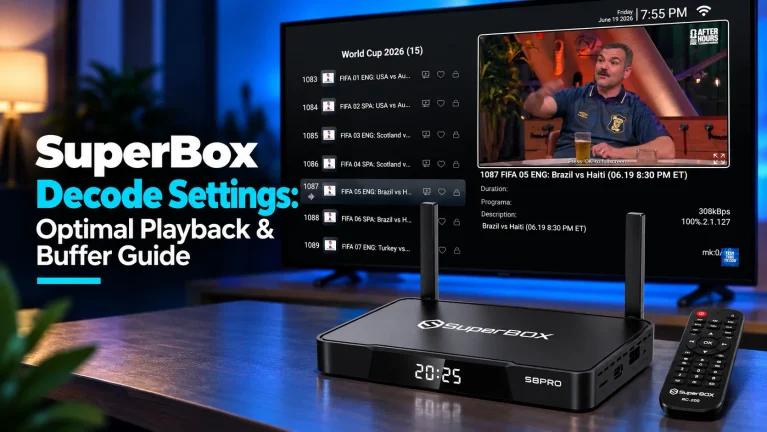
SuperBox decode settings determine how your console processes live television and on-demand video streams. To adjust decode settings, press the...
Fix Blue TV not working on SuperBox. Step-by-step solutions for 98% stuck loading screens, clear cache and data, DNS fix,...
To program your SuperBox remote to your TV, press and hold the white TV Power button for 5 seconds until...
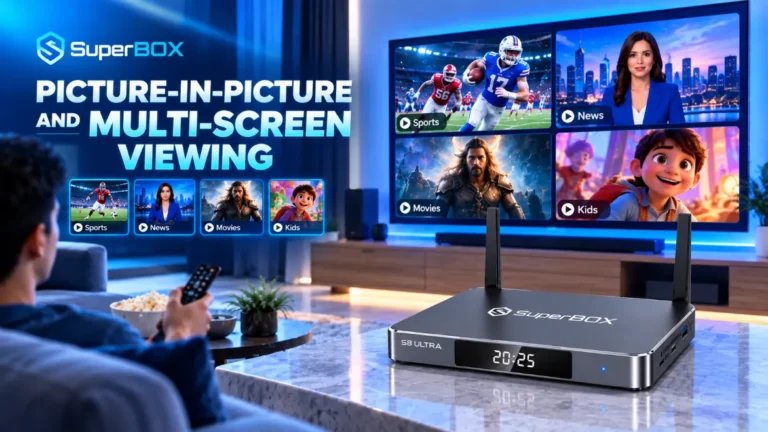
Learn how to use multi-screen on SuperBox. Step-by-step split screen guide to watch multiple live sports games simultaneously on S7...