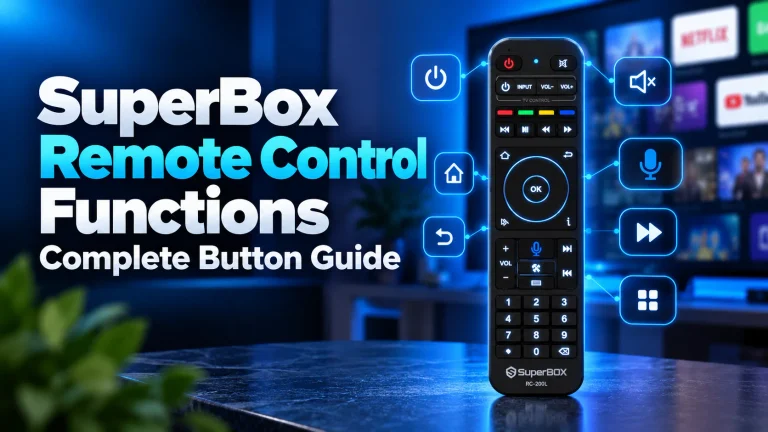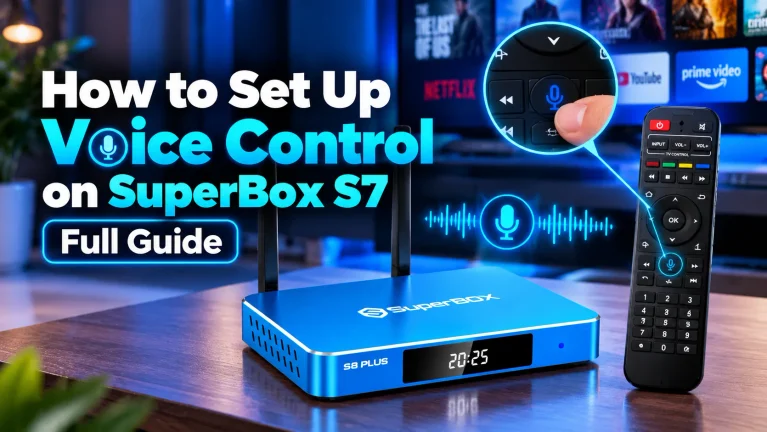
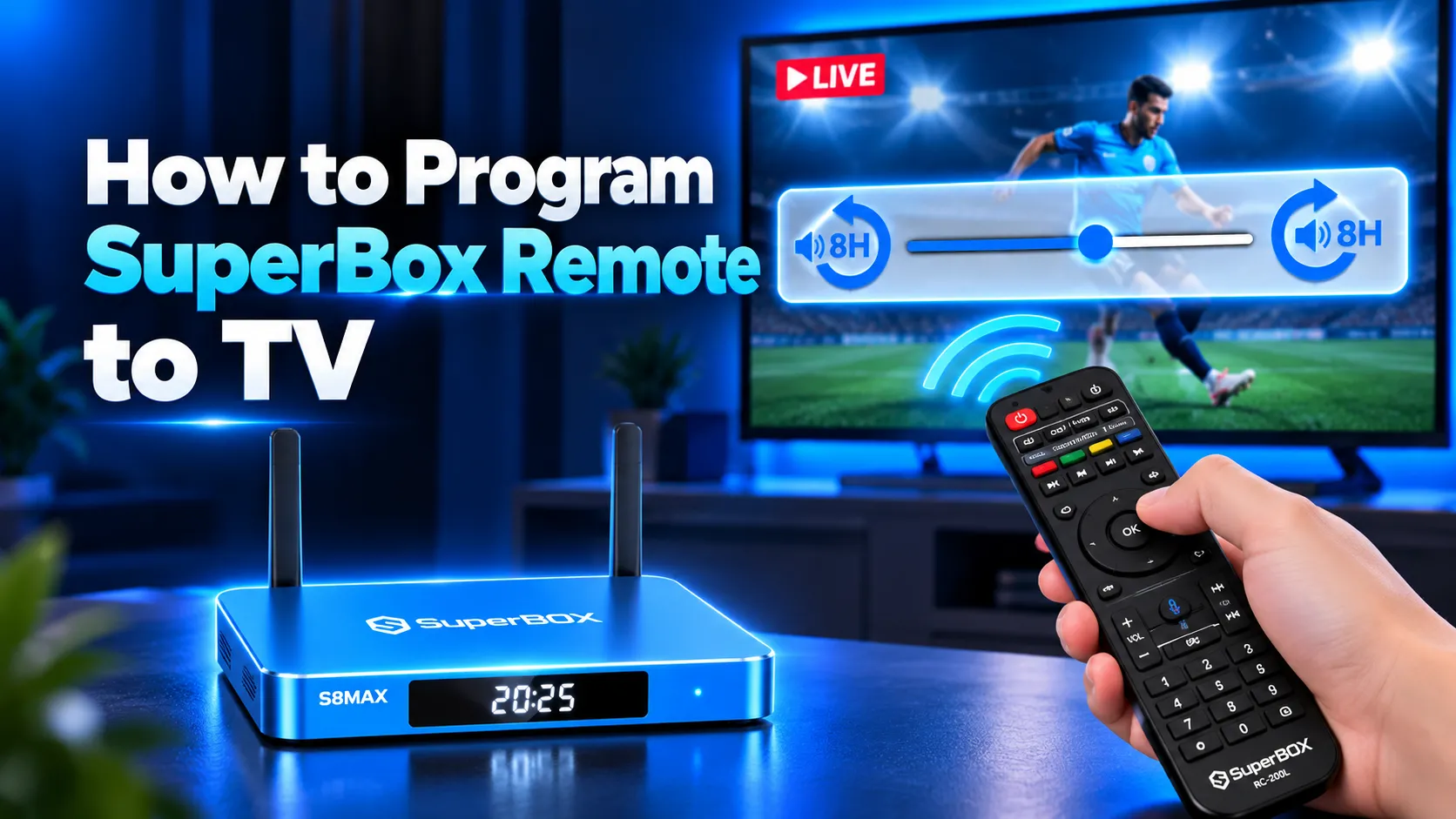
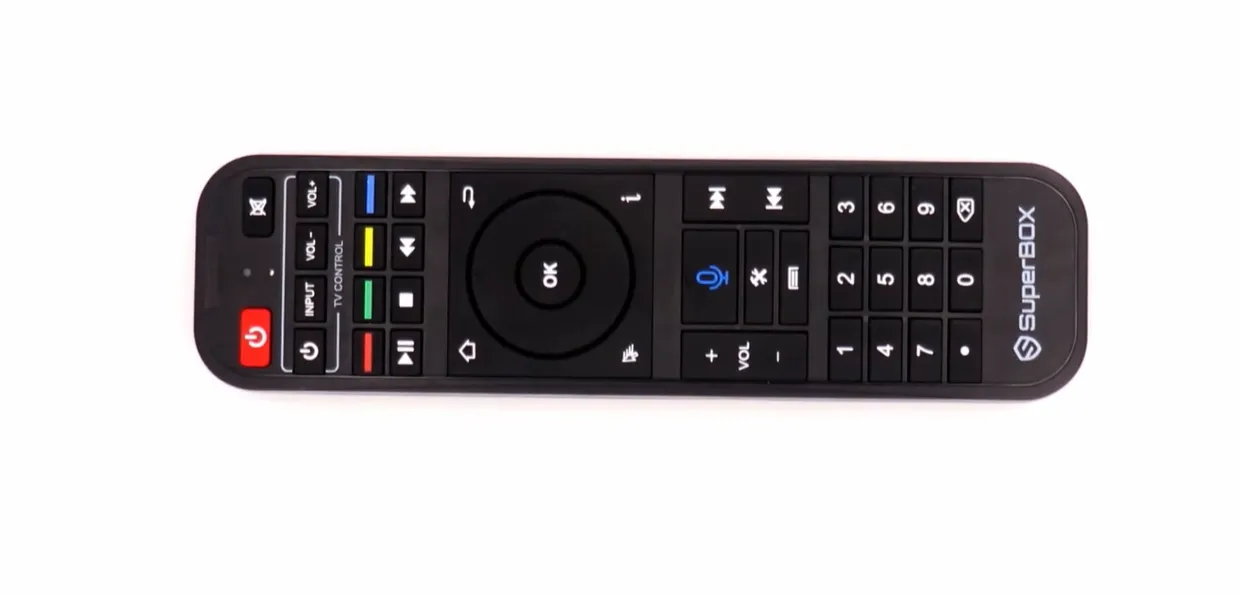
To program your SuperBox remote to your TV, press and hold the white TV Power button for 5 seconds until the red indicator LED turns solid. Position both remotes head-to-head 1 to 3 centimeters apart. Press the target button on the SuperBox remote, then press the matching button on your original television remote until the light flashes 3 times.
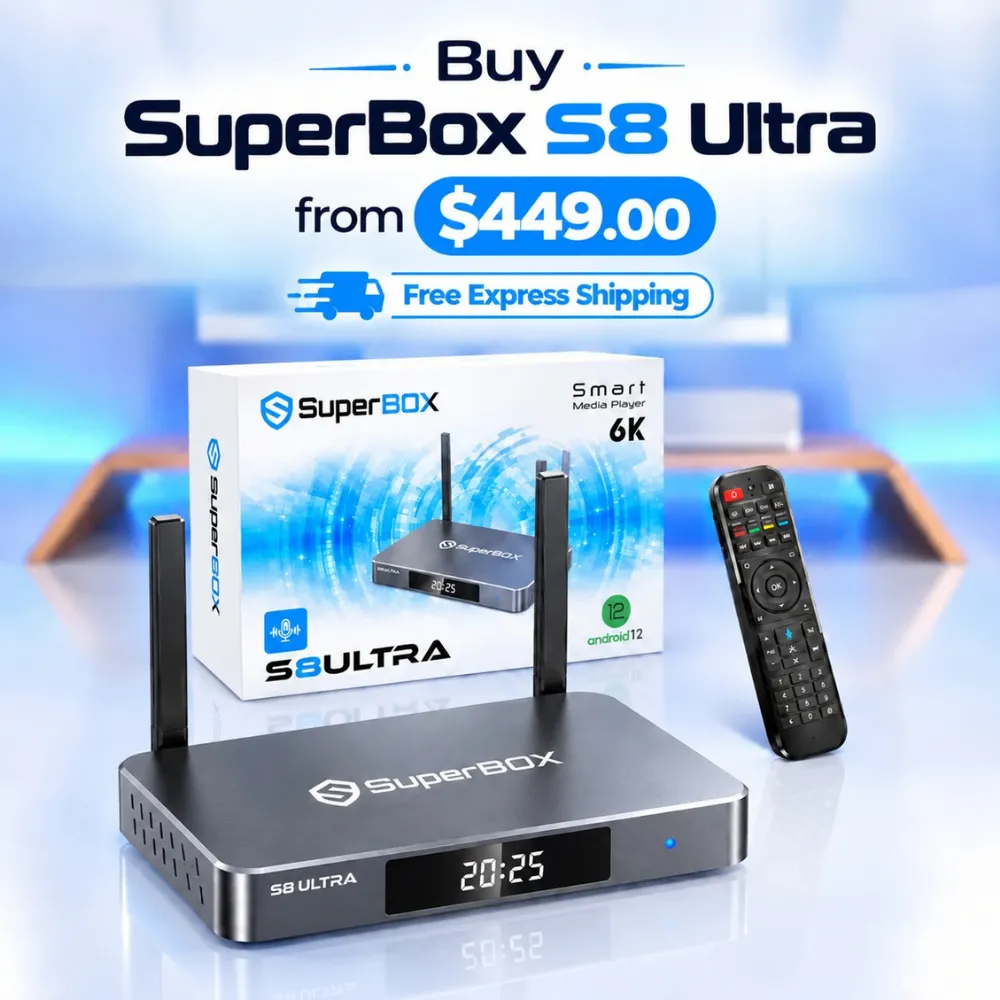
Once programmed, the white TV Control zone directly operates your television power, audio volume, and input source without needing a second controller. For streamers who prefer illuminated keys in dark rooms, the flagship SuperBox S8 Ultra priced at $449 includes the upgraded RC-200L backlit remote with enhanced infrared transmission.
Quick Takeaways & Key Highlights
- Hardware Zone: White outlined TV Control area at the top houses four programmable infrared learning keys.
- Direct Cloning: Clones signals directly from original manufacturer television or soundbar remotes.
- Dual Functionality: Operates television power via infrared while controlling SuperBox streaming via Bluetooth.
- Alignment Distance: Remotes must face head-to-head within 1 to 3 centimeters during signal learning.
- Exit Sequence: Pressing the OK button or waiting 10 seconds saves programmed codes automatically.
What is SuperBox infrared learning zone?
The top section of the SuperBox remote features a distinct white border labeled TV Control. This dedicated zone contains four programmable keys designed to replace your primary television remote control.
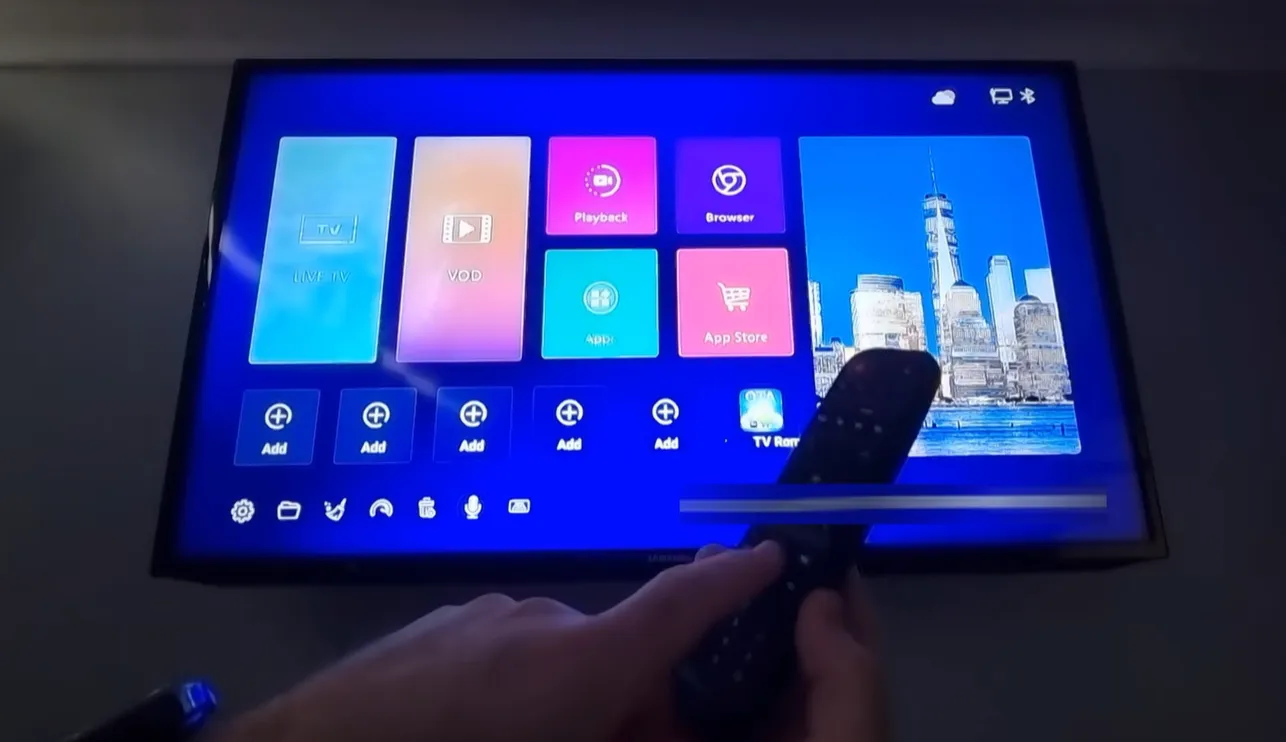
Unlike standard universal remotes that require complex brand digit codes, SuperBox remotes utilize optical infrared learning. The remote captures raw light pulses directly from the infrared diode of your original television controller.
| Programmable Button | Standard Television Function | Alternative Audio Option | Transmission Technology |
|---|---|---|---|
| TV Power (White Key) | Powers television screen on and off | Dedicated television master power switch | Directional Infrared (IR) |
| TV IN / Source | Toggles HDMI 1, HDMI 2, or AV inputs | Selects active input on television display | Directional Infrared (IR) |
| Volume + (Vol Up) | Increases television internal speaker volume | Increases external soundbar or receiver audio | Directional Infrared (IR) |
| Volume – (Vol Down) | Decreases television internal speaker volume | Decreases external soundbar or receiver audio | Directional Infrared (IR) |
The remaining buttons on the remote control the Android operating system and Blue TV media applications. These upper four keys operate independently, allowing you to manage your television display without disrupting console playback.
Step-by-step guide to program SuperBox remote to TV
Programming your remote takes less than two minutes when following the correct learning sequence. Ensure both remotes have fresh alkaline batteries installed before starting the programming process.
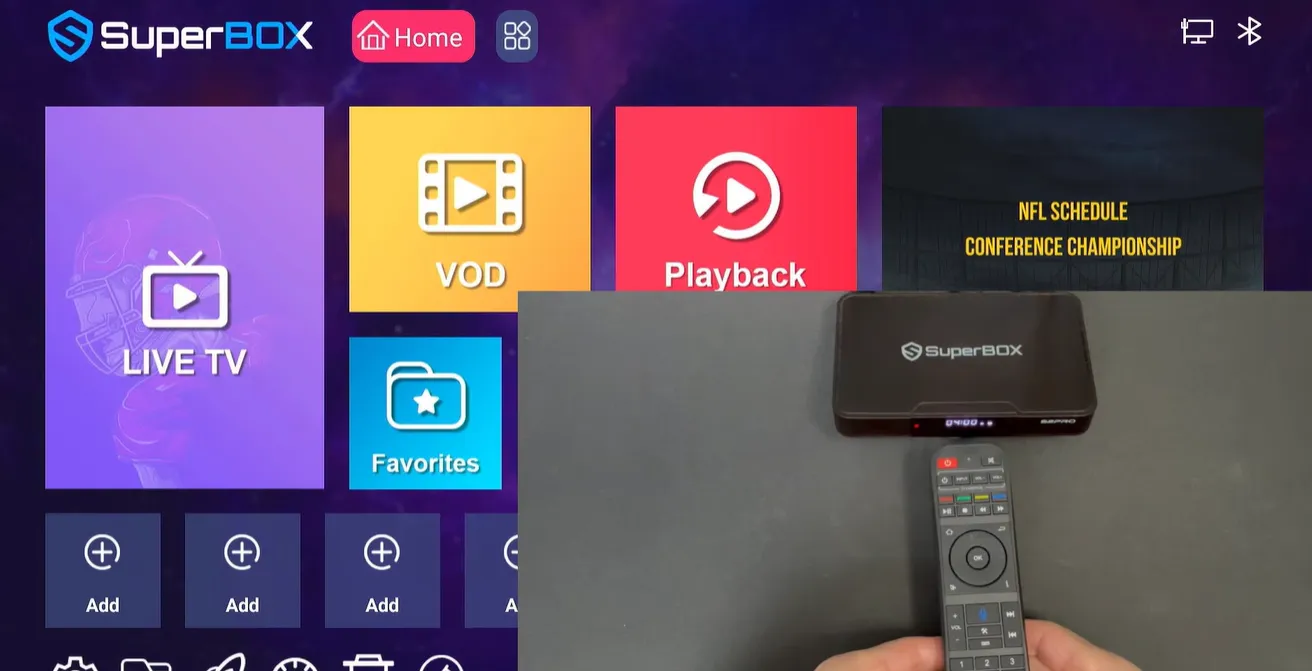
After pressing the OK button, the red LED indicator light turns off. Test each programmed key by pointing the remote directly at your television screen to verify responsive control.
Programming volume buttons to an external soundbar or audio receiver
Many home theater owners connect their SuperBox console to a soundbar or surround sound audio receiver. You can program the volume keys to manage your external audio system while keeping the power button assigned to your television.
To program your audio receiver, enter learning mode by holding the white TV Power button for 5 seconds. When the indicator turns solid red, press the Volume Up button on the SuperBox remote so the light blinks slowly.
Aim your soundbar remote at the SuperBox remote and hold its Volume Up button until the LED flashes 3 times. Repeat this sequence for Volume Down using your soundbar remote. Press OK to save, enabling unified audio management without extra remotes.
Video demonstrations of SuperBox remote programming
Watching the optical learning process in real time prevents alignment mistakes and timing errors. Review this comprehensive demonstration from JasonTech showing how to program television and soundbar functions.
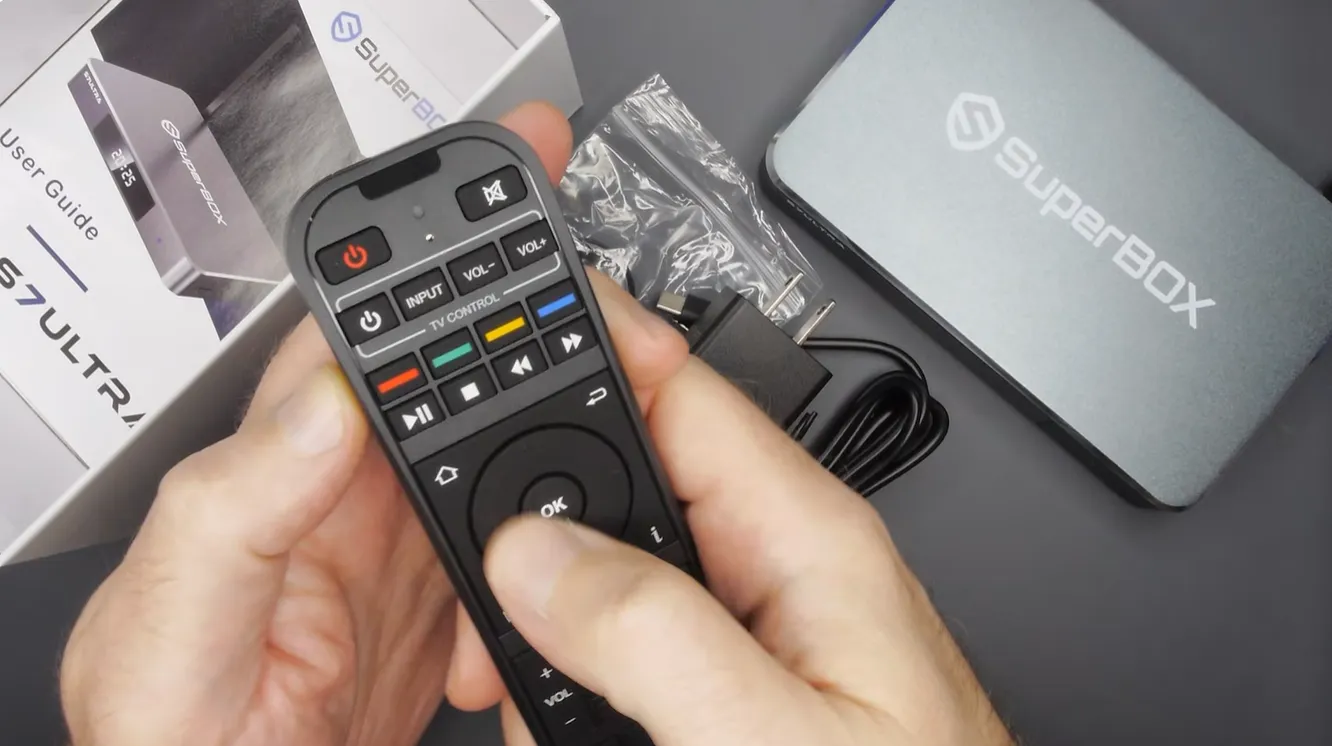
For an additional visual reference covering television input switching and quick button verification, watch this community tutorial by Super Streamer.
Critical tips for successful infrared remote programming
Community users on Reddit and streaming forums often share practical insights to overcome common programming hurdles. Following these technical recommendations ensures seamless code transfer on your first attempt.
Always use your original manufacturer television remote control rather than a third-party universal remote. Original remotes transmit clean, standardized infrared pulses that the SuperBox optical sensor captures with high fidelity.
Avoid programming remotes directly beneath strong sunlight or bright fluorescent lamps. Intense external lighting can overwhelm the sensitive infrared receiver diodes, resulting in failed code recognition or corrupted signal storage.
Check battery levels before initiating setup. Weak AAA batteries in either remote reduce infrared signal strength, causing the SuperBox LED to flash 5 times in an error sequence instead of saving the command.
Troubleshooting SuperBox remote TV programming errors
Why does the red indicator light flash 5 times rapidly during learning?
Rapid flashing indicates signal capture failure caused by poor alignment or distance. Re-align the remote emitters exactly 1 to 2 centimeters apart and hold the television key firmly until the light turns solid.
Why does the programmed power button turn off the TV but not the box?
The white TV Power button is designed exclusively for television hardware. Use the red Power button located outside the white box to put your SuperBox console into sleep or standby mode.
Can you reprogram an individual button without erasing other keys?
Yes, you can reprogram individual buttons independently. Enter learning mode by holding TV Power for 5 seconds, select only the specific button you wish to update, transmit the new signal, and press OK to save.
Why does your smart TV remote fail to send infrared signals?
Modern smart remotes transmit commands over Bluetooth rather than infrared light. Refer to your television settings menu to switch your remote into infrared compatibility mode before attempting code programming.
Why upgrading to the SuperBox S8 Ultra delivers the best home theater control
Tired of searching for unlit remote buttons in darkened home theaters? Upgrading to the flagship SuperBox S8 Ultra priced at $449 delivers an unrivaled television streaming experience.
The S8 Ultra includes the next-generation RC-200L backlit remote control featuring high-grade silicone keys. The buttons illuminate automatically upon touch, making nighttime channel navigation effortless and comfortable.
Equipped with 4GB DDR RAM and 128GB high-speed internal storage, the S8 Ultra delivers lightning-fast channel tuning. Sports enthusiasts can utilize Quad Multi-View shortcuts to stream four simultaneous sporting events on a single display.
Its aircraft-grade aluminum chassis ensures efficient heat dissipation, maintaining cool operating temperatures below 38.5 degrees Celsius. Investing $449 eliminates monthly cable bills permanently while providing top-tier streaming hardware.
Where to buy authentic SuperBox with warranty coverage
When investing in an authentic streaming console, purchasing from an authorized distributor like SuperBox TV Box guarantees genuine hardware and active server licensing. Our distribution center is located at 13951 Pipeline Ave, Chino CA 91710, led by founder Riley Cooper.
Every purchase includes comprehensive domestic customer support and direct manufacturer warranty coverage:
- Free Shipping: Fast 2 to 5 business day delivery across the United States and Canada with full real-time package tracking via FedEx or USPS.
- 24/7 Technical Support: Dedicated technical specialists available 24/7 via live chat and email for troubleshooting assistance.
- 30-Day Money-Back Guarantee: Hassle-free return policy if you are not completely satisfied with your streaming hardware performance.
- 1-Year Manufacturer Warranty: Full replacement coverage safeguarding against any hardware defects or system component failures supported directly by our customer care center in Chino, California.
- 100% Authentic Hardware: Direct factory units guaranteed genuine without modified firmware, unauthorized alterations, or security risks.
SuperBox for Sale is a leading authorized dealer of SuperBox, specializing in the supply of genuine SuperBox TV boxes Series S6, S7, and S8 in the US & CAD.
Frequently asked questions about programming SuperBox remotes
Do you need line of sight when using programmed TV buttons?
Yes, programmed television buttons operate via directional infrared light waves. You must point the front of the remote toward your television screen to transmit power, volume, and input commands successfully.
Will changing remote batteries erase programmed television codes?
No, programmed television commands are stored in non-volatile onboard memory. Replacing depleted AAA batteries does not erase your television codes, allowing immediate operation upon battery replacement.
Can you program the SuperBox remote to operate a projector?
Yes, any home theater projector that uses standard infrared signals can be programmed. Follow the identical learning procedure using your original projector remote to copy power and input keys.
Experience Unrivaled Streaming Performance with SuperBox
Discover lightning-fast quad-core processing, dual-band Wi-Fi 6, 7-day playback, and crisp 6K ultra HD output engineered for discerning media fans.