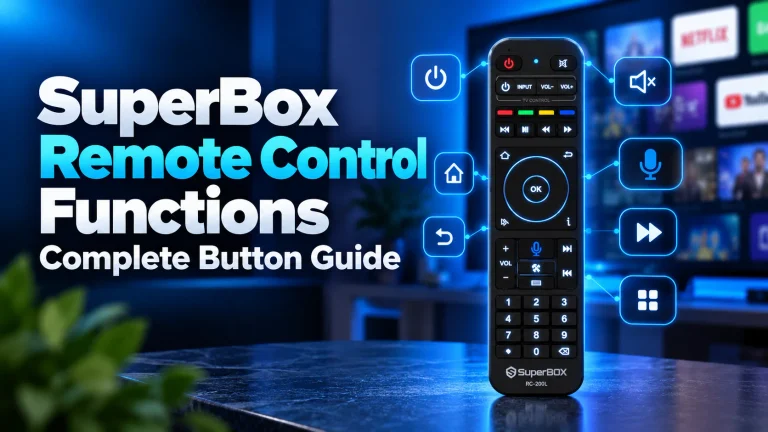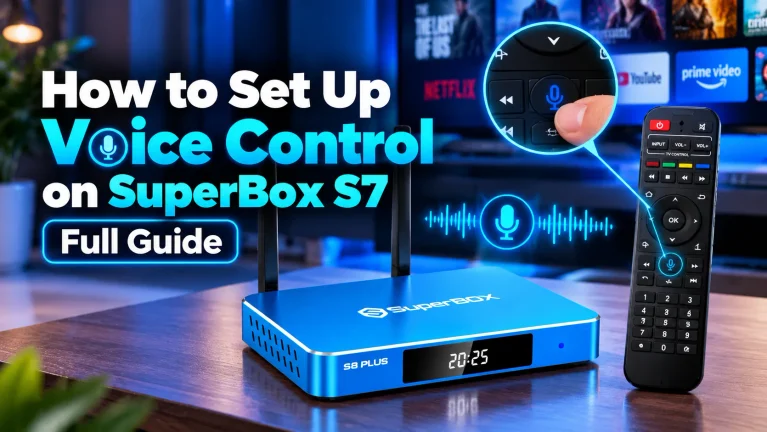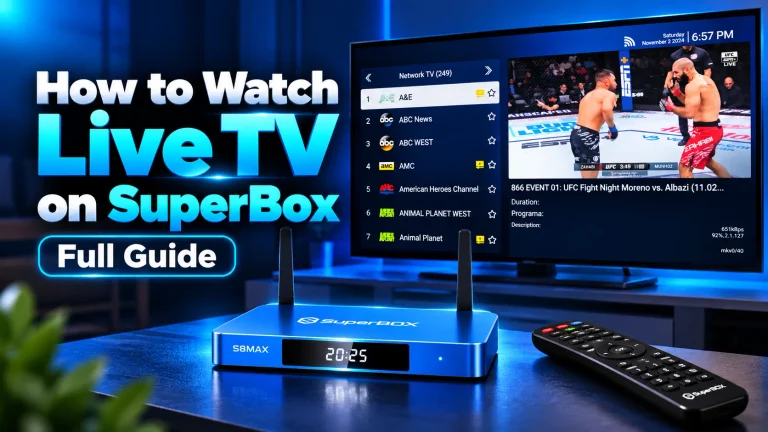
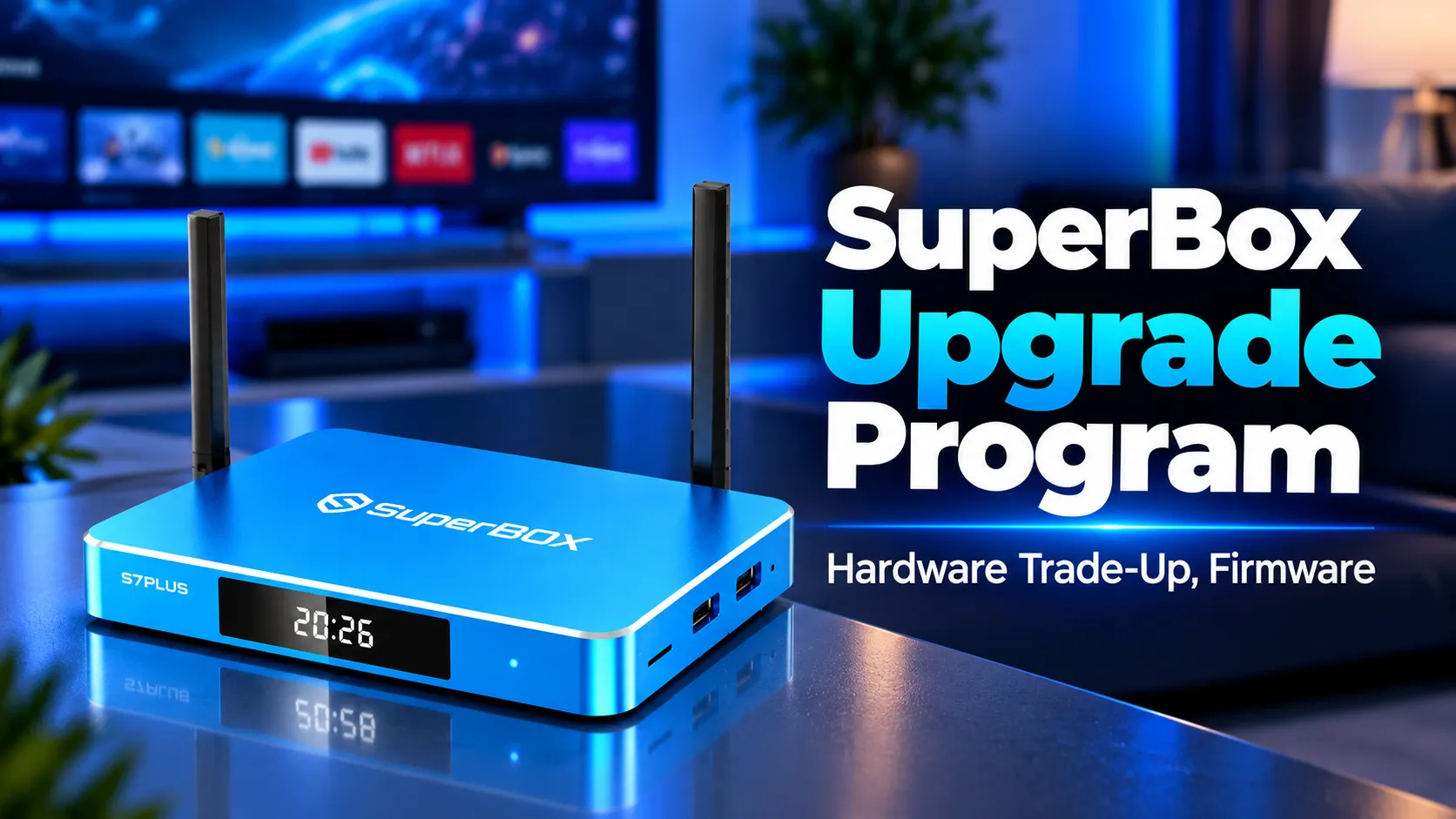
The SuperBox upgrade program provides two distinct solutions for cord-cutters seeking peak streaming performance. Long-time users can refresh their active systems through free over-the-air firmware updates, or transition older hardware to current flagship consoles through authorized distributor loyalty trade-up programs. At SuperBox for Sale, our team frequently helps streaming households navigate these upgrade paths to eliminate video buffering, expand internal app storage, and maintain uninterrupted television access.
Quick Summary: Two Essential Upgrade Tracks
- Over-The-Air Software Track: 100% free system updates via TV ROM Updater and the native App Store to refresh streaming codecs, patch system stability, and resolve launcher bugs.
- Hardware Trade-Up Track: Generational upgrades replacing aging 32-bit consoles (S1, S2, S3, S4) with high-performance flagships (S6, S7, S8) featuring Android 12, 4GB RAM, and Wi-Fi 6.
- Zero Renewal Fees: Authentic SuperBox receivers never charge monthly, annual, or service renewal fees. Any third-party demand for a paid upgrade license is a confirmed fraud.
- Distributor Loyalty Discounts: Existing owners qualify for $30 to $60 loyalty credits when modernizing hardware through verified distributors like SuperBox for Sale.
- Multi-Room Longevity: Because SuperBox hardware authenticates via independent device MAC addresses, retired units can transition to secondary bedrooms or home workshops.
How Does the SuperBox Upgrade Program Work?
The SuperBox upgrade program operates across two distinct pathways: free over-the-air software maintenance for existing receivers, and authorized hardware trade-up discounts for replacing aging physical units. Understanding the clear distinction between software maintenance and physical hardware replacement prevents consumer confusion and protects cord-cutters from aggressive online scams.
Software maintenance keeps your current device operational without purchasing new hardware. SuperBox regularly distributes firmware patches through its content delivery network to update core media players, optimize video decoding algorithms, and refresh system stability. These updates cost zero dollars and deploy automatically over your residential broadband connection.
Hardware trade-up addresses physical silicon limitations that software updates cannot overcome. Older receivers with outdated dual-core or quad-core processors, 2GB RAM limits, and obsolete Android builds cannot run modern high-bitrate video streams smoothly. Upgrading the physical box provides faster processors, larger storage capacities, and modern network interfaces.
SuperBox does not operate a centralized corporate mail-in exchange facility. Instead, the manufacturer relies on its certified distributor network to manage customer loyalty incentives. As an authorized distributor based in Chino, California, SuperBox for Sale provides dedicated trade-up coupons, software migration assistance, and complete customer support for existing owners.
How Have SuperBox Hardware Generations Evolved?
SuperBox hardware has evolved through four major technological phases since the platform launched. Examining this engineering progression demonstrates why older units face architectural constraints when handling modern ultra-high-definition streaming demands.
| Generation Model Tier | Operating System | RAM and Internal Storage | Network Connectivity | Video Decoding Standards | Recommended Action |
|---|---|---|---|---|---|
| SuperBox S1 and S2 Series | Android 7.0 Nougat | 2GB DDR3 RAM / 16GB eMMC | 100M Fast Ethernet / Wi-Fi 4 | H.264 up to 1080p Full HD | Critical hardware trade-up advised |
| SuperBox S3 and S4 Series | Android 9.0 Pie | 2GB DDR3 RAM / 32GB eMMC | 100M Fast Ethernet / Dual-band Wi-Fi 5 | H.265 / HEVC 4K at 30fps | Moderate trade-up recommended |
| SuperBox S5 Max and S6 Series | Android 10 (S5) / Android 12 (S6) | 4GB DDR RAM / 32GB-128GB eMMC | 1000M Gigabit Ethernet / Wi-Fi 6 | H.265 4K at 60fps / VP9 Profile 2 | Maintain with regular OTA updates |
| SuperBox S7 and S8 Flagships | Android 12 Snow Cone | 4GB DDR RAM / 64GB to 128GB eMMC | 1000M Gigabit Ethernet / Wi-Fi 6 Dual Antenna | AV1, H.265, VP9 up to 6K and 8K at 60fps | Current high-performance standard |
Early hardware tiers like the SuperBox S1 and S2 relied on 32-bit ARM architectures and 2GB of DDR3 memory. While these specifications provided acceptable 1080p playback in past years, modern broadcast streams utilize advanced high-efficiency compression. Modern platforms require faster 64-bit multi-core processing to decode complex video streams without frame dropping.
Current flagships incorporate dedicated hardware decoders for the AOMedia Video 1 (AV1) open codec. Hardware AV1 decoding reduces bandwidth consumption by up to 30% compared to legacy codecs while delivering sharper visual fidelity. Legacy chipsets lack hardware AV1 silicon, forcing older units to execute inefficient software decoding that causes extreme system heat and buffering.
When Does Your SuperBox Require a Hardware Upgrade?
A hardware upgrade becomes necessary when physical hardware components reach their architectural limits. Distinguishing between simple internet connectivity problems and hardware obsolescence helps you invest wisely in your home entertainment setup.
Watch for four unmistakable technical indicators that your current receiver requires a generational trade-up:
- Persistent Buffering on High-Speed Broadband: If independent speed tests confirm your home internet exceeds 100Mbps yet live broadcasts continue to stutter, the local CPU is throttling due to memory exhaustion rather than network latency.
- Storage Full Errors and Application Crashes: Older 16GB consoles offer minimal headroom after accommodating operating system files and caching requirements. When free storage drops below 1.5GB, the device experiences severe launcher crashes and audio desynchronization.
- Operating System API Incompatibilities: Applications from the Google Play Store increasingly require Android 10 or newer. Receivers anchored to Android 7.0 or 9.0 cannot execute modern third-party streaming clients or security certificates.
- Excessive Operational Heat and Thermal Throttling: Running high-bitrate modern streams on older processors pushes silicon clock speeds to continuous maximum thresholds. This generates intense internal temperatures that degrade soldered board components over extended sessions.
If your device exhibits multiple symptoms from this list, applying firmware patches will deliver only temporary relief. Transitioning to a modernized console like the SuperBox S7 series or the latest S8 flagship restores instantaneous menu response and seamless live streaming.
How to Update SuperBox System Firmware and Apps
Updating SuperBox system firmware and native apps is completely free and requires only a few minutes using your remote control. Following the correct update sequence ensures your receiver installs both foundational operating system patches and updated media streaming interfaces.
Updating the TV ROM System Firmware
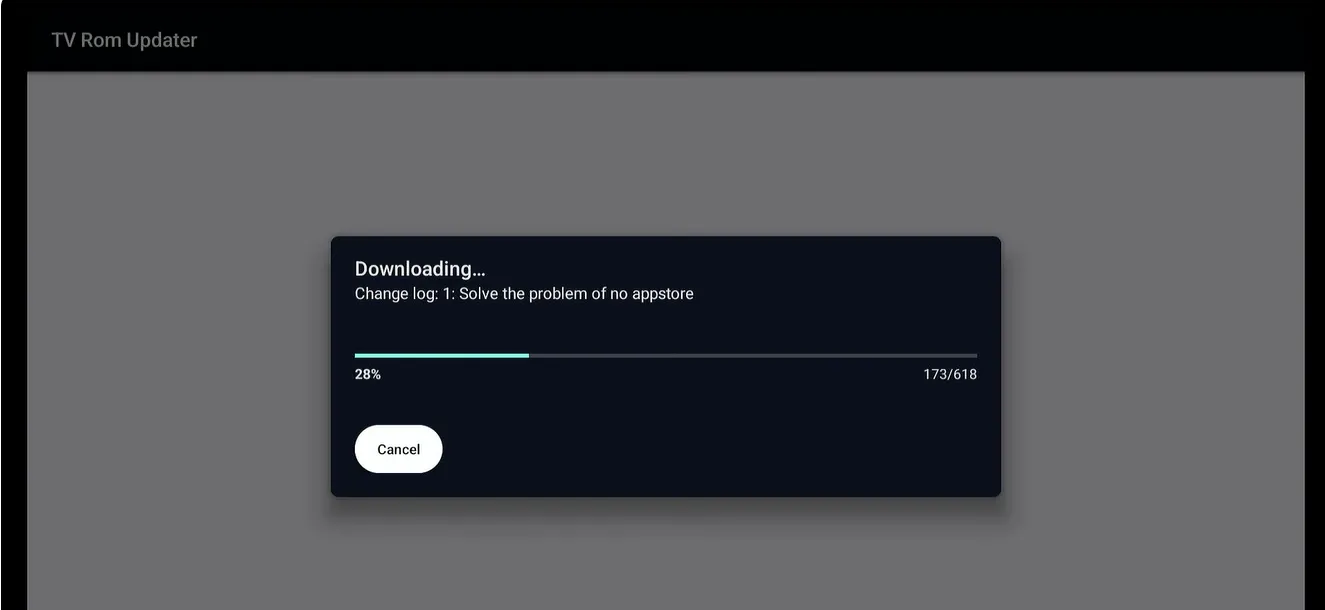
The TV ROM Updater manages your core operating system firmware, kernel optimizations, and low-level video driver libraries. Executing this update resolves underlying system glitches and ensures full compatibility with the official SuperBox content delivery network.
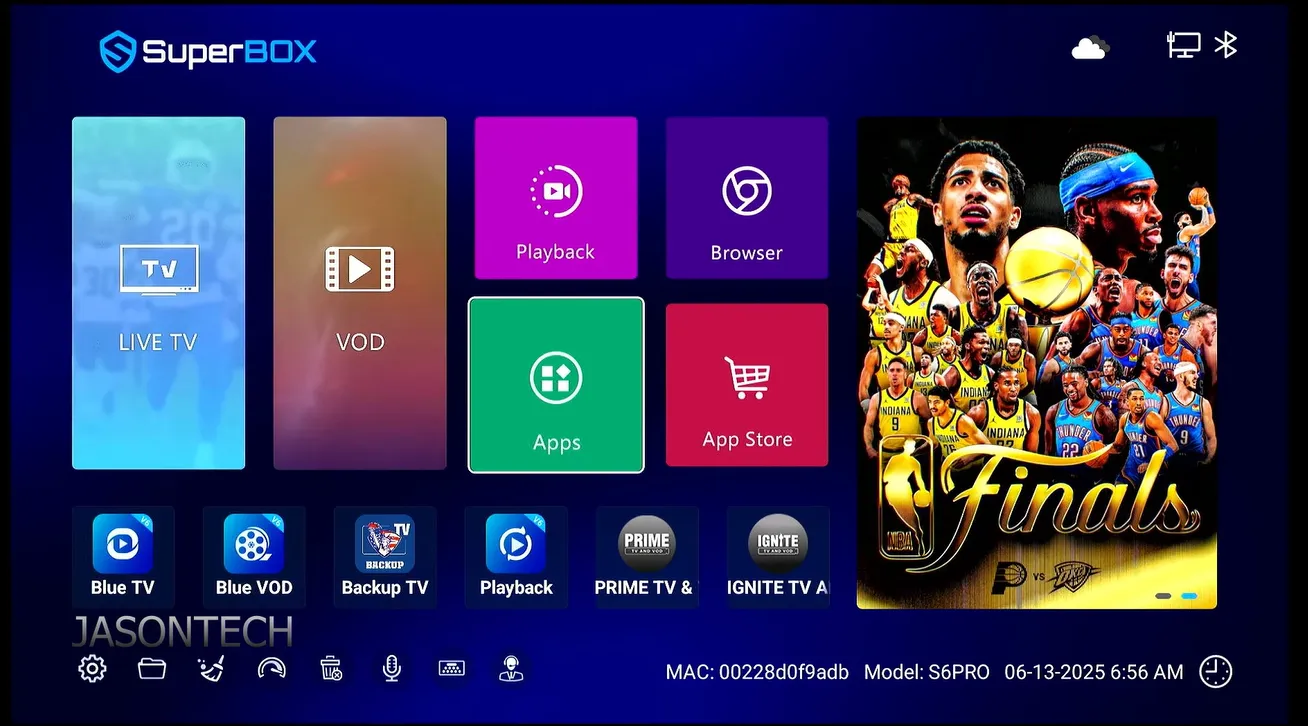
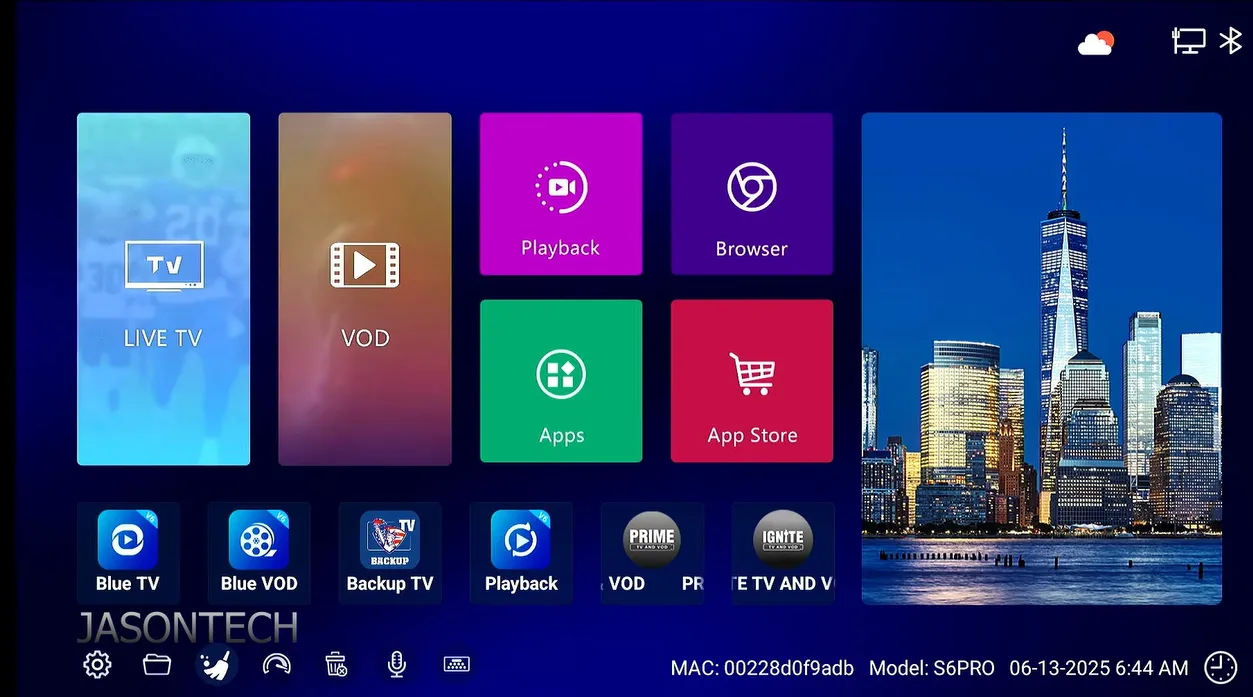
- Navigate to the application home screen and click on the official App Store icon.
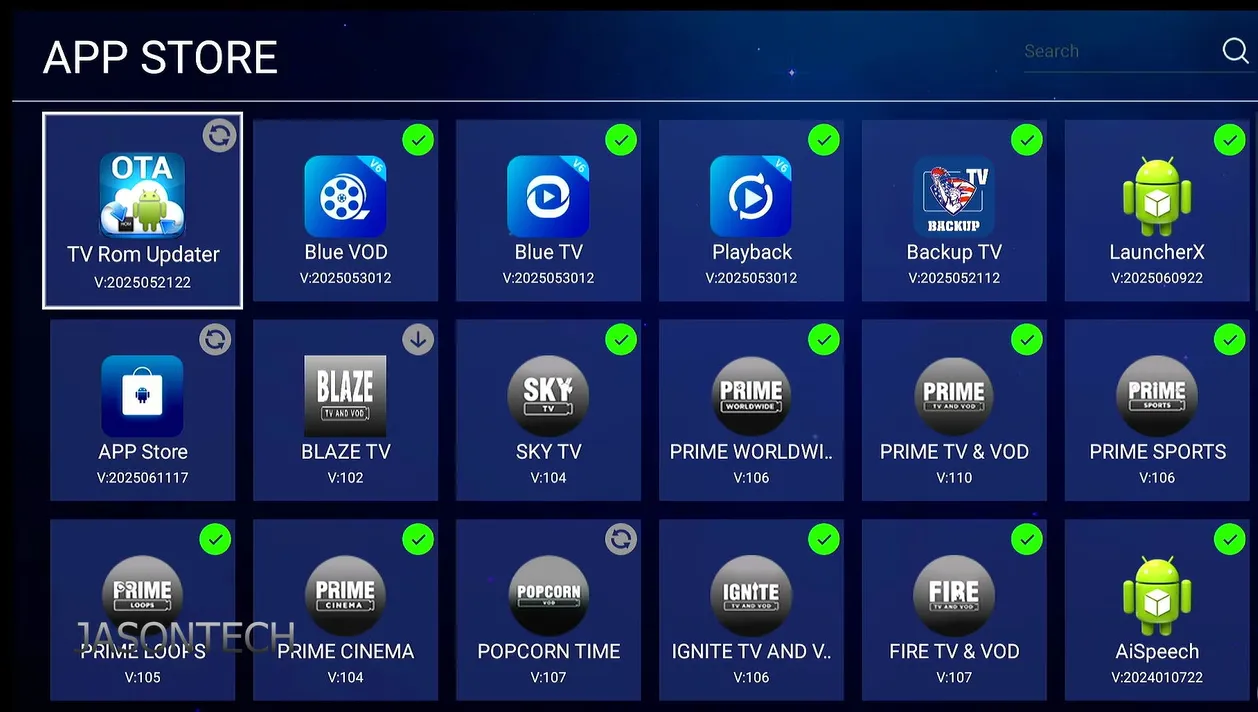
- Locate the application titled TV ROM Updater within the system utility section.
- Select the Check for Update button to query the firmware distribution server.
- Click Download when the new firmware package displays on your screen.
- Click Install and allow the console to complete the flashing process without interrupting power.
- Wait for the receiver to perform an automatic system reboot back to the main launcher screen.
As streaming specialist JasonTech highlights in his firmware analysis, many users accidentally skip the TV ROM Updater step after refreshing the App Store. Updating the store alone does not update underlying firmware drivers. Always run the TV ROM Updater to confirm your box runs the newest operating ROM build.
Updating the SuperBox App Store
The SuperBox App Store serves as the dedicated portal for downloading and maintaining native entertainment software. Keeping this catalog manager updated guarantees access to newly released channels, server connection routes, and utility apps.
When an App Store update is available, the store tile displays a circular indicator icon instead of a green check mark. Clicking the store icon initiates an automated download of the latest package. Once installation finishes, the application closes automatically and restarts with the refreshed software repository.
Refreshing Blue TV, Blue VOD and System Applications
After confirming firmware and App Store updates, inspect individual streaming applications to guarantee peak playback stability. Blue TV delivers thousands of live channels, while Blue VOD provides an extensive on-demand film and series catalog.
- Open the refreshed App Store from your desktop screen.
- Select Blue TV and check whether an Update button appears beneath the description.
- If an update is pending, click Update and allow the installation to finish completely.
- Repeat this verification process for Blue VOD and the SuperBox Playback App.
- Open each application individually to verify that electronic program guides and movie poster thumbnails synchronize correctly.
For additional details regarding manual software maintenance and troubleshooting protocols, consult our detailed resource on how to update SuperBox firmware.
What Loyalty Discounts and Trade-Up Credits Are Available?
Authorized distributors provide structured customer loyalty discounts that significantly reduce the cost of moving to a new SuperBox console. Rather than paying full retail price, verified owners can leverage exclusive trade-up promotions.
At SuperBox for Sale, we value customer relationships and reward returning cord-cutters through our dedicated loyalty program:
- Serial Number Loyalty Voucher: Provide your existing device serial number or previous invoice number to receive an instant $30 to $60 discount toward any current S7 or S8 model.
- Multi-Unit Household Bundles: Customers upgrading multiple living spaces or outfitting rental properties enjoy tiered volume pricing with savings up to $120 on multi-device packages.
- Complimentary Accessory Packages: Loyalty upgrade orders include premium backlit voice remote controls and ultra-high-speed HDMI 2.1 cables at zero additional charge.
- Fast Domestic Fulfillment: All upgrade orders ship directly from our Southern California logistics facility in Chino via USPS Priority or FedEx Home Delivery, arriving in 2 to 4 business days.
- Consumer Protection Guarantee: Every modern console includes our 30-day money-back guarantee and a full 1-year manufacturer replacement warranty.
To request your custom trade-up discount code, contact our dedicated customer care team at support@superboxforsale.com with your current device serial number. Our technicians will inspect your device tier and provide an immediate upgrade discount code.
How to Migrate Your Settings and Channels to a New Device
Migrating to a new SuperBox console is simple because each receiver functions as an independent hardware entity. You do not need to transfer paid subscriptions or execute complicated software cloning routines.
Follow this practical migration checklist to configure your new console efficiently:
- – [ ] Repurpose Your Legacy Receiver: Because authentication relies on individual device MAC addresses, your older box continues working indefinitely. Move your legacy unit to a guest bedroom, patio, or workshop for secondary viewing.
- – [ ] Photograph Your Favorite Channel Lineup: Open Blue TV on your existing box and snap photos of your curated favorite channels. On your new unit, hold the OK button for two seconds over each channel to pin it back to your favorites list.
- – [ ] Transfer External USB Storage Drives: If you use an external USB drive for local recordings, disconnect it from the older unit and plug it directly into the USB 3.0 port of your new console. Modern builds read existing FAT32 and NTFS file structures without reformatting.
- – [ ] Pair and Program the Bluetooth Voice Remote: Hold the OK and Return buttons simultaneously for 8 seconds until the screen confirms Bluetooth pairing. Program your television power and volume keys by holding the white TV button until the LED remains solid, then point your existing TV remote to copy infrared commands.
- – [ ] Connect to High-Speed Wireless or Ethernet: Connect your new console to your home network. Current models support Wi-Fi 6 wireless networking, offering superior wireless throughput and lower latency across congested home networks.
For an exhaustive technical walkthrough covering remote controls and infrared code learning, review our SuperBox remote pairing guide.
How to Avoid SuperBox Upgrade and Renewal Scams
As SuperBox has grown into North America’s leading cord-cutting hardware platform, dishonest third-party operators have created deceptive upgrade schemes to defraud consumers. Understanding genuine manufacturer policies protects you from costly fraudulent solicitations.
Beware of three common fraudulent tactics operating across social media and unverified websites:
- The Annual Subscription Renewal Deception: Scammers display deceptive on-screen popups claiming your streaming license has expired and demanding $50 to $100 for an annual renewal key. Authentic SuperBox hardware features lifetime access with zero ongoing subscription fees. SuperBox never demands subscription renewal payments.
- The Unofficial Mail-In Swap Scheme: Fraudulent accounts on Facebook and Telegram solicit customers to ship their existing consoles to unverified postal addresses for a free generational replacement. Victims who mail their receivers forfeit their hardware and receive nothing in return.
- Counterfeit Hardware Distribution: Unauthorized sellers on general auction sites distribute clone hardware lacking genuine security certificates and proper MAC authorization. These illicit boxes overheat quickly and lose access to the official content delivery network within weeks of purchase.
To verify hardware legitimacy, always purchase through authorized domestic distributors. For comprehensive legal analysis and consumer rights protections, read our guide on whether SuperBox is legal.
Where to buy authentic SuperBox with warranty coverage
When investing in a high-performance streaming console, ordering directly from SuperBox Store guarantees authentic hardware and verified server licensing. Our central distribution and customer care facility operates at 13951 Pipeline Ave, Chino, CA 91710, USA, led by founder Riley Cooper.
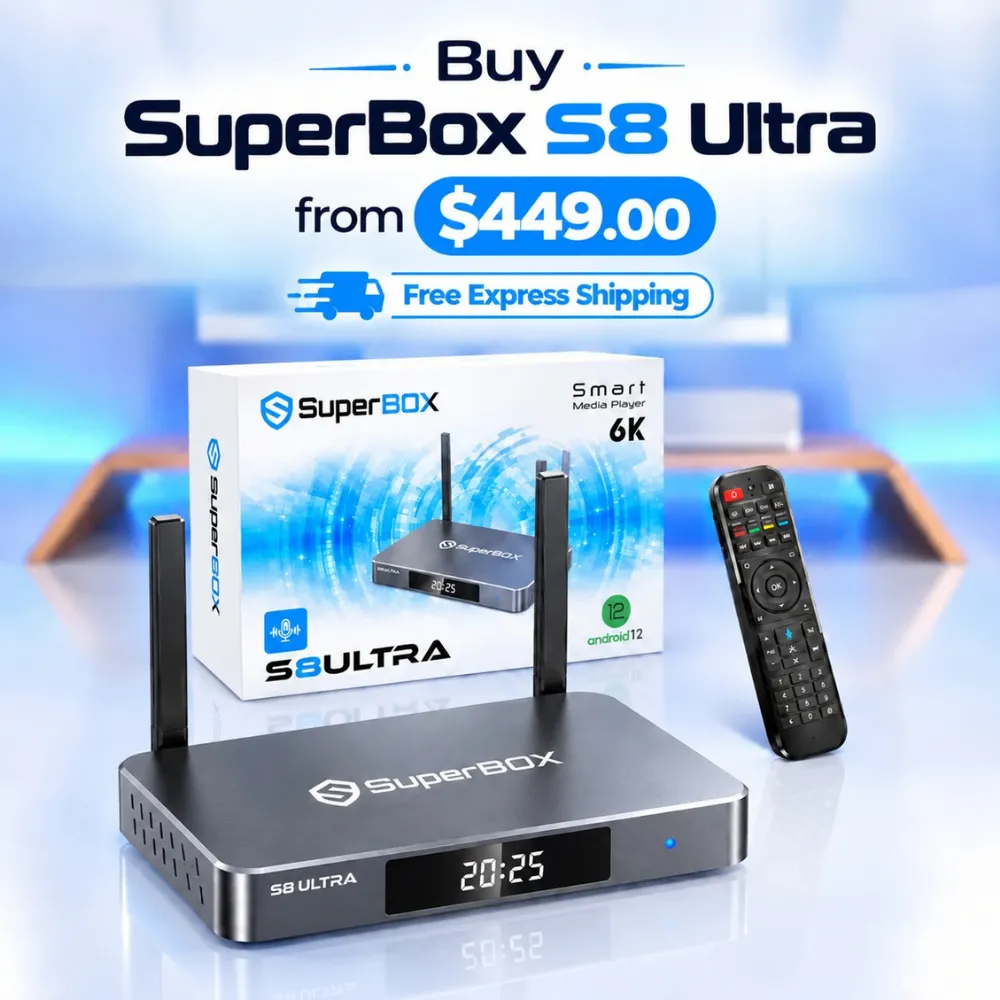
For the ultimate cord-cutting setup, we recommend the flagship SuperBox S8 Ultra priced at $449, featuring 4GB DDR RAM, 128GB storage, Wi-Fi 6, and Gigabit Ethernet. Every order includes our Official Reseller License Code #SP20250928002 and full warranty protection:
- Free Shipping: Fast 2 to 5 business day delivery across the United States and Canada with full real-time package tracking via FedEx or USPS.
- 24/7 Technical Support: Dedicated technical specialists available 24/7 via live chat and email for troubleshooting assistance.
- 30-Day Money-Back Guarantee: Hassle-free return policy if you are not completely satisfied with your streaming hardware performance.
- 1-Year Manufacturer Warranty: Full replacement coverage safeguarding against any hardware defects or system component failures supported directly by our customer care center in Chino, California.
- 100% Authentic Hardware: Direct factory units guaranteed genuine without modified firmware, unauthorized alterations, or security risks.
SuperBox for Sale is a leading authorized dealer of SuperBox, specializing in the supply of genuine SuperBox TV boxes Series S6, S7, and S8 in the US & CAD.
Frequently Asked Questions About the SuperBox Upgrade Program
Does SuperBox operate an official mail-in trade-in depot?
No. SuperBox does not maintain a factory-direct mail-in exchange warehouse. Instead, authorized distributors like SuperBox for Sale manage trade-up incentives. We supply customer loyalty discount codes that reduce the cost of new flagship hardware, while allowing owners to keep and repurpose their older receivers.
Do SuperBox software and firmware updates cost money?
No. All authentic system updates, TV ROM firmware builds, App Store catalog refreshes, and Blue TV application updates are 100% free. Never pay any entity or website charging fees for software maintenance or system updates.
Can I continue using my older SuperBox after purchasing a new model?
Yes. Each SuperBox authenticates independently through its factory-assigned MAC address. Purchasing a new flagship does not deactivate your older console. You can connect both units to your residential network simultaneously and enjoy streaming across multiple household rooms.
What is the most significant advantage of upgrading to an S7 or S8 model?
Upgrading to modern flagships provides Android 12 architecture, 4GB DDR RAM system memory, hardware-accelerated AV1 6K and 8K decoding, dual-antenna Wi-Fi 6 connectivity, and blue backlit voice remotes. These hardware enhancements eliminate video stuttering and ensure rapid menu navigation across intensive sports broadcasts.
Experience Unrivaled Streaming Performance with SuperBox
Discover lightning-fast quad-core processing, dual-band Wi-Fi 6, 7-day playback, and crisp 6K ultra HD output engineered for discerning media fans.