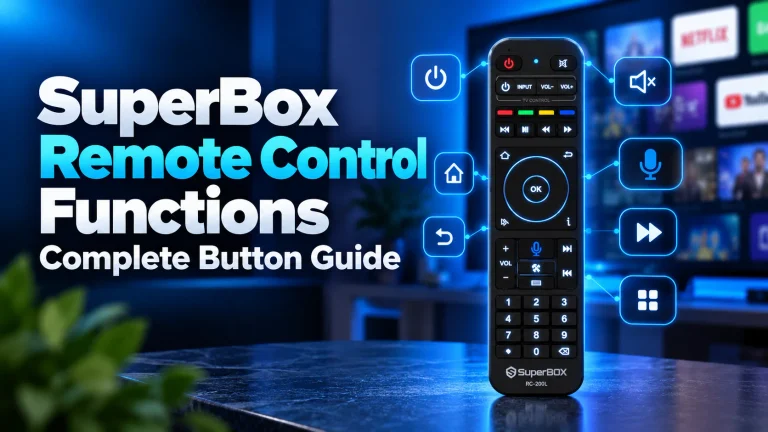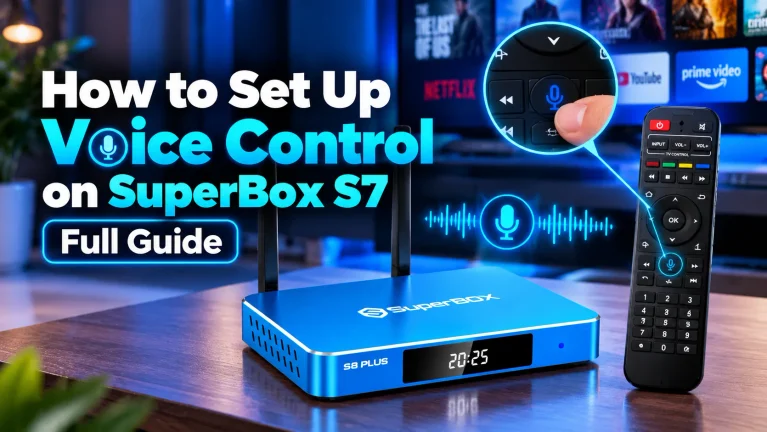
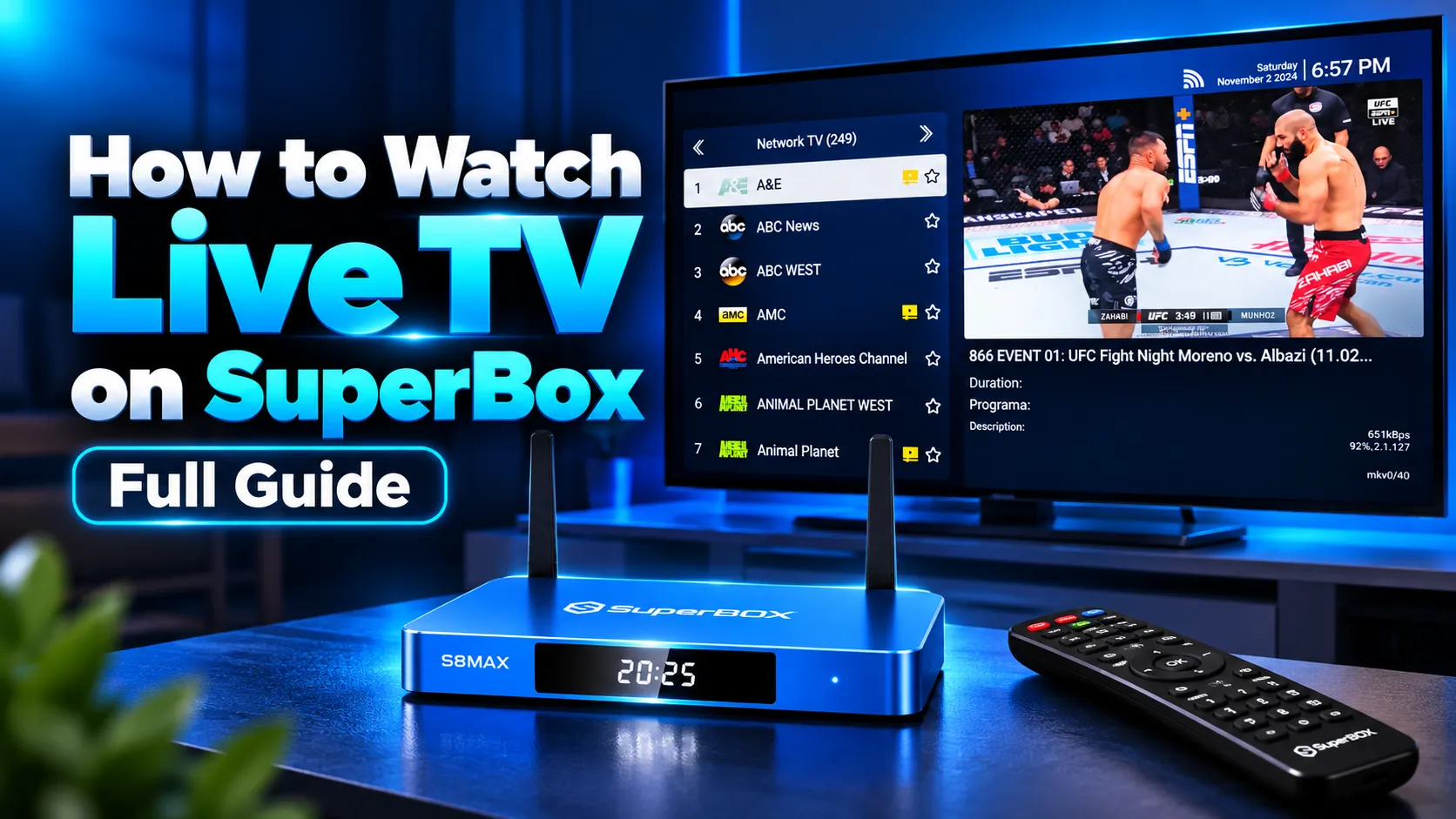
To watch live TV on SuperBox, connect the console via HDMI, connect to high-speed internet, and launch the Blue TV application from your home screen or download it from the built-in App Store app from your home screen. Blue TV delivers over 2,000 live HD channels spanning national networks, local news, and live sports with zero monthly fees.
Press the Left arrow on your remote to view the category sidebar, or press OK to open the interactive program guide. The media engine authenticates directly via your device hardware identifier, eliminating cable decoders and digital antennas entirely.
At SuperBox for Sale, we recommend the flagship SuperBox S8 Ultra for instantaneous channel tuning. Follow this focused guide to master category navigation, remote shortcuts, custom channel folders, and network optimization for buffer-free viewing.
How live streaming works on the SuperBox platform
SuperBox devices process live broadcasts through dedicated cloud streaming servers linked directly to the console hardware identifier. The native media engine authenticates automatically every time you power on the box without recurring monthly logins.
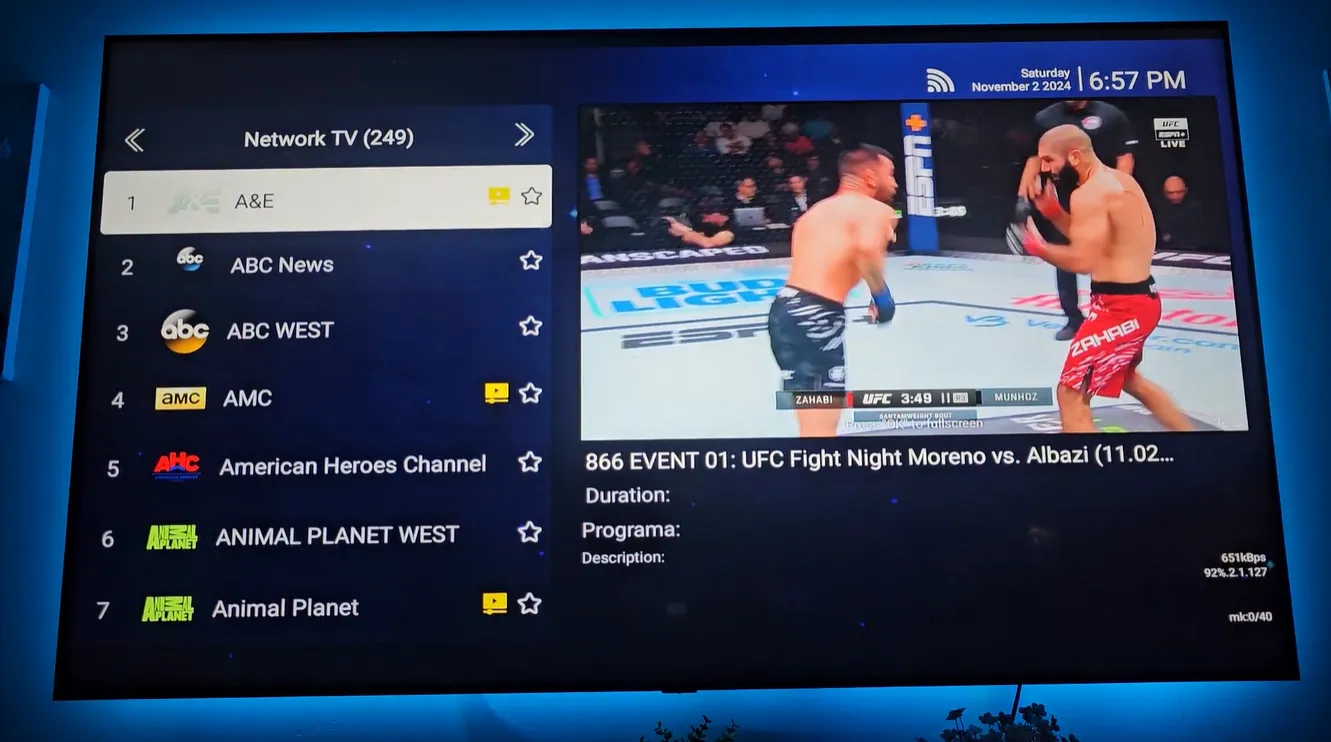
Clicking the Live TV tile opens Blue TV, which indexes live feeds across North America. Broadcast engineers continuously balance server loads during primetime shows and sports tournaments.
Upon launch, Blue TV downloads the latest channel directory over the air and immediately resumes your last-watched station. This instant resume functionality mimics traditional cable decoders, letting you catch routine news instantly.
Navigating the Blue TV interface and channel categories
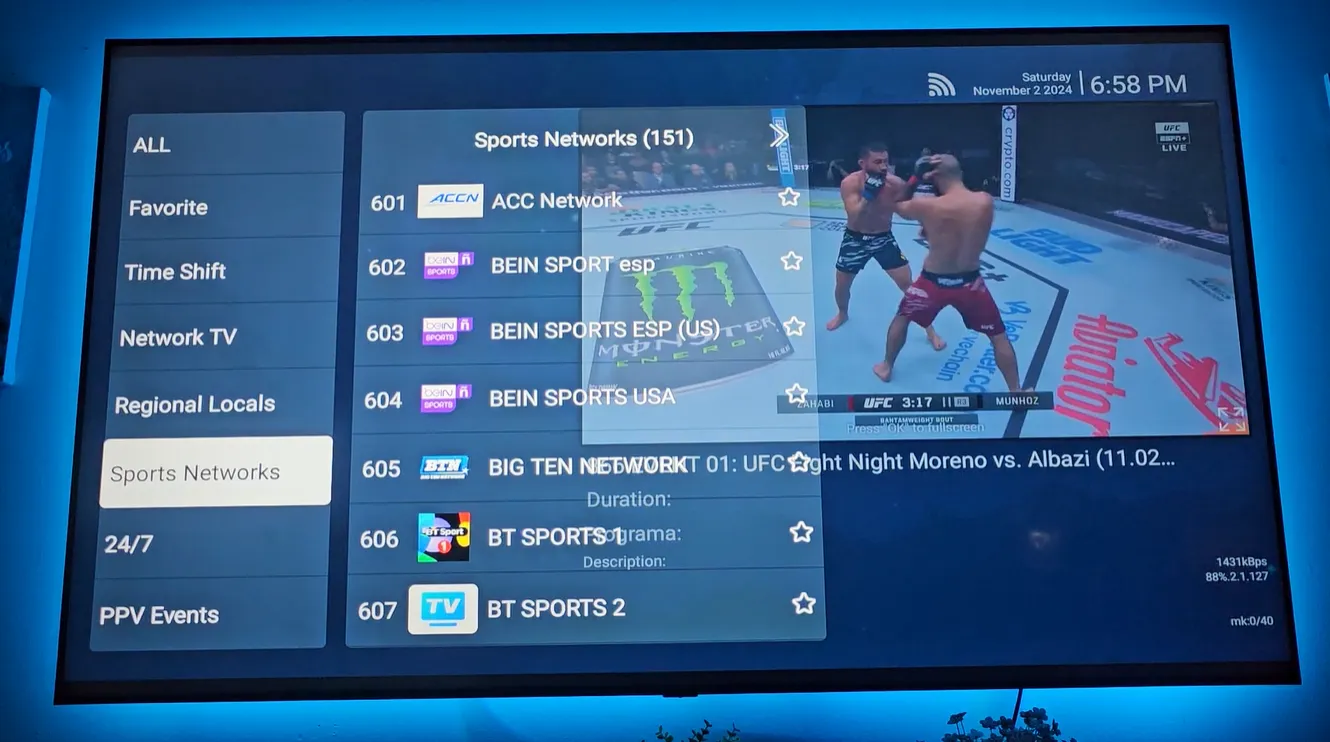
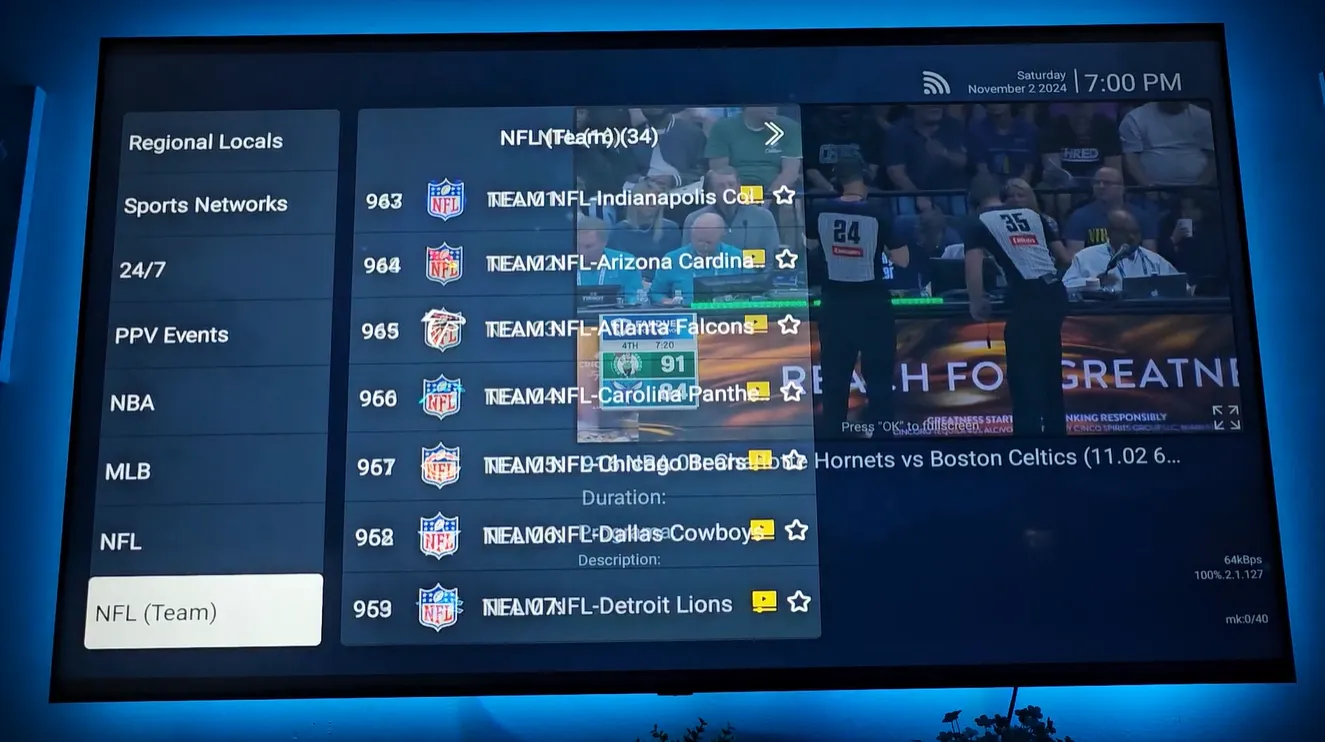
Pressing the Left arrow on your remote while watching any channel opens the category sidebar. This menu organizes thousands of channels into clear broadcast tiers, eliminating endless scrolling.
| Category Name | Typical Content | Best Used For |
|---|---|---|
| All Channels | Complete index of 2,000+ live feeds | Browsing the full broadcast lineup |
| Network TV | ABC, CBS, NBC, FOX, PBS, CW | Primetime entertainment and morning news |
| Regional Locals | City and state affiliates across the US | Watching hometown local news and weather |
| Sports Networks | ESPN, NFL Network, RedZone, NBA TV, MLB | Live championship tournaments and matches |
| 24/7 Channels | Non-stop sitcoms, movie marathons, dramas | Casual background watching and bingeing |
| Pay-Per-View | Live championship fight events, MMA bouts | Special marquee weekend sporting events |
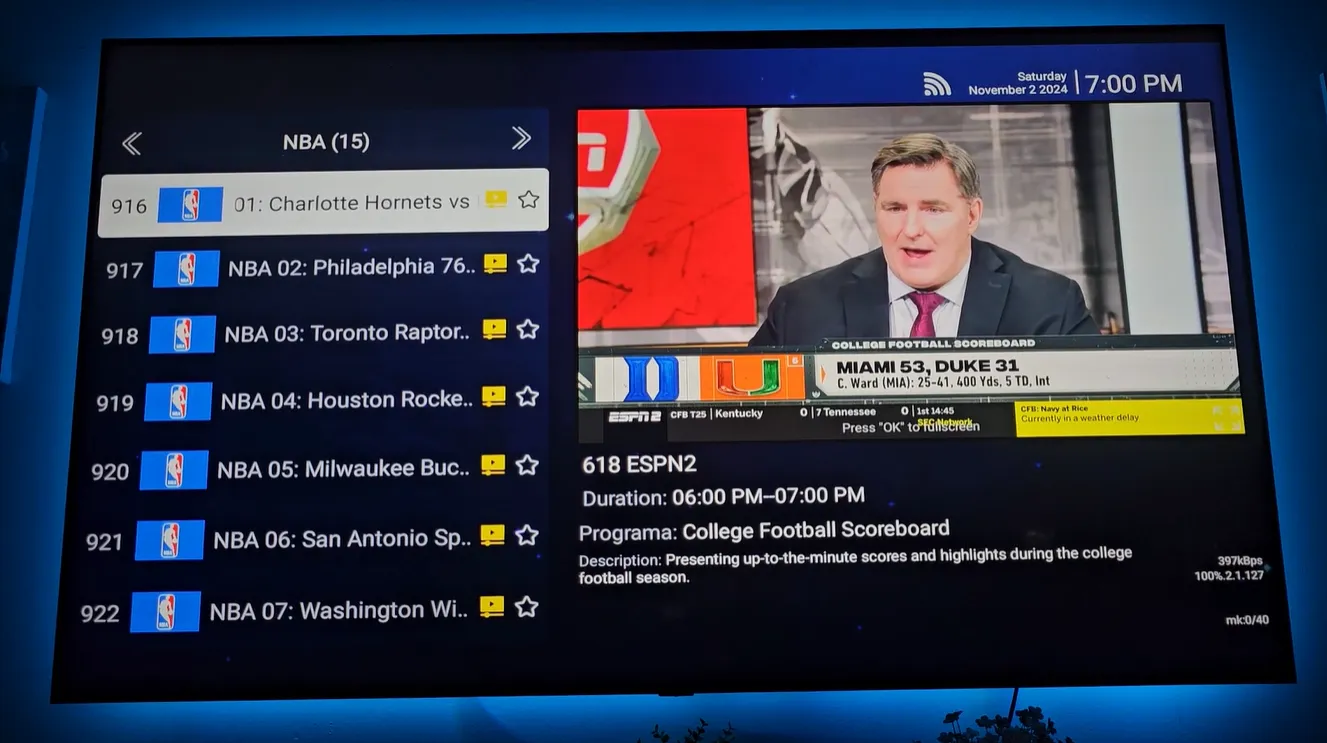
On modern S8 series hardware, the software introduces a dedicated Sports section. This interface sorts live broadcasts by league, including NFL, NBA, MLB, NHL, MLS, and college sports, displaying game schedules and live scores directly beside channel previews.
Essential remote control shortcuts for fast channel switching
Scrolling manually through thousands of channels takes unnecessary time. Utilizing built-in remote shortcuts makes channel switching instantaneous and enjoyable, turning complex directory browsing into simple, one-touch actions.
Direct channel number entry
Every channel displays a dedicated numeric identifier in the guide. Using the numeric keypad on your remote, enter the three or four-digit number to leap straight to that broadcast from any screen without opening category menus.
If you regularly watch specific stations like your local CBS affiliate or ESPN, memorize their numbers for one-touch navigation. This numeric jumping operates instantly during live playback without interrupting audio output.
Voice search with the microphone button
Press and hold the blue microphone button on your Bluetooth remote and speak the name of a channel, sports team, or program. Releasing the button filters your channel lineup immediately to matching live broadcasts in seconds.
Quick cycling with page buttons
Use the Page Up and Page Down keys on your remote to jump through your ten most recently viewed channels. This shortcut lets sports fans flip between concurrent games with a single key press without returning to menus.
Organizing custom favorites and personalized channel groups
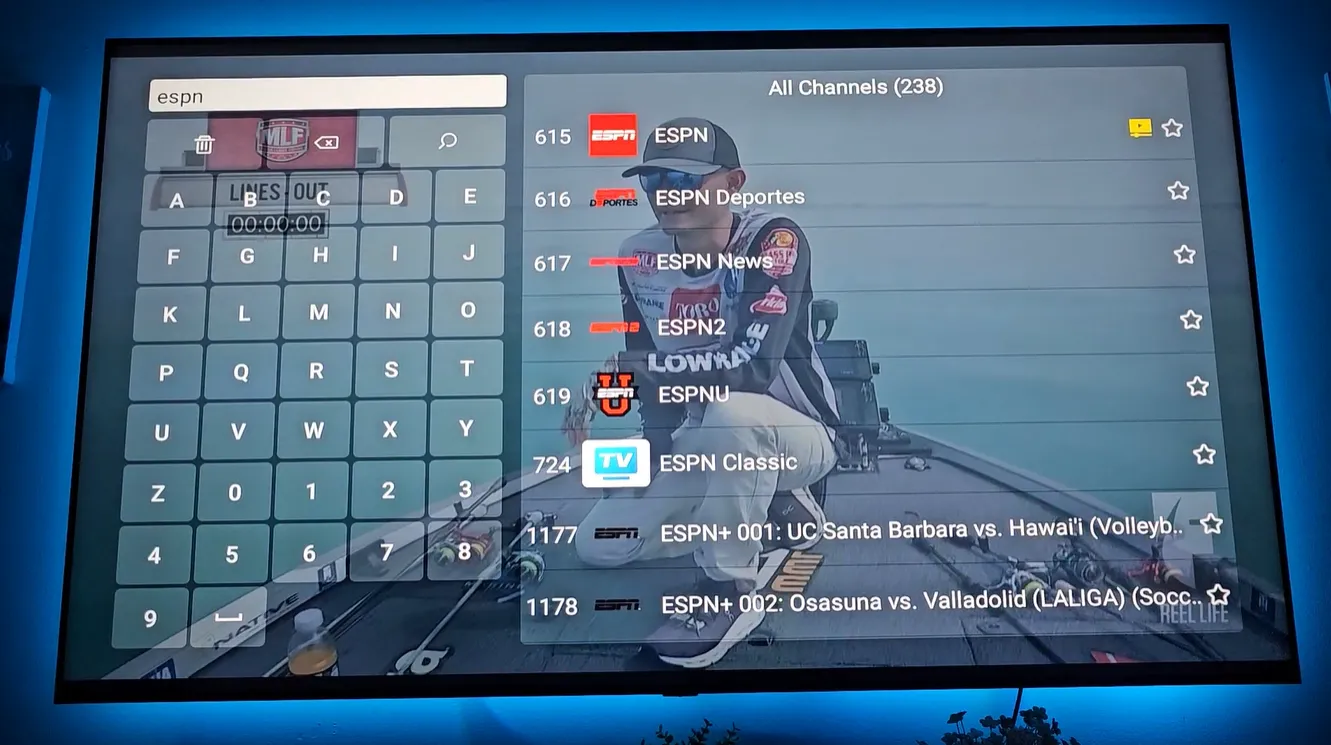
Open the channel guide by pressing the OK button while a live broadcast plays in full screen. Highlight the channel you want to save and hold down the OK button for three seconds to register your preference.
A yellow star icon appears next to the channel name, confirming its addition to your Favorites folder. To remove a channel later, highlight it and hold the OK button again until the star turns off.
On modern S8 series consoles, viewers can also access the Add Group feature on the right-hand panel. This tool lets you create custom named folders, such as Sports Hub or Kids Zone, keeping household viewing habits perfectly organized.
Using the electronic program guide and time shift rewind
The electronic program guide provides schedule visibility across broadcast hours, while time-shift playback lets you catch missed moments. Combining live listings with playback controls gives viewers full command over daily watching.
Press the OK button once while watching full-screen television to summon the interactive program guide. The EPG displays current program titles, upcoming airings, and broadcast start times without stopping your active stream.
Allow three to five seconds for guide listings to download when switching categories. The system downloads live schedule metadata directly from broadcast servers. Steady scrolling ensures smooth data caching across channel listings.
Look for the small clock icon positioned beside the star on compatible channels. This icon indicates time-shift functionality, allowing you to rewind a live broadcast up to seven days to catch a play or news segment you missed.
Video demonstration of the SuperBox live TV interface
Reviewing live navigation on screen makes understanding menu layouts and remote shortcuts simple. Watch this official walkthrough demonstrating the Blue TV interface, category browsing, and EPG features in real time.
For additional details on program schedules, this dedicated guide walkthrough shows how to display upcoming broadcast times, browse episode summaries, and use electronic program guide listings effectively.
Optimizing network settings to eliminate live stream buffering
Live high-definition video feeds require constant data throughput. Applying proper home network configurations ensures crystal-clear video quality without buffering wheel delays during high-traffic broadcasts.
- Use Hardwired Ethernet: Connect a Cat6 Ethernet cable directly into the Gigabit port on your console to bypass wireless interference and eliminate Wi-Fi packet drops.
- Select 5GHz Wi-Fi Band: If connecting wirelessly, select your router 5GHz Wi-Fi 6 band rather than crowded 2.4GHz signals for higher speeds and lower transmission latency.
- Verify Bandwidth Speeds: Ensure your connection delivers at least 25Mbps download bandwidth for single HD feeds, and 50Mbps to 100Mbps for 4K live broadcasts and Quad Multi-View.
- Run Network Diagnostics: Test real-time bandwidth and latency using the built-in network speed test tool on your home launcher before major sporting events start.
Troubleshooting common live TV playback issues
What should you do if a channel shows a black screen?
Toggle one channel up and back down to force the video player to reconnect. If the feed remains offline during maintenance, launch Backup TV from your home screen to connect through the mirrored secondary server route.
Why does channel guide information appear blank?
A blank guide indicates momentary schedule data synchronization. Wait five seconds on the category screen, or verify your console date and time under System Settings so the electronic guide aligns with live broadcast clocks.
Why does voice search fail to register commands?
Voice search requires active Bluetooth pairing with the console. Hold Home and OK simultaneously until the red indicator flashes to re-pair, and insert fresh AAA alkaline batteries to maintain strong wireless signal range.
How do you fix the app crashing back to the home screen?
Clear the application cache in Settings under Apps by selecting Blue TV and clicking Clear Cache. This flushes corrupt temporary files and restores smooth operation without erasing your saved Favorites or custom folders.
Why upgrading to the SuperBox S8 Ultra delivers the best live TV experience
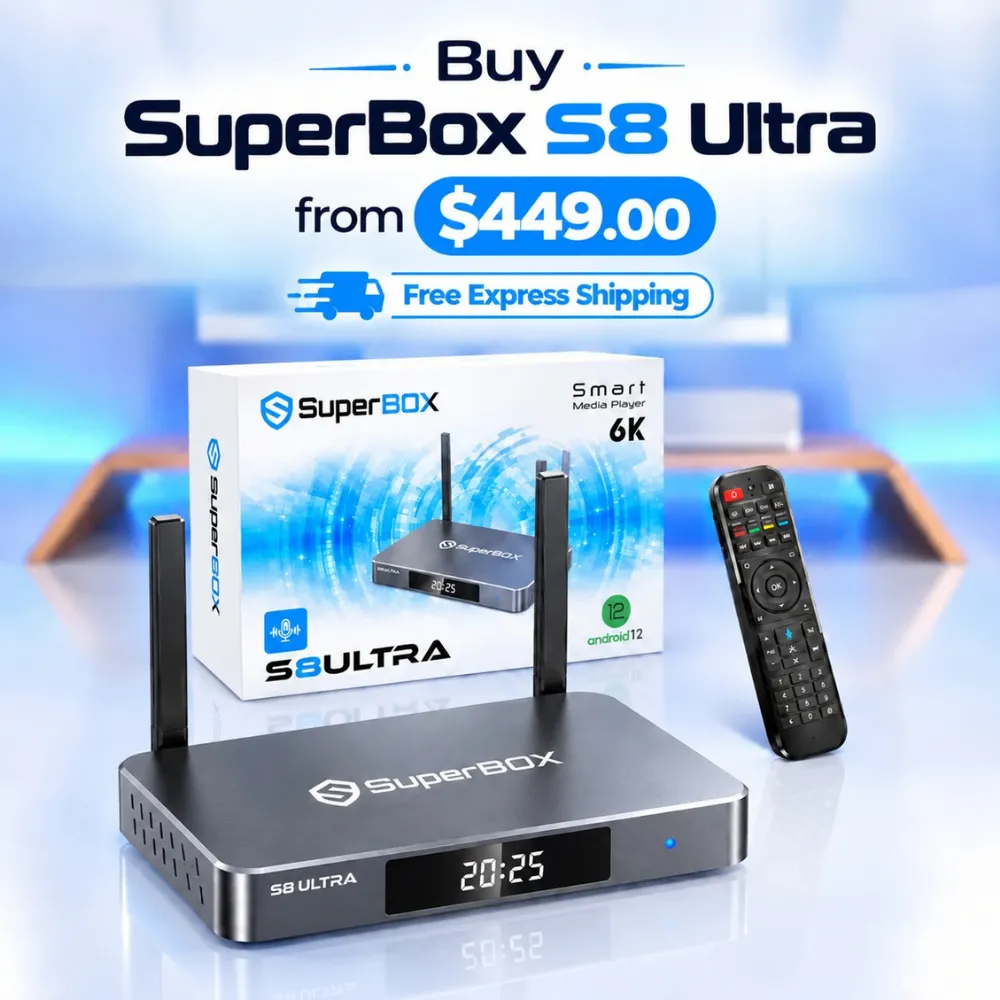
Tired of sluggish channel switching on older hardware? The premium SuperBox S8 Ultra priced at $449 delivers the ultimate live streaming performance available today.
Powered by 4GB DDR RAM and an enhanced quad-core 64-bit processor, the S8 Ultra changes live channels in under half a second. Its 128GB high-speed storage effortlessly manages app caches and background DVR recordings.
For passionate sports fans, the S8 Ultra unlocks Quad Multi-View to monitor four games on a single screen without buffering. The bundled RC-200L backlit remote features crisp blue LED keys for effortless nighttime browsing.
Its aircraft-grade aluminum unibody enclosure acts as an active heatsink, keeping operating temperatures under 38.5 degrees Celsius. Investing $399 saves cord-cutters between $1,200 and $2,000 every year permanently.
Where to buy authentic SuperBox with warranty coverage
SuperBox for Sale is an authorized SuperBox distributor located at 13951 Pipeline Ave, Chino CA 91710, founded by Riley Cooper. When investing in a high-performance streaming console, purchasing from an authorized distributor is essential to ensure genuine hardware and reliable customer support.
- 1-Year Hardware Replacement Warranty: Includes a full 365-day replacement policy supported directly by our customer care center in Chino, California.
- 30-Day Money-Back Guarantee: Evaluate your SuperBox risk-free with complete return protection for your household entertainment needs.
- Free Express Shipping: Orders dispatch directly from domestic US fulfillment centers via FedEx or USPS with real-time tracking numbers provided.
- 5-Stage Quality Audit: Every unit undergoes bench diagnostics verifying wireless antennas, thermal tolerances, and remote responsiveness before dispatch.
- 24/7 Technical Support: Receive prompt assistance via live chat and email from knowledgeable technicians who understand device setup and network configuration.
Explore authentic consoles on SuperBox for Sale for verified security authentication and fast domestic delivery. You receive a dependable console ready for plug-and-play entertainment.
SuperBox for Sale is a leading authorized dealer of SuperBox, specializing in the supply of genuine SuperBox TV boxes Series S6, S7, and S8 in the US & CAD.
Frequently asked questions about SuperBox live TV
How many live channels can you watch on SuperBox?
SuperBox devices offer over 2,000 live channels spanning national broadcast networks, regional local stations, premium sports feeds, 24/7 channels, and international programming without monthly subscription fees. You can find complete listings directly inside the Blue TV guide.
Can you enter channel numbers directly on the remote?
Yes, every channel features a unique numeric identifier displayed in the guide. You can enter the number directly using the remote control keypad to jump straight to that channel without browsing through category menus. This shortcut makes tuning to your favorite stations effortless.
Does watching live TV on SuperBox require a monthly subscription?
No, live television streaming on authentic SuperBox hardware operates entirely subscription-free. Access is authenticated through the device hardware identifier, eliminating monthly charges, rental equipment fees, and long-term contracts for complete peace of mind.
Experience Unrivaled Streaming Performance with SuperBox
Discover lightning-fast quad-core processing, dual-band Wi-Fi 6, 7-day playback, and crisp 6K ultra HD output engineered for discerning media fans.