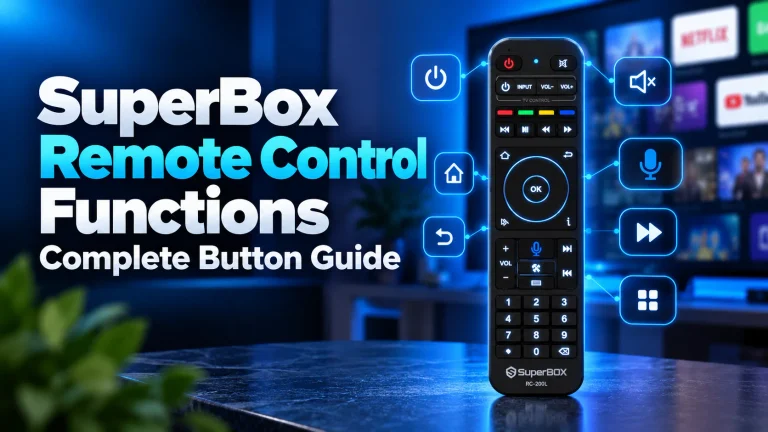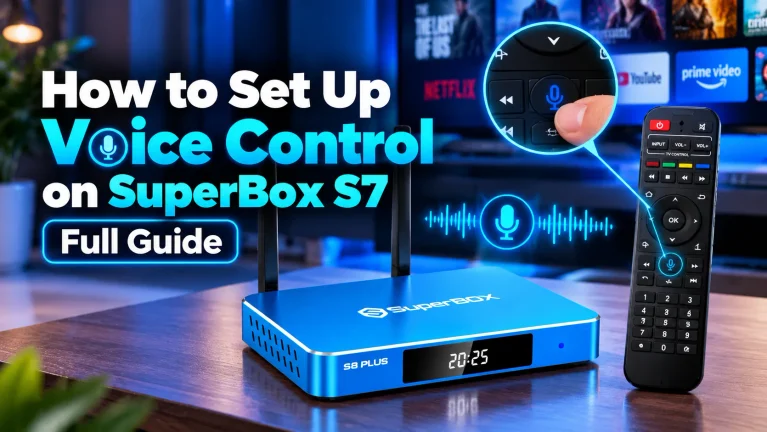
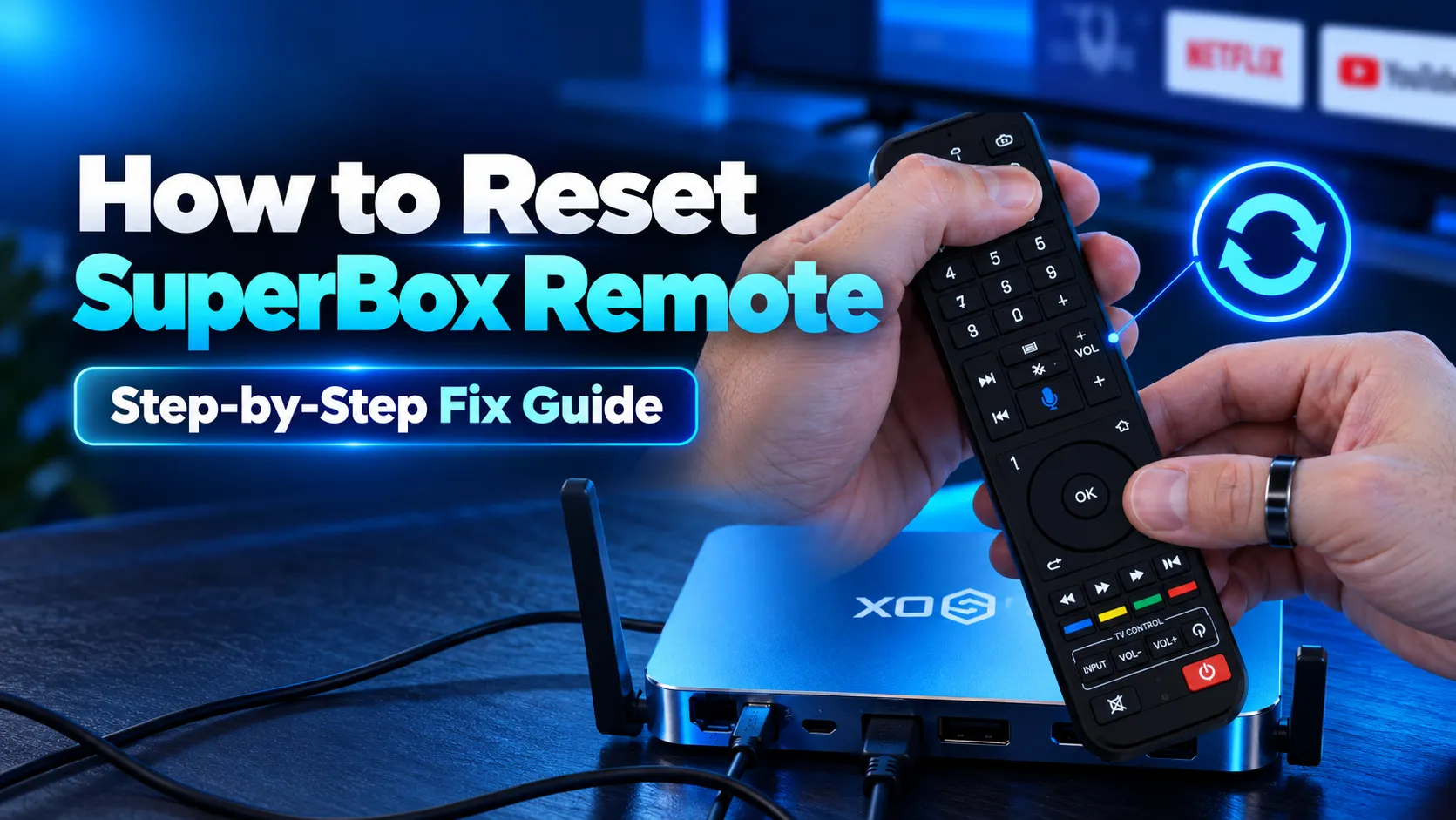
To reset your SuperBox remote, remove both AAA batteries and hold the Power button for 15 seconds to discharge residual capacitor electricity. Insert fresh alkaline batteries, navigate to Settings, open Remotes and Accessories, and unpair the RC200 device. Then hold the OK and Return buttons for 8 seconds to establish a clean Bluetooth pairing connection.
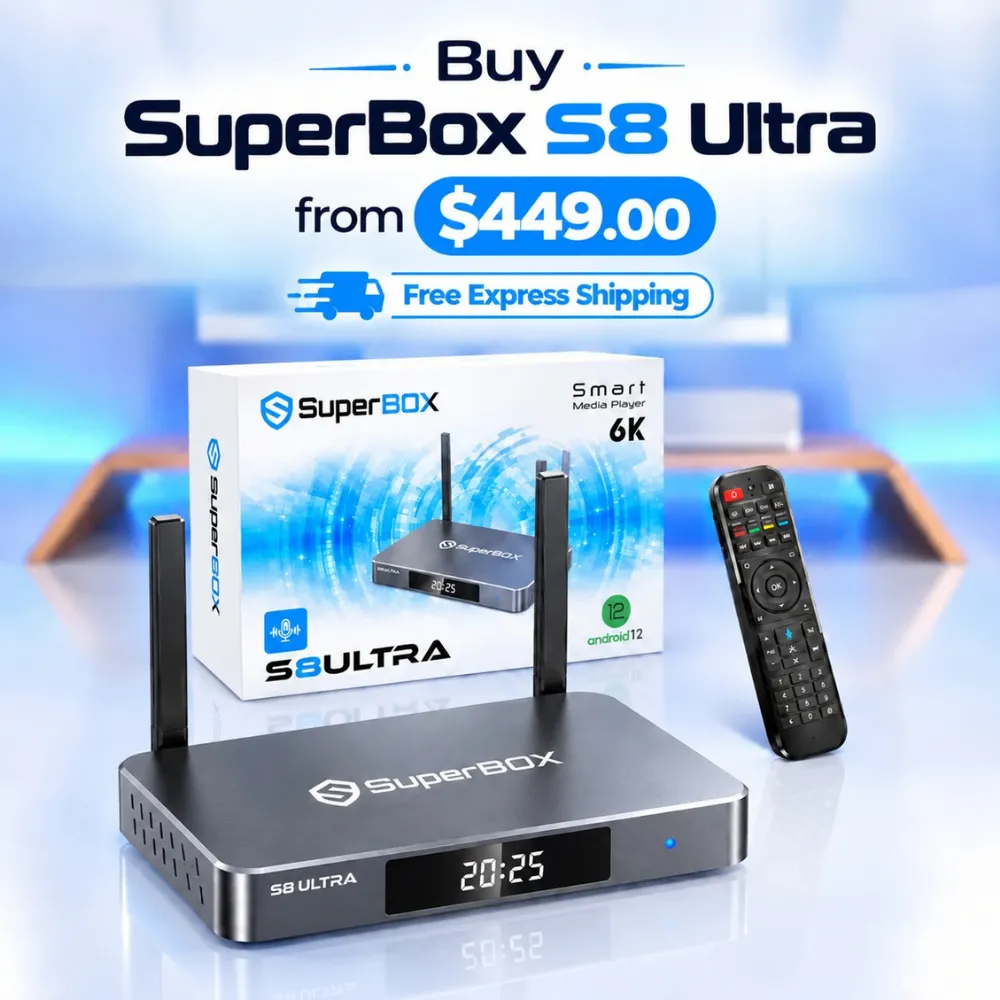
Performing a remote reset clears corrupted Bluetooth handshake caches, resolves sluggish button response, and restores unresponsive voice microphones. Streamers seeking modern hardware with reliable backlit connectivity can explore the flagship SuperBox S8 Ultra at $449, which features the upgraded RC-200L Bluetooth 5.2 remote control.
Quick Takeaways & Key Highlights
- Power Drain Reset: Removing batteries and holding Power for 15 seconds drains static charge from the circuit board.
- Bluetooth Re-Pairing: Unpairing RC200 in settings and holding OK plus Return for 8 seconds forces a clean handshake.
- Camera Sensor Test: Smartphone cameras detect invisible infrared diode pulses to verify hardware transmitter health.
- USB Mouse Isolation: Connecting a wired USB mouse determines whether the remote or Android operating system is frozen.
- Console Reset Shortcut: Pressing the period and zero keys five times sequentially triggers an automated console reboot.
When should you reset your SuperBox remote control?
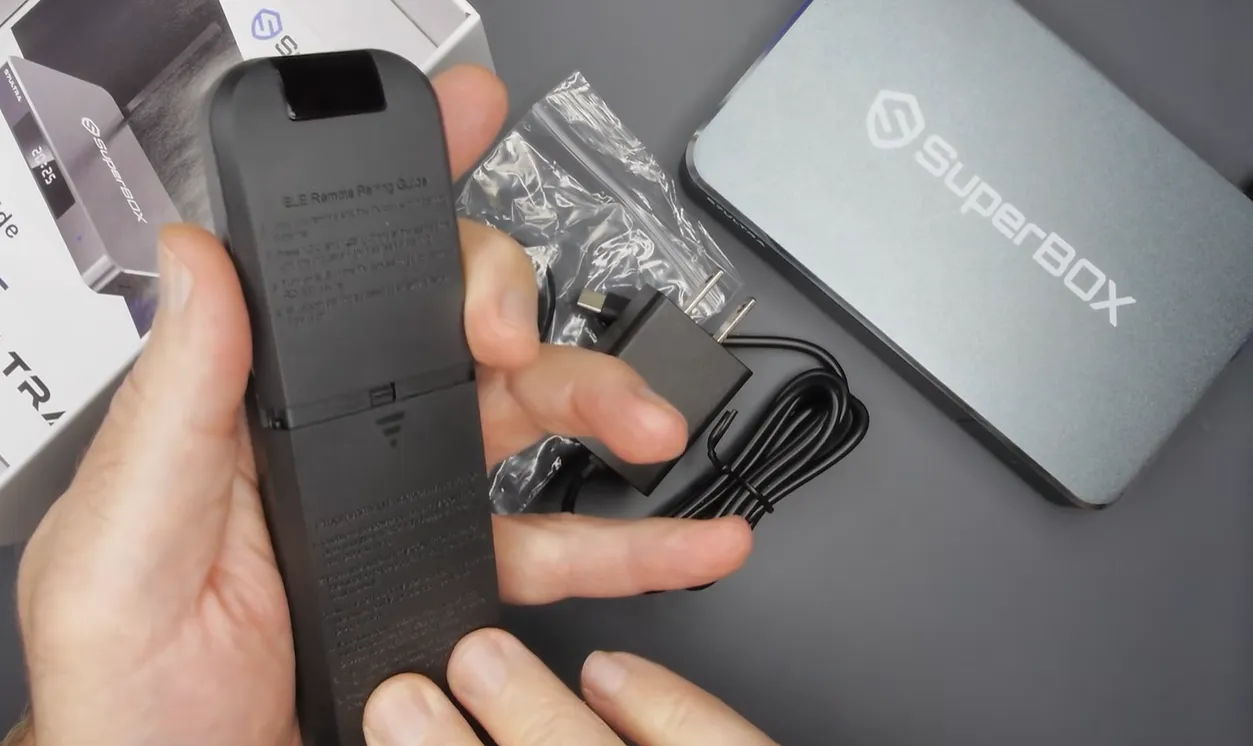
Resetting your SuperBox remote is the most effective solution for unresponsive buttons or broken wireless connections. Everyday wireless interference from nearby Wi-Fi routers, soundbars, and microwave ovens can corrupt stored Bluetooth pairing tables.
Recognizing early symptoms of remote communication breakdown allows you to apply the appropriate reset technique before replacing hardware. Review this comparison matrix to diagnose specific remote failure modes:
| Observed Symptom | Underlying Technical Cause | Recommended Reset Action | Expected Result |
|---|---|---|---|
| Voice Microphone Inactive | Dropped Bluetooth audio stream profile | Software unpair and BLE re-pairing | Restores voice recognition in Blue TV |
| Buttons Require Direct Line of Sight | Remote reverted to fallback infrared mode | Hardware power cycle and Bluetooth sync | Restores 360-degree wireless range |
| Red LED Flashes but Box Ignores Input | Corrupted Bluetooth handshake cache | Unpair RC200 device under System Settings | Rebuilds clean wireless encryption key |
| Zero Indicator Light Response | Depleted battery voltage or static lock | 15-second capacitor power discharge | Restores circuit board microcontroller |
Most remote malfunctions do not stem from permanent hardware failure. Performing a structured hardware power drain or Bluetooth unpairing sequence resolves over 90 percent of remote communication glitches within two minutes.
How to perform a hardware power drain on SuperBox remotes
A hardware power drain clears residual electrical charge trapped in the remote microcontroller capacitors. This static charge can lock internal memory registers, preventing the circuit board from processing button presses.
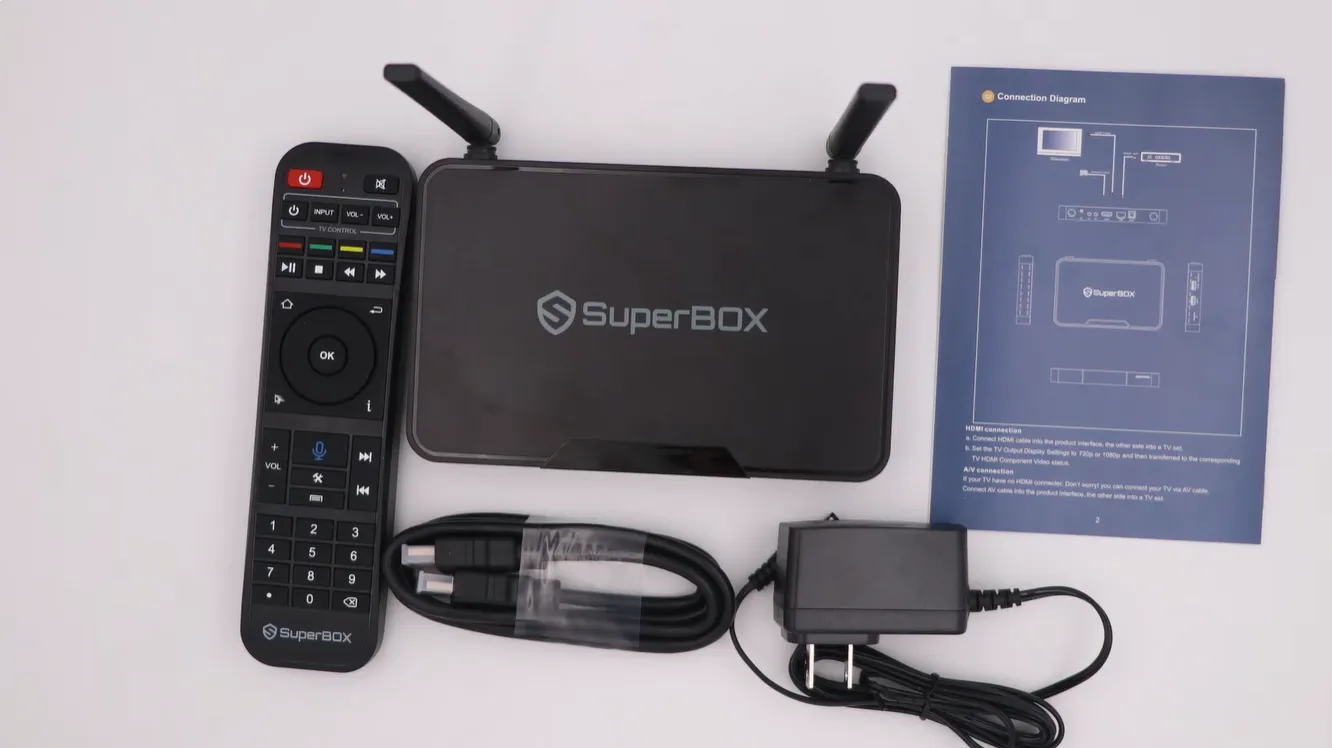
Follow this 4-step sequence to perform a complete hardware capacitor discharge:
After inserting fresh batteries, press any button and observe the front indicator LED. If the light illuminates brightly, the microcontroller has reset successfully and is ready for system synchronization.
How to unpair and re-pair Bluetooth on SuperBox remotes
If your remote only functions when aimed directly at the television, its Bluetooth connection has disconnected. Unpairing the remote from the Android system settings clears corrupted communication caches and enables clean synchronization.
To unpair the remote, navigate to Settings on your television home screen. Scroll down to Remotes and Accessories, select the connected RC200 or Remote device, and click Disconnect or Unpair.
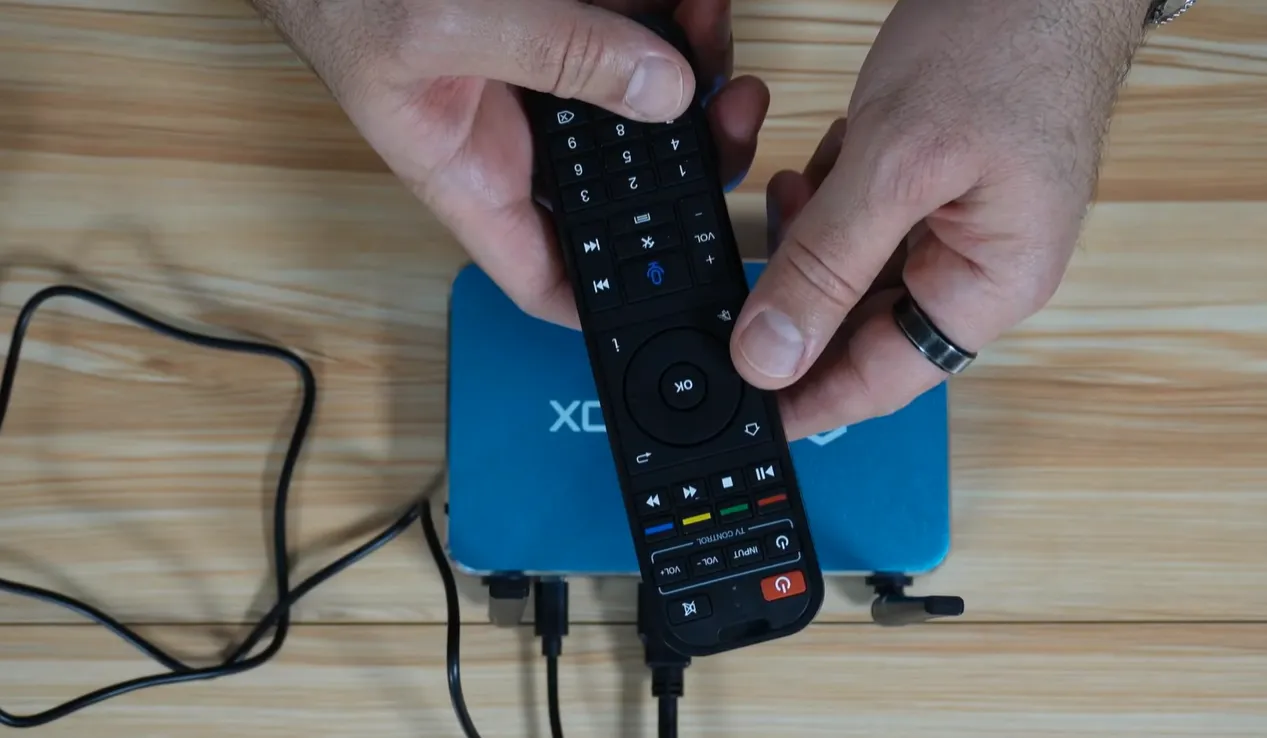
Once unpaired, point the remote directly at the console using infrared mode. Press and hold the OK button and Return button simultaneously for 8 seconds until the red indicator LED flashes rapidly. On some models, the Voice and OK combination activates this broadcast.
On your television screen, click Add accessory under Remotes and Accessories. Select RC200 from the discovered Bluetooth devices list. The television displays a Connected notification, restoring full 360-degree wireless reception and voice microphone functions.
Testing infrared emitter health with a smartphone camera
A simple smartphone camera test determines whether your remote hardware is transmitting infrared signals. Human eyes cannot detect infrared light waves, but digital camera sensors display infrared pulses as visible purple light.
Open the camera application on your mobile phone or tablet. Point the front infrared diode of your SuperBox remote directly into the camera lens from 2 to 3 inches away.
Press and hold any button on the remote, such as Power or Volume Up. If you see a bright purple or white flashing light through your phone screen, the remote hardware transmitter is fully functional. If no light appears, replace your batteries or inspect internal circuitry.
Isolating remote failures using a USB computer mouse
When your SuperBox stops responding, the issue could be a frozen Android operating system rather than a broken remote control. Connecting a standard USB mouse isolates hardware failures immediately.
Insert a wired or wireless USB mouse into any available USB port on your SuperBox console. Move the mouse to see if an arrow cursor appears on your television display.
If the mouse cursor moves and clicks smoothly, your console software is healthy, confirming that the remote control requires resetting or re-pairing. If the mouse produces no response, the TV box operating system is frozen and requires an AC power reboot.
Video demonstrations of SuperBox remote troubleshooting
Watching hands-on troubleshooting demonstrations makes remote diagnostics easy and intuitive. Review this comprehensive walkthrough by Ned HELP covering camera diagnostics, power drains, and wireless interference removal.
For an additional visual demonstration explaining how to unpair and reset the RC-200 remote to factory out-of-the-box state, watch this guide by Super Streamer.
Frequently asked questions about resetting SuperBox remotes
Can you factory reset a SuperBox console using only the remote control?
Yes, you can trigger a factory reset shortcut directly from your remote. Aim your remote at the console and press the period key and zero key sequentially five times in a row. The console will reboot automatically and restore factory settings.
Does performing a remote power drain erase programmed television keys?
No, programmed television power and volume keys are preserved in non-volatile flash memory. Removing batteries or discharging capacitors will not clear your programmed television control codes.
What battery voltage is necessary for stable Bluetooth remote performance?
Bluetooth transmission requires steady voltage above 2.6 volts across two AAA cells. When battery voltage drops below this threshold, the remote disables Bluetooth audio and reverts to standard infrared mode.
Why upgrading to the SuperBox S8 Ultra delivers superior wireless reliability
Tired of dealing with unlit remote buttons and frequent Bluetooth disconnections? Upgrading to the flagship SuperBox S8 Ultra priced at $449 provides the most reliable cord-cutting experience available.
The S8 Ultra includes the next-generation RC-200L backlit voice remote powered by advanced Bluetooth 5.2 architecture. This upgraded wireless chip delivers stronger signal penetration, zero connection drops, and instant voice search execution.
Backed by 4GB DDR RAM and 128GB high-speed internal storage, the S8 Ultra delivers responsive menu navigation. Sports fans can use dedicated remote shortcuts to access Quad Multi-View, streaming four live sports games simultaneously on one display.
Its aircraft-grade aluminum unibody housing maintains cool operating temperatures below 38.5 degrees Celsius during continuous 4K streaming. Investing $449 permanently eliminates monthly cable bills while providing premium hardware backed by authorized retail guarantees.
Where to buy authentic SuperBox with warranty coverage
When investing in an authentic streaming console, purchasing from an authorized distributor like SuperBox TV guarantees genuine hardware and active server licensing. Our distribution center is located at 13951 Pipeline Ave, Chino CA 91710, led by founder Riley Cooper.
Every purchase includes comprehensive domestic customer support and direct manufacturer warranty coverage:
- Free Shipping: Fast 2 to 5 business day delivery across the United States and Canada with full real-time package tracking via FedEx or USPS.
- 24/7 Technical Support: Dedicated technical specialists available 24/7 via live chat and email for troubleshooting assistance.
- 30-Day Money-Back Guarantee: Hassle-free return policy if you are not completely satisfied with your streaming hardware performance.
- 1-Year Manufacturer Warranty: Full replacement coverage safeguarding against any hardware defects or system component failures supported directly by our customer care center in Chino, California.
- 100% Authentic Hardware: Direct factory units guaranteed genuine without modified firmware, unauthorized alterations, or security risks.
SuperBox for Sale is a leading authorized dealer of SuperBox, specializing in the supply of genuine SuperBox TV boxes Series S6, S7, and S8 in the US & CAD.
Experience Unrivaled Streaming Performance with SuperBox
Discover lightning-fast quad-core processing, dual-band Wi-Fi 6, 7-day playback, and crisp 6K ultra HD output engineered for discerning media fans.