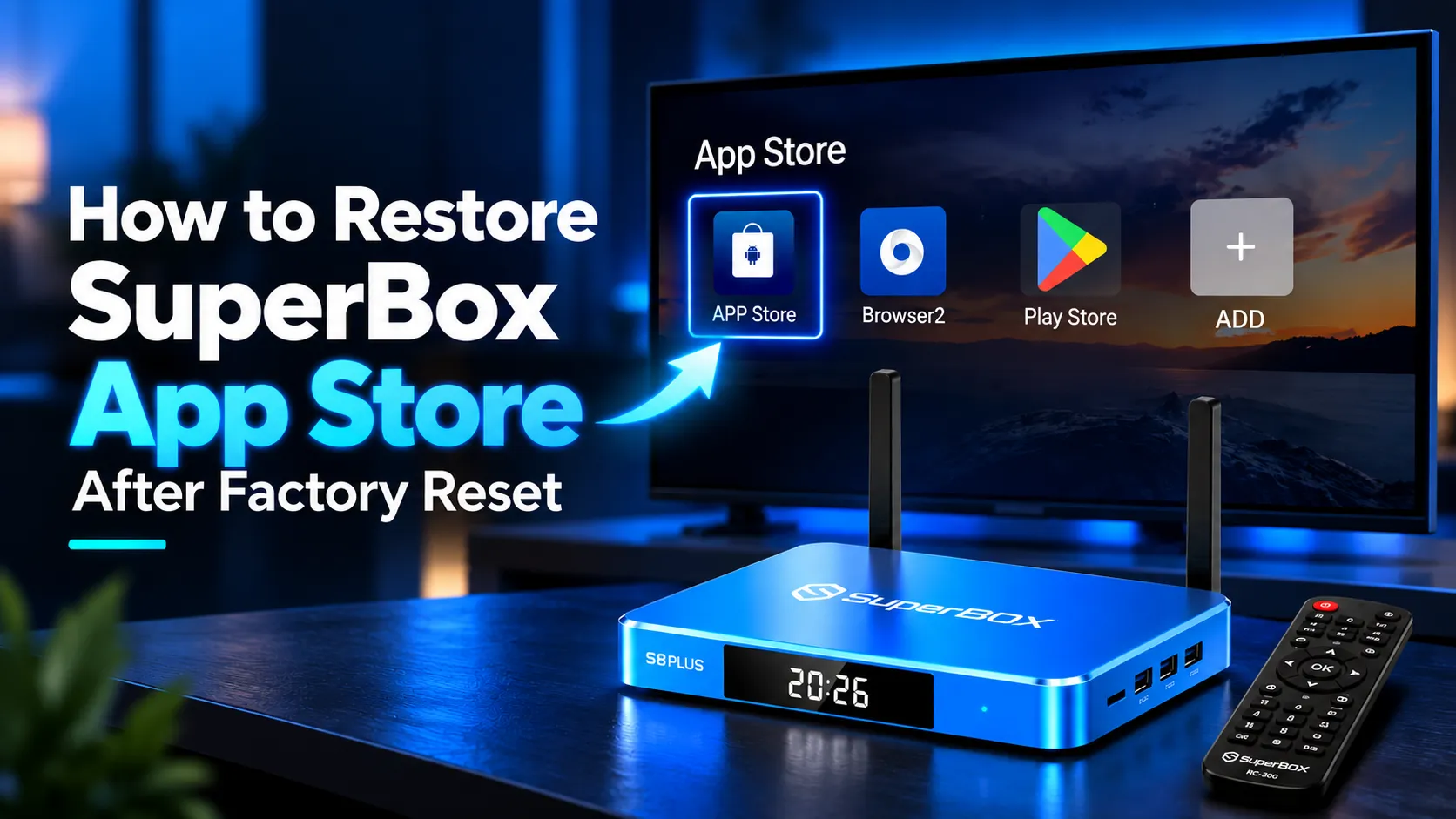
To restore the SuperBox App Store after a factory reset, open your browser and enter 143326.cc in the address bar to download the installer file. Open File Manager, select Local Memory, open Download, and click appstore.apk to install. Once installed, open the App Store and run TV ROM Updater to secure the store permanently to your launcher dock.
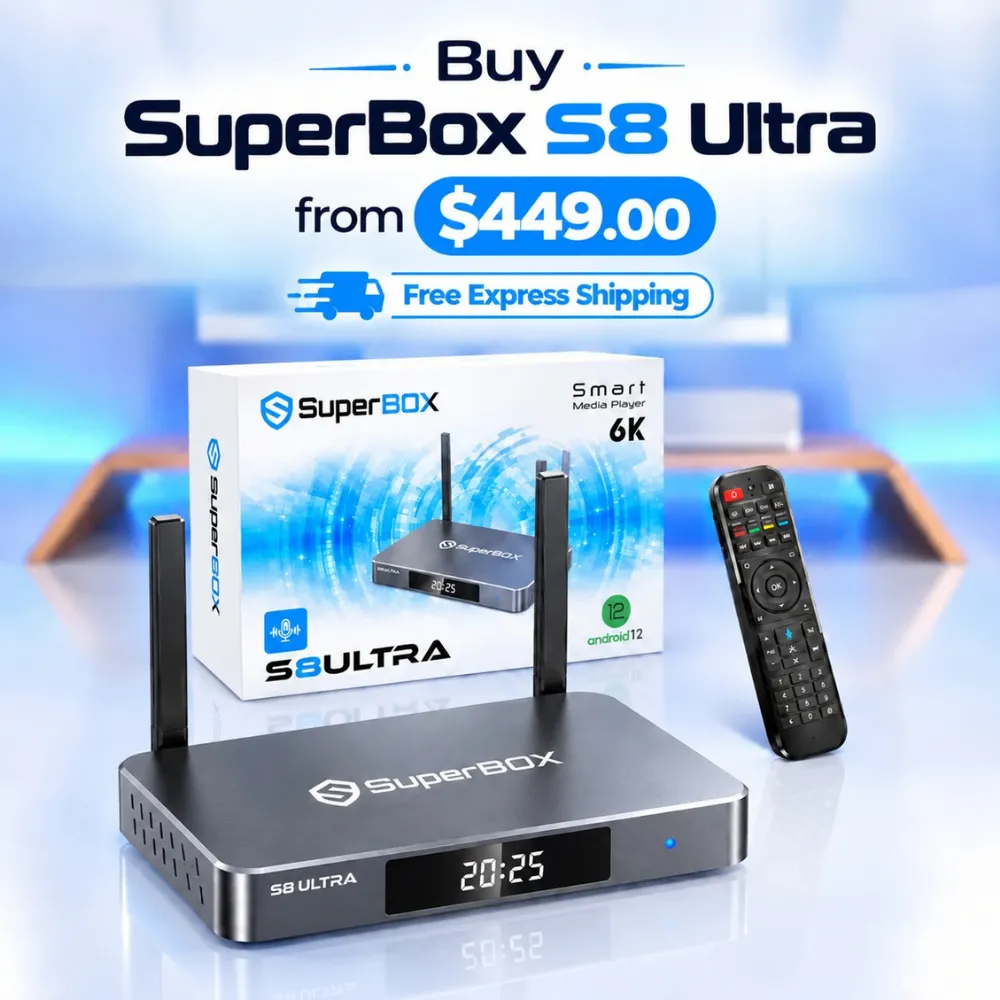
Reinstalling the App Store restores access to Blue TV, Blue VOD, and Playback without affecting your lifetime server authorization. Households wanting reliable hardware with expansive capacity can explore the flagship SuperBox S8 Ultra priced at $449. This model provides 128GB of high-speed storage and 4GB DDR RAM to prevent system crashes entirely.
Quick Takeaways & Key Highlights
- Verified Shortcode: Entering 143326.cc in your browser triggers an instant APK installer download.
- Security Setting: Enabling installation permissions for Chrome allows smooth APK setup.
- Remote Mouse Mode: Pressing the mouse cursor key simplifies clicking on download web pages.
- Mandatory OTA Update: Running the TV ROM Updater prevents the store from vanishing after reboots.
- Hardware Upgrade: Premium 128GB internal storage eliminates app corruption and storage errors.
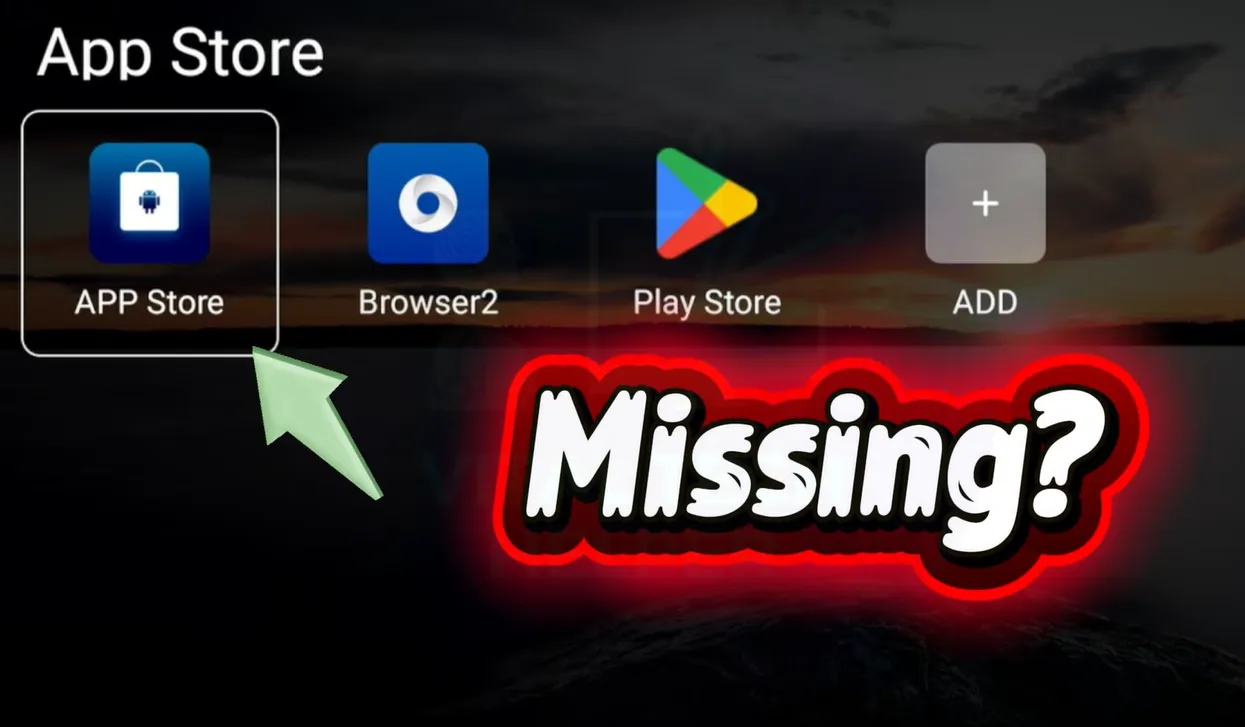
Why does the App Store disappear after a SuperBox factory reset?
When you perform a factory data reset, Android purges all data stored on user partitions. On several firmware editions, the custom App Store and streaming applications reside in writable storage rather than locked system firmware.
The reset process restores the operating system to bare factory settings, which removes third-party launcher shortcuts. Your console hardware MAC address remains registered on official authentication servers, meaning your streaming service remains active.
Review this comparison table detailing standard download shortcodes and file destinations:
| Download Method | Target Browser Address | User Interaction Needed | Target Storage Directory |
|---|---|---|---|
| Automated Direct Download | 143326.cc or 108088.cc | Instant file download without clicking buttons | File Manager > Local Memory > Download |
| Manual Portal Download | 143325.cc or 108087.cc | Click green download button using mouse cursor mode | File Manager > Local Memory > Download |
| Alternative Portal Link | 123.32158.cc | Select specific model APK from web repository | Browser Downloads or Local Storage |
| USB Sideload Method | External USB Flash Drive | Manual APK transfer from personal computer | USB Drive > Root Directory |
Using automated shortcodes is the quickest method. Manual portals provide a reliable fallback if your browser blocks automatic downloads.
Method 1: Automated browser download using verified shortcode URLs
The automated shortcode method requires zero clicking once you enter the web address. This procedure operates reliably across SuperBox S2, S3, S4, S5, S6, S7, and S8 models.
Follow these structured steps using your remote control:
Step 1: Connect to Wi-Fi and verify system clock settings
Open Network Settings and reconnect to your home Wi-Fi network or plug in an Ethernet cable. Open Device Preferences and select Date & Time. Verify automatic time synchronization is enabled, as incorrect clock settings trigger SSL connection errors in your web browser.
Step 2: Enable unknown sources installation in security settings
Open Settings and scroll to Apps, then click Special app access. Select Install unknown apps and locate your web browser, such as Google Chrome. Toggle the permission switch to Allowed so your browser can install downloaded packages.
Step 3: Enter the verified download URL in your browser
Launch the web browser from your home screen dock. Click the top address bar to open the virtual keyboard. Enter 143326.cc or 108088.cc and press Go. The browser connects to the download server and saves appstore.apk automatically.
Step 4: Install the App Store APK from local memory
If a prompt appears at the bottom of the screen, click Open to start installation. If no prompt appears, open File Manager from your apps list, select Local Memory, open Download, and click appstore.apk. Click Install and select Done once complete.
Watch this official guide demonstrating how to download the App Store and perform updates:
Method 2: Manual web download using remote mouse navigation
If automated shortcodes fail to start downloading due to browser security restrictions, manual web portals provide full control. You will use your remote mouse feature to click download buttons on screen.
Follow these steps to complete a manual web download:
Step 1: Open the browser and input the manual portal address
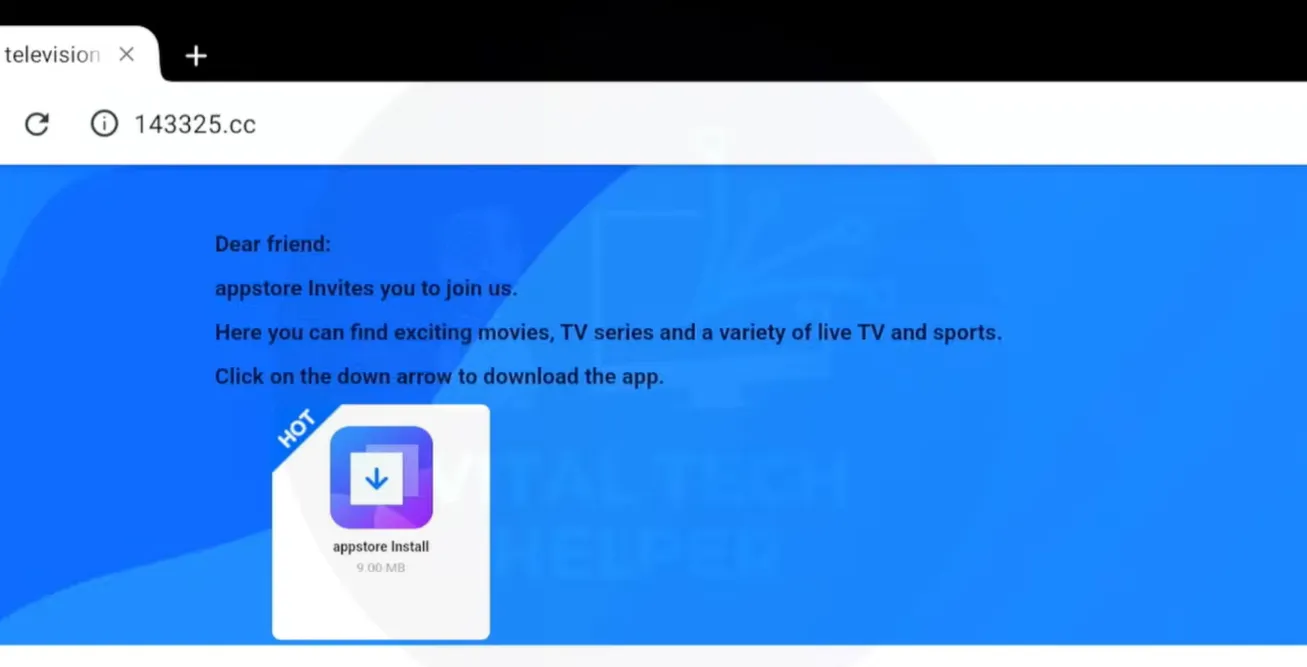
Open your browser and navigate to the address bar. Type 143325.cc or 108087.cc and press Enter on your remote. This loads the dedicated SuperBox software repository page displaying download links.
Step 2: Activate cursor mouse mode on your remote control
Press the Mouse button on your SuperBox remote control to display an arrow cursor on screen. Use the directional navigation pad to maneuver the pointer across the web interface toward the green Download icon.
Step 3: Click the download button and confirm system prompts
Hover the pointer directly over the Download button and press the center OK key. If Android displays a file warning prompt, navigate to Download anyway and click OK. Wait for the download progress indicator to show completion.
Watch this video guide showing how to resolve missing store issues using remote navigation:
Critical post-installation steps to lock the App Store permanently
Installing the APK restores the application icon, but two vital post-installation steps prevent the marketplace from disappearing during future restarts.
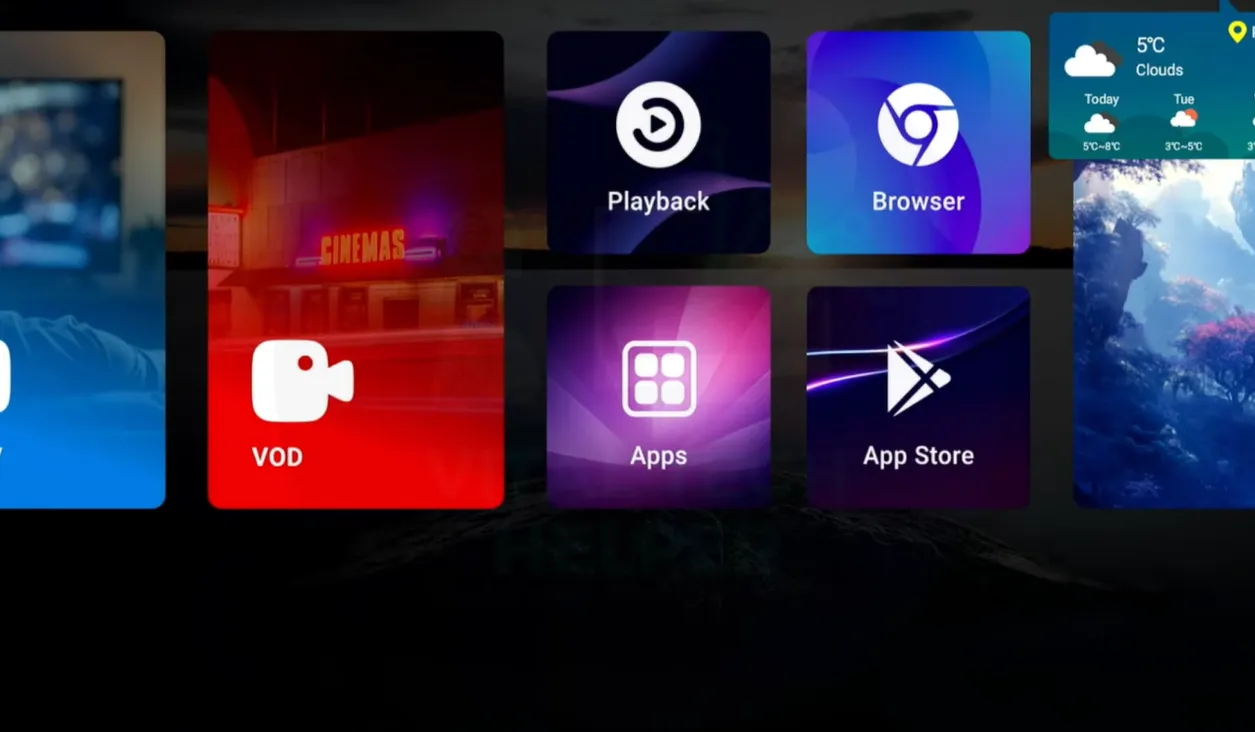
Step 1: Run the TV ROM Updater OTA app
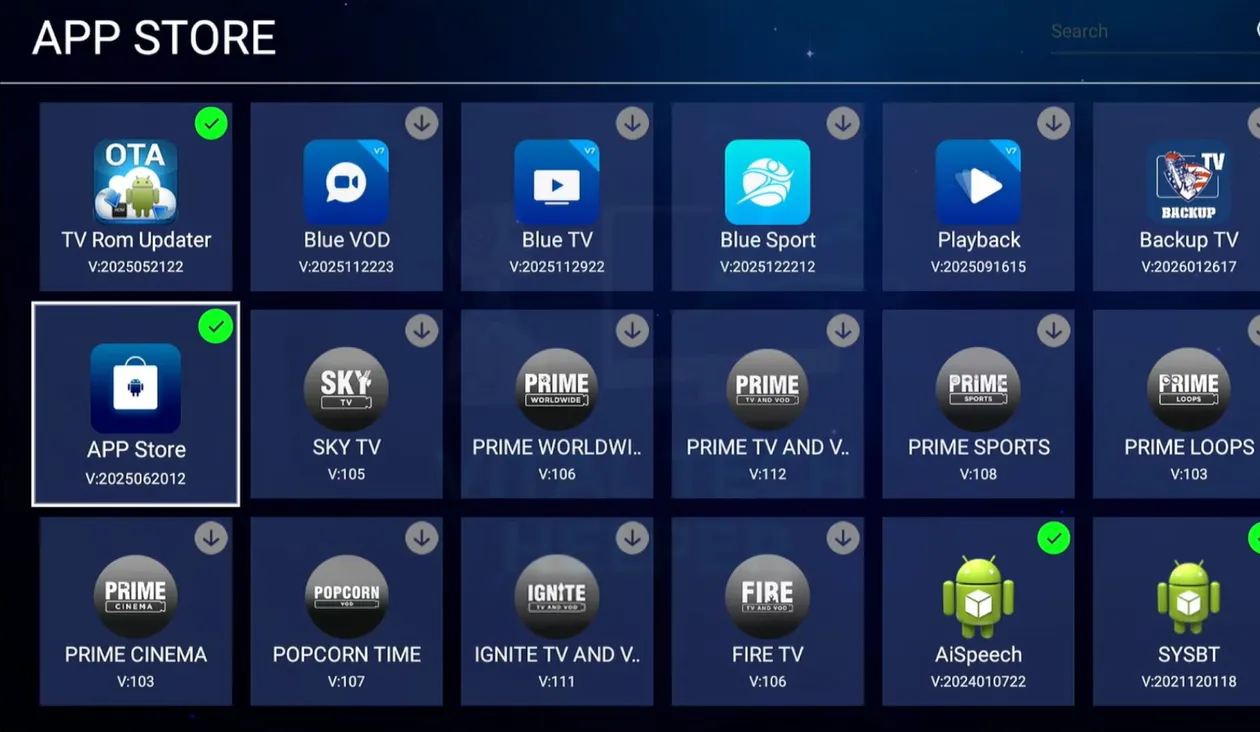
Launch the newly installed App Store from your apps menu. Locate the TV ROM Updater utility inside the marketplace and click it to run. This tool installs vital firmware patches that integrate the App Store directly into the core operating system framework.
Step 2: Reinstall Blue TV, Blue VOD, and Playback
Inside the App Store, click Blue TV and press Install. Repeat this procedure for Blue VOD and Playback. Because your hardware MAC address is pre-registered, each application launches immediately without requiring subscription keys or account logins.
Step 3: Pin the App Store to your home launcher dock
Return to the main dashboard and scroll to the favorite apps dock. Click the plus icon, highlight App Store from the list, and press OK. This keeps the marketplace accessible directly from your primary home screen.
Troubleshooting common App Store restore issues
Why does my browser display a connection error when typing download codes?
Connection timeouts almost always stem from incorrect system clock settings. Go to Settings, click Device Preferences, select Date & Time, and set network time to automatic. Reboot your router and try downloading again once your clock syncs.
What should I do if the installer fails with an app not installed error?
This error occurs when an incomplete download corrupts the APK file. Open File Manager, navigate to Download, and delete the existing appstore.apk file. Re-download the file from 143326.cc on a stable Wi-Fi connection and run the installation again.
Can I restore the App Store using a USB flash drive?
Yes, you can download appstore.apk on a computer, copy it to a FAT32-formatted USB drive, and plug it into your SuperBox. Open File Manager, select USB Storage, click the APK file, and install it directly without using the TV browser.
Why upgrading to the SuperBox S8 Ultra prevents application loss
Tired of dealing with missing marketplace icons, firmware glitches, and repetitive manual reinstalls? Upgrading to the flagship SuperBox S8 Ultra priced at $449 provides premium hardware engineered for smooth continuous streaming.
The S8 Ultra provides 128GB of high-speed internal eMMC storage, quadrupling the space found on older models. Combined with 4GB DDR RAM high-bandwidth RAM, it handles system cache efficiently, eliminating low-storage crashes permanently.
Sports fans can take advantage of Quad Multi-View shortcuts to stream four simultaneous live games with zero buffering. Upgraded hardware decoders process multiple 4K video feeds smoothly, preventing the freezes common on legacy boxes.
Its aluminum unibody housing keeps internal operating temperatures below 38.5 degrees Celsius during continuous playback. Investing $449 eliminates monthly cable bills while providing reliable hardware backed by authorized retail support.
Where to buy authentic SuperBox with warranty coverage
When investing in a high-performance streaming console, purchasing from an authorized distributor like SuperBox guarantees genuine hardware and active server licensing. Our distribution center is located at 13951 Pipeline Ave, Chino CA 91710, led by founder Riley Cooper.
Every purchase includes comprehensive customer service and direct manufacturer warranty coverage:
- Free Shipping: Fast 2 to 5 business day delivery across the United States and Canada with full real-time package tracking via FedEx or USPS.
- 24/7 Technical Support: Dedicated technical specialists available 24/7 via live chat and email for troubleshooting assistance.
- 30-Day Money-Back Guarantee: Hassle-free return policy if you are not completely satisfied with your streaming hardware performance.
- 1-Year Manufacturer Warranty: Full replacement coverage safeguarding against any hardware defects or system component failures supported directly by our customer care center in Chino, California.
- 100% Authentic Hardware: Direct factory units guaranteed genuine without modified firmware, unauthorized alterations, or security risks.
SuperBox for Sale is a leading authorized dealer of SuperBox, specializing in the supply of genuine SuperBox TV boxes Series S6, S7, and S8 in the US & CAD.
Experience Unrivaled Streaming Performance with SuperBox
Discover lightning-fast quad-core processing, dual-band Wi-Fi 6, 7-day playback, and crisp 6K ultra HD output engineered for discerning media fans.