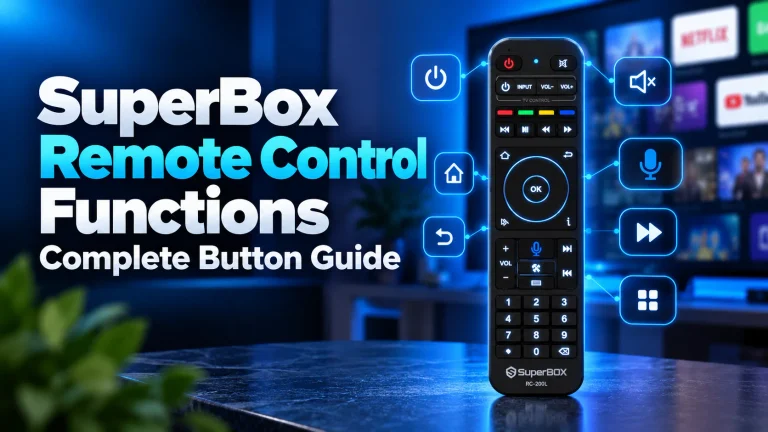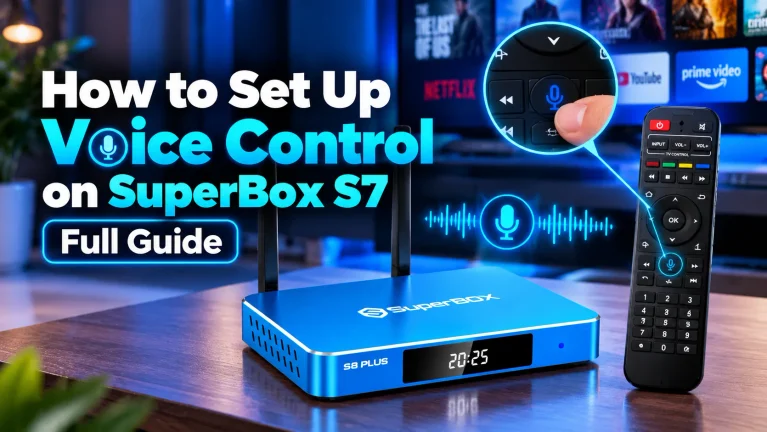
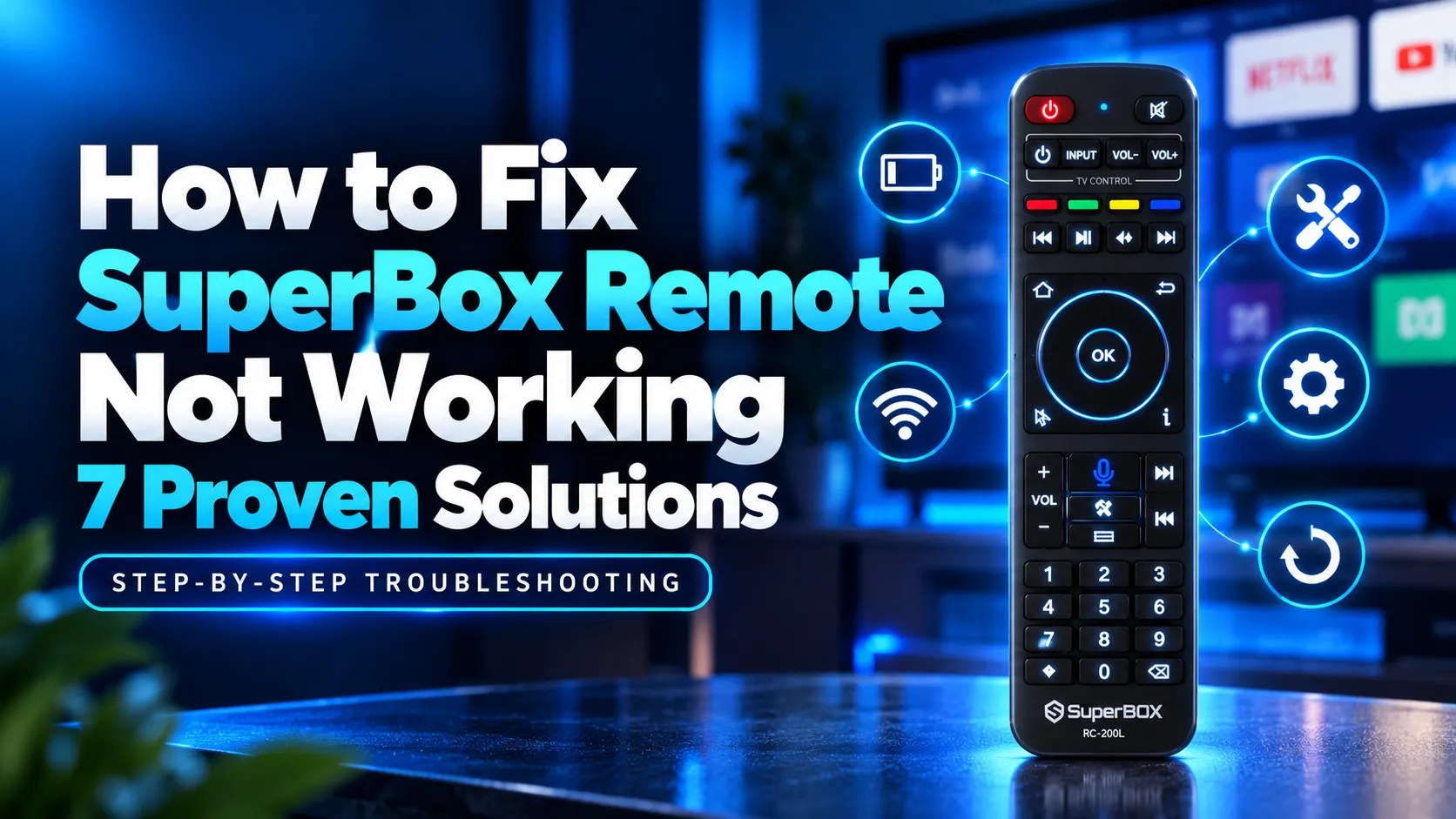
If your SuperBox remote is not working, remove both AAA batteries and hold the Power button for 15 seconds to discharge residual capacitor electricity. Insert fresh alkaline batteries and reboot your console for 60 seconds. Then hold OK and Return simultaneously for 8 seconds until the red light flashes to re-pair.
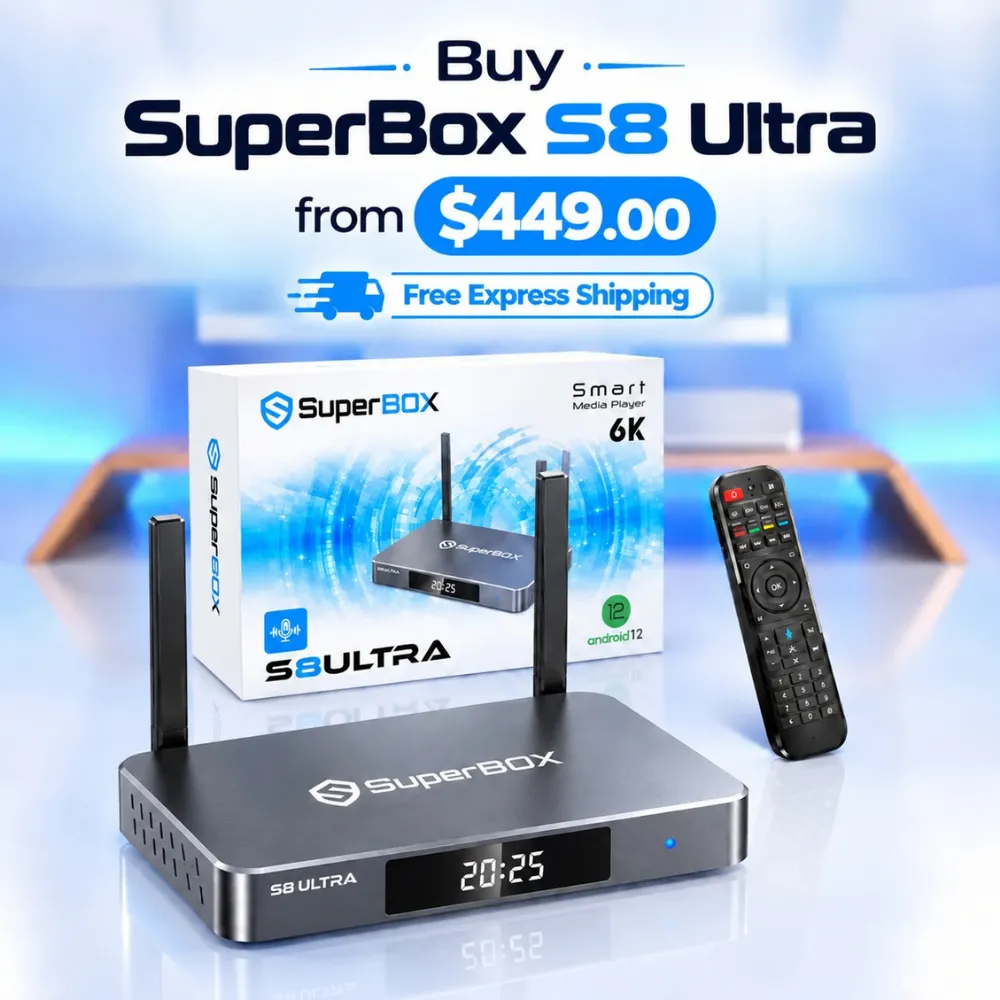
Most remote failures stem from drained battery voltage, dropped Bluetooth connections, or frozen Android background processes rather than permanent physical damage. For viewers looking for enhanced wireless reliability, the flagship SuperBox S8 Ultra at $449 features the upgraded RC-200L backlit remote with stable Bluetooth 5.2 connectivity.
Quick Takeaways & Key Highlights
- Capacitor Discharge: Holding Power for 15 seconds without batteries clears frozen microcontroller logic.
- Bluetooth Reconnection: Pressing OK and Return for 8 seconds rebuilds corrupted wireless pairing tables.
- Camera Verification: Smartphone cameras capture invisible infrared flashes to confirm hardware health.
- USB Mouse Isolation: Connecting an external USB mouse verifies whether the remote or TV box is frozen.
- Power Cycle Reset: Disconnecting console AC power for 60 seconds clears locked system cache memory.
Diagnostic guide for identifying why your SuperBox remote stopped working
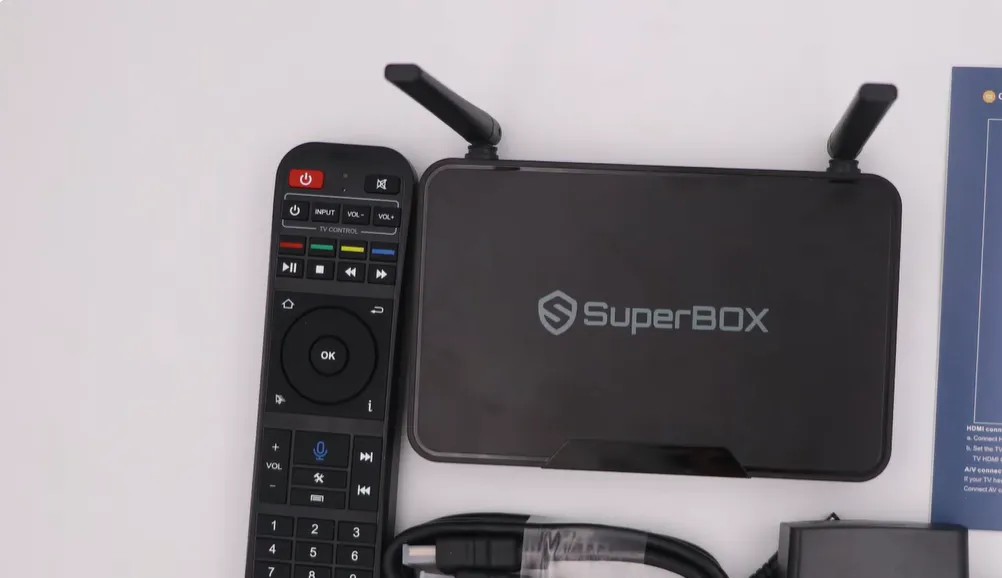
Determining the cause of remote unresponsiveness saves time during troubleshooting. SuperBox remotes operate across directional infrared and wireless Bluetooth Low Energy protocols. Match your symptoms with this diagnostic matrix to find the appropriate fix:
| Observed Symptom | Primary Technical Cause | Quick Diagnostic Check | Recommended Solution |
|---|---|---|---|
| Zero LED Light on Any Press | Dead batteries or static circuit lock | Camera infrared sensor test | 15-second capacitor power drain |
| Remote Operates Only Up Close | Bluetooth dropped to infrared fallback | Test buttons without line of sight | Re-pair Bluetooth using OK and Return |
| Box Power Light Red but Ignores Input | Frozen Android system background process | Connect external USB computer mouse | 60-second console AC power cycle |
| Only TV Volume and Power Work | SuperBox Bluetooth profile disconnected | Check Remotes and Accessories menu | Unpair RC200 and perform fresh sync |
Isolating these common operational symptoms prevents unnecessary hardware replacements. Follow these seven verified troubleshooting solutions in order to restore complete remote responsiveness.
Method 1: Replace batteries and perform a capacitor discharge
Depleted battery voltage is the leading cause of SuperBox remote failures. Bluetooth voice remotes require steady voltage above 2.6 volts to maintain stable wireless communication with your streaming console.
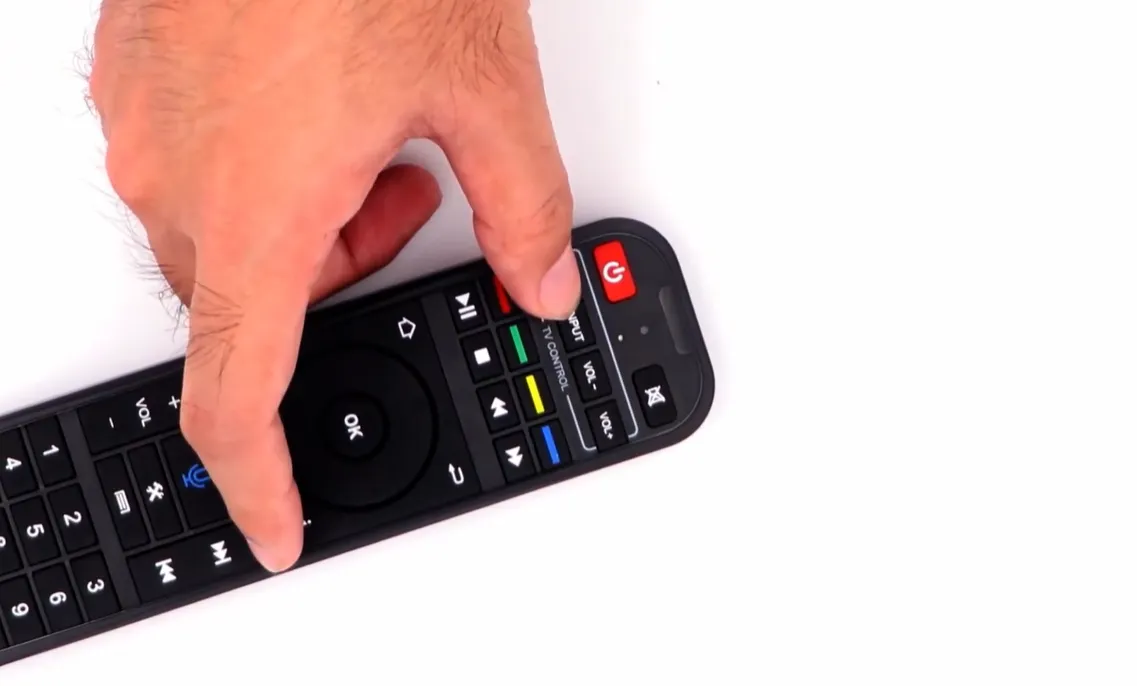
Even if the red LED flashes faintly, weak batteries lack sufficient power for Bluetooth transmission. Remove both AAA batteries and hold the Power button for 15 seconds to discharge residual capacitor electricity, resetting the microcontroller.
Inspect the metal spring contacts for white battery acid residue or corrosion. Wipe the terminals clean with a dry cotton swab, then insert two brand-new AAA alkaline batteries with correct positive and negative alignment.
Method 2: Re-pair Bluetooth connection to restore full wireless control
If your remote only responds when pointed directly at the front of your console, the Bluetooth connection has dropped. Without an active Bluetooth pairing link, voice search remains completely disabled.
To restore Bluetooth communication, stand within 3 feet of your console. Press and hold the OK and Return buttons (or Voice and OK buttons) simultaneously for 8 seconds until the red indicator LED flashes rapidly.
If the box fails to discover the remote automatically, use a USB mouse to navigate to Settings. Open Remotes and Accessories, click Add accessory, select RC200 from the discovered device list, and click Connect.
Method 3: Test infrared emitter health with a smartphone camera
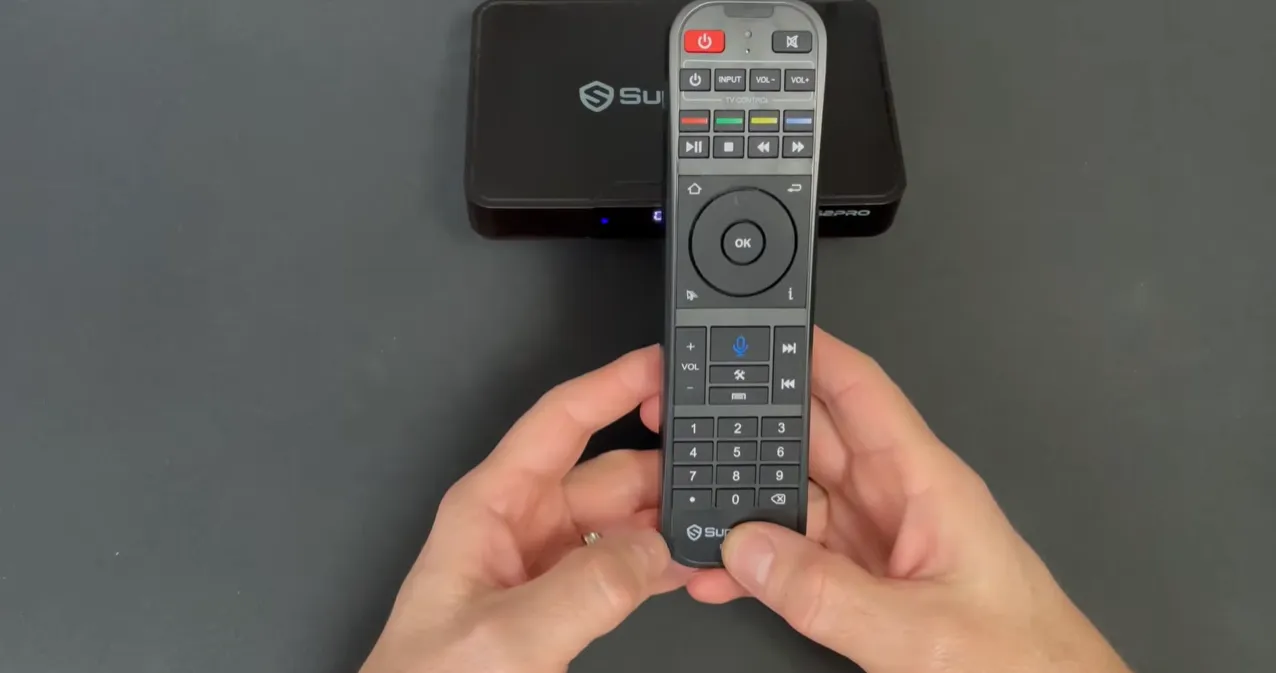
A fast camera test confirms whether your remote hardware is physically transmitting signals. Smartphone camera sensors detect infrared light wavelengths that are invisible to the naked human eye.
Launch the camera application on your smartphone or tablet. Hold the front end of your SuperBox remote 2 inches away from the camera lens, aiming the glass emitter directly into the camera.
Press and hold any button on the remote, such as Volume Up or Menu. Look at your phone display for a bright flashing purple or white light emitted from the infrared diode. A visible flashing light confirms that the remote hardware is functioning properly.
Method 4: Isolate console freezes using a USB computer mouse
An unresponsive remote often disguises a frozen Android operating system. When the TV box locks up, the console ignores all wireless and infrared incoming commands completely.
Plug a standard wired or wireless USB mouse into any open USB port on the back or side of your SuperBox console. Move the mouse across a flat surface and observe your television screen.
If an on-screen mouse pointer moves and clicks menus successfully, your console is operating normally, confirming the remote is unpaired or defective. If the mouse produces no cursor, your console operating system is locked and requires an immediate power reboot.
Method 5: Power cycle your SuperBox console to clear system cache
Rebooting your console clears locked memory buffers and restarts internal Bluetooth driver services. Disconnect the black power cable from the rear panel of your SuperBox console.
Keep the console unplugged for 60 seconds to discharge internal capacitors. Reconnect power, let the Android home screen load, and press directional arrows on your remote to verify responsive navigation.
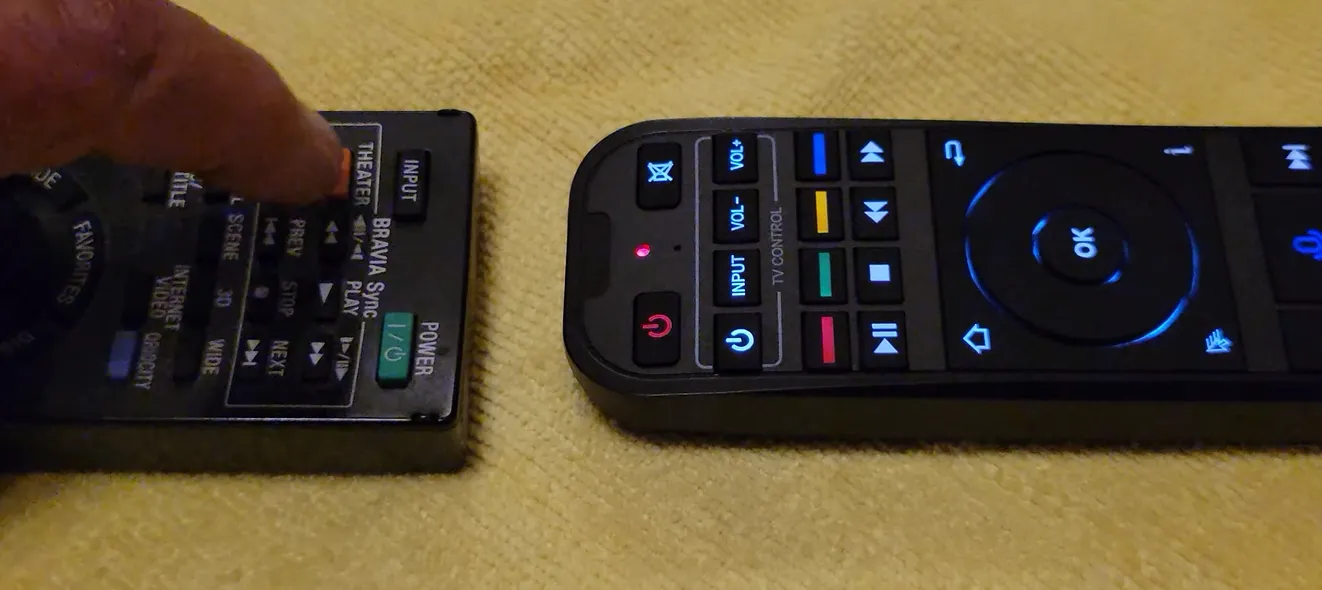
Method 6: Remove wireless interference and physical obstacles
Dense physical obstructions and heavy 2.4GHz wireless clutter can disrupt Bluetooth remote signals. Household Wi-Fi routers, soundbars, and wireless game controllers compete for identical frequency spectrums.
Keep your SuperBox at least 3 feet away from Wi-Fi routers and metal media cabinets. Placing the console on an open shelf prevents 2.4GHz radio clutter from blocking low-power Bluetooth remote signals.
Method 7: Reprogram television control buttons or replace remote hardware
If only the white TV Control buttons fail to operate, your remote simply requires infrared code reprogramming. The white buttons operate independently from the SuperBox console, copying signals directly from your television remote.
Hold the white TV Power button for 5 seconds until the red LED turns solid, align remotes 1 centimeter apart, and copy keys from your original TV remote. If the remote produces zero infrared light, replace it with an authentic controller.
Video walkthroughs for troubleshooting SuperBox remotes
Visual troubleshooting guides simplify diagnostics by demonstrating exact button sequences and indicator light behaviors. Review this comprehensive guide by Ned HELP demonstrating camera testing and battery discharge techniques.
For additional real-world repair insights, this community video by geminidrums demonstrates practical battery compartment troubleshooting and multi-box remote recovery.
Frequently asked questions about SuperBox remote issues
Why does only the power button work on my SuperBox remote?
The remote has disconnected its Bluetooth connection and reverted to infrared mode. Infrared mode operates television power, while streaming navigation and voice search require re-pairing the remote via Bluetooth in Settings.
Can you navigate the SuperBox interface without a remote control?
Yes, you can plug any standard USB computer mouse or wireless keyboard into the console USB port. An on-screen mouse pointer appears immediately, allowing complete menu navigation while you troubleshoot your remote.
How do you know if your SuperBox remote hardware is completely dead?
If installing fresh batteries produces zero indicator lights and your smartphone camera detects no flashing infrared diode signals, internal circuits have failed. In this scenario, purchasing an authentic replacement controller is necessary.
Why upgrading to the SuperBox S8 Ultra prevents remote control frustrations
Tired of unlit remote buttons, connection drops, and sluggish voice recognition? Upgrading to the flagship SuperBox S8 Ultra priced at $449 eliminates everyday remote control headaches permanently.
The S8 Ultra includes the premier RC-200L backlit Bluetooth remote featuring soft blue LED keys that illuminate automatically upon touch. Equipped with advanced Bluetooth 5.2 connectivity, it maintains unbroken wireless synchronization through walls and obstacles.
Powered by 4GB DDR RAM and 128GB high-speed internal storage, the S8 Ultra processes complex voice queries in fractions of a second. Sports enthusiasts can activate Quad Multi-View shortcuts to stream four simultaneous live events without input lag.
Its aircraft-grade aluminum unibody housing maintains operating temperatures below 38.5 degrees Celsius during intensive 4K playback. Investing $449 delivers dependable hardware backed by dedicated domestic customer support in California.
Where to buy authentic SuperBox with warranty coverage
When investing in an authentic streaming console, purchasing from an authorized distributor like SuperBox Shop guarantees genuine hardware and active server licensing. Our distribution center is located at 13951 Pipeline Ave, Chino CA 91710, led by founder Riley Cooper.
Every purchase includes comprehensive domestic customer support and direct manufacturer warranty coverage:
- Free Shipping: Fast 2 to 5 business day delivery across the United States and Canada with full real-time package tracking via FedEx or USPS.
- 24/7 Technical Support: Dedicated technical specialists available 24/7 via live chat and email for troubleshooting assistance.
- 30-Day Money-Back Guarantee: Hassle-free return policy if you are not completely satisfied with your streaming hardware performance.
- 1-Year Manufacturer Warranty: Full replacement coverage safeguarding against any hardware defects or system component failures supported directly by our customer care center in Chino, California.
- 100% Authentic Hardware: Direct factory units guaranteed genuine without modified firmware, unauthorized alterations, or security risks.
SuperBox for Sale is a leading authorized dealer of SuperBox, specializing in the supply of genuine SuperBox TV boxes Series S6, S7, and S8 in the US & CAD.
Experience Unrivaled Streaming Performance with SuperBox
Discover lightning-fast quad-core processing, dual-band Wi-Fi 6, 7-day playback, and crisp 6K ultra HD output engineered for discerning media fans.