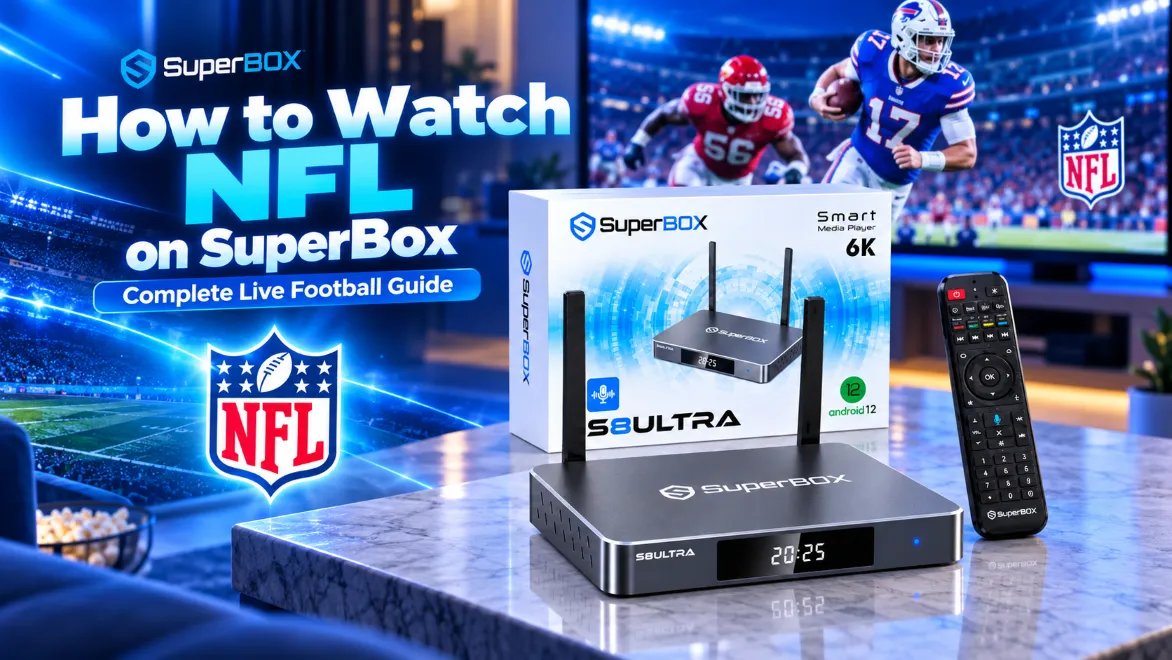
To watch live NFL games on SuperBox, open Blue TV from your home screen or download it from the built-in App Store, navigate to the Sports or NFL / NCAAF category in the left menu, and select your game feed. Every SuperBox media player delivers regional CBS, FOX, NBC, ABC, ESPN, and NFL Network broadcasts, alongside direct NFL Sunday Ticket feeds with home and away commentary, zero monthly fees, and no regional blackout restrictions.
Summary
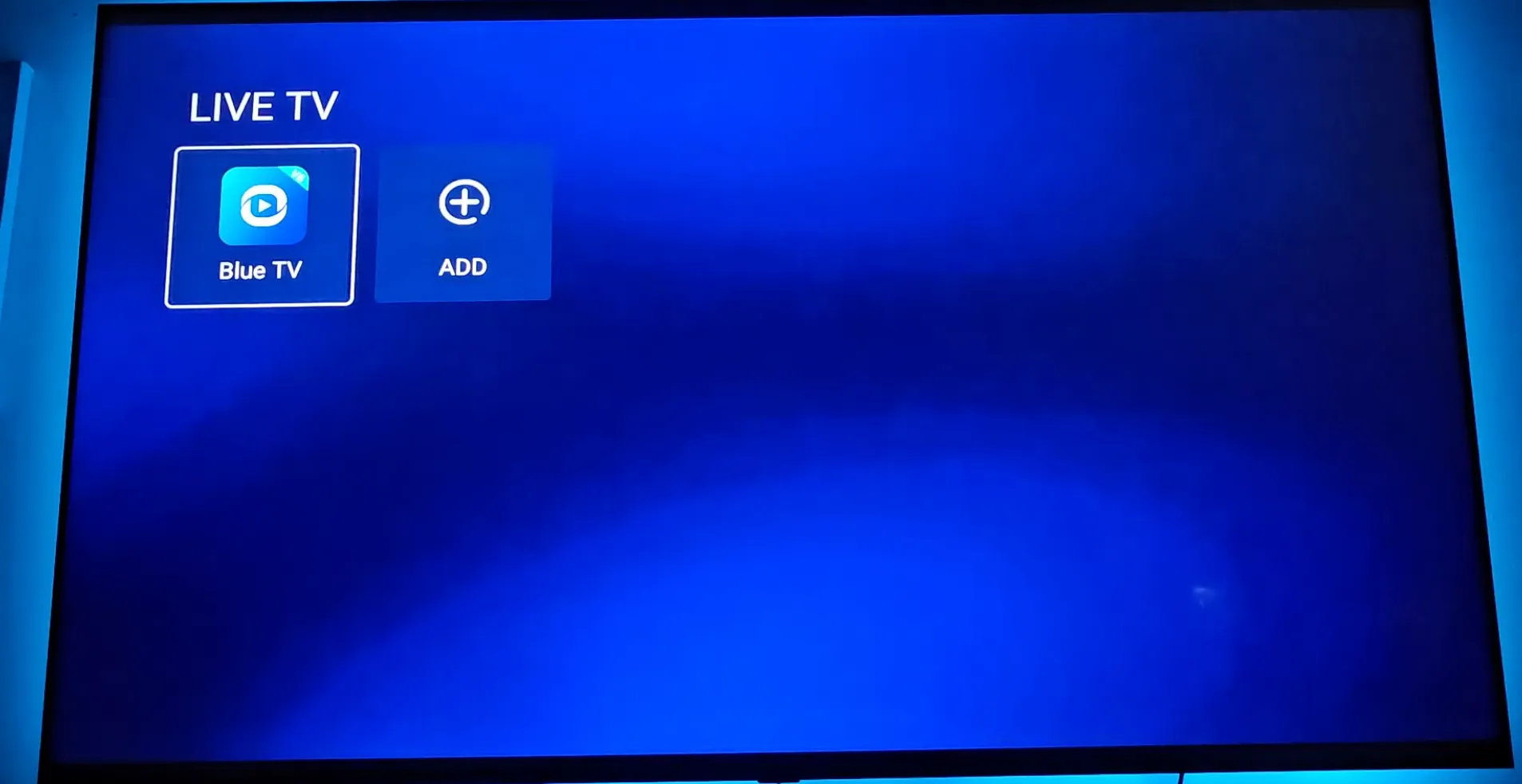
- Step 1: Select the LIVE TV tile (or Blue TV app) on the SuperBox home screen.
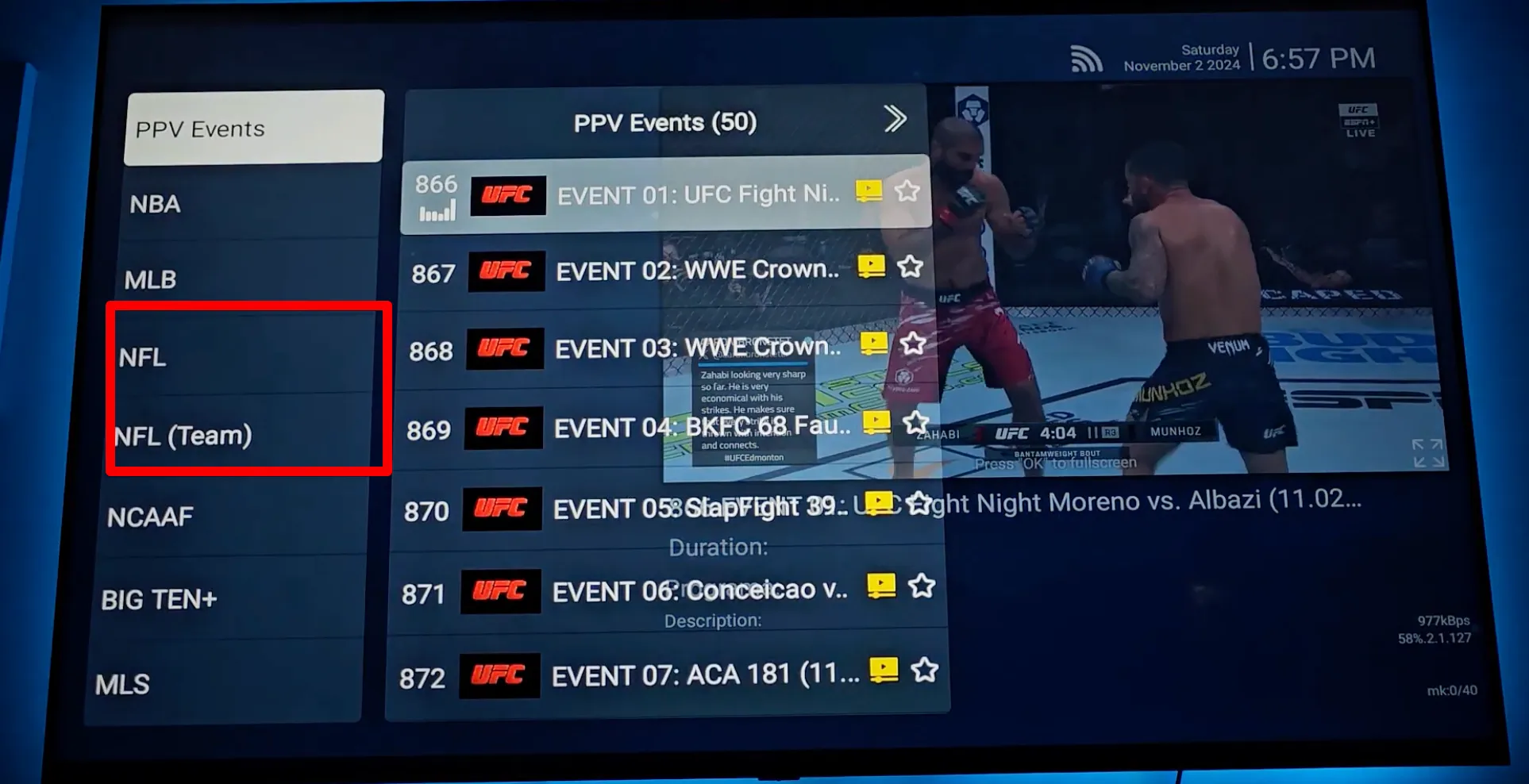
- Step 2: Press the Left arrow on your remote to open the sidebar, then choose Sports or NFL / NCAAF.
- Step 3: Pick your feed via major network channels or the Live Events / PPV / NFL Sunday Ticket directory.
How to watch live NFL games on SuperBox step by step?
Follow these core steps on your SuperBox to tune into any live NFL football matchup:
- Step 1: From the SuperBox home screen, select the LIVE TV tile (or the Blue TV app). If your SuperBox is brand new or was recently factory reset, open the App Store on the Home screen first to download and install Blue TV.
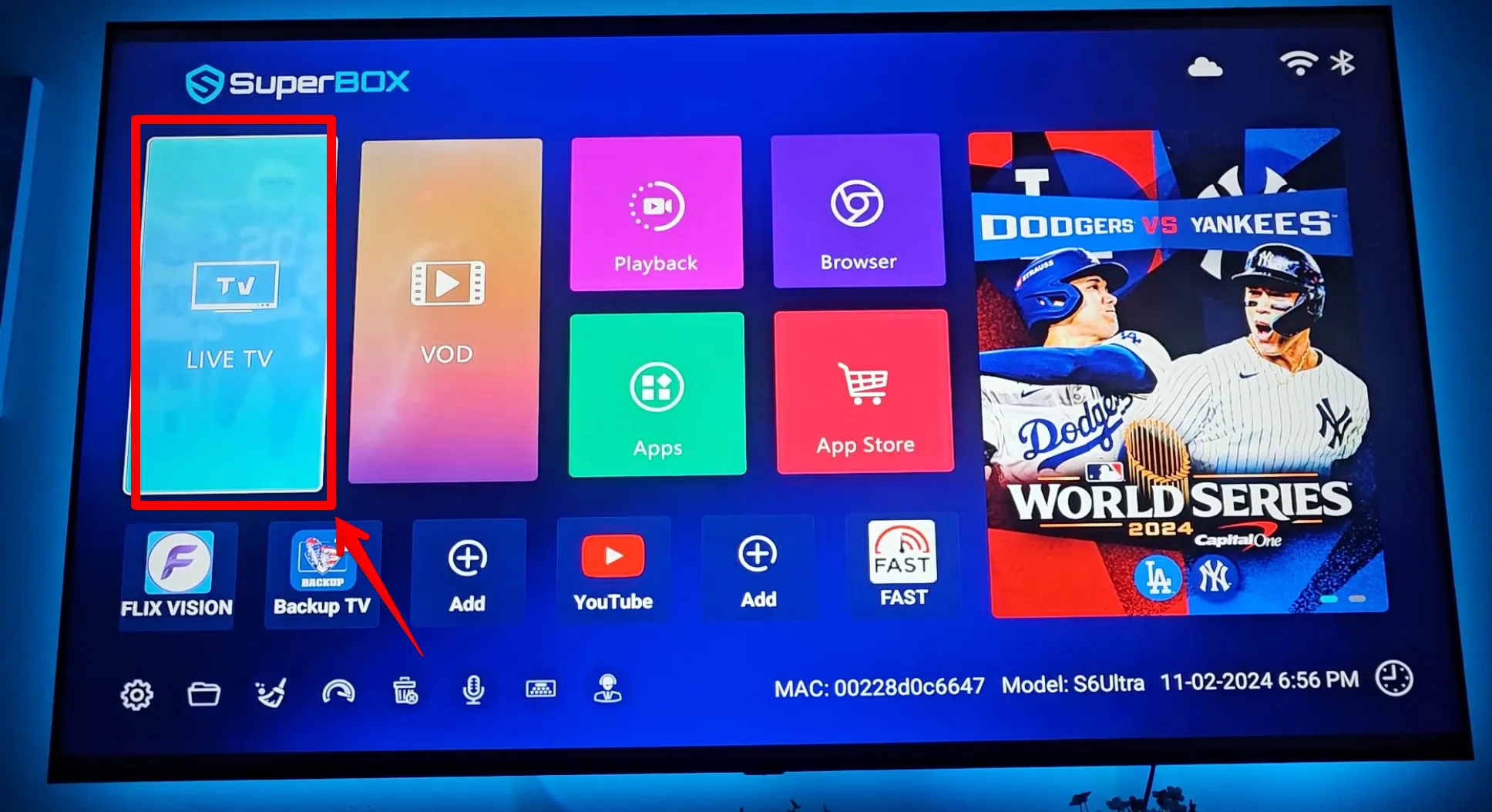
- Step 2: Open Blue TV from the Home screen – Click on the Blue TV app icon on your main screen. If your SuperBox is brand new or was recently factory reset, open the App Store on the Home screen first to download and install Blue TV.
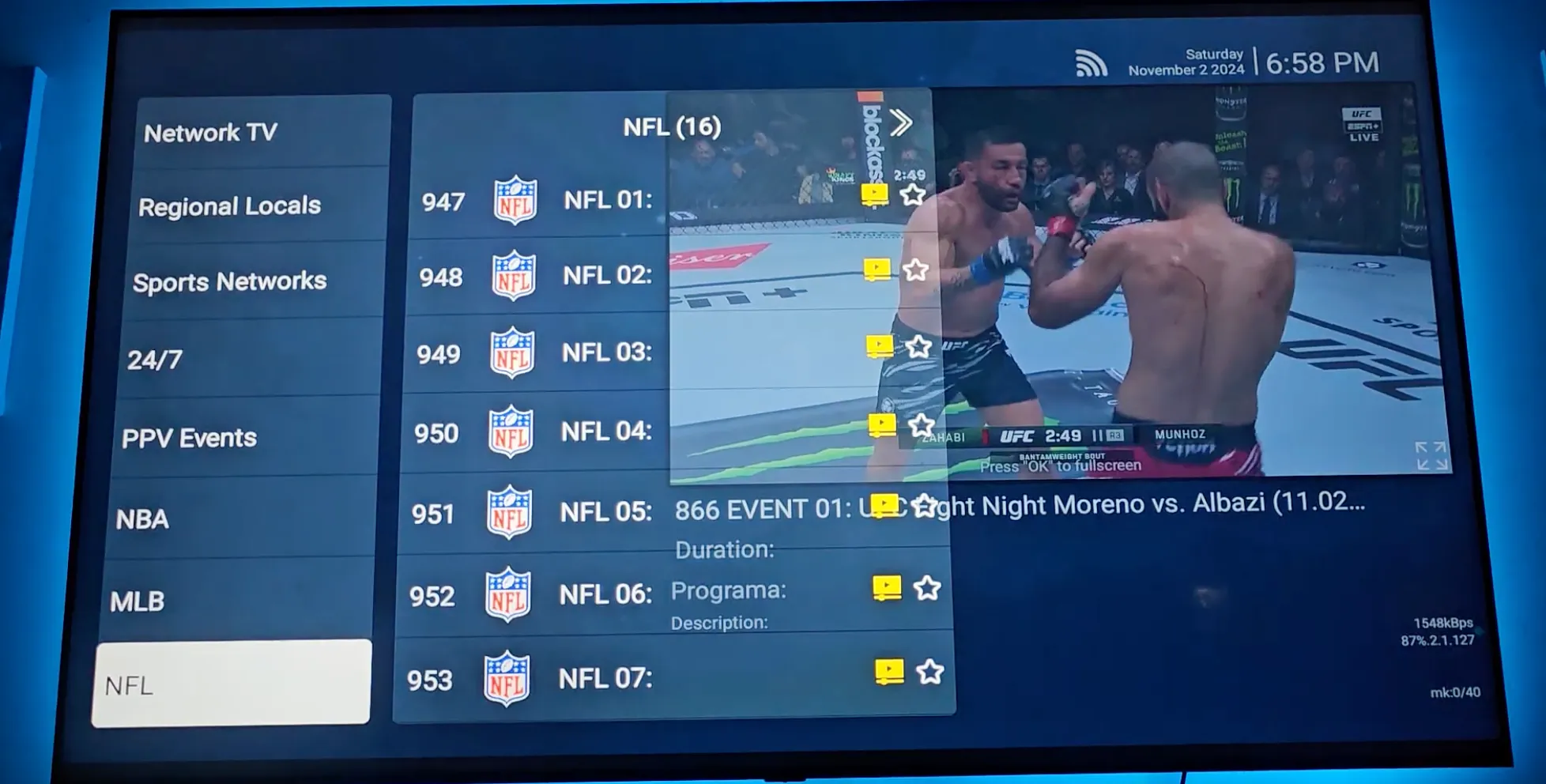
- Step 3: Navigate to Sports or NFL / NCAAF: Once inside Blue TV, press the Left arrow on your remote control to open the sidebar category menu, then select the Sports or NFL / NCAAF section.
- Step 4:
- Option A: National & Local Broadcasts: Select major network channels including CBS, FOX, NBC, ABC, ESPN, or NFL Network for national primetime games and local Sunday afternoon action.
- Option B: Live Matchups & Out-of-Market Games: Go to the Live Events / PPV / NFL Sunday Ticket directory to choose your specific matchup and pick either the Home team or Away team broadcast feed.
How to save your primary NFL channels to Favorites for fast Sunday access?
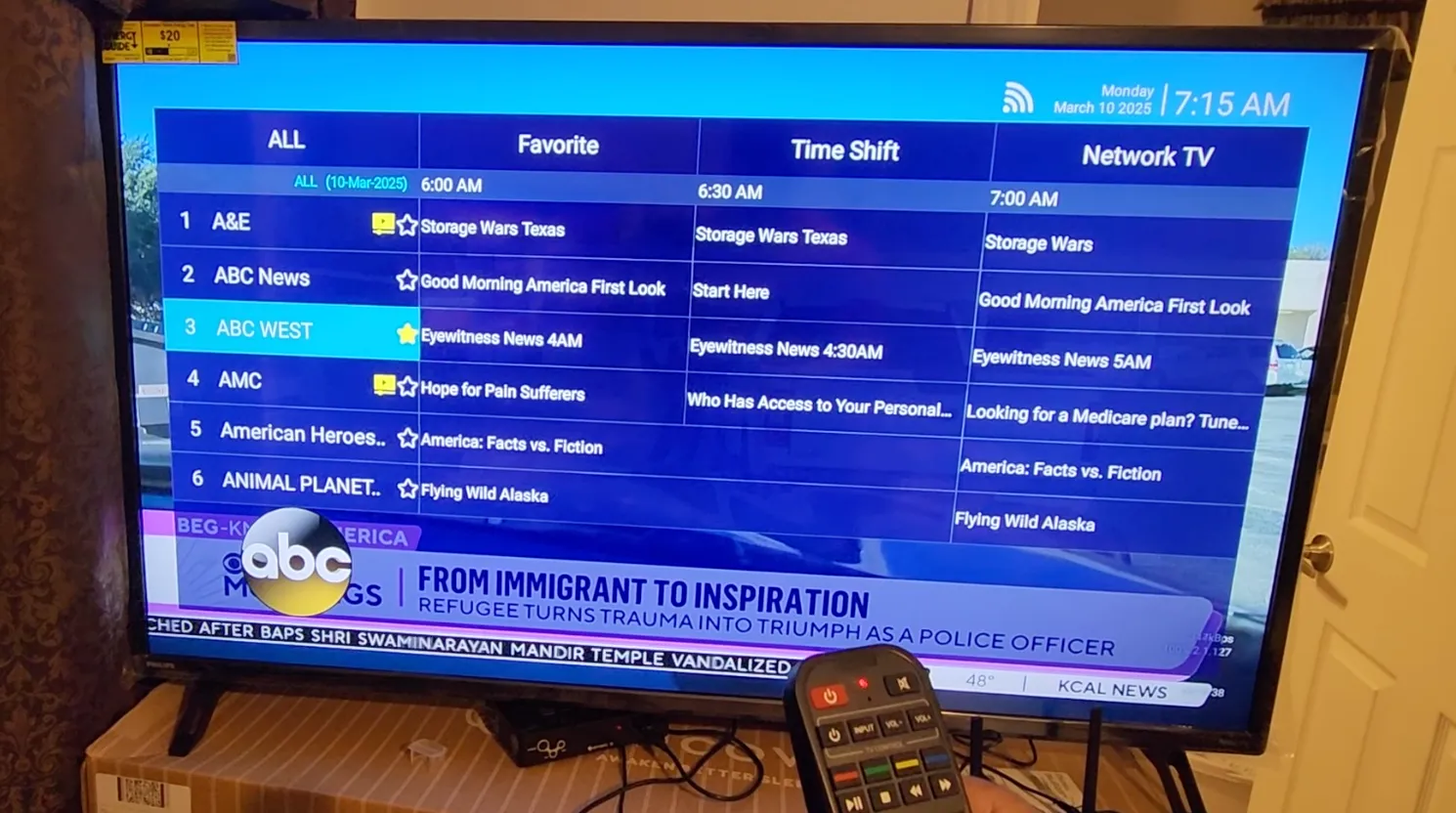
Bookmarking your primary football channels into the Favorites folder eliminates manual channel searching every Sunday.
- Open Blue TV and navigate to your preferred channel (such as CBS, FOX, NFL Network, or NFL RedZone).
- Press and hold the OK button on your remote for two seconds until a gold star icon appears next to the channel name.
- Press the Left arrow and click the top Favorites folder to access all your pinned football channels in one click.
- To remove a channel later, highlight it in the Favorites list and press and hold the OK button again.
Where to buy authentic SuperBox with warranty coverage
When investing in a high-performance streaming console, ordering directly from SuperBox TV guarantees authentic hardware and verified server licensing. Our central distribution and customer care facility operates at 13951 Pipeline Ave, Chino, CA 91710, USA, led by founder Riley Cooper.
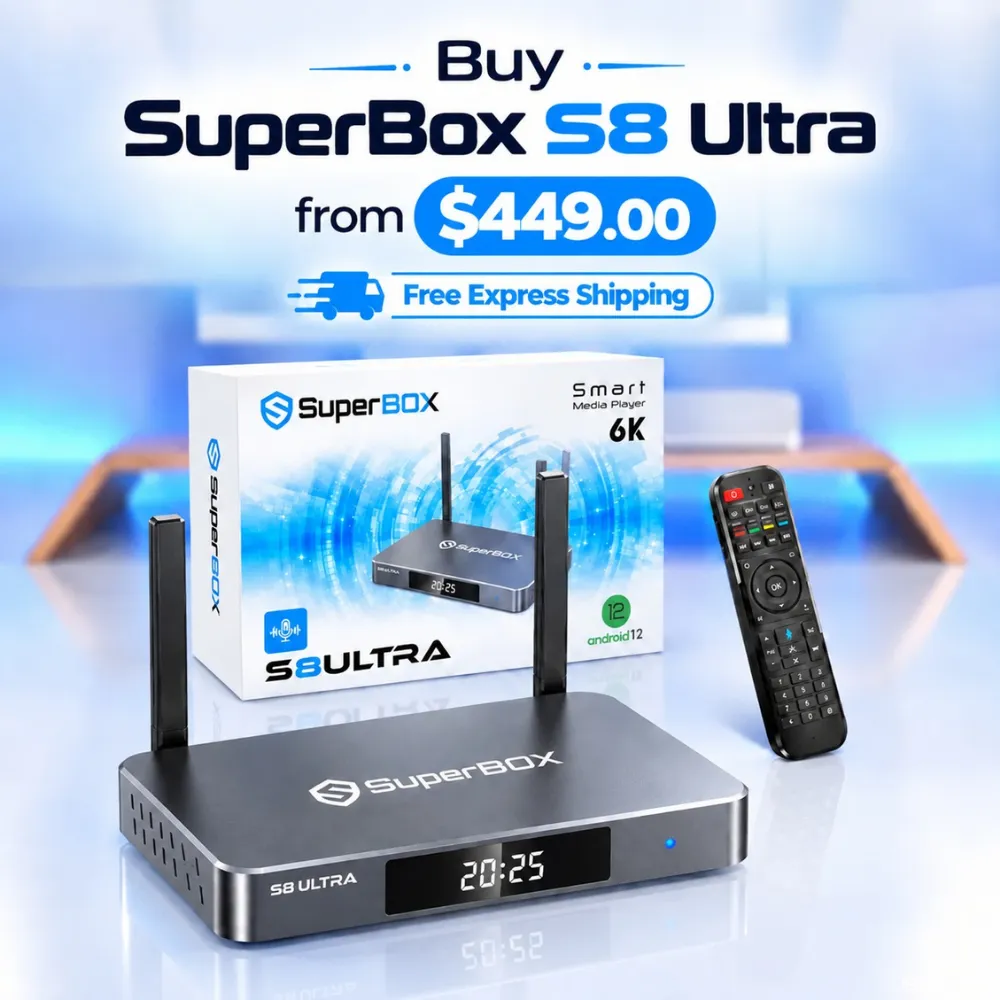
For the ultimate cord-cutting setup, we recommend the flagship SuperBox S8 Ultra priced at $449, featuring 4GB DDR RAM, 128GB storage, Wi-Fi 6, and Gigabit Ethernet. Every order includes our Official Reseller License Code #SP20250928002 and full warranty protection:
- Free Shipping: Fast 2 to 5 business day delivery across the United States and Canada with full real-time package tracking via FedEx or USPS.
- 24/7 Technical Support: Dedicated technical specialists available 24/7 via live chat and email for troubleshooting assistance.
- 30-Day Money-Back Guarantee: Hassle-free return policy if you are not completely satisfied with your streaming hardware performance.
- 1-Year Manufacturer Warranty: Full replacement coverage safeguarding against any hardware defects or system component failures supported directly by our customer care center in Chino, California.
- 100% Authentic Hardware: Direct factory units guaranteed genuine without modified firmware, unauthorized alterations, or security risks.
SuperBox for Sale is a leading authorized dealer of SuperBox, specializing in the supply of genuine SuperBox TV boxes Series S6, S7, and S8 in the US & CAD.
Experience Unrivaled Streaming Performance with SuperBox
Discover lightning-fast quad-core processing, dual-band Wi-Fi 6, 7-day playback, and crisp 6K ultra HD output engineered for discerning media fans.

![SuperBox Remote Control Functions: Complete Button Guide [2027]](https://superboxforsale.com/wp-content/uploads/2026/10/SuperBox-Remote-Control-Functions-768x432.webp "SuperBox Remote Control Functions: Complete Button Guide [2027] 12")
![How to Set Up Voice Control on SuperBox S7 Full Guide [2027]](https://superboxforsale.com/wp-content/uploads/2026/10/How-to-Program-SuperBox-Remote-to-TV-1-767x432.webp "How to Set Up Voice Control on SuperBox S7 Full Guide [2027] 18")