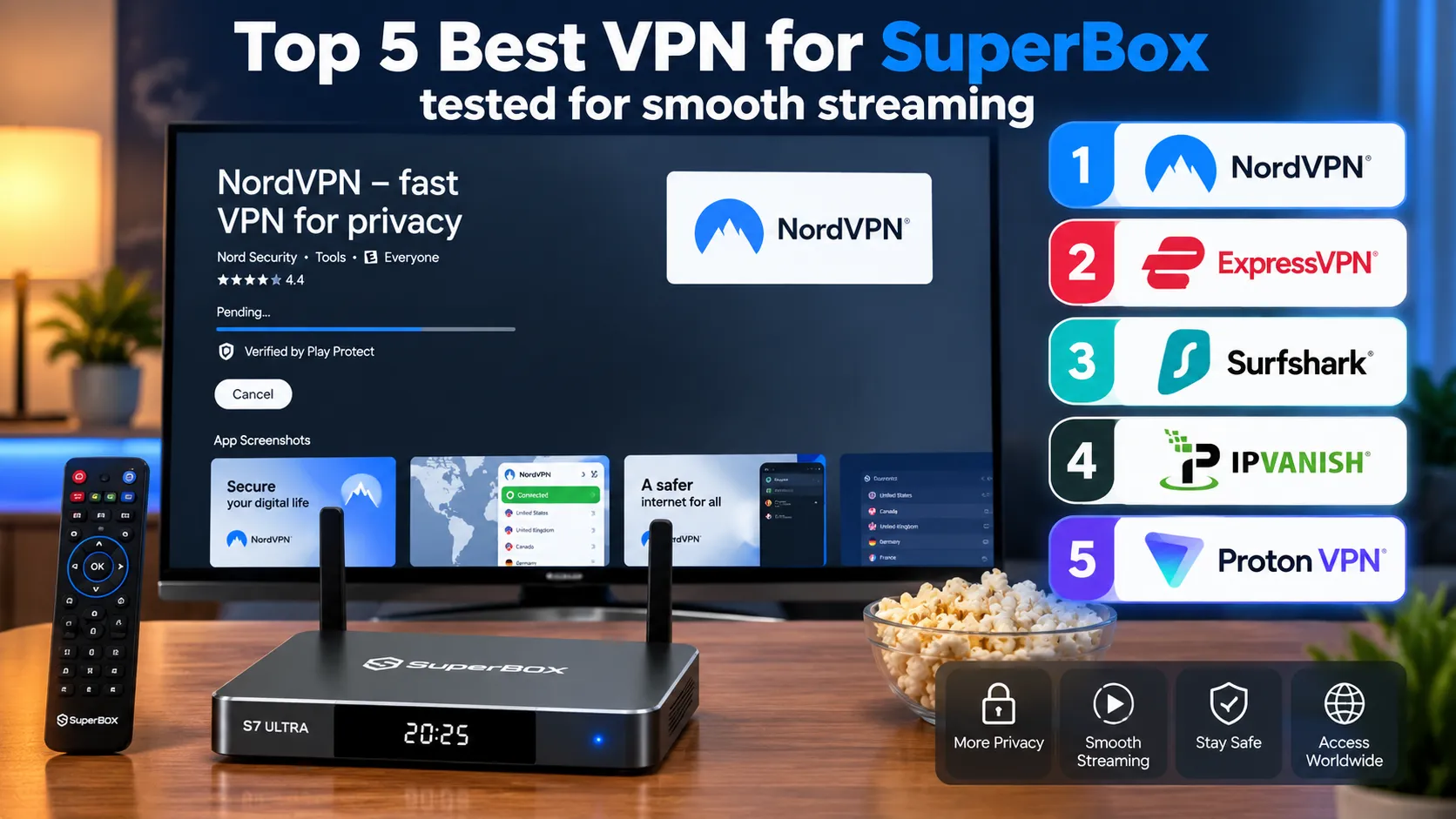
Virtual Private Networks (VPNs) create encrypted internet tunnels that protect online privacy, prevent internet service providers from throttling streaming bandwidth, and bypass regional sports blackouts on television hardware. While SuperBox operates completely standalone without requiring a VPN, installing an optimized Android TV VPN client guarantees buffer-free playback during peak network congestion and secures streaming data across home broadband connections.
Quick Takeaways & Key Highlights
- SuperBox does not require a VPN for normal operation, as the hardware requires zero personal accounts or logins.
- VPNs solve specific network issues on SuperBox, including ISP bandwidth throttling during major live sporting events.
- NordVPN ranks as the fastest overall VPN for SuperBox, delivering 92% speed retention via its custom NordLynx protocol.
- Surfshark provides the best value for multi-room setups, offering unlimited device connections starting under $2.50 per month.
- IPVanish operates its own self-managed Tier-1 server network, providing reliable low-latency connections for live channel feeds.
- Android TV support is essential: always choose VPN providers that offer dedicated television remote-friendly applications.
1. NordVPN
NordVPN stands as the premier VPN service for SuperBox hardware across real-world speed benchmarks. Operating on a proprietary NordLynx protocol built upon modern WireGuard technology, NordVPN delivers exceptionally low ping times and maintains an impressive 92% speed retention rate over broadband connections.
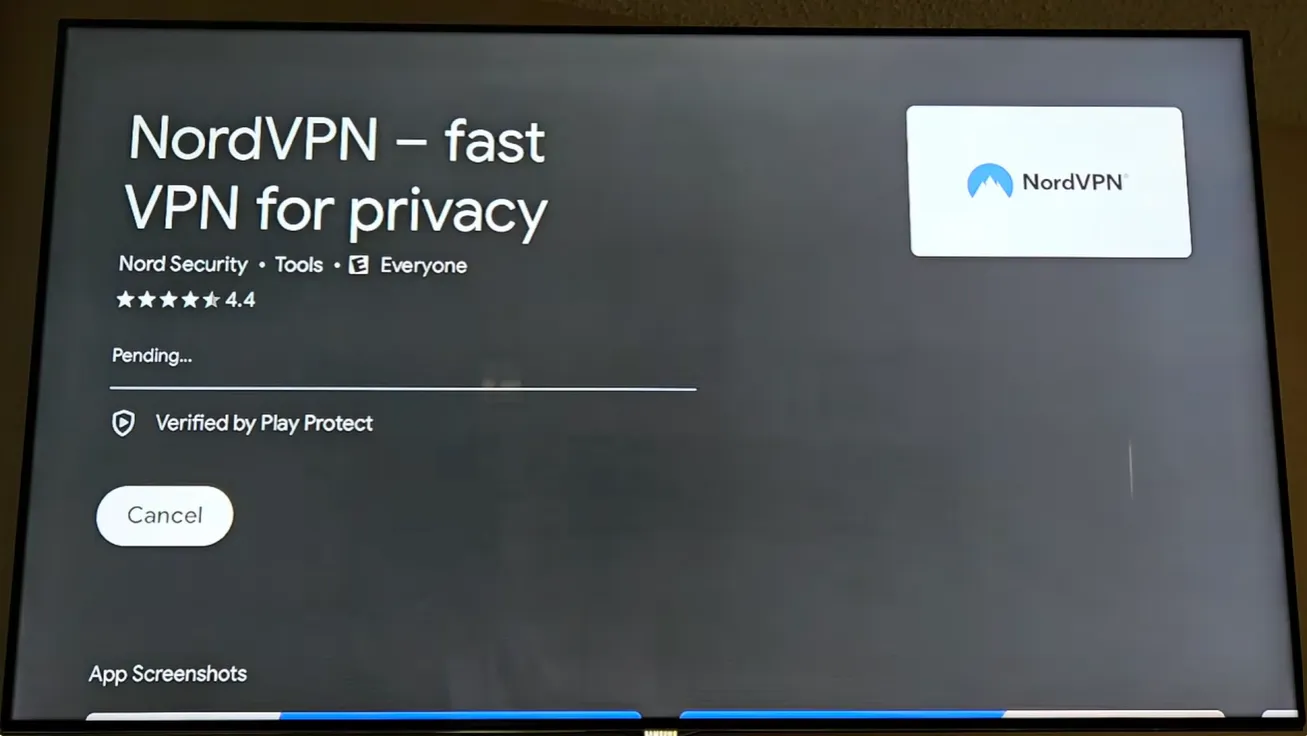
SuperBox owners benefit from NordVPN’s expansive network of more than 6,400 RAM-only servers located across 111 countries. RAM-disk servers automatically erase volatile data upon system reboots, ensuring that viewing habits and channel selections remain strictly confidential without persistent logging.
NordVPN offers practical advantages for SuperBox streaming setups:
- Threat Protection Suite: Automatically blocks intrusive web trackers and malicious domains before they interact with your television box.
- Meshnet Technology: Enables users to route encrypted traffic through their home computer while traveling, bypassing remote network restrictions.
- Google Play Store Integration: Features a fully optimized Android TV application that navigates effortlessly with the SuperBox voice remote.
2. ExpressVPN
ExpressVPN delivers outstanding connection consistency and channel switching speeds for high-definition streaming. Built around its proprietary Lightway protocol, ExpressVPN establishes server handshakes in under one second, minimizing stream initialization delays on Blue TV and Blue VOD.
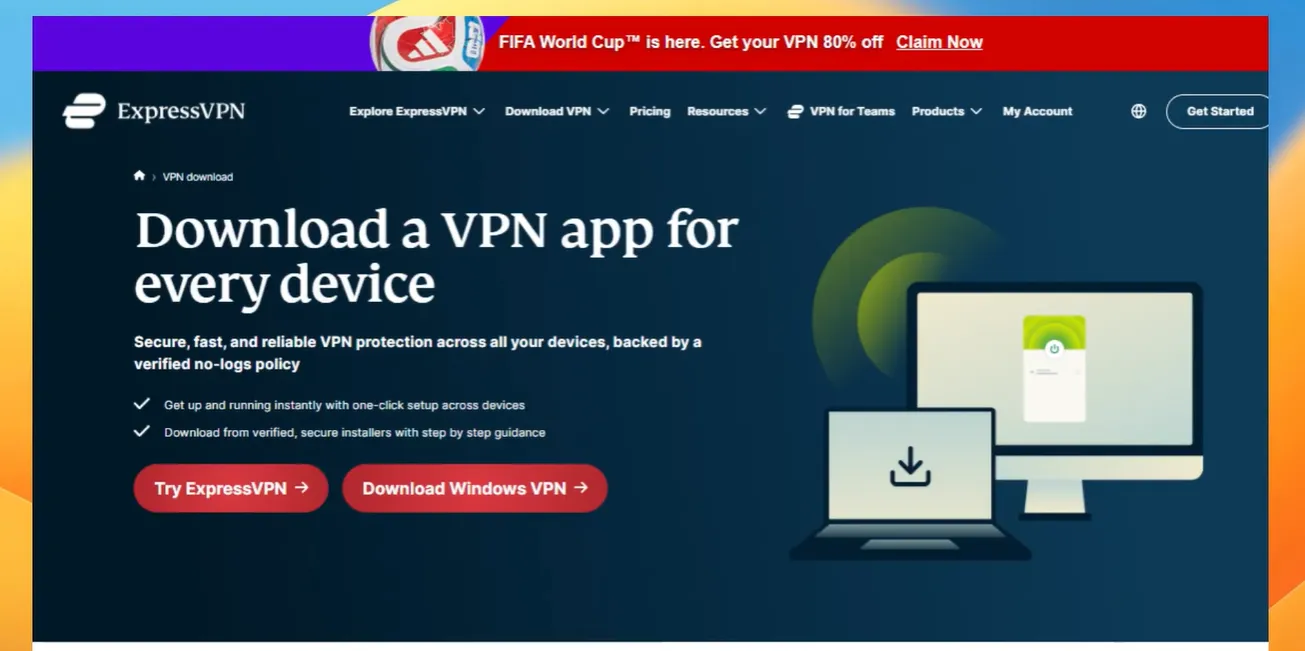
ExpressVPN operates high-bandwidth 10Gbps servers across 105 countries worldwide. This massive geographical distribution allows SuperBox users traveling abroad to connect to local domestic servers, ensuring continuous access to regional sports broadcasts and local affiliate news channels without blackout restrictions.
Key technical specifications of ExpressVPN on SuperBox include:
- TrustedServer Architecture: Servers run entirely on volatile RAM without writing data to physical hard drives, preventing unauthorized data capture.
- Streamlined Remote Navigation: The dedicated Android TV app features large display cards and a prominent one-click connect button.
- Automated Protocol Switching: Intelligently selects the optimal encryption protocol based on your local network latency and jitter.
3. Surfshark
Surfshark represents the most cost-effective premium VPN solution for households running multiple streaming consoles. Unlike providers that enforce restrictive device limits, Surfshark grants unlimited simultaneous connections under a single subscription, protecting every SuperBox, smartphone, and laptop in your home.
Surfshark incorporates the modern WireGuard protocol alongside a robust network of over 3,200 servers spanning 100 countries. Testing demonstrates an 89% speed retention rate, which easily supports continuous 4K 60fps video streams and rapid live television switching on SuperBox S6, S7, and S8 hardware.
Practical features that benefit SuperBox viewers include:
- CleanWeb Ad Blocker: Shields your internet connection from banner pop-ups and malicious tracking scripts embedded in third-party utility applications.
- Bypasser Split Tunneling: Allows users to direct specific streaming apps through the encrypted VPN while letting local apps use standard broadband.
- Budget-Conscious Pricing: Long-term subscription tiers start around $1.99 to $2.49 per month, delivering premium protection at minimal cost.
4. IPVanish
IPVanish is an independent VPN operator that owns and manages its entire Tier-1 server infrastructure. By eliminating leased third-party equipment, IPVanish exercises direct control over routing pathways, resulting in exceptionally stable connections that prevent sudden packet loss during high-bitrate live sports.
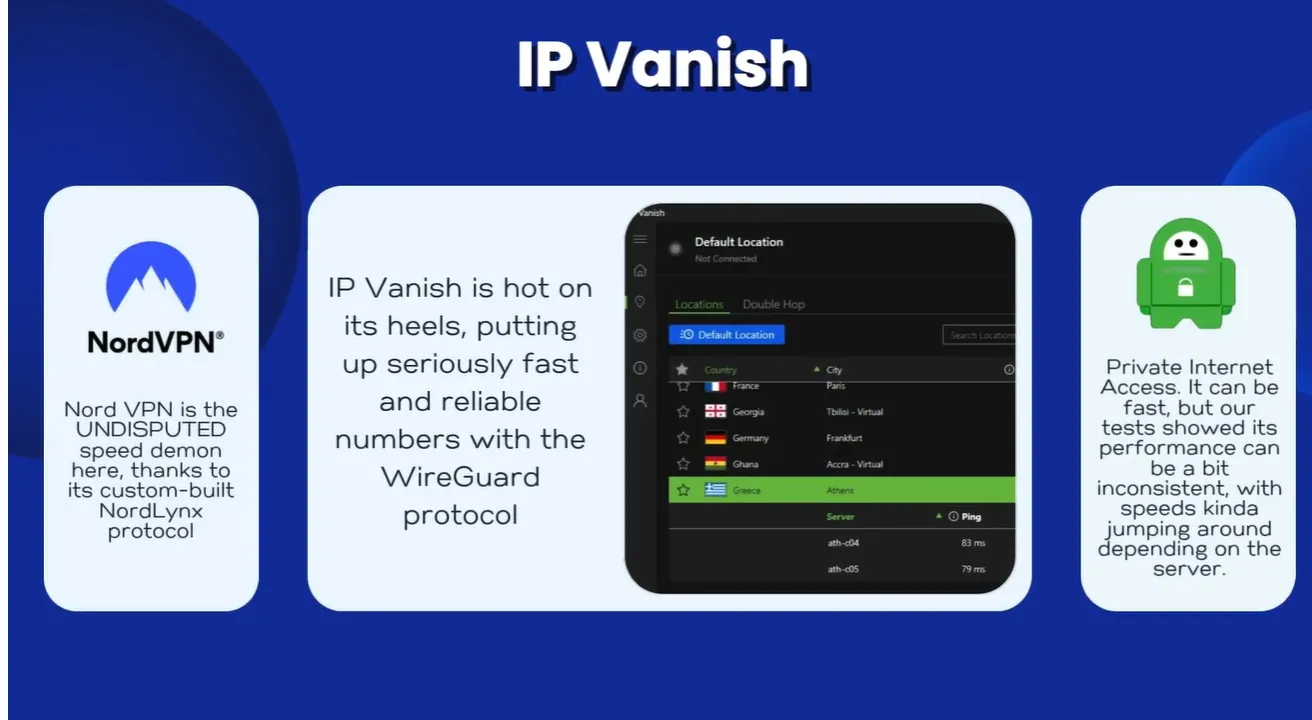
IPVanish supports the low-latency WireGuard protocol and provides unlimited simultaneous connections. An onboard SOCKS5 proxy option allows advanced users to route streaming traffic for maximum speed without the processing overhead of heavy encryption layers, ideal for marginal broadband connections.
Noteworthy capabilities for SuperBox installations include:
- Comprehensive Network Diagnostics: The Android TV interface displays real-time connection graphs, ping latency, and IP allocation data.
- Audited Zero-Logs Policy: Independent third-party cybersecurity audits verify that IPVanish records zero connection timestamps or traffic histories.
- Optimal Server Suggestion: Automatically identifies the lowest-latency server based on your geographic location with a single remote click.
5. Proton VPN
Proton VPN is an exceptional privacy-focused service developed by CERN scientists under strict Swiss privacy statutes. For viewers seeking an entry-level solution without paying upfront, Proton VPN provides an authentic free tier that imposes zero artificial monthly data volume limits.
Proton VPN free servers operate at an 83% speed retention rate, which is adequate for standard-definition and 720p streaming. Upgrading to the premium Plus tier unlocks 10Gbps streaming-optimized servers, NetShield ad blocking, and advanced VPN accelerator algorithms that boost connection speeds by up to 400%.
Core characteristics of Proton VPN on SuperBox encompass:
- Open-Source Transparency: All application code is publicly audited and open-source, ensuring complete transparency for security-conscious users.
- Clean TV Interface: Available directly via the Google Play Store with full support for the SuperBox directional navigation pad.
- Secure Core Architecture: Premium tiers route traffic through privacy-friendly underground data centers in Switzerland and Iceland before egress.
Best VPN comparison for SuperBox
Reviewing standardized technical and performance attributes helps determine which VPN matches your specific streaming setup and household budget:
| VPN Service Provider | Proprietary Speed Protocol | Global Server Count | Speed Retention Benchmark | Simultaneous Connections | Android TV App Support | Starting Monthly Price |
|---|---|---|---|---|---|---|
| NordVPN | NordLynx (WireGuard-based) | 6,400+ RAM-only servers | 92% speed retention | 10 simultaneous devices | Dedicated Google Play app with TV UI | $2.99 / month |
| ExpressVPN | Lightway protocol | 3,000+ 10Gbps servers | 90% speed retention | 8 simultaneous devices | Custom Android TV interface | $2.79 / month |
| Surfshark | WireGuard protocol | 3,200+ RAM-only servers | 89% speed retention | Unlimited simultaneous devices | Native Android TV app with CleanWeb | $1.99 / month |
| IPVanish | WireGuard & SOCKS5 | 2,400+ Tier-1 self-owned | 88% speed retention | Unlimited simultaneous devices | Detailed diagnostics TV interface | $2.19 / month |
| Proton VPN | WireGuard with Accelerator | 6,500+ secure servers | 83% (Free) / 91% (Plus) | 1 (Free) / 10 (Plus) | Open-source Google Play app | $0 (Free) / $4.49 (Plus) |
How to install and configure a VPN on SuperBox?
Step 1: Install the VPN client from the Google Play Store
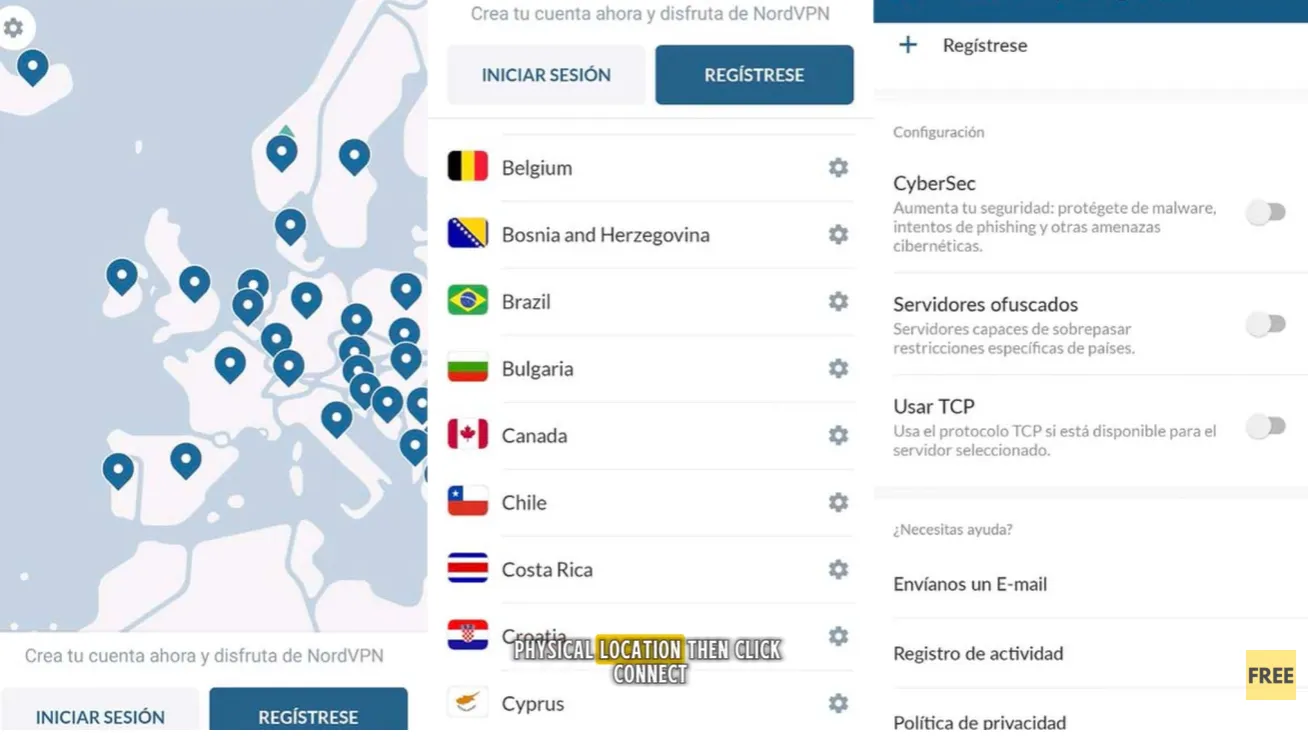
Power on your SuperBox and verify that the device is connected to the internet via Ethernet or Wi-Fi. From the home screen, open the Apps menu and launch the Google Play Store. Use the search bar to find your chosen VPN client (such as NordVPN or Surfshark) and select Install.
Step 2: Sign in and configure TV-optimized UI mode
Launch the newly installed VPN app from your application drawer. Follow the on-screen prompts to log in with your credentials. Ensure the application UI mode is set to Television or Android TV so all navigation options respond smoothly to the SuperBox remote directional buttons.
Step 3: Select a low-latency streaming server
For standard viewing, connect to a server geographically closest to your physical location to achieve maximum throughput and minimal ping latency. If you are attempting to bypass regional sports broadcast blackouts, select a server in a neighboring city outside the restricted market.
Step 4: Configure auto-connect and auto-start settings
Navigate to the settings menu inside your VPN application and toggle Auto-Connect to On. Selecting Auto-Connect ensures that whenever your SuperBox powers on or wakes from standby, your streaming traffic is automatically secured without requiring manual activation.
Tech reviewer insights: What do video creators say about SuperBox VPNs?
Technology reviewers and streaming specialists have conducted extensive testing on SuperBox network performance. Examining their findings highlights the real-world value of VPN integration.
Network security channel AnonLabs evaluated protocol speeds and latency reduction on SuperBox consoles:
AnonLabs demonstrates that NordVPN’s NordLynx protocol delivers the lowest latency for live channel switching, while IPVanish and PIA provide outstanding value through unlimited device allowances and verified no-logs infrastructures.
Hardware testing channel hi, im nerd reviewed budget-friendly VPN performance across heavy streaming sessions:
Reviewer hi, im nerd confirms that connecting to an optimized VPN server completely eliminates ISP packet shaping during primetime sports broadcasts, ensuring steady frame rates on SuperBox hardware.
Technology tutorial creator GigaBits illustrated the beginner setup process directly on the television screen:
GigaBits emphasizes that Android TV compatibility makes setup painless, advising viewers to choose nearby servers to preserve maximum internet bandwidth for 4K video feeds.
Streaming channel Global Success Narratives walked through direct application installation:
Global Success Narratives highlights how quickly official VPN applications establish encrypted tunnels, verifying that connection status notifications appear clearly on the SuperBox display.
Software guide channel Blaze Guides examined application verification and troubleshooting practices:
Blaze Guides cautions users against installing unverified third-party APKs from random web forums, recommending verified Google Play Store downloads to ensure stability and automatic updates.
Technical specialist Knowledge Sharing Tech shared advanced automation configurations for television boxes:
Knowledge Sharing Tech reveals essential configuration steps, showing how selecting TV UI mode and enabling Auto-Start ensures that your VPN connects automatically every time the television powers up.
Where to buy authentic SuperBox with warranty coverage
When investing in a high-performance streaming console, ordering directly from SuperBox for Sale guarantees authentic hardware and verified server licensing. Our central distribution and customer care facility operates at 13951 Pipeline Ave, Chino, CA 91710, USA, led by founder Riley Cooper.
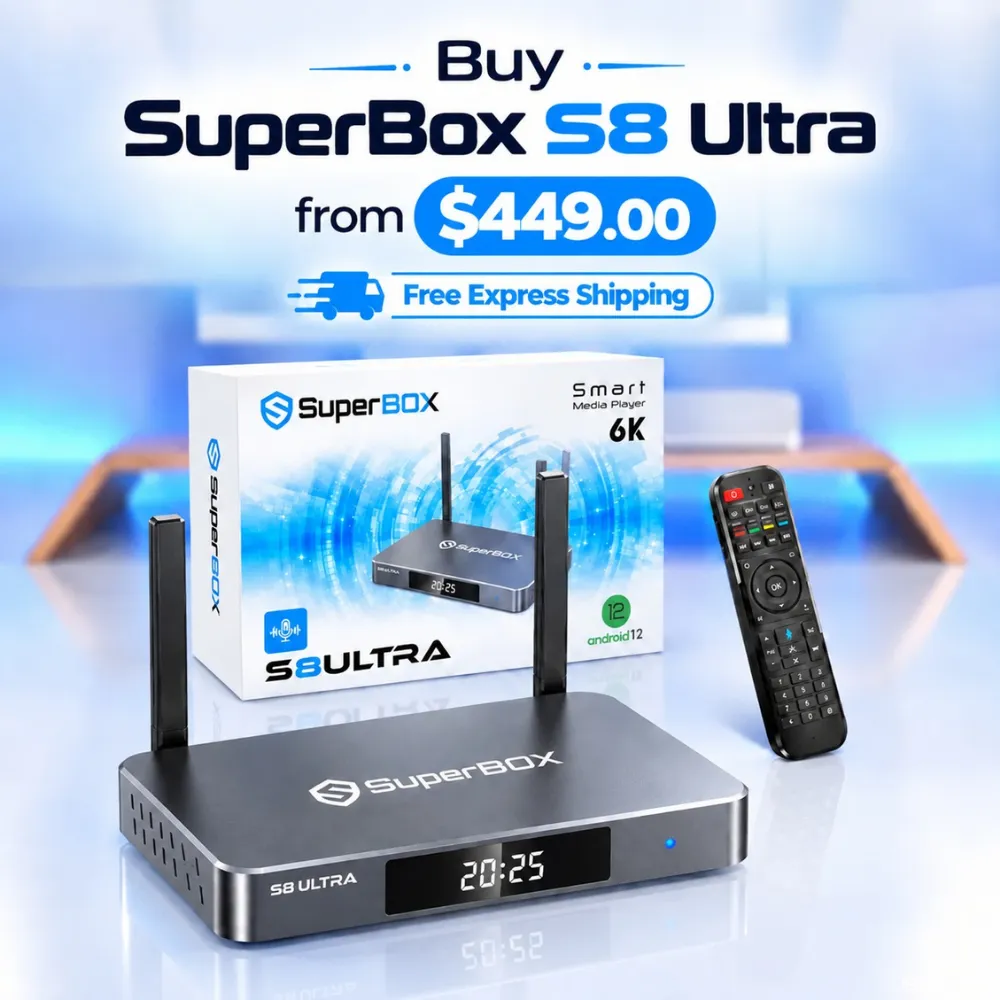
For the ultimate cord-cutting setup, we recommend the flagship SuperBox S8 Ultra priced at $449, featuring 4GB DDR RAM, 128GB storage, Wi-Fi 6, and Gigabit Ethernet. Every order includes our Official Reseller License Code #SP20250928002 and full warranty protection:
- Free Shipping: Fast 2 to 5 business day delivery across the United States and Canada with full real-time package tracking via FedEx or USPS.
- 24/7 Technical Support: Dedicated technical specialists available 24/7 via live chat and email for troubleshooting assistance.
- 30-Day Money-Back Guarantee: Hassle-free return policy if you are not completely satisfied with your streaming hardware performance.
- 1-Year Manufacturer Warranty: Full replacement coverage safeguarding against any hardware defects or system component failures supported directly by our customer care center in Chino, California.
- 100% Authentic Hardware: Direct factory units guaranteed genuine without modified firmware, unauthorized alterations, or security risks.
SuperBox for Sale is a leading authorized dealer of SuperBox, specializing in the supply of genuine SuperBox TV boxes Series S6, S7, and S8 in the US & CAD.
Frequently asked questions about SuperBox VPNs
Does SuperBox require a VPN to watch live TV?
SuperBox does not require a VPN for standard operation. The device is engineered to function out of the box with standard broadband connections, as built-in applications like Blue TV connect directly to cloud delivery servers without personal account registrations or user logins.
Will using a VPN stop buffering on SuperBox?
Using a VPN can eliminate buffering if your internet service provider actively throttles high-bandwidth video streams during peak evening hours. Encrypting your traffic prevents your ISP from identifying streaming data, allowing your connection to maintain full broadband speeds.
Can I use a free VPN with SuperBox?
Free VPNs can function on SuperBox, but they often present significant limitations. Free services like Proton VPN provide secure connections, but crowded servers and speed caps may trigger video buffering during live 4K broadcasts, making paid VPNs preferable for heavy use.
Does SuperBox leak personal user data without a VPN?
SuperBox hardware does not collect or transmit personal consumer data. The system operates without requiring email addresses, credit card numbers, or personal accounts, ensuring that personal data leakage from the physical console is virtually impossible.
Experience Unrivaled Streaming Performance with SuperBox
Discover lightning-fast quad-core processing, dual-band Wi-Fi 6, 7-day playback, and crisp 6K ultra HD output engineered for discerning media fans.

![Streamer box vs smart TV: Cord-cutting comparison and buying guide [2027]](https://superboxforsale.com/wp-content/uploads/2026/10/Streamer-box-vs-smart-TV-768x432.webp "Streamer box vs smart TV: Cord-cutting comparison and buying guide [2027] 10")
![SuperBox S8 Ultra vs S7 Ultra: In-depth comparison and upgrade guide [2027]](https://superboxforsale.com/wp-content/uploads/2026/10/SuperBox-S8-Ultra-vs-S7-Ultra-768x432.webp "SuperBox S8 Ultra vs S7 Ultra: In-depth comparison and upgrade guide [2027] 26")