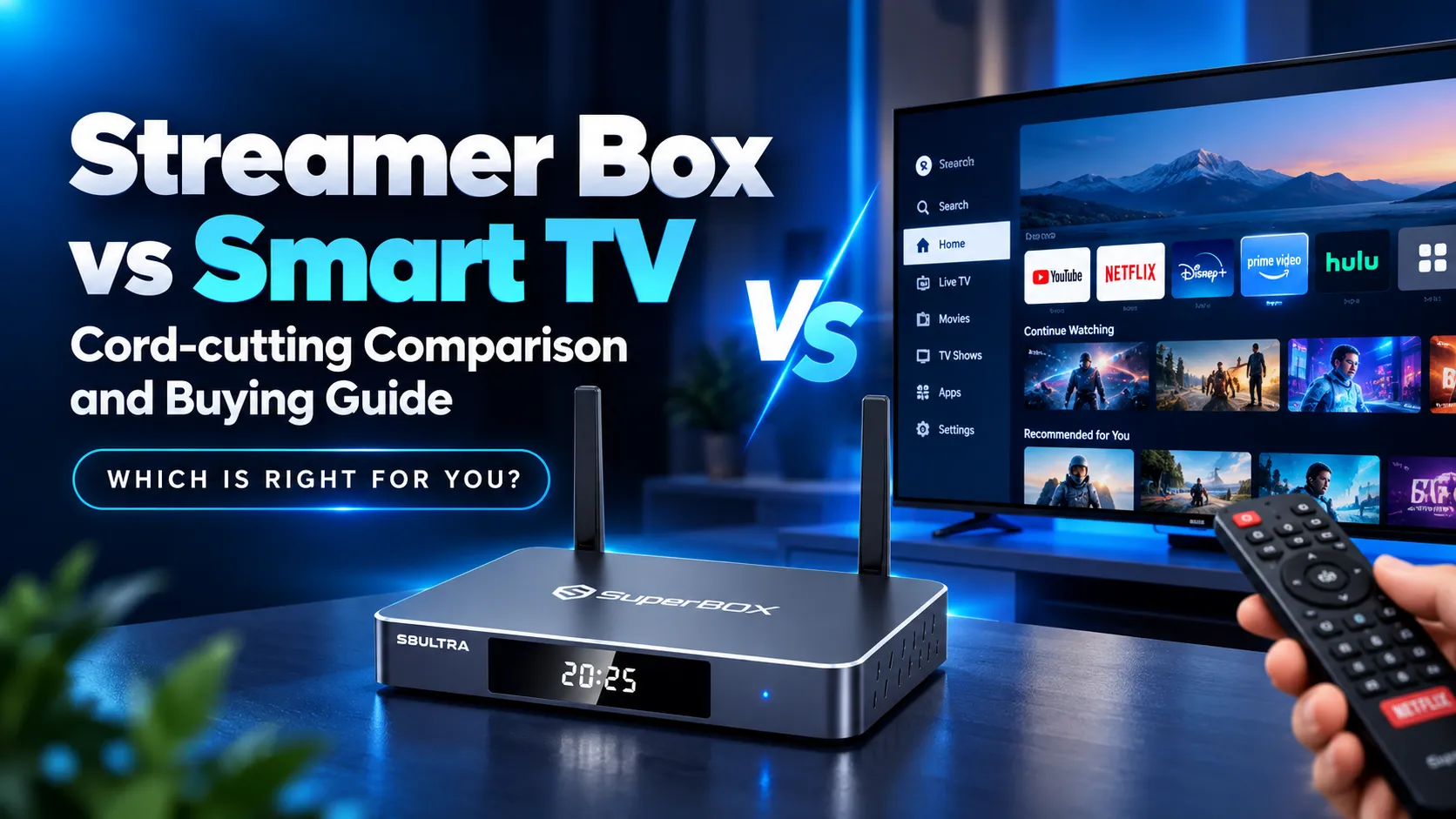
Between a dedicated streamer box and a built-in smart TV, an external streamer box delivers faster processing, longer app support, and superior cord-cutting flexibility. Built-in smart TVs offer simple one-remote convenience for casual viewers, but external streaming hardware avoids system lag and expensive monthly subscription traps.
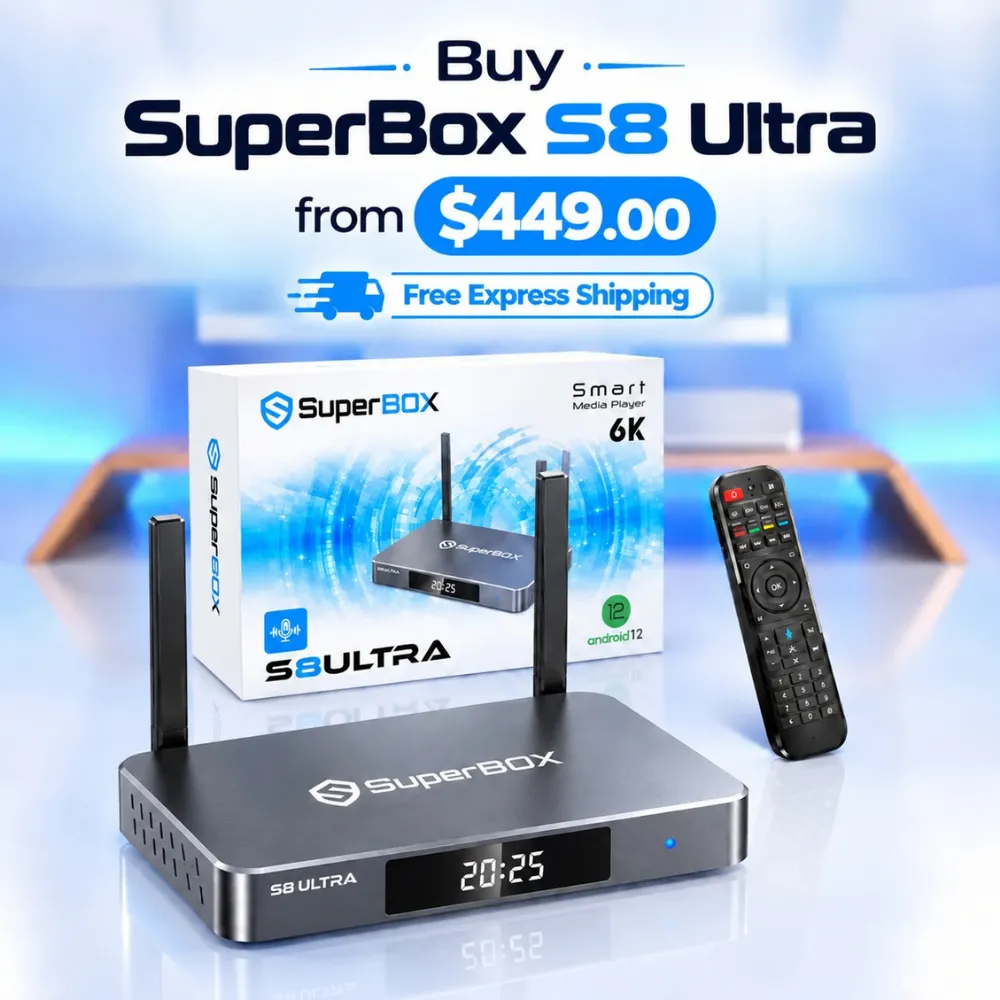
Modern televisions prioritize screen panel quality over computing hardware. Connecting a flagship console like the SuperBox S8 Ultra priced at $449 provides 128GB of storage, Quad Multi-View live sports, and zero subscription fees. This setup prevents your living room television from becoming obsolete within three years.
Quick Takeaways & Key Highlights
- Hardware Longevity: Streamer boxes decouple media processing from the television screen, preventing smart TV software obsolescence after two years.
- Multitasking Performance: Dedicated boxes feature up to 4GB RAM and 128GB storage, compared to 1.5GB RAM and 4GB storage inside smart TVs.
- Cord-Cutting Expenses: Dedicated streamer boxes like SuperBox include lifetime live programming, while smart TVs require $80 monthly app subscriptions.
- Sports Multi-Viewing: Premium external streamers support Quad Multi-View for four simultaneous feeds, while smart TVs display only one feed.
- Privacy and Advertising: Smart TV interfaces push banner ads and viewer tracking, whereas dedicated streaming boxes provide cleaner navigation docks.
Technical specifications comparison: Streamer box vs smart TV
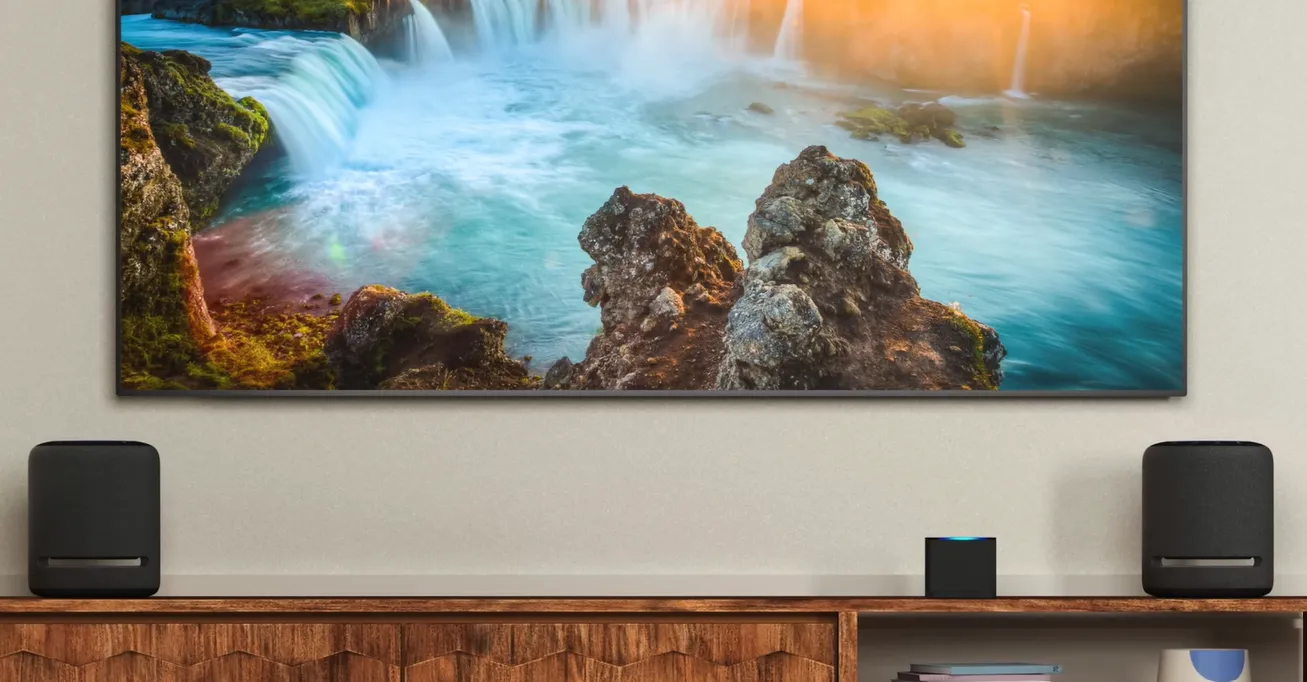
Comparing technical specifications shows how dedicated streamer boxes outpace built-in smart TV hardware. Television manufacturers minimize internal processors to reduce manufacturing costs. External media consoles invest heavily in memory bandwidth, wireless throughput, and local storage capacity. Review this side-by-side technical evaluation:
| Hardware Specification | Dedicated Streamer Box (SuperBox S8 Ultra) | Built-In Smart TV (Samsung Tizen / LG webOS) | Functional Distinction |
|---|---|---|---|
| Processor Architecture | Dedicated Allwinner H618 Quad-Core | Integrated Display System-on-Chip | Streamer box offers faster CPU |
| System Memory (RAM) | 4GB DDR RAM High-Bandwidth RAM | 1.5GB to 2GB Shared System RAM | Streamer box has double memory |
| Internal Storage | 128GB High-Speed Flash Memory | 4GB to 8GB (OS consumes over 70%) | Streamer box has 16x storage |
| Operating System | Android 12 TV (Open Architecture) | Proprietary Closed OS (Tizen/webOS) | Streamer box supports sideloading |
| Content Ecosystem | Turnkey 2,000+ Channels & VOD | Store Apps (Paid Subscriptions Needed) | Streamer box has zero monthly fees |
| Sports Multi-Viewing | Quad Multi-View (4 Live Screens) | Single Stream Playback Only | Streamer box splits 4 screens |
| Network Throughput | Gigabit 1000M Ethernet + Wi-Fi 6 | 100M Fast Ethernet + Wi-Fi 5 | Streamer box has faster network |
| Ad Intrusiveness | Streamlined Ad-Free App Dock | Prominent Home Screen Ads & ACR | Streamer box protects privacy |
| Hardware Lifespan | Modular Upgrade Every 4 to 6 Years | Tied to Physical Television Panel | Streamer box upgrades cheaply |
| First-Year Cost | $449 Flat Lifetime Hardware Cost | $0 Upfront + $960+ in Subscriptions | Streamer box saves $560+ Year 1 |
This technical matrix demonstrates that smart TVs prioritize display illumination rather than computing speed. An external streamer box provides the processing power and memory necessary for seamless 4K video playback.
Key differences between streamer box and smart TV
Examining processing power, recurring subscription costs, user privacy, software longevity, and sports features reveals why dedicated streaming boxes remain essential for cord-cutters.
Processing performance and memory allocation
Smart TVs use cost-effective processors designed to run display panels rather than heavy multitasking applications. Most smart TVs allocate under 2GB of RAM. Over time, cached app data fills this memory, causing frustrating navigation lag, freezing, and unexpected crashes.
A dedicated streamer box like SuperBox S8 Ultra features 4GB of high-speed DDR4 memory and 128GB of storage. This generous allocation allows apps to launch instantly and cycle through live channels without stuttering or memory bottlenecks.
Content ecosystems and subscription expenses
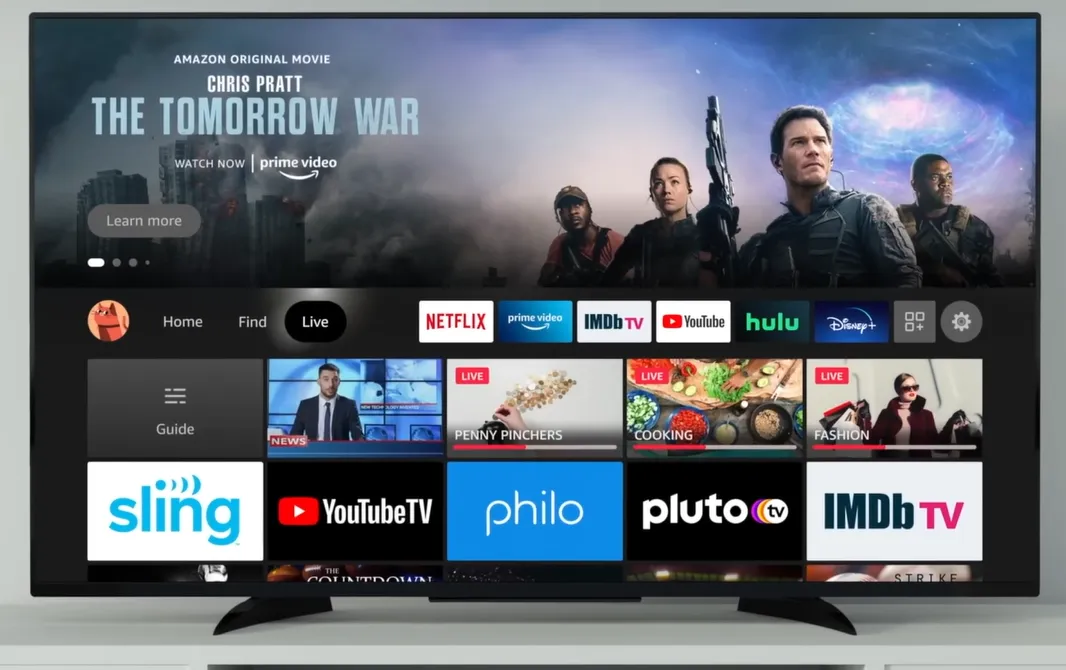
The financial model is a major differentiator. Built-in smart TVs are blank portals that require paid subscriptions for every channel. To access live sports and broadcast networks on a smart TV, viewers must purchase services like YouTube TV or Hulu Live at $80 monthly.
A dedicated streaming console changes this dynamic. SuperBox S8 Ultra delivers lifetime access to over 2,000 live channels, premium sports packages, pay-per-view events, and 15,000 on-demand movies without monthly bills. This saves users nearly $1,000 annually.
Home screen advertising and user privacy tracking
Modern smart TVs have transformed into advertising billboards. Manufacturers populate home screens with sponsored banners, autoplaying trailers, and unskippable promotional tiles. Even worse, built-in operating systems employ Automatic Content Recognition to monitor viewing habits for ad targeting.
External streaming boxes give control back to the viewer. Devices running clean Android TV software allow users to customize their home dock, pin preferred apps, and bypass invasive data harvesting entirely.
App longevity and hardware upgrade cycles
Television panels typically last seven to ten years, but smart TV software stops receiving developer updates after three years. When manufacturers abandon older models, apps stop working, leaving users with a beautiful 4K screen crippled by obsolete software.
Using a streamer box separates display hardware from software computing. When streaming standards evolve, upgrading an external box costs a fraction of buying a new television set.
Live sports multi-viewing and DVR recording
Smart TV apps limit viewers to a single video feed. Tracking simultaneous football or basketball games requires constantly exiting and switching applications. Smart TVs also lack native options to record live broadcasts without subscription cloud fees.
High-performance streamer boxes include Quad Multi-View to watch four live games at once. Units like the S8 Ultra also offer native USB DVR scheduling, saving live events directly to connected hard drives.
Watch this video guide comparing smart TV software against external streaming devices:
Pros and cons of streamer box and smart TV
Weighing advantages and drawbacks clarifies which streaming approach fits your entertainment room.
Streamer box pros and cons
- Pros: Fast quad-core processors eliminate interface lag; massive internal storage up to 128GB; lifetime live channel access saves hundreds yearly; Quad Multi-View sports viewing; easy modular hardware upgrades.
- Cons: Requires an upfront hardware investment; uses an additional HDMI port and power outlet.
Smart TV pros and cons
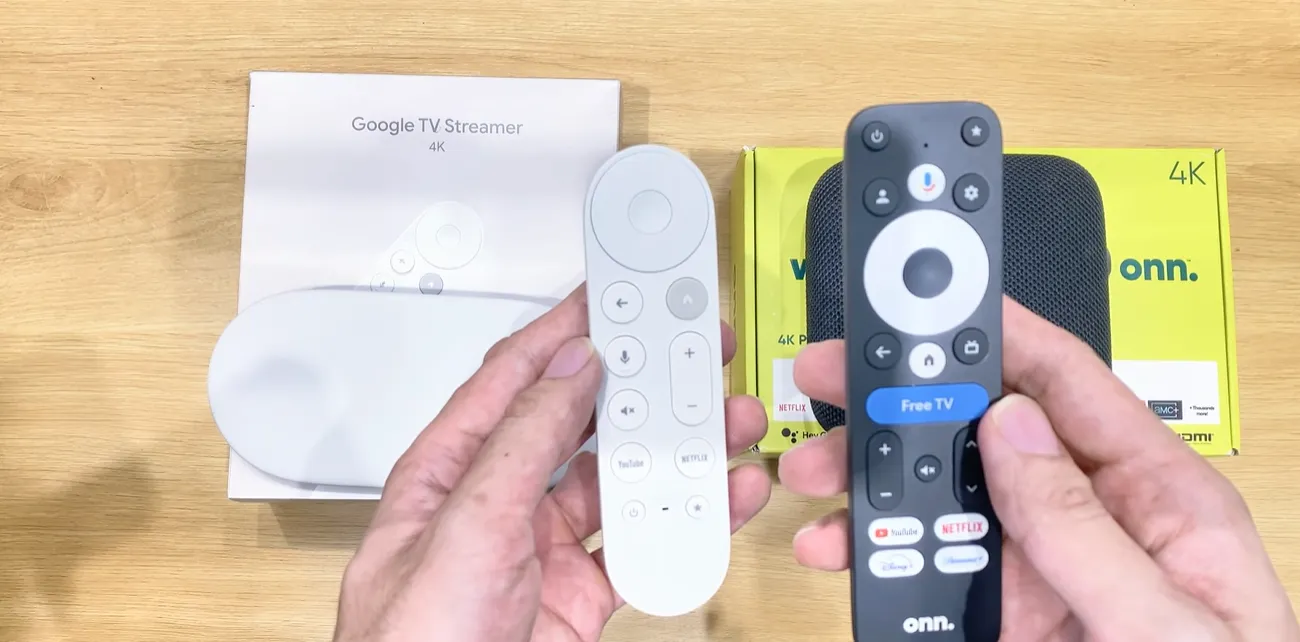
- Pros: Built directly into the television screen; operates with a single remote control; zero initial setup hardware required.
- Cons: Slows down after two years; requires expensive recurring subscription services for live TV; cluttered with intrusive home screen advertisements; no native quad-screen sports features.

Which streaming option is better: Streamer box or smart TV?
A dedicated streamer box is the superior choice for performance, app longevity, and serious cord-cutting savings. Built-in smart TV platforms are only suitable for casual viewers seeking single-remote simplicity without complex viewing demands.
Technology creators on YouTube frequently warn against relying on smart TV operating systems. In evaluations by channels like Switch and Click and Digital Trends, reviewers demonstrate that television processors degrade rapidly under heavy streaming loads. They advise treating your television simply as a display monitor.
Watch this video breakdown showing why external streaming boxes outperform smart TVs:
Discussions across Reddit communities like r/cordcutters and r/televisions reflect broad agreement. Power users consistently recommend connecting an external streaming box to bypass built-in ads and app crashes. Meanwhile, Facebook cord-cutting groups note that pairing an external SuperBox with a 4K TV saves over $900 annually.
Which one should you buy?
Your streaming decision depends on your viewing intensity and monthly entertainment budget.
Choose a dedicated streamer box if you want to cancel cable, watch multi-screen live sports, and avoid monthly subscription bills. It is also the ideal upgrade if your smart TV has started freezing or dropping Wi-Fi connections.
Stick with your smart TV if you only watch one or two free streaming apps occasionally and refuse to manage an extra remote control. For secondary guest rooms, built-in smart TV apps provide acceptable utility without extra hardware.
Frequently asked questions about streamer box vs smart TV
Can you connect a streamer box to any smart TV?
Yes, any streamer box connects easily to your smart TV through a standard HDMI port. The streamer box overrides the TV software while using the television as a high-definition monitor.
Why do smart TV apps get slow after a few years?
Smart TV apps slow down because manufacturers include minimal RAM and basic processors. As streaming apps release updates with richer graphics, the underpowered TV hardware cannot handle the processing demands.
Does a streamer box save money compared to smart TV apps?
Yes, dedicated streamer boxes like SuperBox save hundreds of dollars annually by bundling live television without monthly fees. Using smart TV apps requires paying $80 monthly for live TV subscriptions.
Does a streamer box improve picture quality on a 4K TV?
Yes, high-performance streamer boxes feature superior video decoders and Wi-Fi 6 chips that maintain stable bitrates. This stability eliminates buffering drops and keeps 4K video crisp and clear.
Where to buy authentic SuperBox with warranty coverage
To avoid imitation hardware or deactivated server licenses, always buy through an authorized distributor like SuperBox for Sale. Our primary warehouse operations are located at 13951 Pipeline Ave, Chino CA 91710, established under founder Riley Cooper.
Customers choosing the flagship SuperBox S8 Ultra at $449 receive guaranteed authentic hardware protected by complete customer care policies:
- Free Shipping: Fast 2 to 5 business day delivery across the United States and Canada with full real-time package tracking via FedEx or USPS.
- 24/7 Technical Support: Dedicated technical specialists available 24/7 via live chat and email for troubleshooting assistance.
- 30-Day Money-Back Guarantee: Hassle-free return policy if you are not completely satisfied with your streaming hardware performance.
- 1-Year Manufacturer Warranty: Full replacement coverage safeguarding against any hardware defects or system component failures supported directly by our customer care center in Chino, California.
- 100% Authentic Hardware: Direct factory units guaranteed genuine without modified firmware, unauthorized alterations, or security risks.
SuperBox for Sale is a leading authorized dealer of SuperBox, specializing in the supply of genuine SuperBox TV boxes Series S6, S7, and S8 in the US & CAD.
Experience Unrivaled Streaming Performance with SuperBox
Discover lightning-fast quad-core processing, dual-band Wi-Fi 6, 7-day playback, and crisp 6K ultra HD output engineered for discerning media fans.