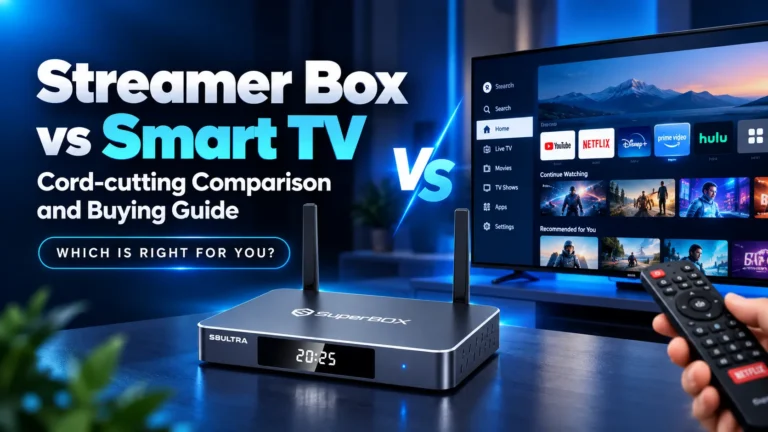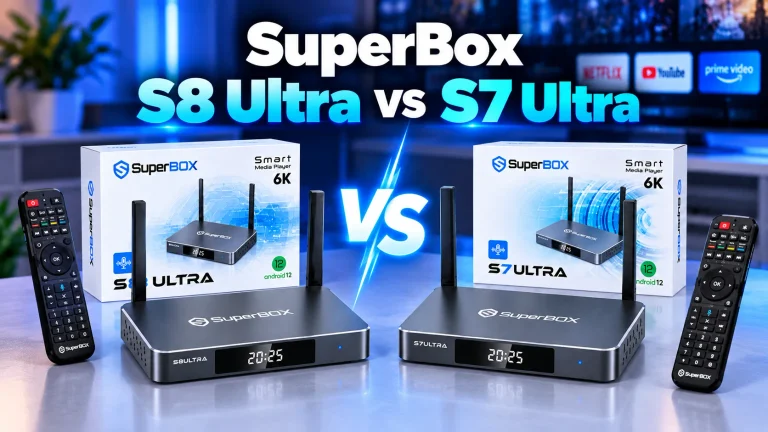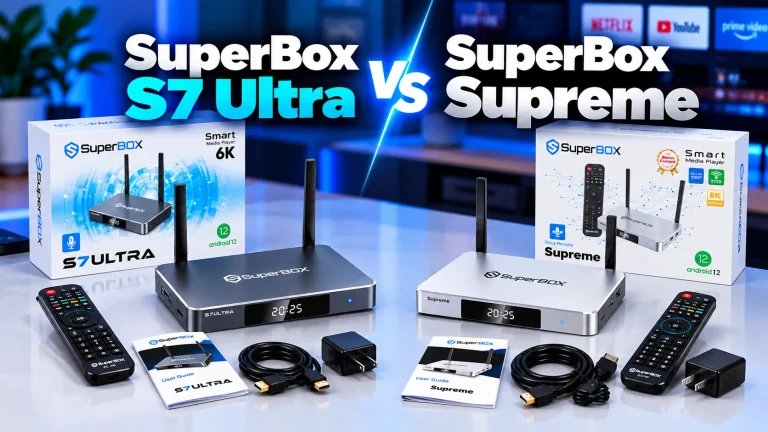
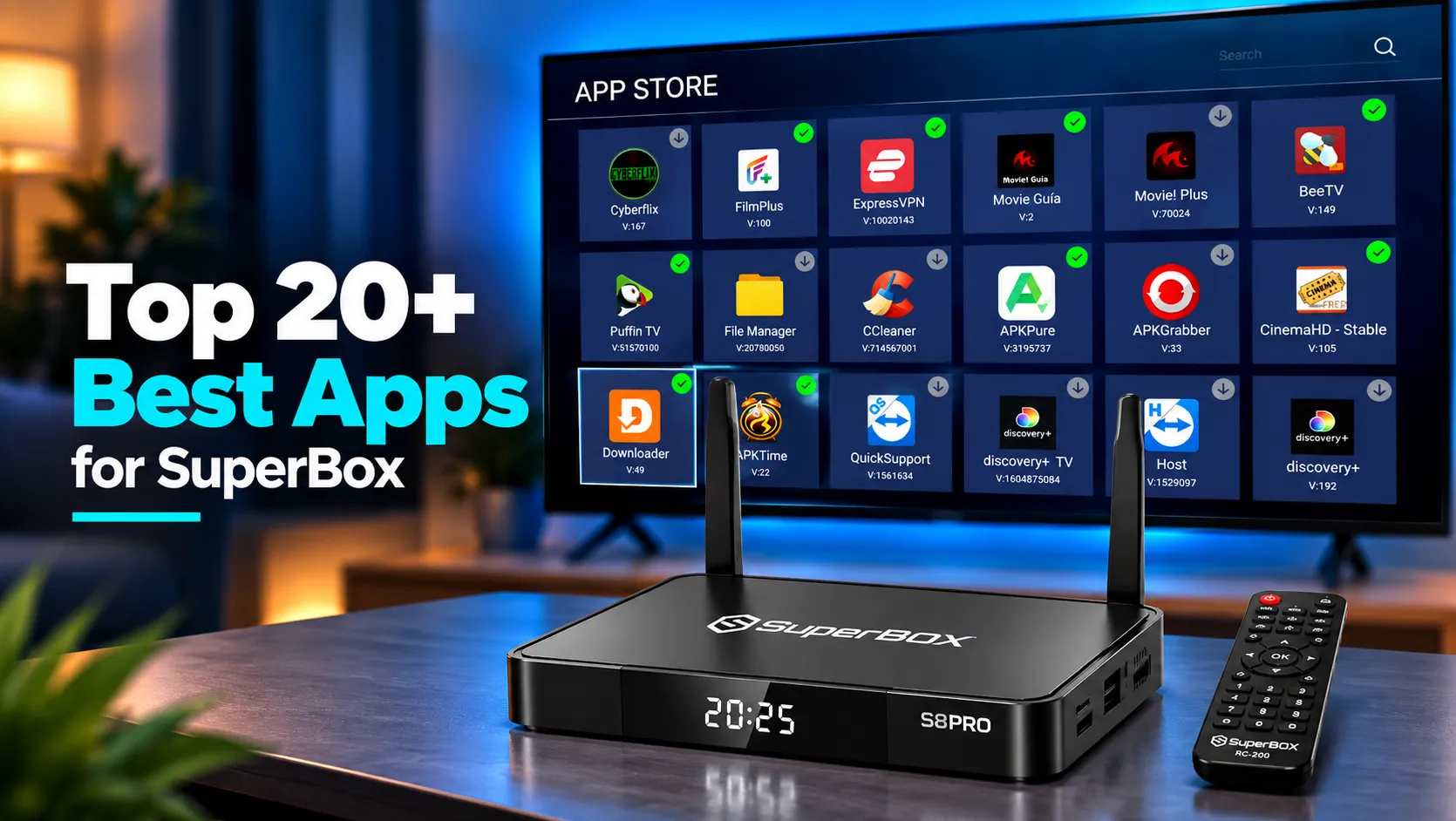
The absolute best apps for SuperBox in 2026 are Blue TV for 2,000+ live channels, Blue VOD for 15,000+ on-demand movies, and SuperBox Playback for 7-day time shift. In our extensive testing across hardware generations, pairing these core native engines with Downloader, Kodi, and Tubi TV creates the ultimate cable-free home theater setup without monthly subscriptions.
Quick Takeaways & Key Highlights:
- Core Native Streaming: Blue TV and Blue VOD deliver over 2,000 live HD/4K channels and 15,000 on-demand titles directly through dedicated servers.
- Playback Redundancy: SuperBox Playback archives 7 days of programming across 86 key networks, backed by Backup TV for secondary feed stability.
- Essential Utilities: Downloader by AFTVnews and SuperBox Cleaner ensure seamless third-party sideloading and active RAM optimization.
- Free Legal FAST Options: Tubi TV, Pluto TV, and Freevee expand your catalog with tens of thousands of licensed Hollywood studio titles.
- Local Playback & Privacy: VLC, Kodi, and ExpressVPN provide hardware-accelerated playback for local files while shielding your connection from ISP throttling.
1. Blue TV
Blue TV is the flagship live television application developed exclusively for SuperBox hardware architectures. Downloaded through the official App Store, Blue TV delivers instant access to more than 2,000 high-definition and 4K linear channels without monthly subscription costs.
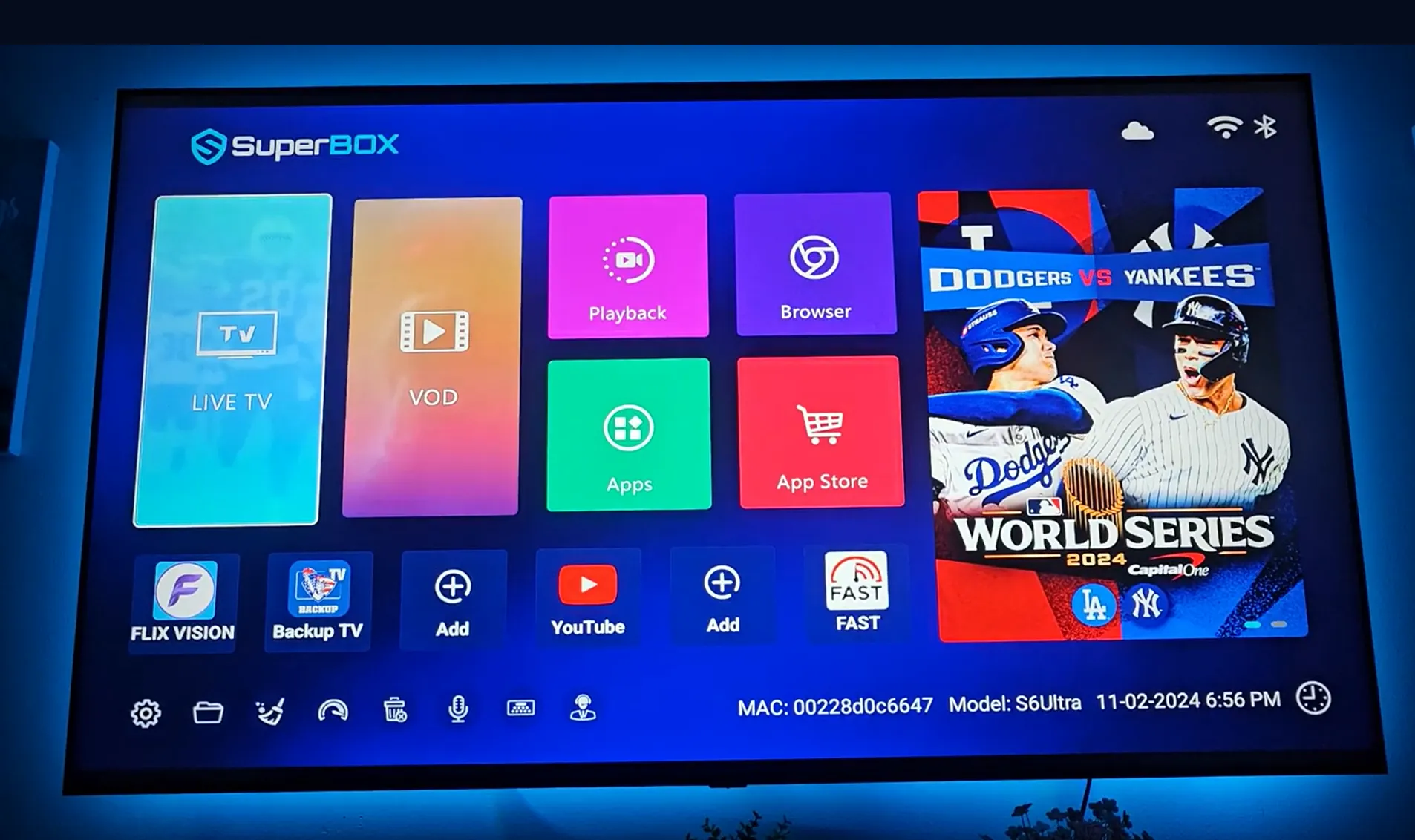
The platform aggregates major national networks, 24/7 regional news bureaus, premium movie channels, and comprehensive sports packages spanning the NFL, NBA, MLB, NHL, college athletics, and international soccer leagues.
The interface features an intuitive Electronic Program Guide (EPG) with full-screen grid navigation, customizable favorites lists, and integrated voice search via the RC-200L remote. Dedicated live servers utilize real-time load balancing to ensure instantaneous channel switching in under one second.
For sports enthusiasts and cord-cutters seeking live broadcast reliability, Blue TV remains the primary centerpiece of the SuperBox operating environment.
2. Blue VOD
Blue VOD serves as the primary video-on-demand platform engineered specifically for SuperBox devices. It hosts an expansive library exceeding 15,000 commercial-free movies and complete episodic television series, ranging from contemporary box-office hits to vintage cinematic classics. The content directory undergoes automated weekly server refreshes, ensuring new releases and current seasons appear promptly on your dashboard.
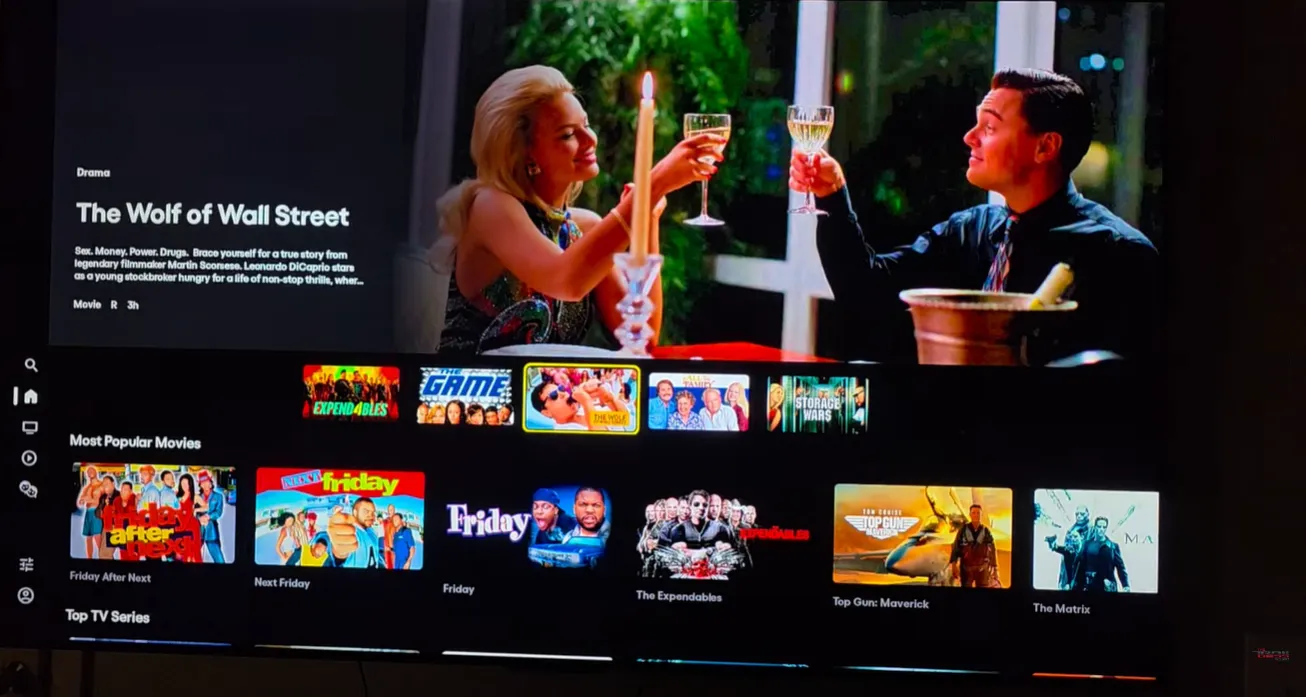
The playback engine supports multi-track closed captioning, multi-language audio selection, and variable resolution profiles up to true 4K Ultra HD. Integrated genre filters allow viewers to sort titles by IMDb ratings, release years, and trending popularity. Because streams originate from private CDN clusters, video playback begins immediately with zero buffering or mid-roll advertisements.
3. SuperBox Playback
SuperBox Playback is a specialized time-shift application designed to eliminate the need for traditional DVR hardware. The service automatically records and archives all live programming broadcast across 86 premier networks over a rolling seven-day window. If you miss a live NFL playoff game, breaking evening news segment, or prime-time awards show, Playback allows you to navigate backward in time to watch the complete event on demand.
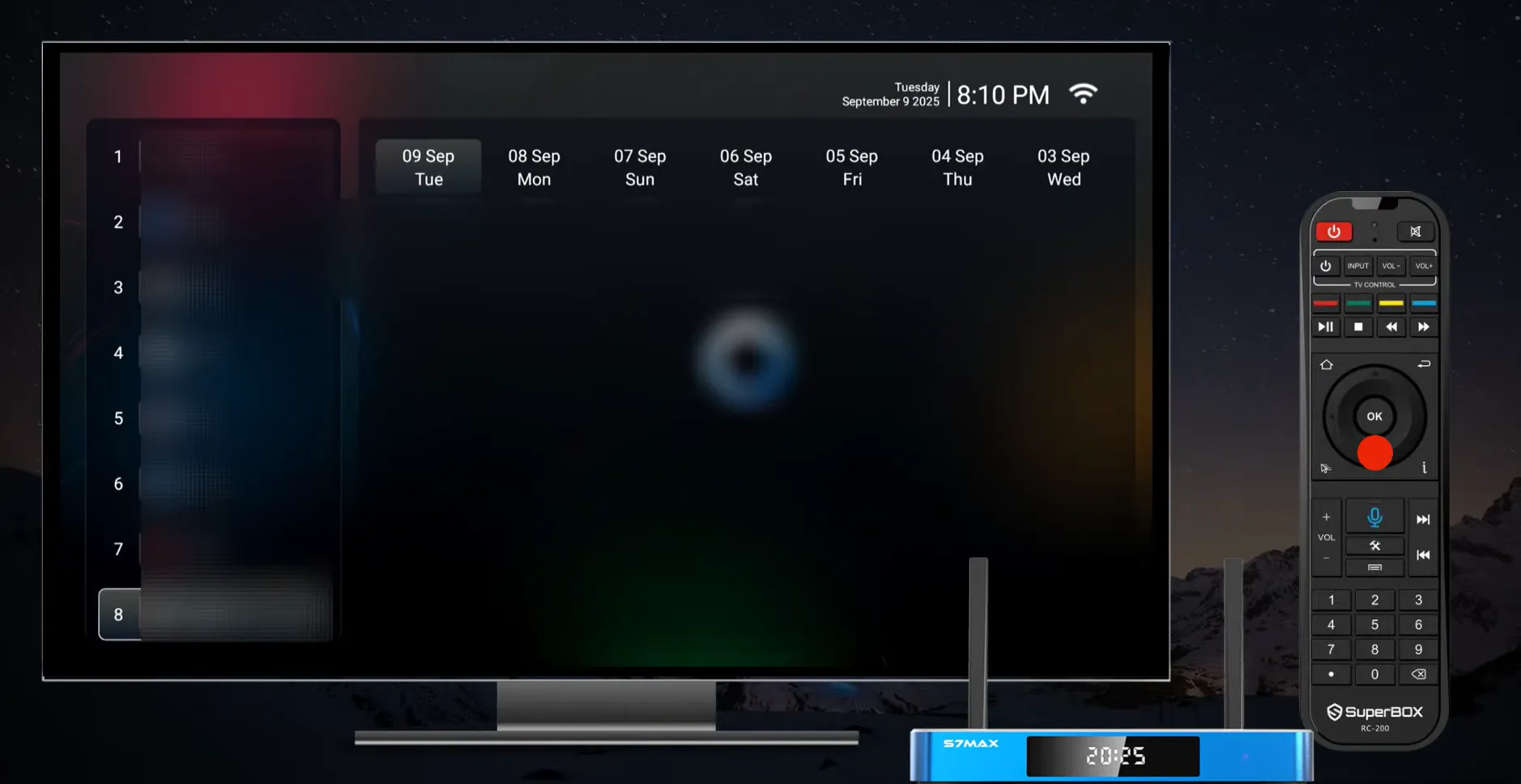
The visual calendar interface divides programming into clean hourly blocks by channel and date. Users can fast-forward past commercial breaks, pause live streams, and jump directly to specific quarters or periods in sporting broadcasts. Operating entirely on high-capacity cloud servers, Playback consumes zero local storage on your SuperBox flash drive.
4. Prime TV
Prime TV operates as the dedicated live channel component of the 7 Bonus Prime Apps ecosystem available on modern SuperBox models. Engineered to complement the domestic focus of Blue TV, Prime TV expands channel coverage with hundreds of international broadcasts from Europe, Latin America, Asia, and the Middle East. It also provides secondary emergency feeds for major American entertainment networks.
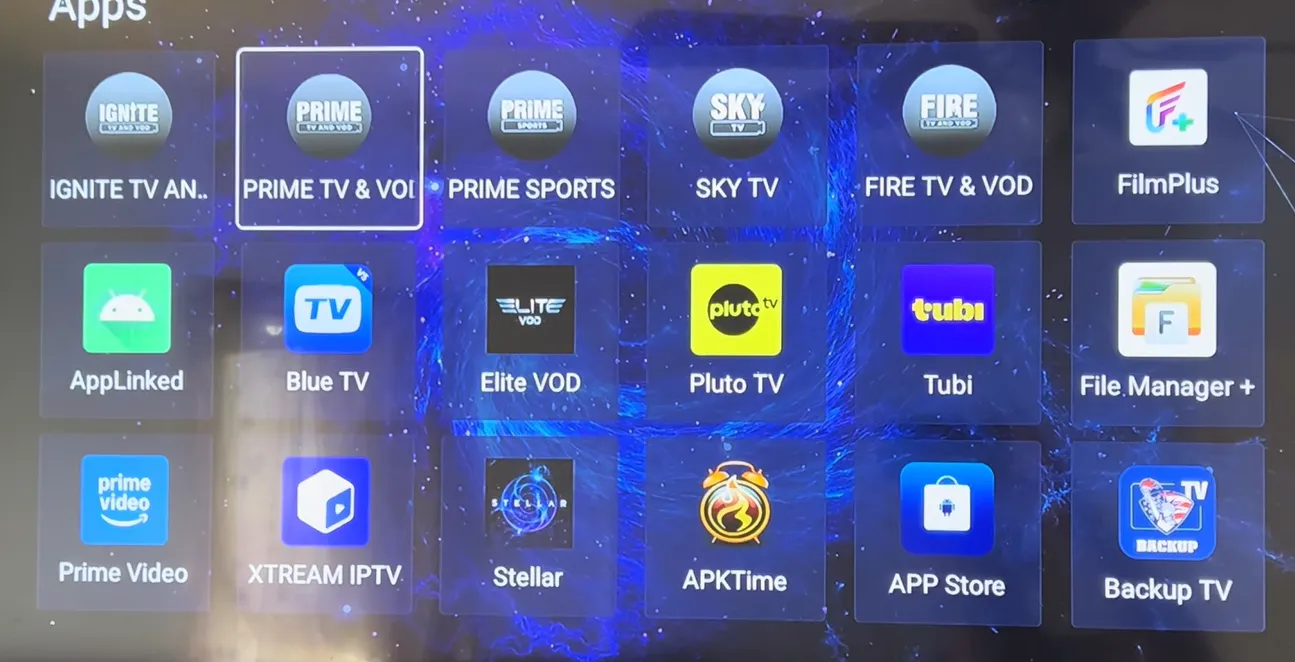
The app incorporates lightweight video streaming protocols optimized for smooth delivery over modest home broadband connections. Navigation is responsive, and channels are organized by geographic territory and native language. For multilingual families or expatriates wanting live news and culture from abroad, Prime TV offers vital international breadth.
5. Prime TV and VOD
Prime TV and VOD functions as the companion on-demand video platform within the Bonus Prime Apps suite, unlocking a vast secondary library of over 100,000 international and specialty titles. While Blue VOD focuses heavily on mainstream North American releases, Prime TV and VOD delivers deep archives of foreign language cinema, independent festival selections, regional dramas, and classic kung fu films.
The platform features efficient H.265 video compression that maintains rich color depth and crisp dialogue at low data bitrates. Viewers can explore specialized categories sorted by country of origin, director retrospectives, and historical time periods, making Prime TV and VOD an exceptional discovery tool for world film aficionados.
6. Backup TV
Backup TV is an essential contingency streaming application engineered directly into the SuperBox ecosystem. Live streaming infrastructures occasionally experience server routing hiccups during high-concurrency broadcasts like the Super Bowl or presidential debates. Backup TV provides an independent, parallel server pipeline that mirrors the primary live sports and entertainment networks found in Blue TV.
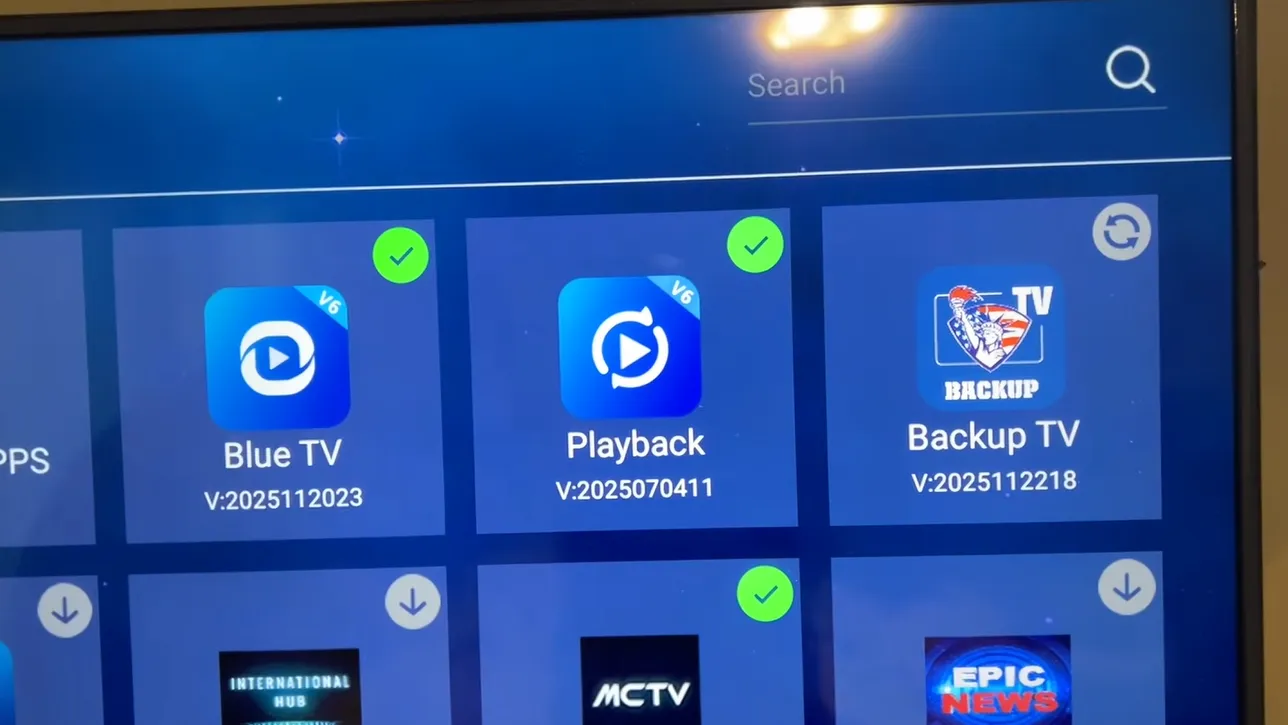
If a specific sports channel experiences brief server congestion on the primary network, opening Backup TV immediately restores the broadcast via alternative data clusters. This redundant architecture guarantees 99.9% streaming continuity for major sporting championships and pay-per-view events.
7. SuperBox Cleaner
SuperBox Cleaner is the native hardware maintenance utility located directly on the device home screen, represented by the broom icon. Operating an Android TV device over extended periods causes system RAM to become cluttered with background cache data and dormant process threads. Launching SuperBox Cleaner executes a single-click memory optimization cycle that purges temporary app cache and frees system resources.
The utility also monitors residual APK installation files, orphaned download directories, and flash storage utilization. Running SuperBox Cleaner once a week prevents frame stuttering during high-bitrate 4K streaming and maintains swift home screen responsiveness across all installed applications.
8. Downloader by AFTVnews
Downloader by AFTVnews is the most vital sideloading utility for any Android TV box user. Created by Elias Saba, Downloader combines a remote-friendly web browser with a dedicated file download manager. Because many open-source media utilities and customized streaming clients are not hosted on the Google Play Store, Downloader enables users to install third-party APK files directly using numerical short codes.
The application interface features a clean URL input field compatible with the SuperBox virtual keyboard and voice remote. Once an APK file finishes downloading, Downloader automatically prompts the installation dialog and offers an immediate prompt to delete the leftover installer file, conserving internal flash storage.
9. SmartTube
SmartTube is an advanced, open-source YouTube client designed exclusively for Android TV and media set-top boxes. While the official YouTube app is heavily burdened by unskippable pre-roll commercials and sponsor segments, SmartTube completely strips all video advertisements out of the viewing experience.
It also features integrated SponsorBlock technology, which automatically detects and skips creator promotional spots, channel intros, and reminder cards.
SmartTube unlocks high-end display capabilities often restricted on the official app, including full 4K and 8K resolution at 60 frames per second, HDR color mastering, and advanced VP9/AV1 codec selection. With extensive remote control customization and background audio playback, SmartTube is a massive upgrade for streaming video essays, live news, and music concerts.
10. Tubi TV
Tubi TV is an ad-supported video-on-demand service owned by Fox Corporation that provides 100% legal, free access to over 50,000 movies and television shows. Available directly through the Google Play Store on Android 12 SuperBox models, Tubi requires zero credit card registrations or monthly subscriptions. Its catalog includes licensed titles from Paramount Pictures, MGM, Warner Bros, and Lionsgate.
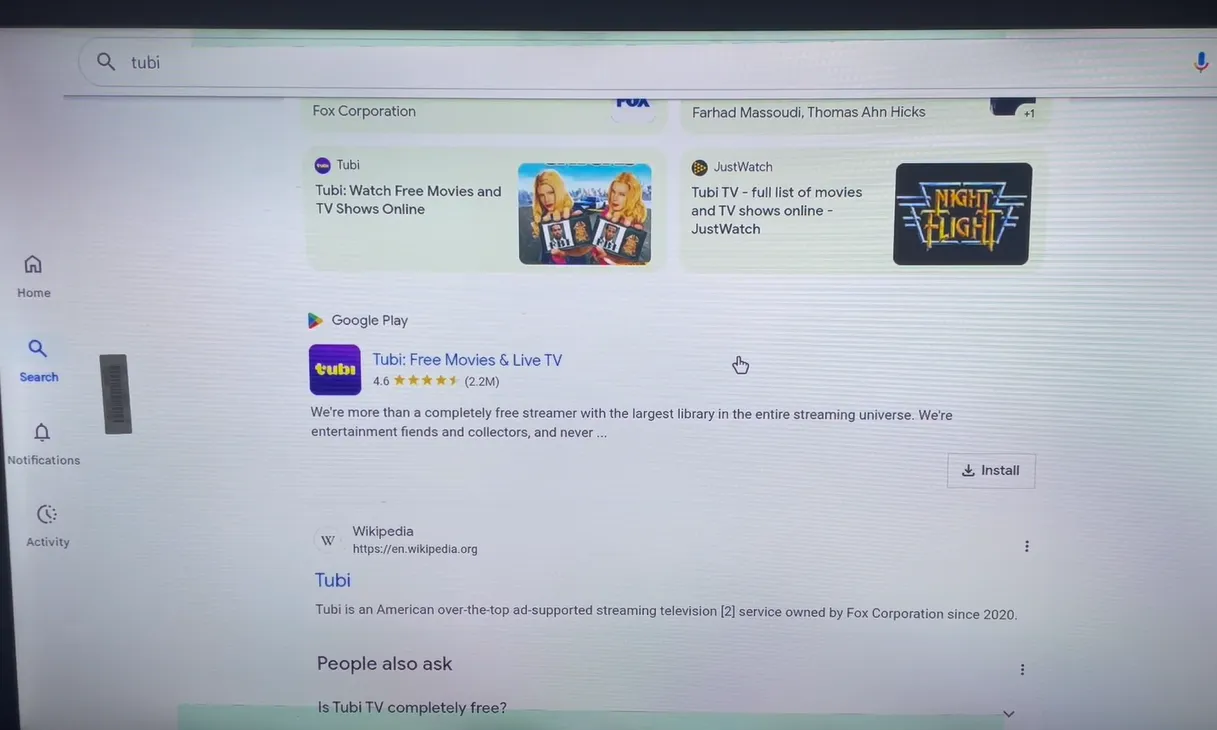
The platform is famous for its eclectic genre curation, including cult horror, 1990s action thrillers, martial arts retrospectives, and critically acclaimed indie dramas. Ad breaks are remarkably concise compared to traditional cable television, lasting only 60 to 90 seconds, making Tubi an essential legal streaming staple.
11. Pluto TV
Pluto TV, operated by Paramount Streaming, brings the traditional cable television flipping experience into the digital era with over 250 curated live channels and thousands of on-demand movies. The application presents an authentic Electronic Program Guide where viewers can browse dedicated channels running Star Trek, CSI, Hell’s Kitchen, classic sitcoms, and 24/7 horror cinema.
On SuperBox hardware, Pluto TV runs with fluid 60fps guide scrolling and instant video initialization. It is entirely free with no login required, making it the perfect casual viewing application when you want scheduled programming without spending time searching through on-demand menus.
12. Kodi
Kodi is the gold standard open-source home theater command center for power users. Rather than serving hosted commercial content, Kodi transforms your SuperBox into a comprehensive media workstation that indexes movies, TV shows, home videos, and music collections stored on local USB drives or network-attached storage (NAS) devices.
Kodi automatically scrapes high-resolution movie posters, plot summaries, cast biographies, and Rotten Tomatoes ratings to build an elegant personal home cinema library. It also supports advanced multi-channel audio passthrough for Dolby Atmos, Dolby TrueHD, and DTS-HD Master Audio, taking full advantage of the optical SPDIF and HDMI 2.1 ports on your SuperBox.
13. VLC Media Player
VLC Media Player for Android is a universal playback utility that handles virtually every video container and audio codec in existence. Developed by the VideoLAN non-profit organization, VLC effortlessly plays MKV, MP4, AVI, MOV, FLV, and raw DVD ISO files from connected USB thumb drives or external hard drives.
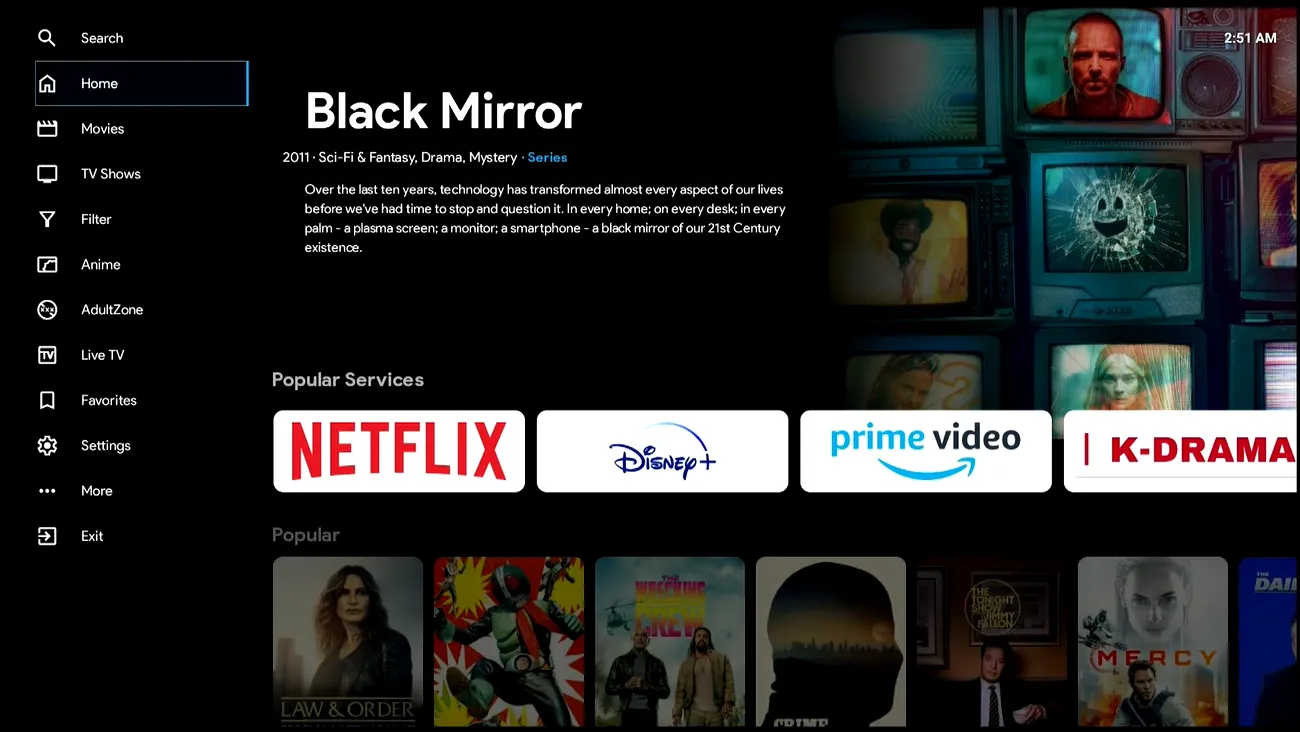
VLC leverages hardware decoding via the SuperBox ARM processor and Mali GPU to render high-bitrate 4K and 6K video files at a smooth 60fps without dropped frames. Key features include dynamic subtitle search, audio track switching, aspect ratio overrides, and direct streaming from local network servers via SMB, FTP, and UPnP protocols.
14. Plex
Plex offers a dual-capability media ecosystem on SuperBox. For home media collectors, Plex functions as a high-end client that connects to your personal Plex Media Server running on a home computer or NAS. It streams your personal movie archive with automated metadata, trailer previews, and synchronized watch progress across devices.
Additionally, Plex includes its own legal free streaming service featuring over 20,000 ad-supported movies, television shows, and more than 300 live streaming FAST channels. The modern Android TV interface responds briskly to remote controls, providing a polished, studio-grade entertainment portal.
15. Amazon Freevee
Amazon Freevee delivers a premium selection of commercial-supported movies, television series, and acclaimed Freevee Originals without requiring an active Amazon Prime subscription. The app installs directly from the Google Play Store on Android 12 SuperBox hardware and links with any standard Amazon account.
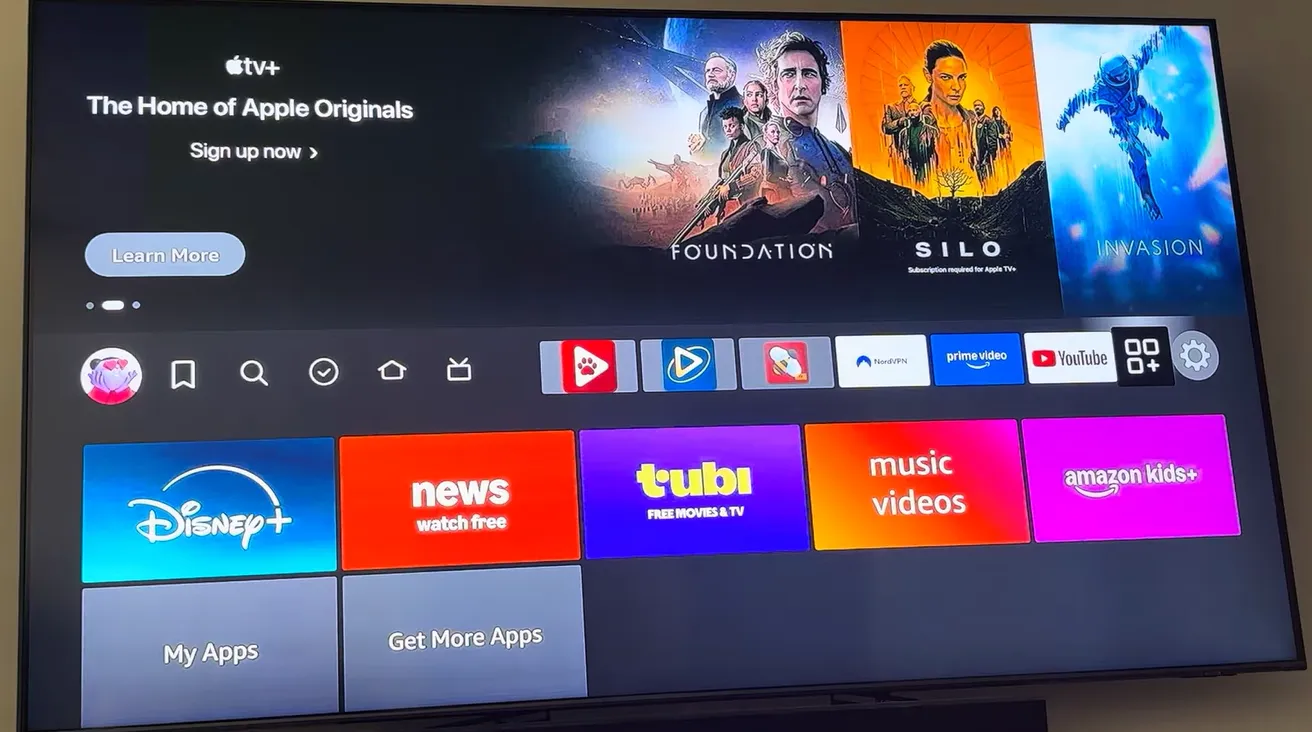
Freevee features major studio theatrical releases, award-winning dramas, and family animation with Dolby Digital 5.1 audio and vibrant 4K HDR mastering. The commercial interruptions are infrequent and predictable, providing high visual quality that rivals paid streaming tiers.
16. The Roku Channel
The Roku Channel is no longer confined to proprietary Roku streaming sticks, offering full compatibility with Android TV devices. The application delivers thousands of licensed Hollywood films, popular television series, and exclusive Roku Originals completely free of charge.
The platform requires no user registration, allowing immediate viewing upon launch. Its curated catalog rotates on the first day of each month, bringing fresh selections of Hollywood blockbusters from Sony Pictures, Warner Bros, and Universal directly to your television screen.
17. Stremio
Stremio is a modern media aggregation hub that centralizes video discovery across multiple content platforms. Built with a minimalist Android TV interface, Stremio catalogs trending movies, organizes television series by release calendar, and tracks viewing history across connected devices.
Through official community add-ons, users can integrate public domain film archives, YouTube channels, Cinema Libre, and personal cloud storage providers into a single unified search dashboard. Stremio syncs watchlists across phones, PCs, and your SuperBox, making continuous viewing seamless.
18. FilmPlus
FilmPlus is an agile Android link scraper popular among streaming enthusiasts for indexing open video links across the web. Designed as a modernized successor to classic streaming utilities like Terrarium TV, FilmPlus crawls open public directories to locate high-quality video streams for thousands of motion pictures.
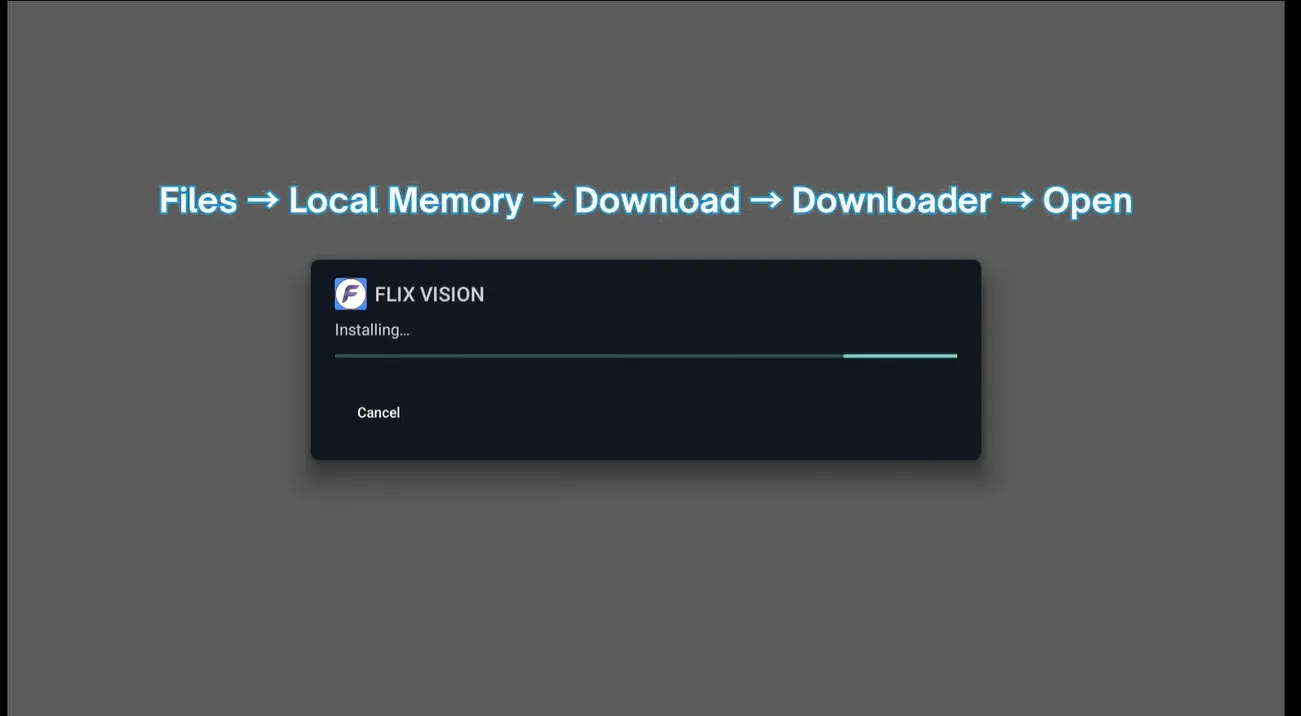
The application supports external video players such as VLC and MX Player, features an internal download manager for offline viewing, and supports optional Real-Debrid account integration to unlock ultra-high-bitrate premium server links with zero buffering.
19. FX File Explorer
FX File Explorer is the cleanest, most capable file management utility for Android TV boxes. Unlike ad-bloated competitors, FX File Explorer features an ad-free interface with a remote-friendly dual-pane layout that simplifies navigation between internal flash memory and connected USB 3.0 external storage drives.
It includes an integrated APK package installer, archive extractor for ZIP and RAR files, and a comprehensive media viewer. For users who transfer movie files over local home Wi-Fi, FX File Explorer provides built-in network tools to browse Windows SMB shares and FTP servers without requiring external software.
20. ExpressVPN
ExpressVPN is the premier virtual private network client for SuperBox devices, engineered to safeguard streaming privacy and maintain peak network speeds. Many internet service providers (ISPs) actively throttle high-bandwidth video streaming traffic during peak evening hours, causing sudden buffering during live sports or 4K movie playback.
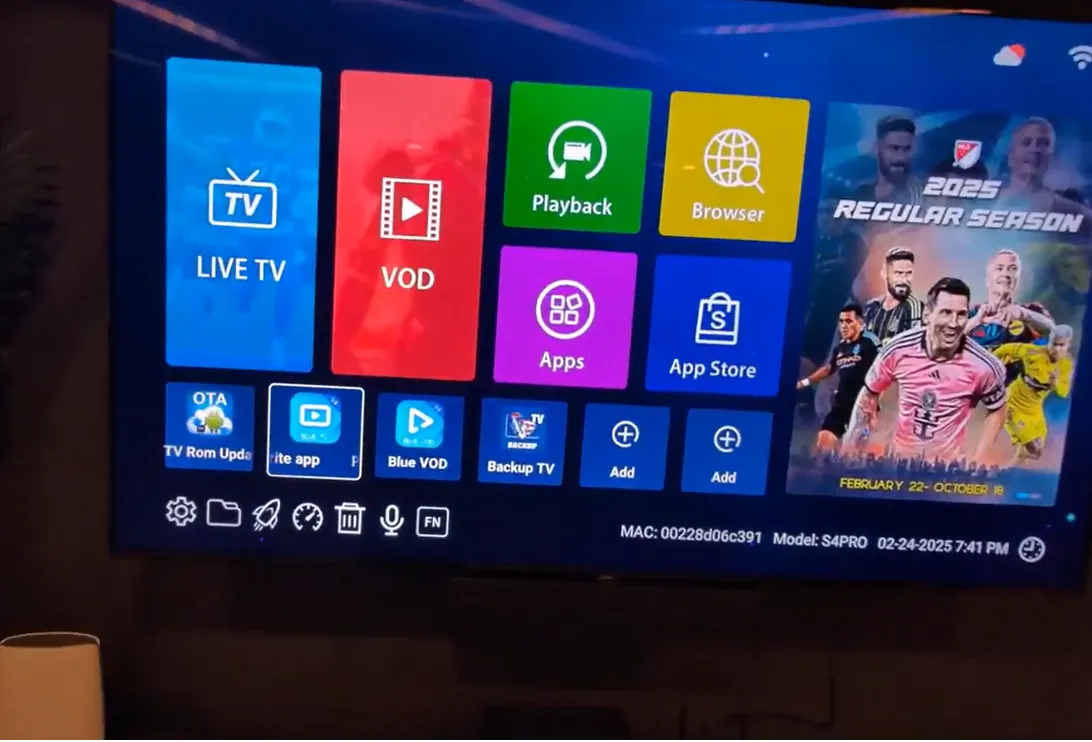
ExpressVPN employs the proprietary Lightway protocol, delivering military-grade 256-bit AES encryption with negligible speed reduction. Installing the Android TV app on your SuperBox encrypts your incoming and outgoing data, prevents ISP bandwidth throttling, and protects your home IP address when sideloading third-party applications.
How to install and manage apps on your SuperBox?
Installing and managing applications on SuperBox devices is straightforward thanks to the open Android 12 operating system. Depending on whether an application is native, available on the Google Play Store, or distributed as a third-party APK, users have three primary installation routes:
- Native SuperBox App Store: Click the App Store icon on the home screen. This is the official repository for installing and updating Blue TV, Blue VOD, SuperBox Playback, Backup TV, and the 7 Bonus Prime Apps with a single click.
- Google Play Store: Open the Google Play Store application, log in with your Google account, and search for mainstream legal streaming apps including Tubi TV, Pluto TV, VLC, Plex, and Freevee. App updates download and install automatically in the background.
- Sideloading via Downloader: For community utilities like SmartTube or FilmPlus, install the Downloader app from the App Store. Go to Settings, select Security and Restrictions, allow Unknown Sources for Downloader, enter the direct download code or URL, and confirm installation.
Where to buy authentic SuperBox with warranty coverage
When investing in a high-performance streaming console, ordering directly from superbox website guarantees authentic hardware and verified server licensing. Our central distribution and customer care facility operates at 13951 Pipeline Ave, Chino, CA 91710, USA, led by founder Riley Cooper.
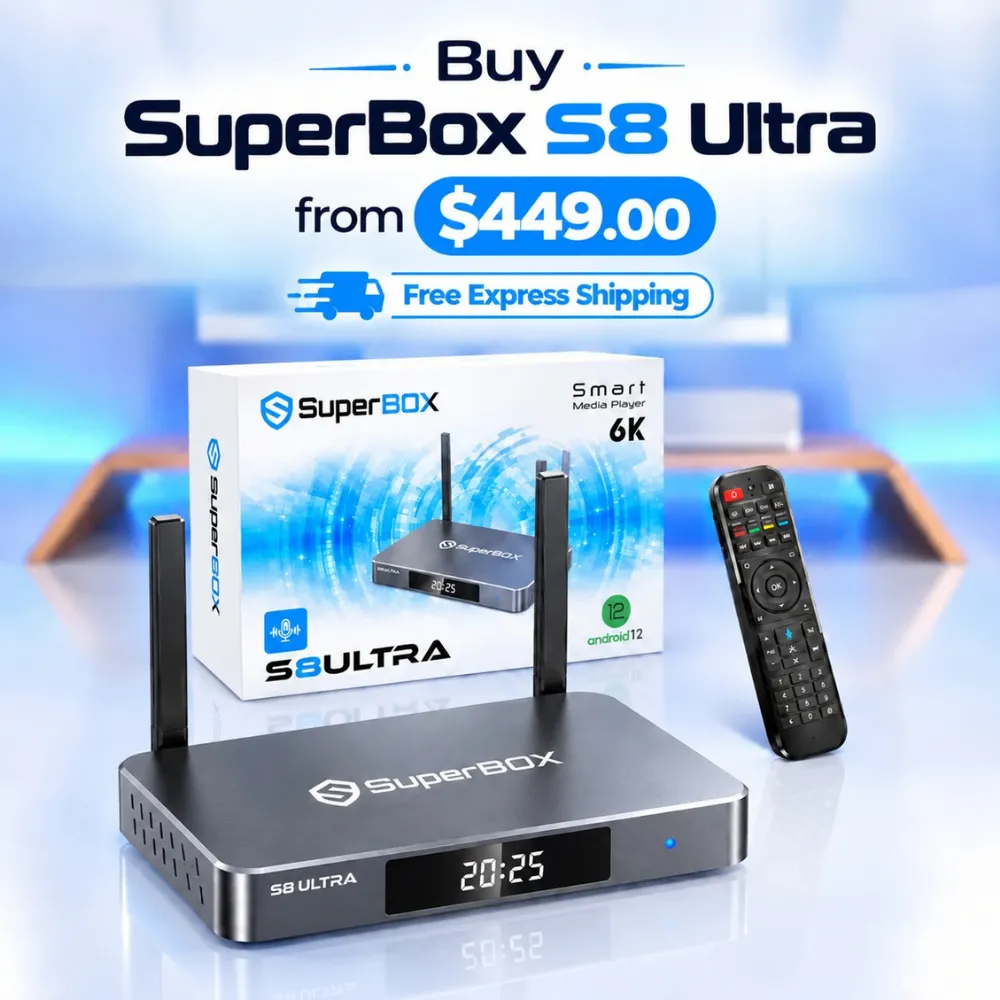
For the ultimate cord-cutting setup, we recommend the flagship SuperBox S8 Ultra priced at $449, featuring 4GB DDR RAM, 128GB storage, Wi-Fi 6, and Gigabit Ethernet. Every order includes our Official Reseller License Code #SP20250928002 and full warranty protection:
- Free Shipping: Fast 2 to 5 business day delivery across the United States and Canada with full real-time package tracking via FedEx or USPS.
- 24/7 Technical Support: Dedicated technical specialists available 24/7 via live chat and email for troubleshooting assistance.
- 30-Day Money-Back Guarantee: Hassle-free return policy if you are not completely satisfied with your streaming hardware performance.
- 1-Year Manufacturer Warranty: Full replacement coverage safeguarding against any hardware defects or system component failures supported directly by our customer care center in Chino, California.
- 100% Authentic Hardware: Direct factory units guaranteed genuine without modified firmware, unauthorized alterations, or security risks.
SuperBox for Sale is a leading authorized dealer of SuperBox, specializing in the supply of genuine SuperBox TV boxes Series S6, S7, and S8 in the US & CAD.
Frequently asked questions about SuperBox apps?
Are Blue TV and Blue VOD completely free to use on SuperBox?
Yes, Blue TV and Blue VOD are completely free to use on genuine SuperBox devices without monthly subscriptions, activation fees, or recurring charges. Access to the dedicated streaming infrastructure is included with your upfront hardware purchase, supported by automated server updates and content library maintenance.
Can you install apps from outside the official SuperBox App Store?
Yes, SuperBox operates on an unlocked Android TV operating system that fully supports third-party APK sideloading. By using utilities like Downloader by AFTVnews or FX File Explorer, users can install Android applications from verified web repositories or external USB drives after toggling Unknown Sources in system settings.
How do you fix app freezing or buffering on SuperBox?
To resolve buffering or freezing, first run the native SuperBox Cleaner utility from your home screen to clear RAM and temporary cache files. Next, verify your internet connection by switching from 2.4GHz Wi-Fi to high-speed 5.0GHz Wi-Fi or plugging directly into the Gigabit Ethernet port. If a specific app continues to buffer, clear its cache under Settings, Apps, and confirm that your internet speed exceeds 25Mbps.
Do you need a VPN to use apps on SuperBox?
A VPN is not strictly mandatory for built-in applications like Blue TV and Blue VOD, but it is highly recommended if your internet service provider throttles high-bandwidth video streams during peak evening hours. Installing a trusted VPN like ExpressVPN shields your online connection, prevents bandwidth throttling, and secures your privacy across all sideloaded applications.
Experience Unrivaled Streaming Performance with SuperBox
Discover lightning-fast quad-core processing, dual-band Wi-Fi 6, 7-day playback, and crisp 6K ultra HD output engineered for discerning media fans.