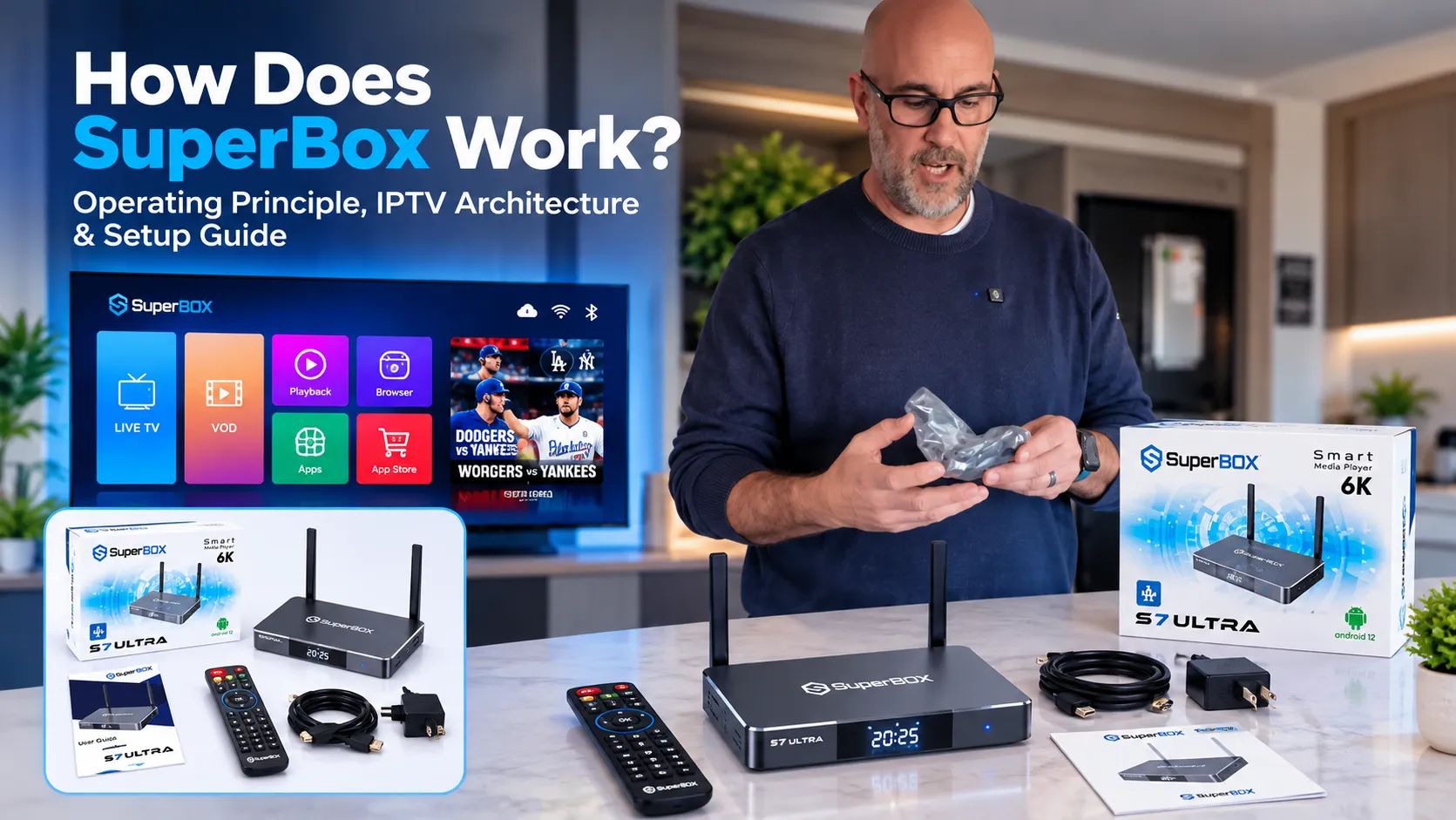
SuperBox works by converting broadband internet data into uncompressed digital television through an integrated IPTV streaming pipeline, dedicated hardware video decoding, and MAC-based server authentication. When connected to home Wi-Fi or Ethernet, SuperBox queries central content distribution servers, authenticates the unit via its physical MAC address, buffers incoming H.265 digital packets, and outputs live television and on-demand video directly to any HDMI display with zero monthly fees.
Quick Takeaways & Key Highlights
- SuperBox operates on Internet Protocol Television (IPTV), streaming digital media packets over broadband instead of coaxial cable or satellite frequencies.
- Server access is verified at the hardware level using the device’s physical MAC address, permanently eliminating monthly subscription logins.
- Hardware decompression is driven by a 64-bit Quad-Core ARM Cortex-A53 CPU and Mali-G31 GPU, rendering 4K and 6K video at 60fps.
- Channel switching involves a 1 to 5 second digital handshake to negotiate CDN sockets, cache packets, and align video keyframes.
- 7-Day Time Shift functions via cloud-based rolling buffers across 86 networks, storing 168 hours of programming on server farms rather than local storage.
- Streaming requires a stable home internet connection of 10 Mbps for HD and 25 to 50 Mbps for buffer-free 4K playback.
What Is the Core Technology Behind How SuperBox Works?
SuperBox works by routing television broadcasts across standard broadband connections using Internet Protocol Television (IPTV) transmission standards. Traditional television relies on radio frequencies delivered over coaxial copper lines or satellite transponders, while SuperBox transmits video over standard IP internet packets.
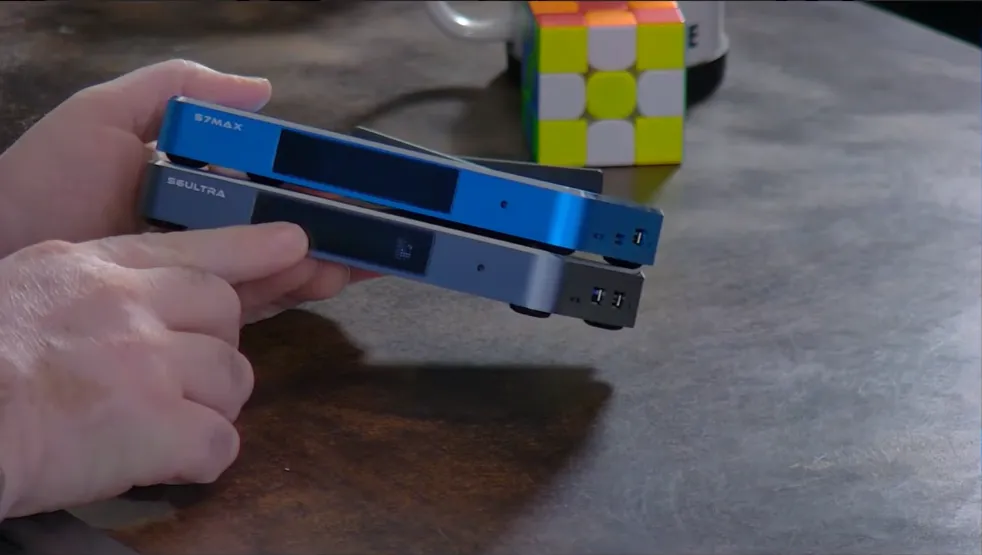
SuperBox transforms live broadcasts into television streams through a three-stage transmission pipeline:
- Signal Ingestion: Central broadcast hubs capture live television feeds directly from broadcast networks and sports programmers in real time.
- H.265 Compression: Video encoders compress uncompressed feeds using H.265 (HEVC) codecs, reducing bandwidth consumption by 50 percent while preserving 4K clarity.
- CDN Cloud Distribution: Compressed packets route through Content Delivery Networks (CDNs) directly to the SuperBox console over home Wi-Fi or Ethernet.
SuperBox requests these data packets via HTTP/HLS protocols, buffers incoming frames into system memory, decompresses video in real time, and outputs uncompressed digital video to your television display through an HDMI 2.1 connection.
How Does SuperBox Authenticate Without Monthly Subscription Fees?
SuperBox eliminates monthly subscription fees, user accounts, and recurring billing through a hardware-level authorization system known as MAC-based authentication. Every network interface controller (NIC) built into computing hardware contains a permanent, unique 12-character Media Access Control (MAC) address assigned during factory production.
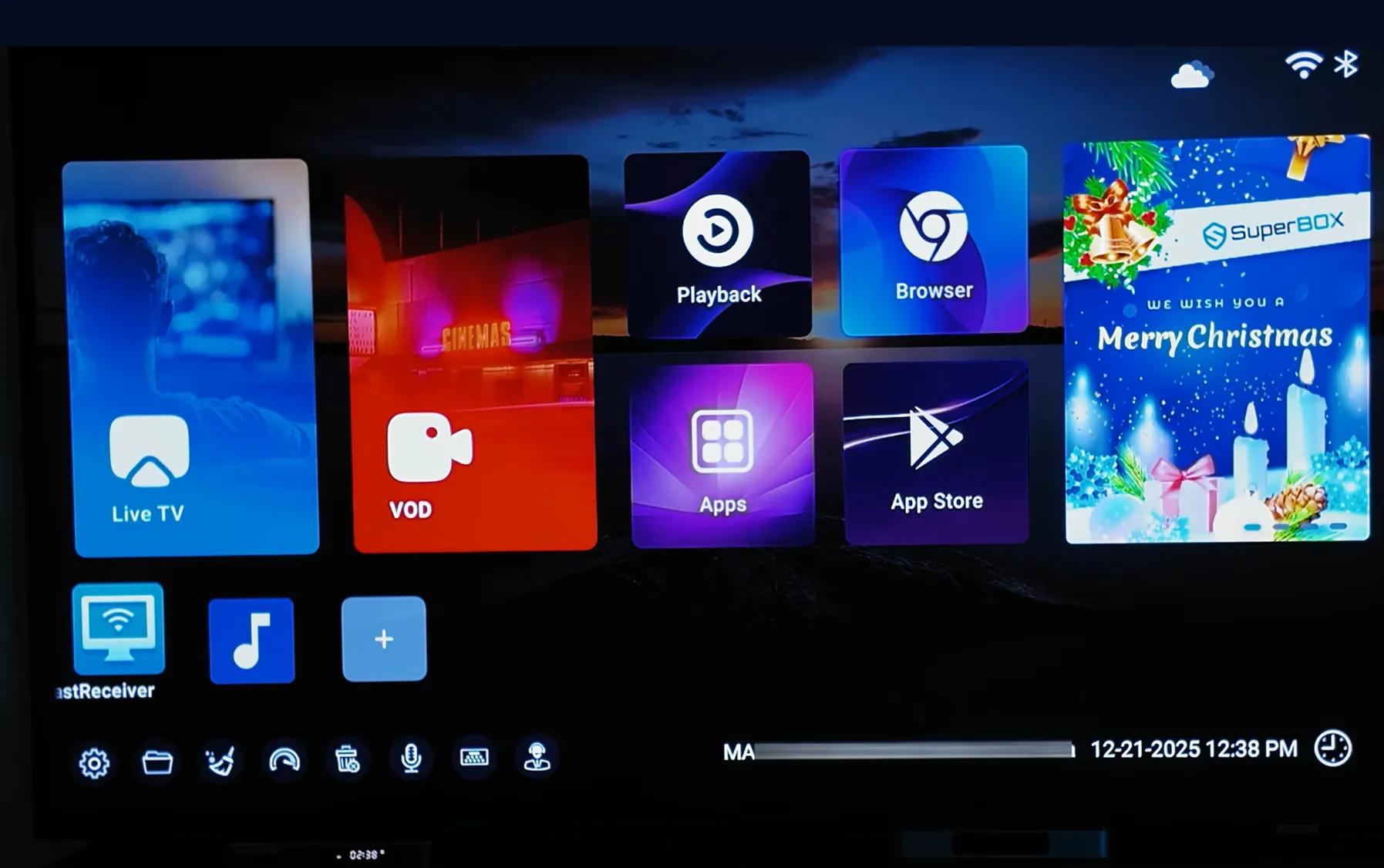
SuperBox executes server authorization through a three-step hardware verification process:
- Factory MAC Registration: Production facilities register each genuine console’s physical MAC address and cryptographic serial number into the central streaming server database prior to retail packaging.
- Automated Network Handshake: When connected to the internet, SuperBox’s firmware transmits an automated query to verify the device’s physical identity against the authorized manufacturer whitelist.
- Instant Lifetime Access: Once verified, the cloud server immediately unlocks Blue TV, Blue VOD, and 7-Day Playback without requiring usernames, passwords, or credit card billing tokens.
SuperBox hardware locking also prevents unauthorized third-party devices from accessing server feeds. If Blue TV software is extracted and installed on generic TV boxes, the server detects an unregistered MAC address and terminates connection immediately.
How Does SuperBox Hardware Process and Decode Live Video?
SuperBox hardware decodes digital video using dedicated System-on-Chip (SoC) microarchitecture engineered for real-time media decompression. The core processing unit combines a 64-bit Quad-Core ARM Cortex-A53 CPU running up to 2.0GHz with a multi-core ARM Mali-G31 MP2 GPU and up to 4GB of low-latency DDR RAM.
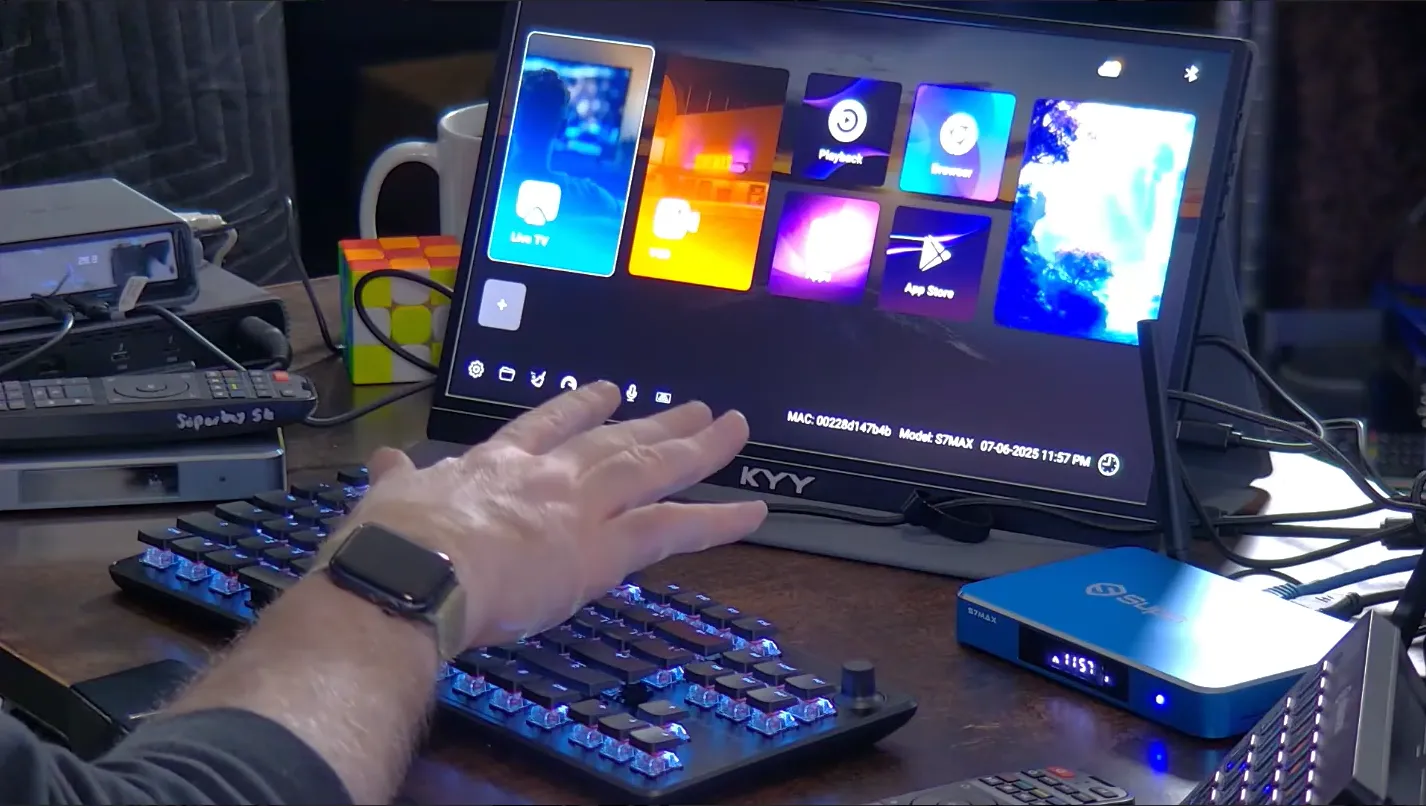
SuperBox hardware coordinates three dedicated silicon engines during video playback:
- GPU Hardware Decoding: Dedicated silicon pipelines decompress H.265/HEVC Main 10 profile, VP9, and AVS2 streams at 4K and 6K resolution at 60fps without burdening the primary CPU.
- DDR Ring Buffering: High-speed system RAM caches incoming video frames in a temporary buffer, preventing playback stutter during brief internet speed drops.
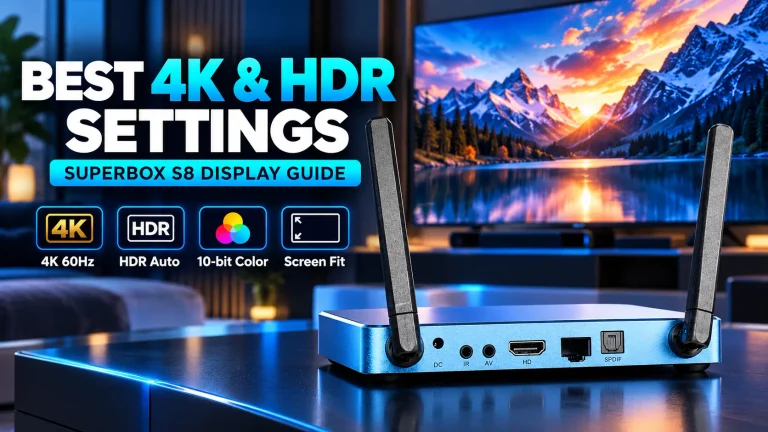
- HDR10 Processing: Dynamic contrast processors map 10-bit color depth across compatible displays, delivering deeper black levels and brighter highlights.
Hardware Thermal Benchmark: SuperBox S7 and S8 consoles utilize an anodized aluminum chassis that functions as a passive heat sink. Testing shows the metal housing operates at 38.5 degrees Celsius after 4 hours of 4K streaming, running 10 to 15 degrees Celsius cooler than plastic sticks.
How Does Channel Switching and the Buffering Handshake Work?
SuperBox channel switching involves a brief technical handshake period of 1 to 5 seconds. Unlike cable television where all channels broadcast continuously over coaxial cables, an IPTV player only pulls one active video stream at a time across your home internet connection to conserve broadband bandwidth.
SuperBox executes four technical stages every time you switch channels:
- Socket Termination: The player closes the active network connection to the previous channel stream.
- URI Server Query: The device requests the live streaming address for the newly selected channel from the CDN server.
- Packet Ingestion: Incoming video and audio packets download into temporary DDR system memory.
- Keyframe Alignment: The hardware decoder locates the first intra-coded frame (I-frame) to synchronize audio and video, rendering stable 60fps playback.
SuperBox completes this handshake within 1 to 2 seconds on broadband connections delivering 25 to 50 Mbps with network ping below 30ms. Slower home Wi-Fi networks or high packet jitter can extend handshake buffering to 4 or 5 seconds.
How Does the 7-Day Time Shift Playback Feature Work?
SuperBox’s 7-Day Time Shift feature operates through an automated cloud digital video recorder (DVR) platform hosted on remote server clusters. Instead of saving recordings onto local storage, service provider servers record continuous broadcast feeds across 86 core television networks automatically.
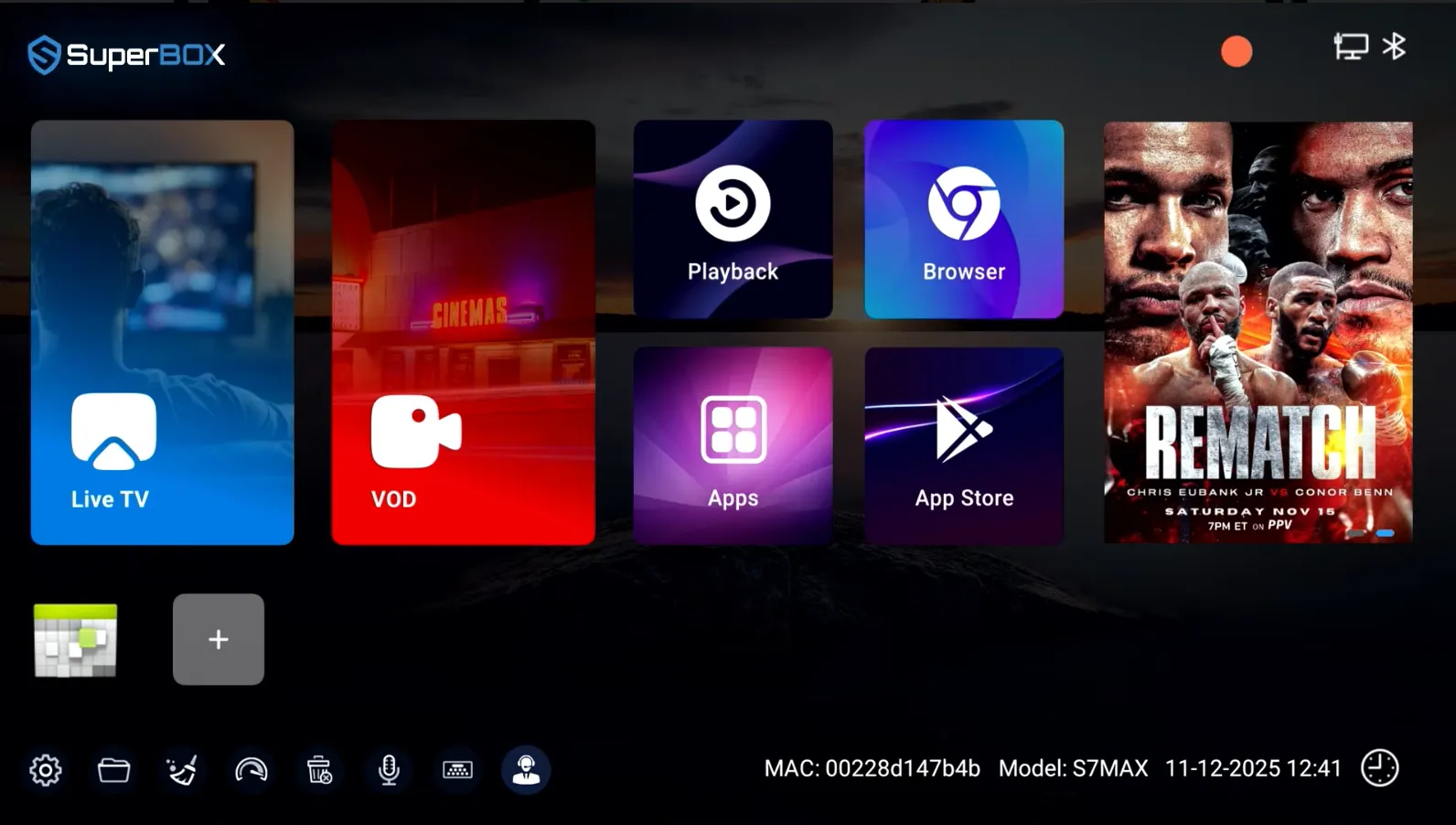
SuperBox 7-day Playback functions through three automated mechanisms:
- 168-Hour Rolling Buffer: Cloud servers continuously store 7 consecutive days of programming per channel, automatically archiving new broadcasts while purging data older than 168 hours.
- EPG Metadata Indexing: Broadcast recordings link directly to Electronic Program Guide schedules, allowing viewers to browse by channel, broadcast date, and show title.
- On-Demand Unicast Streaming: When selecting a past broadcast, SuperBox pulls a direct unicast stream from cloud servers, providing full pause, rewind, and fast-forward controls without consuming internal device storage.
What Internet Speeds and Network Setup Does SuperBox Require to Work?
SuperBox requires consistent broadband bandwidth and low packet latency to sustain smooth video playback. Because live IPTV streams transmit continuously in real time, insufficient network throughput results in temporary buffering delays or resolution scaling.
| Streaming Format | Minimum Bandwidth | Recommended Bandwidth | Optimal Network Connection | Average Handshake Buffer Time |
|---|---|---|---|---|
| Standard Definition (480p / 720p) | 5 Mbps | 10 Mbps | 2.4GHz Wi-Fi or 100Mbps Ethernet | 1 to 2 seconds |
| Full High Definition (1080p@60fps) | 15 Mbps | 25 Mbps | 5.0GHz Wi-Fi or 100Mbps Ethernet | 1 to 3 seconds |
| 4K Ultra HD (2160p@60fps) | 25 Mbps | 50 Mbps | 5.0GHz Wi-Fi 6 or Gigabit LAN | 2 to 4 seconds |
| 6K Ultra HD Decoding (S8 Models) | 50 Mbps | 100 Mbps | Gigabit Ethernet (1000Mbps RJ45) | 2 to 5 seconds |
SuperBox network performance varies by connection type:
- Gigabit Ethernet (1000Mbps RJ45): Delivers the lowest network latency, zero packet loss, and fastest channel switching for 4K streaming.
- Dual-Band Wi-Fi 6 (5GHz 2T2R): Provides high-speed wireless connectivity with strong wall penetration, ideal when placing the console away from your router.
How to Set Up and Connect SuperBox to Work in Under 5 Minutes?
SuperBox self-installs in under 5 minutes without requiring professional technician visits or proprietary tools. Connecting the hardware involves five straightforward steps:
- Connect HDMI Cable: Insert the included high-speed HDMI 2.1 cable into the SuperBox HDMI output port and connect the other end to an available HDMI port on your television.
- Connect Power Adapter: Plug the USB Type-C or DC power adapter into the SuperBox power port and plug the AC adapter into an electrical wall outlet. The front LED clock illuminates immediately.
- Select Television Input: Turn on your television display and use your TV remote to select the HDMI input corresponding to the connected SuperBox.
- Connect Network: On the setup menu, select Network Settings to connect your home Wi-Fi network with your wireless password, or insert a physical Ethernet cable for instant wired access.
- Pair Remote & Open Blue TV: Follow the on-screen prompt to pair the Bluetooth voice remote, select Blue TV from the home screen, and begin streaming live channels immediately.
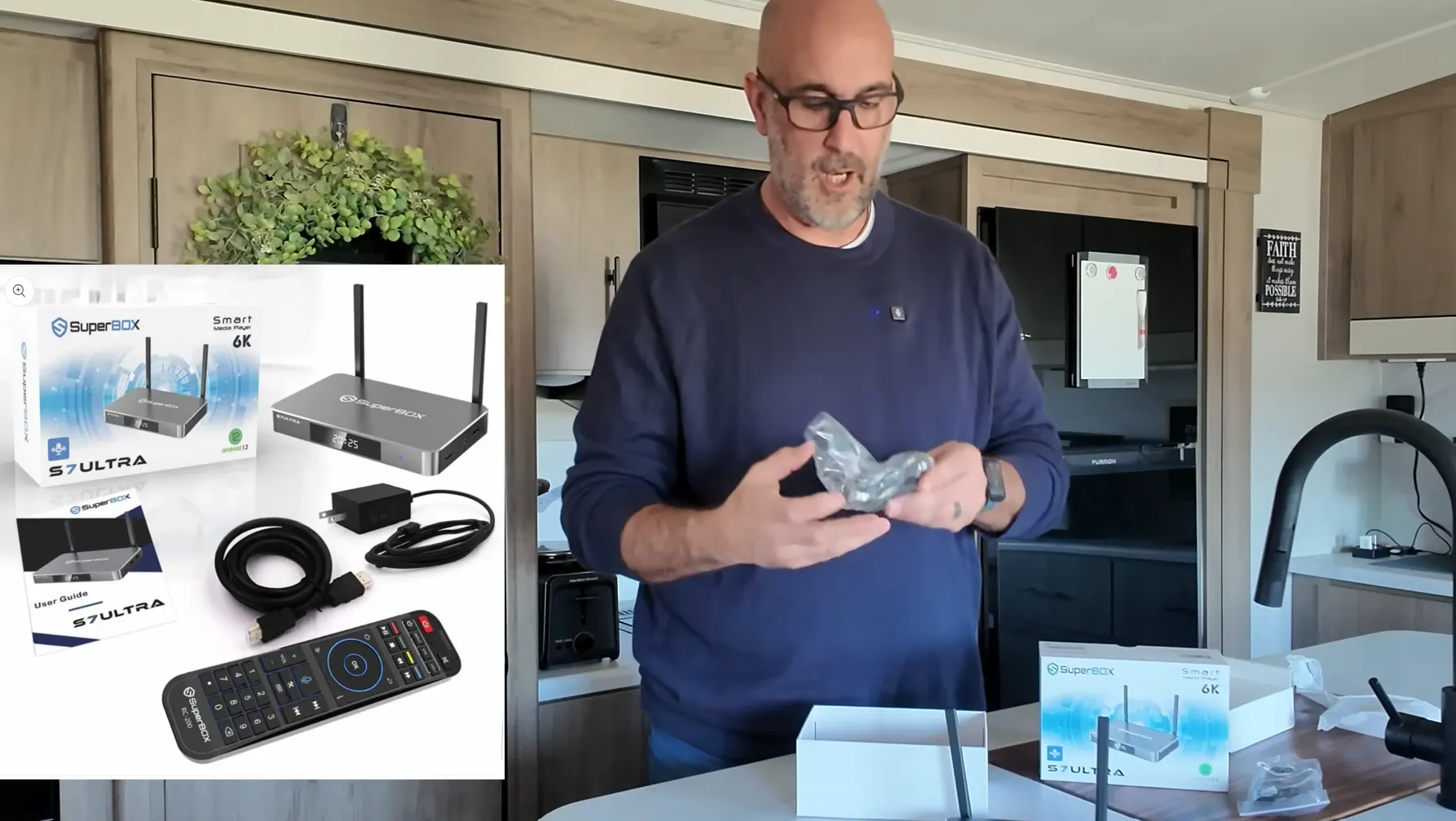
Where to buy authentic SuperBox with warranty coverage
When investing in a high-performance streaming console, ordering directly from SuperBox Store guarantees authentic hardware and verified server licensing. Our central distribution and customer care facility operates at 13951 Pipeline Ave, Chino, CA 91710, USA, led by founder Riley Cooper.
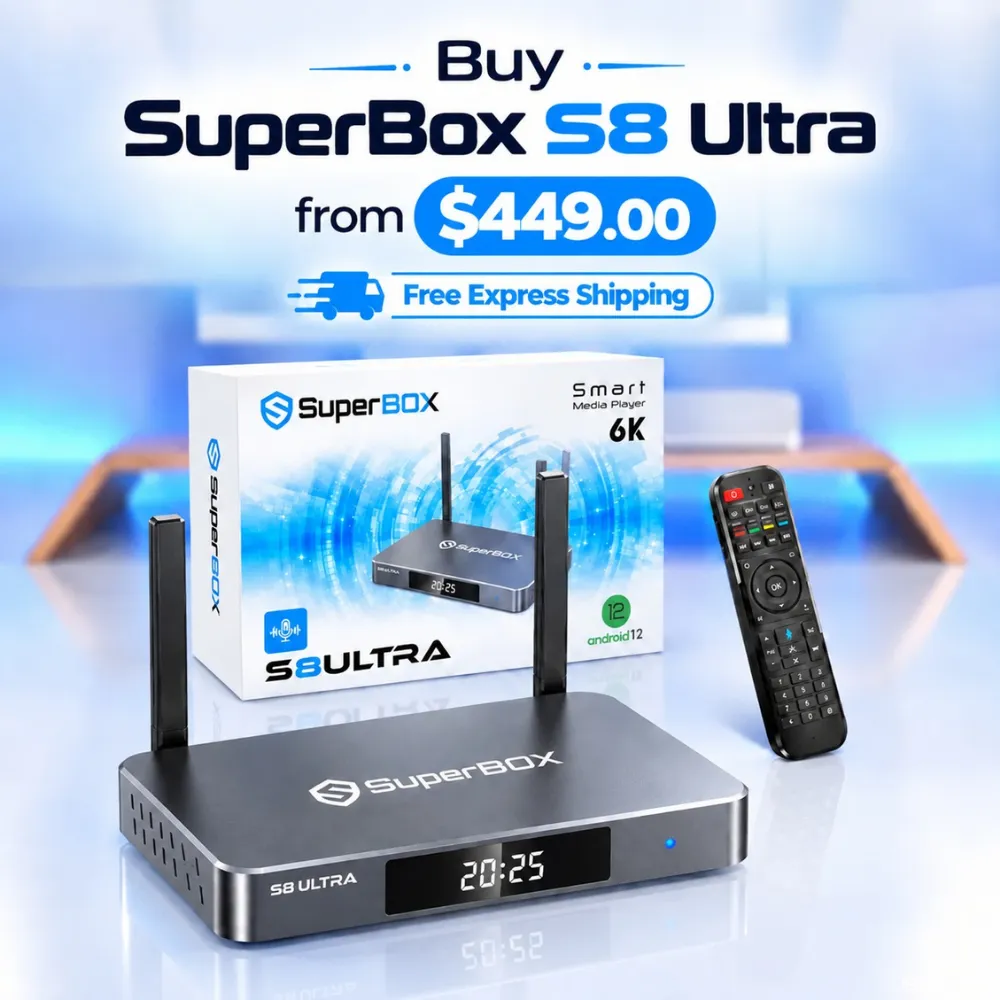
For the ultimate cord-cutting setup, we recommend the flagship SuperBox S8 Ultra priced at $449, featuring 4GB DDR RAM, 128GB storage, Wi-Fi 6, and Gigabit Ethernet. Every order includes our Official Reseller License Code #SP20250928002 and full warranty protection:
- Free Shipping: Fast 2 to 5 business day delivery across the United States and Canada with full real-time package tracking via FedEx or USPS.
- 24/7 Technical Support: Dedicated technical specialists available 24/7 via live chat and email for troubleshooting assistance.
- 30-Day Money-Back Guarantee: Hassle-free return policy if you are not completely satisfied with your streaming hardware performance.
- 1-Year Manufacturer Warranty: Full replacement coverage safeguarding against any hardware defects or system component failures supported directly by our customer care center in Chino, California.
- 100% Authentic Hardware: Direct factory units guaranteed genuine without modified firmware, unauthorized alterations, or security risks.
SuperBox for Sale is a leading authorized dealer of SuperBox, specializing in the supply of genuine SuperBox TV boxes Series S6, S7, and S8 in the US & CAD.
Frequently Asked Questions About How SuperBox Works?
How does SuperBox receive live television channels without cable?
SuperBox streams live television channels by receiving digital video packets over broadband internet using Internet Protocol Television (IPTV) standards. Rather than decoding analog frequencies from coaxial cables or antennas, SuperBox pulls encoded digital streams directly from cloud content distribution servers.
How does SuperBox deliver content without charging a monthly subscription?
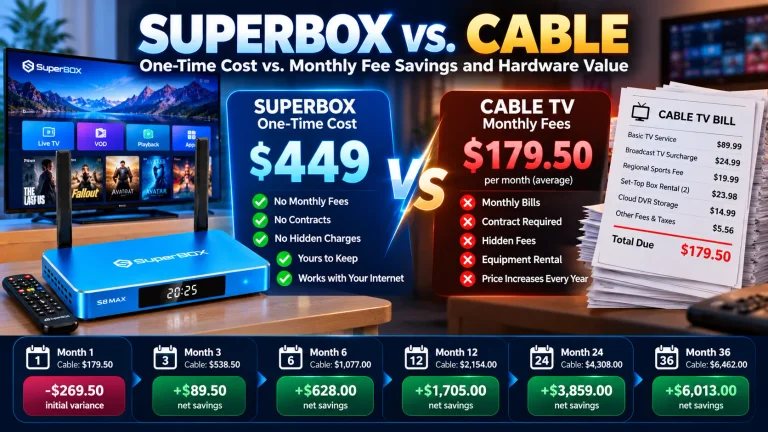
SuperBox covers ongoing server delivery costs through its upfront hardware retail price rather than monthly billing. Server access is bound to each unit’s physical MAC address during manufacturing, granting lifetime stream authorization to Blue TV, Blue VOD, and Playback without renewal invoices.
Why does SuperBox take a few seconds to buffer when changing channels?
SuperBox takes 1 to 5 seconds to switch channels because it must close the prior network socket, request the new channel’s live URI from the CDN server, cache incoming video packets in system RAM, and locate the first keyframe (I-frame) to synchronize playback.
Can SuperBox work on any television with an HDMI port?
SuperBox works on any television, computer monitor, or digital projector equipped with an HDMI input port. The console automatically negotiates resolution output between 720p, 1080p Full HD, and 4K Ultra HD depending on the capabilities of the connected display.
Does SuperBox require a VPN to work properly?
SuperBox does not require a virtual private network (VPN) for standard operation across North America. However, installing a VPN application from the Google Play Store is supported and recommended if your internet service provider throttles high-bandwidth video streams during major live sporting events.
Experience Unrivaled Streaming Performance with SuperBox
Discover lightning-fast quad-core processing, dual-band Wi-Fi 6, 7-day playback, and crisp 6K ultra HD output engineered for discerning media fans.